
OmniFocus vs. SmartSuite
| Product | Rating | Most Used By | Product Summary | Starting Price |
|---|---|---|---|---|
 OmniFocus | Score8 out of 10 | N/A | OmniFocus is a project management platform for iOS: Mac, iPad, and iPhone. It has features such as task management, Siri capture, and workflow automation. | $4.99 per month |
 SmartSuite | Score10 out of 10 | N/A | SmartSuite provides a collaborative Work Management platform that enables teams to plan, track and manage workflows - whether it be a project, an ongoing process or routine everyday tasks. SmartSuite helps coordinate people and work across all levels of an organization to ensure that team members have the information they need to accomplish the work that matters most. Team members can create a workflow, or choose from over 200 templates that can be tailored to their exact needs. | $10 per month per user |
| OmniFocus | SmartSuite | |||||||||||||||
|---|---|---|---|---|---|---|---|---|---|---|---|---|---|---|---|---|
| Editions & Modules |
| No answers on this topic | ||||||||||||||
| Offerings |
| |||||||||||||||
| Entry-level Setup Fee | No setup fee | No setup fee | ||||||||||||||
| Additional Details | — | — | ||||||||||||||
| More Pricing Information | ||||||||||||||||
| OmniFocus | SmartSuite | |
|---|---|---|
| Considered Both Products | No answer on this topic | No answer on this topic |
| Key User Insights | ||
| Would buy again | ||
100% Would buy again 5 Answers | 94% Would buy again 17 Answers | |
| Delivers good value for the price | ||
No answers on this topic | 100% Delivers good value for the price 18 Answers | |
| Happy with the feature set | ||
100% Happy with the feature set 5 Answers | 100% Happy with the feature set 18 Answers | |
| Lived up to sales and marketing promises | ||
100% Lived up to sales and marketing promises 5 Answers | 100% Lived up to sales and marketing promises 18 Answers | |
| Implementation went as expected | ||
100% Implementation went as expected 5 Answers | 100% Implementation went as expected 18 Answers | |
| OmniFocus | SmartSuite | ||||||||||||||||||||||||||||||||||||||||||||||
|---|---|---|---|---|---|---|---|---|---|---|---|---|---|---|---|---|---|---|---|---|---|---|---|---|---|---|---|---|---|---|---|---|---|---|---|---|---|---|---|---|---|---|---|---|---|---|---|
| Project Management |
| ||||||||||||||||||||||||||||||||||||||||||||||
| Professional Services Automation |
| ||||||||||||||||||||||||||||||||||||||||||||||
| OmniFocus | SmartSuite | |
|---|---|---|
| Small Businesses |  Any.do Score8 out of 10 | Any.do Score8 out of 10 |
| Medium-sized Companies |  KanbanFlow Score7.3 out of 10 | KanbanFlow Score7.3 out of 10 |
| Enterprises |  Microsoft To Do Score7.9 out of 10 | Microsoft To Do Score7.9 out of 10 |
| All Alternatives | View all alternatives | View all alternatives |
| OmniFocus | SmartSuite | |
|---|---|---|
| Likelihood to Recommend | 8.0 | 9.2 |
| Likelihood to Renew | 10.0 | 9.1 |
| Usability | 9.0 | 9.1 |
| Support Rating | 9.1 | 9.1 |
| Implementation Rating | - | 9.1 |
| OmniFocus | SmartSuite | |
|---|---|---|
| Likelihood to Recommend |
|
|
| Pros |
|
|
| Cons |
|
|
| Likelihood to Renew |
|
|
| Usability |
|
|
| Support Rating |
|
|
| Implementation Rating | No answers on this topic |
|
| Alternatives Considered |
| |
| Return on Investment |
|
|
| ScreenShots | SmartSuite Screenshots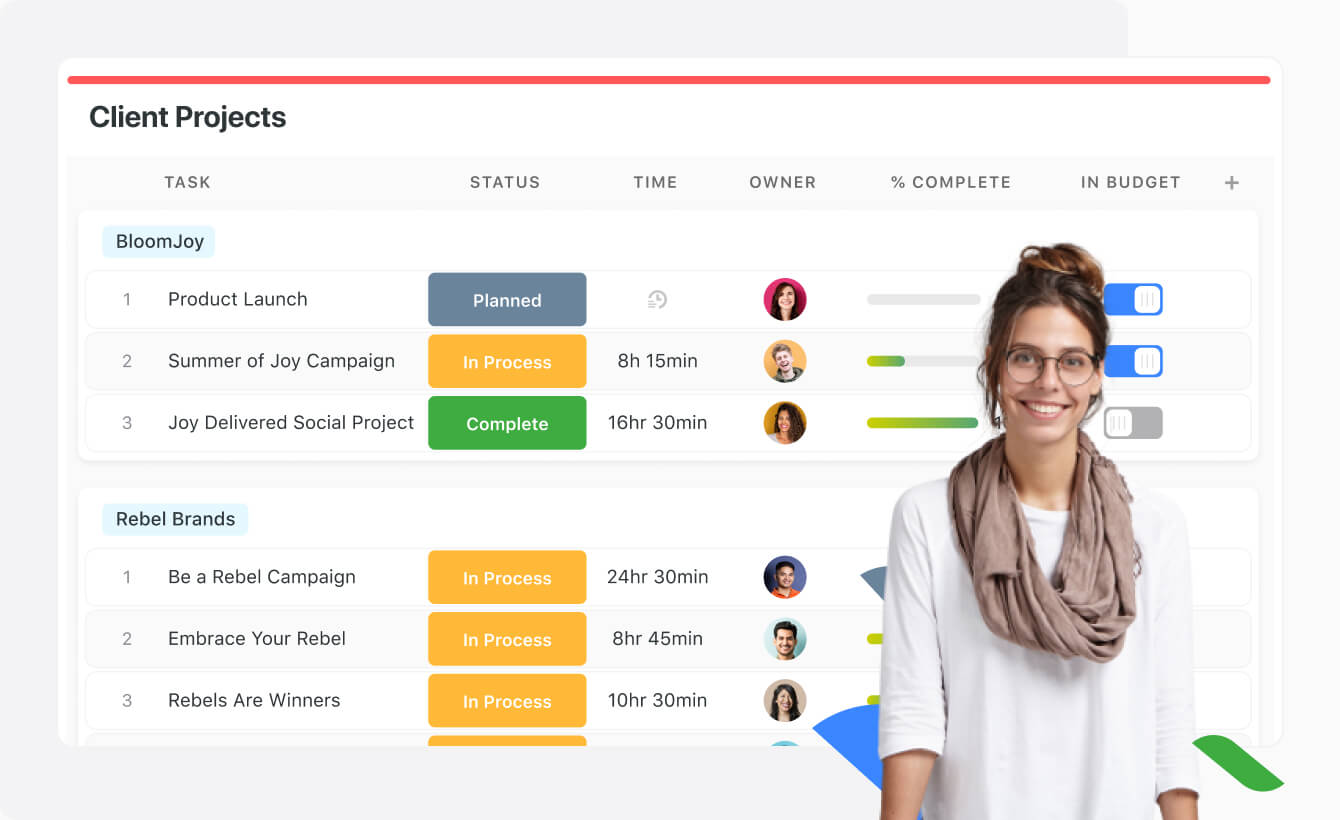    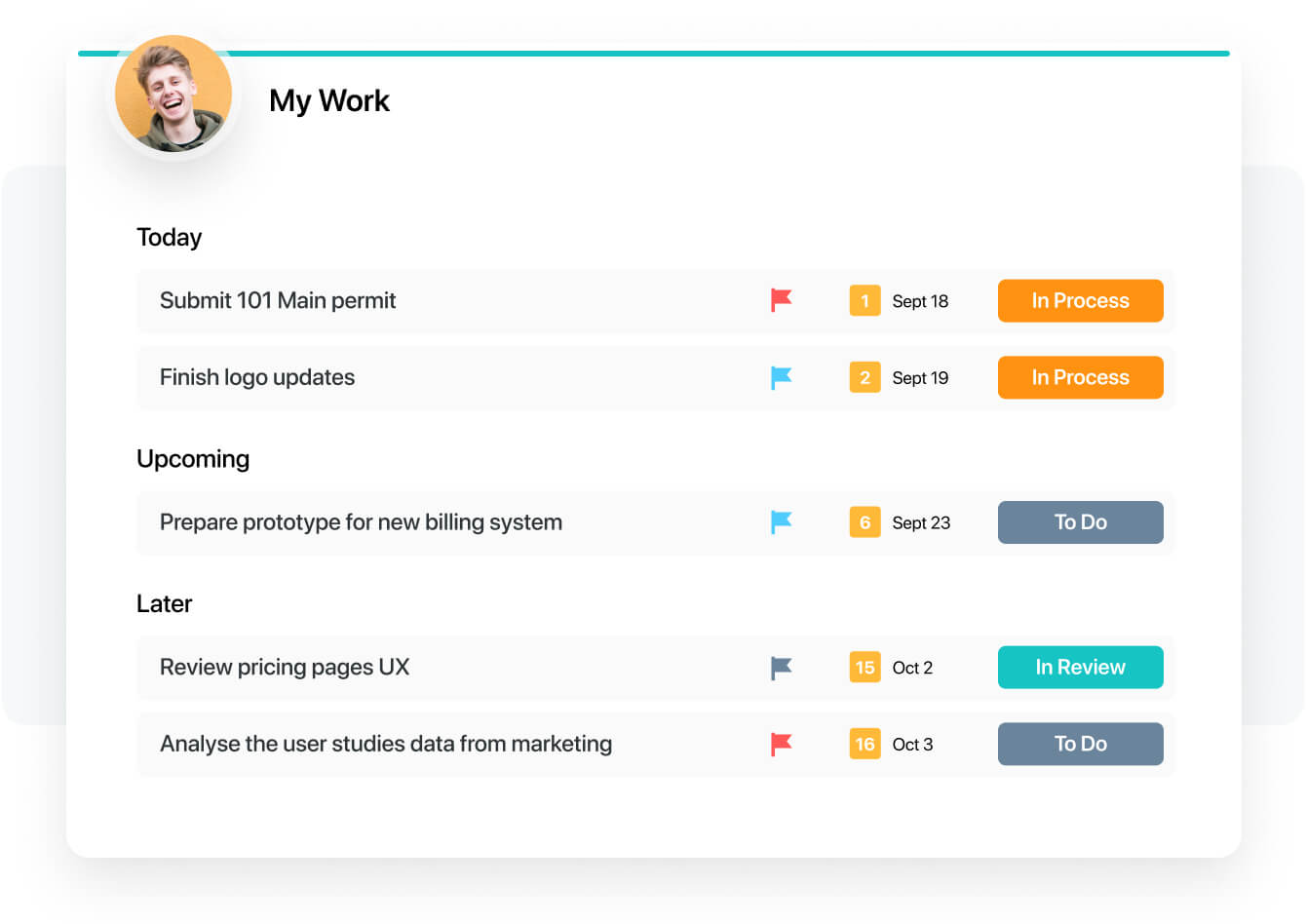  |



