OneDrive from Microsoft is a cloud storage and file syncing service.
$5
per month
Workvivo
Score9.4 out of 10
N/A
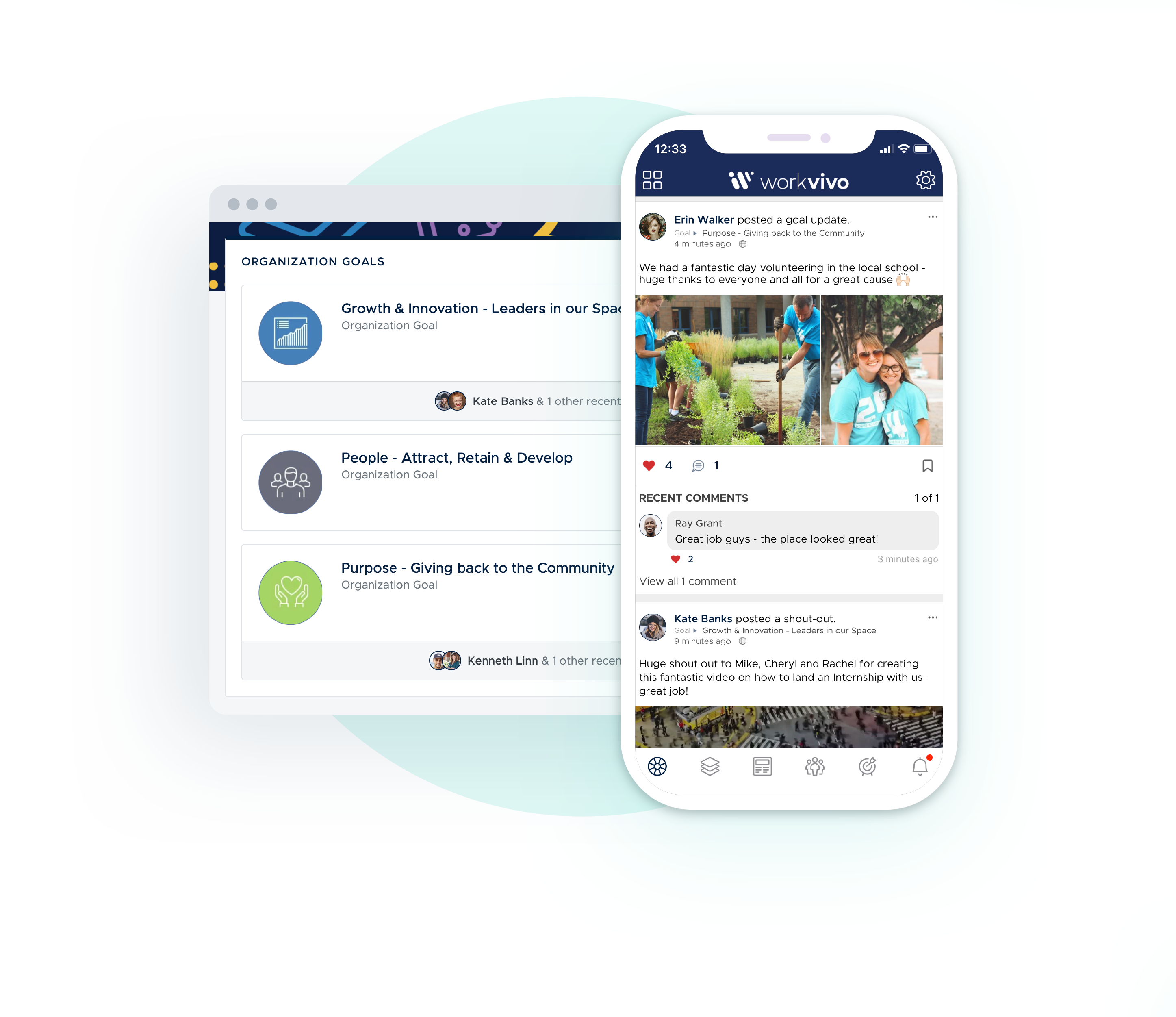
Workvivo is an employee communication platform designed to build natural, meaningful bonds between teams, allowing companies to reach and engage their employees.
It’s presented as an intranet, comms tool, and employee app all blended into one familiar social experience so that people naturally embrace it, offering companies oversight while giving employees freedom and flexibility. It's goals are to provide: ✔️ Less distraction, greater engagement
✔️ Adoption for fast time-to…
N/A
Pricing
OneDrive
Workvivo
Editions & Modules
OneDrive for Business Plan 1
$5.00
Per Month (Annual Commitment)
Microsoft 365 Business Basic
$5.00
Per Month (Annual Commitment)
OneDrive for Business Plan 2
$10.00
Per Month (Annual Commitment)
Microsoft 365 Business Standard
$12.50
Per Month (Annual Commitment)
No answers on this topic
Offerings
Pricing Offerings
OneDrive
Workvivo
Free Trial
Yes
No
Free/Freemium Version
No
No
Premium Consulting/Integration Services
No
No
Entry-level Setup Fee
No setup fee
No setup fee
Additional Details
OneDrive can be purchased as a standalone tool, or as part of a Microsoft 365's business suite.
Executive Assistant in Corporate at Eversight (Non-profit Organization Management, 51-200 employees)
Chose Workvivo
Every other similar platform was riddled with internal errors and caching issues. Microsoft is far too expansive to dive into blind unless you know exactly what you're looking for. Workvivo allows you to see everything happening in real-time and go from there.
A de minimis incentive was given to thank the reviewer for their time. The incentive was not used to bias or drive a particular response, nor was the incentive contingent on a positive endorsement. More Info
I can speak from my own experience: in cases where workstations are switched every year or so, one drive makes it very simple to keep things synced, even for very large files. This is even true for large files (such as video or CAD files) that are enormous.
We have an FAQ section which is categorized in Workvivo. Being an HR, you will have a lot of queries coming from employees on various aspects. Based on the queries we receive from employees, we have built a FAQ with answers on it. So it was easy for us to direct them to the place where there can find ever more similar questions & answers. Policy announced to all and received acknowledgment through the same tool Separate Private Teams are created for special projects and discussions are happening easily
A de minimis incentive was given to thank the reviewer for their time. The incentive was not used to bias or drive a particular response, nor was the incentive contingent on a positive endorsement. More Info
A de minimis incentive was given to thank the reviewer for their time. The incentive was not used to bias or drive a particular response, nor was the incentive contingent on a positive endorsement. More Info
A de minimis incentive was given to thank the reviewer for their time. The incentive was not used to bias or drive a particular response, nor was the incentive contingent on a positive endorsement. More Info
I like Box better. If you sign into Microsoft using a personal account, be EXTREMELY careful. All of your downloads could suddenly be available to your entire company, and that is incredibly embarrassing. Did that happen to me? Not going to say, but just always check which MS account you sign into.
A de minimis incentive was given to thank the reviewer for their time. The incentive was not used to bias or drive a particular response, nor was the incentive contingent on a positive endorsement. More Info
To my best friend Workvivo, I would like to give 10/10. Everything is running smoothly. I feel glad when people at my workplace from other departments and also from other shifts recognise me with my name. That gives me inner peace. I am feeling blissful. I am on the moon.
A de minimis incentive was given to thank the reviewer for their time. The incentive was not used to bias or drive a particular response, nor was the incentive contingent on a positive endorsement. TR verified that a representative sample of customers was invited. More Info
Using OneDrive is very intuitive and has been improved over the years. It's just like using native file management on either your Mac or PC. It's drag and drop functionality is easy and it clearly shows when files are uploaded to the cloud or if there are errors
A de minimis incentive was given to thank the reviewer for their time. The incentive was not used to bias or drive a particular response, nor was the incentive contingent on a positive endorsement. More Info
Super user friendly, I've not once wondered how to access, find do anything. As soon as I log in I am confident I can find whatever I need and whatever I am looking for and I it is very easy to engage with coworkers and colleagues all over the world.
A de minimis incentive was given to thank the reviewer for their time. The incentive was not used to bias or drive a particular response, nor was the incentive contingent on a positive endorsement. More Info
It has a good performance, the pages load normally, access to the files, management, reports, everything is working well. With regard to integration with other systems, we have not done so yet.
It's a Microsoft product so there is a wealth of information online both from Microsoft directly and from millions of users but as a corporate user we also have access to direct Microsoft support through a variety of avenues (phone, email, etc.). This makes finding answers to issues more accessible, however, it does also mean that any new feature requests will get buried.
A de minimis incentive was given to thank the reviewer for their time. The incentive was not used to bias or drive a particular response, nor was the incentive contingent on a positive endorsement. More Info
All the things were explained in an effective way. Easy to understand the tools, features, their use, implementation. Monitoring & support wherever required. Feedback was recorded & improvements were done wherever required to improve the coaching experience. Knowledge checks were taken to understand understanding levels. Overall experience was very well with the training.
A de minimis incentive was given to thank the reviewer for their time. The incentive was not used to bias or drive a particular response, nor was the incentive contingent on a positive endorsement. TR verified that a representative sample of customers was invited. More Info
Box is another file-sharing application that is very similar to OneDrive. Box falls short of OneDrive in its syncing capabilities. OneDrive is very quick with syncing so you never have to be concerned that you are not using the most up-to-date materials. Box was always a bit delayed and did not always accurately sync across systems. OneDrive benefits from being backed by Microsoft, so you expect the connection across applications that it allows. OneDrive also provides consistency for use and intuitive understanding because of that Microsoft consistency. I'd prefer OneDrive over Box.
A de minimis incentive was given to thank the reviewer for their time. The incentive was not used to bias or drive a particular response, nor was the incentive contingent on a positive endorsement. More Info
This helps my everyday office work. It is a kind of social media environment for offices where we can share thoughts. We can also share our ideas which can be helpful to other colleagues. We also get updates on recent news on what's happening in the LOB. Also, we do have an option to take a voting polling on whatever we want. Additionally, It also helps us connect with our official resources. We share our personal observations there a post which can be seen worldwide in our organization. This has been the greatest of all time since I saw any employee-related portal in any organization!!!!!
A de minimis incentive was given to thank the reviewer for their time. The incentive was not used to bias or drive a particular response, nor was the incentive contingent on a positive endorsement. More Info
OneDrive allows us to save much time on creating and archiving backup copies of our data. Microsoft gives a guarantee on the possibility of recovery of files or folders even from 30 days ago. It provides a great comfort of work.
A de minimis incentive was given to thank the reviewer for their time. The incentive was not used to bias or drive a particular response, nor was the incentive contingent on a positive endorsement. More Info
A de minimis incentive was given to thank the reviewer for their time. The incentive was not used to bias or drive a particular response, nor was the incentive contingent on a positive endorsement. More Info