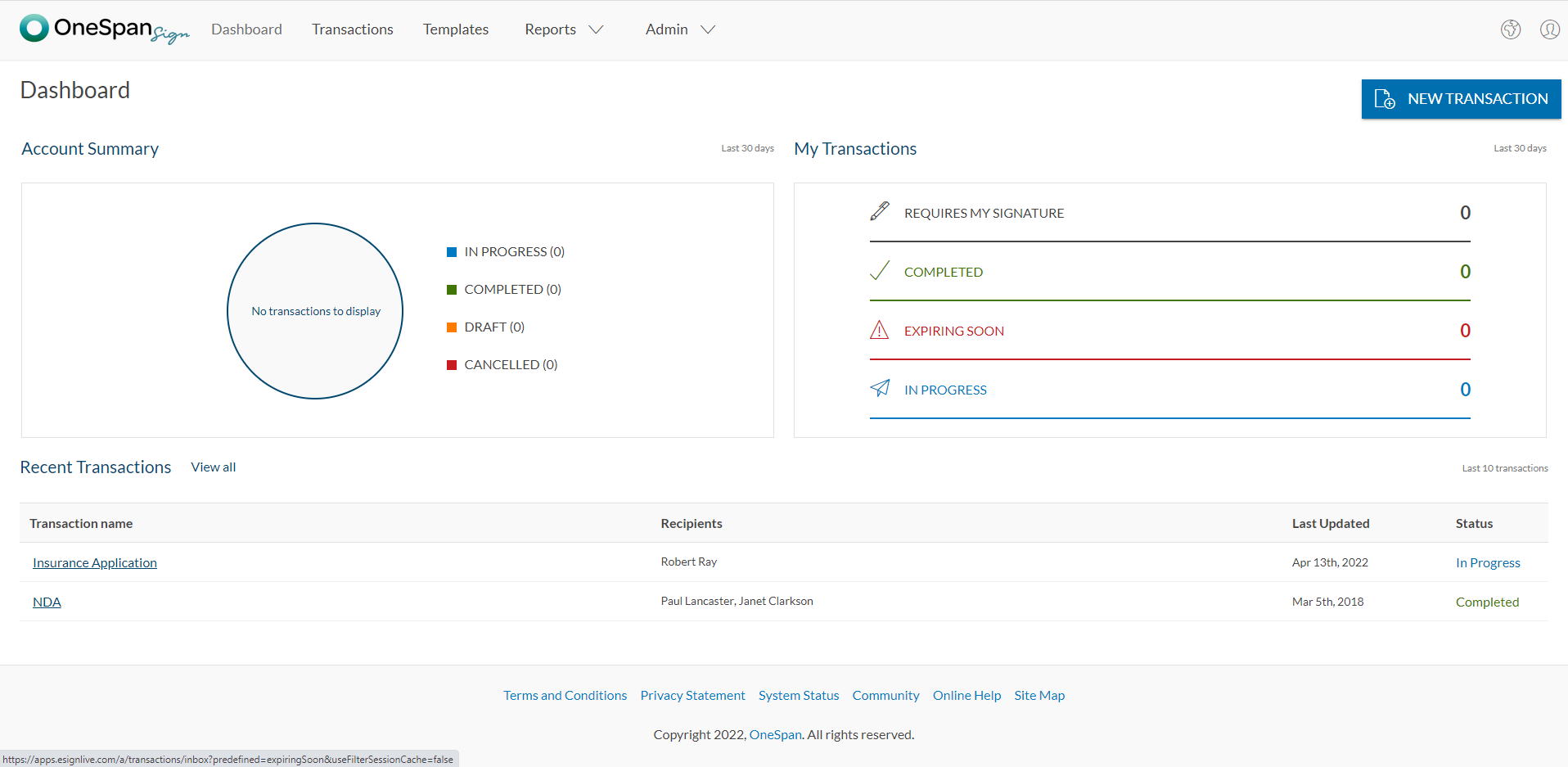
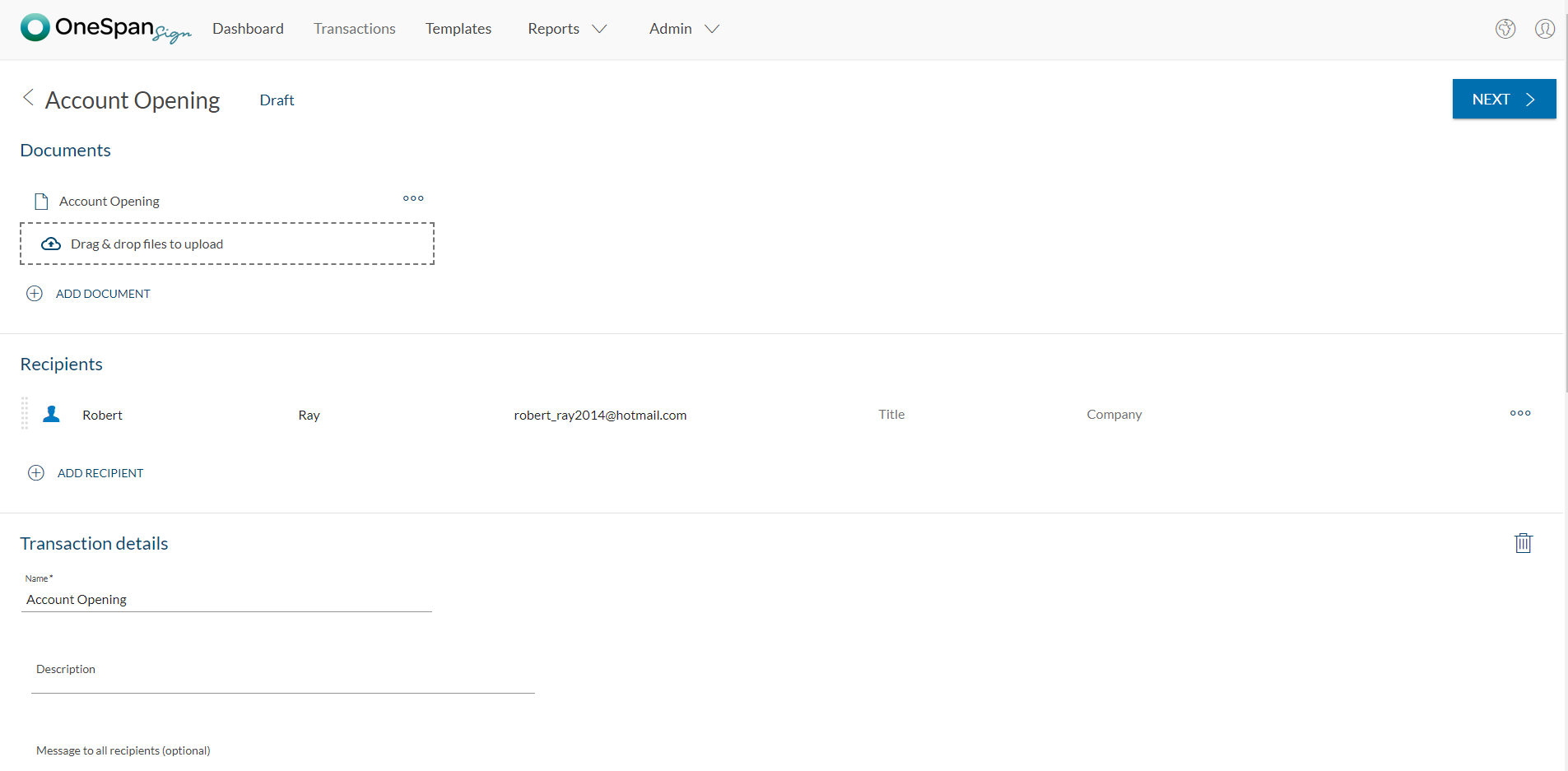
OneSpan Sign (formerly eSignLive) is an e-signature solution for secure document signing processes that enables organizations to digitize business processes and eliminate costly paper and inconvenient “wet” signatures.
$240
per year per user
Progress ShareFile
Score8.8 out of 10
N/A
Progress ShareFile is a secure File Sharing platform that combines client portals, document requests, workflow automation, approvals, e-signature, and governed document storage. It is designed for organizations that exchange sensitive documents with external clients and need to manage the work surrounding those documents in the same workspace.
OneSpan Sign is suited to many professional business situations. It is well used by the legal, security and compliance teams as well as many people within the financial functions. A lot of businesses have become very agile, and require a paperless environment to working. There are some companies and businesses who would prefer paper documents to be signed, which would not work as well as the paperless versions. I would use it in many different scenarios where I would prefer to have a paperless transaction
A de minimis incentive was given to thank the reviewer for their time. The incentive was not used to bias or drive a particular response, nor was the incentive contingent on a positive endorsement. More Info
When we have a particularly large ad or job printing file that would "clog up" the email process, using ShareFile is very helpful. It's also useful for particular photographers we work with to upload a batch of photos all at once. Where it doesn't work as well for us is when trying to get clients to make use of a login to access folders. We find them reluctant to take on the learning curve. It works best for us when we just send them a clickable download link, and at most just require a tracking name and email address.
Workflows to get customer/affiliate responses to comments on documents.
I used to have the signature feature initially, but it was removed from the original plan, so I could only use it if I chose to select the higher plan price.
I love the upload notifications and reports on user activity.
The document storage versions are fantastic. I am the only user with Delete privileges, and I love that I can make those selections.
Integrations with Microsoft 365 - FANTASTIC - thank you.
A de minimis incentive was given to thank the reviewer for their time. The incentive was not used to bias or drive a particular response, nor was the incentive contingent on a positive endorsement. More Info
The web console is not the most user friendly site to use to get to, and send my files.
We have had users that have not liked the change in workflow to get files from Progress ShareFile when they were used to just clicking on files on an email.
That management of the tools are not the most user friendly. There have been some improvements but keeping up with certs and setting up new users can be more work than expected.
A de minimis incentive was given to thank the reviewer for their time. The incentive was not used to bias or drive a particular response, nor was the incentive contingent on a positive endorsement. More Info
I don't see any reasons to change as their solution covers all my need for now. I could make even more integrations but that might be something that I will do down the road. I'm used to working with the interface and my data is all there as well.
It's a highly effective and secure storage system, has robust workarounds for serving the various equipment limits of our users, meets high security requirements of HIPAA standards, significantly reduces our needs for producing paper trails.
A de minimis incentive was given to thank the reviewer for their time. The incentive was not used to bias or drive a particular response, nor was the incentive contingent on a positive endorsement. More Info
A de minimis incentive was given to thank the reviewer for their time. The incentive was not used to bias or drive a particular response, nor was the incentive contingent on a positive endorsement. More Info
ShareFile is so easy to use I was able to download all of my projects files and have them set up to sync before my supervisor could even come over to explain the process to me. It is a neatly organized and intuitive software that allows even the less tech-savvy to become power users.
A de minimis incentive was given to thank the reviewer for their time. The incentive was not used to bias or drive a particular response, nor was the incentive contingent on a positive endorsement. More Info
A de minimis incentive was given to thank the reviewer for their time. The incentive was not used to bias or drive a particular response, nor was the incentive contingent on a positive endorsement. More Info
Easy to use, easy to integrate with Outlook. I only gave it a 9 because I have found that sometimes it does not play nicely with Outlook and can slow it down. But, when that happens (not frequent), I restart Outlook and all is well again
A de minimis incentive was given to thank the reviewer for their time. The incentive was not used to bias or drive a particular response, nor was the incentive contingent on a positive endorsement. More Info
The product is so well designed and built that we rarely need to reach out to customer service. But we have reached out to them in case of downtime, and we have always gotten a satisfactory response. We never had to follow up, as customer service executives were very responsible.
Citrix was generally responsive and helpful in solving technical issues. Like any cloud based SaaS product there is a danger that it may go down. This was a rare occurrence over my three years of using the product. The more common issue we encountered was clients forgetting their login which was easily managed through a forgot password functionality.
A de minimis incentive was given to thank the reviewer for their time. The incentive was not used to bias or drive a particular response, nor was the incentive contingent on a positive endorsement. More Info
Good documentation for the API. With a little help from RS tech staff, any competent programmer should be able to integrate RightSignature with an existing system in a week or three. That help is easy to get as well
My experience with OneSpan in the customer service has been very positive. However, since my experience with OneSpan is much more recent, most of my technical experience with OneSpan includes technical areas that were not available in other products at the time I was working with other products.
A de minimis incentive was given to thank the reviewer for their time. The incentive was not used to bias or drive a particular response, nor was the incentive contingent on a positive endorsement. More Info
ShareFile is easier and does what you need. I have moved a few organizations from SharePoint to ShareFile. Just easier. You can setup different areas for different departments, setup their permissions and it is easy enough for them to do what they want in their zones. The mobile app works great as well. So you can all the features you really use from SP, but just easier to setup and use.
A de minimis incentive was given to thank the reviewer for their time. The incentive was not used to bias or drive a particular response, nor was the incentive contingent on a positive endorsement. More Info
A de minimis incentive was given to thank the reviewer for their time. The incentive was not used to bias or drive a particular response, nor was the incentive contingent on a positive endorsement. More Info
A de minimis incentive was given to thank the reviewer for their time. The incentive was not used to bias or drive a particular response, nor was the incentive contingent on a positive endorsement. More Info
All of our clients and consulting engineers find ShareFile easy to use, thus complementing our business.
Our staff also find ShareFile intuitive, accessible, and easy to use, making it an ideal, everyday indispensable desktop tool for everyone in our company.
ShareFile can be linked to our firm's primary website as a placed for private use. We haven't found need for this yet, but might in the future.
A de minimis incentive was given to thank the reviewer for their time. The incentive was not used to bias or drive a particular response, nor was the incentive contingent on a positive endorsement. TR verified that a representative sample of customers was invited. More Info