Pipefy headquartered in San Francisco offers their process management and workflow software providing processes for customer success, service desk, sales operations, and other processes.
$22
per month
Zoho Flow
Score9.8 out of 10
N/A
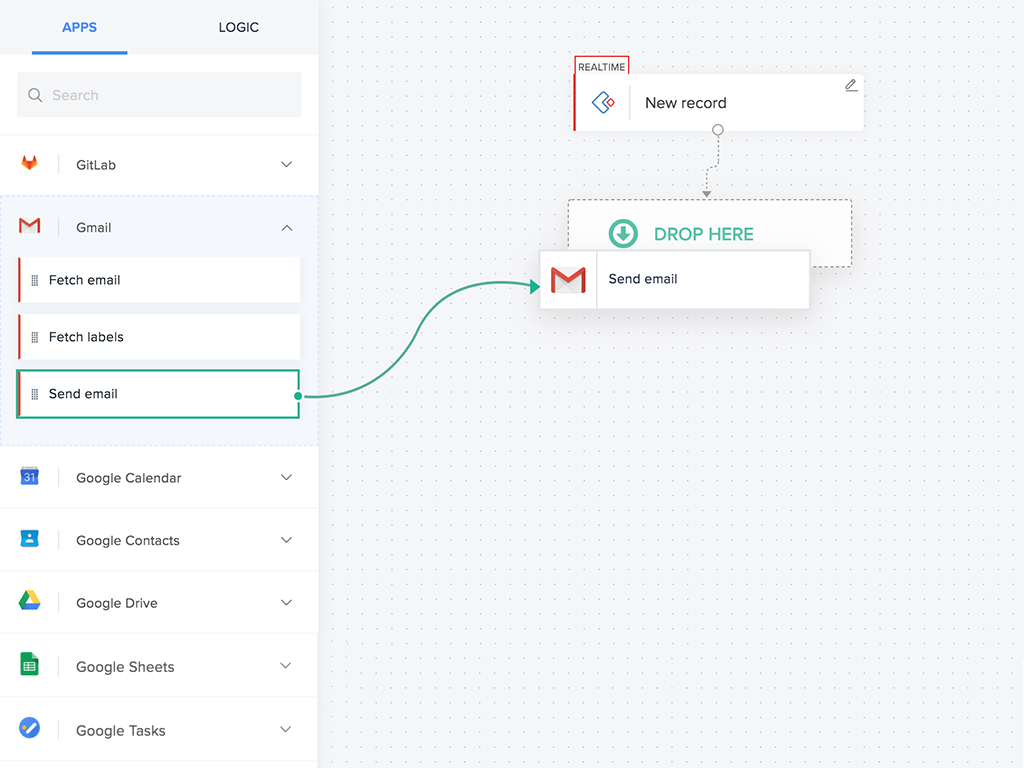
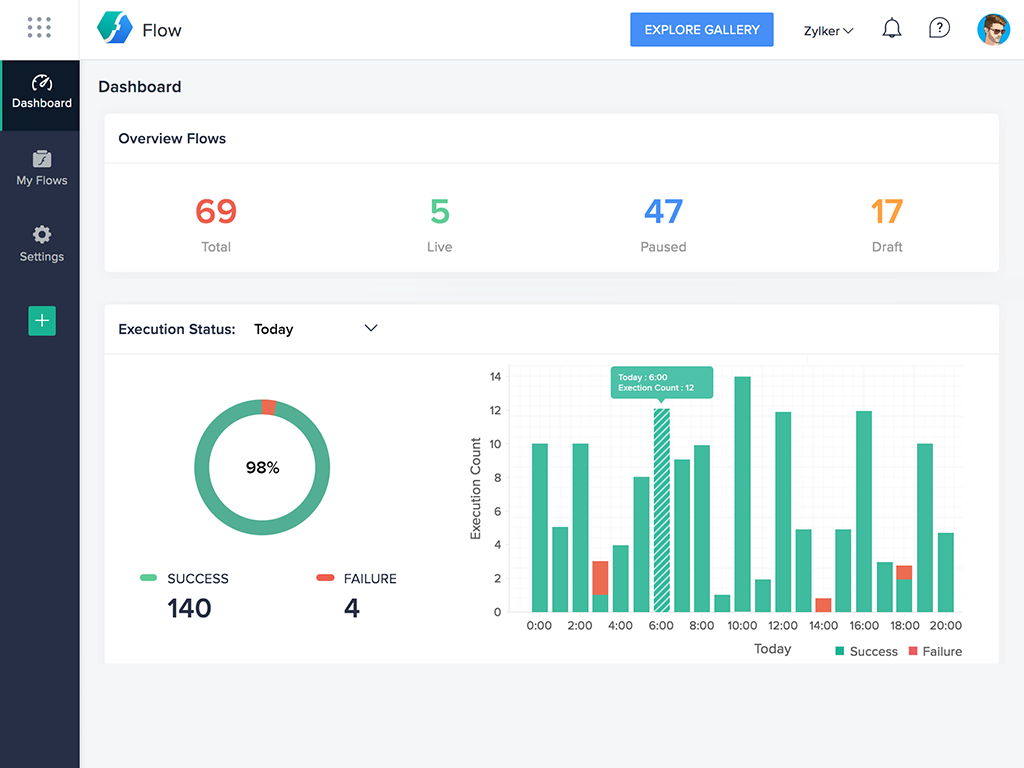
Zoho Flow allows the user to integrate business apps to automate a workflow.
$29
per month (for 5k tasks per month)
Pricing
Pipefy
Zoho Flow
Editions & Modules
Business
$22
per user, per month*
Enterprise
$36
per user, per month*
Unlimited
Custom
Starter
Free
Standard
starting at $29
per month starting with 5k tasks per month
Professional
starting at $49
per month starting with 10k tasks per month
Offerings
Pricing Offerings
Pipefy
Zoho Flow
Free Trial
Yes
Yes
Free/Freemium Version
Yes
Yes
Premium Consulting/Integration Services
No
Yes
Entry-level Setup Fee
No setup fee
Optional
Additional Details
*Discounts available for annual billing.
Discount available for annual pricing. Higher monthly task volume available.
Pipefy is very well suited if you have a team doing any sort of process... for real! It simplified everything from our sales and marketing objectives/processes, to our onboarding and accounting side of things. Since you can share different pipes with others, it's easy to see where others are at in the process and move the card along while keeping others informed. It makes sure you don't miss any information or steps along the way, which is great if your process is detail-oriented. It is a little less appropriate for marketing efforts, but we still try to use it to keep track of things in a central space. Definitely best suited for sales, technical things, and accounting.
A de minimis incentive was given to thank the reviewer for their time. The incentive was not used to bias or drive a particular response, nor was the incentive contingent on a positive endorsement. More Info
For small—to medium-sized connections between different applications, Zoho Flow is quick and easy to set up and test. However, as a Flow becomes more complicated with multiple connections and decisions, it becomes more difficult to track errors and faults and manage changes. Some of this is due to the history not being detailed enough, and some is just the UI, where you can't zoom in and out and clearly see connecting lines for flows.
A de minimis incentive was given to thank the reviewer for their time. The incentive was not used to bias or drive a particular response, nor was the incentive contingent on a positive endorsement. More Info
A de minimis incentive was given to thank the reviewer for their time. The incentive was not used to bias or drive a particular response, nor was the incentive contingent on a positive endorsement. More Info
A de minimis incentive was given to thank the reviewer for their time. The incentive was not used to bias or drive a particular response, nor was the incentive contingent on a positive endorsement. More Info
A de minimis incentive was given to thank the reviewer for their time. The incentive was not used to bias or drive a particular response, nor was the incentive contingent on a positive endorsement. More Info
A de minimis incentive was given to thank the reviewer for their time. The incentive was not used to bias or drive a particular response, nor was the incentive contingent on a positive endorsement. More Info
Flow can accomplish almost anything you want to do. It's imperfect, but it could be with just a few more features and better error management/visibility. For someone who's not a developer, this is a no-brainer. Having used other products in the past, like Zapier, this is as easy to use, if not even easier.
A de minimis incentive was given to thank the reviewer for their time. The incentive was not used to bias or drive a particular response, nor was the incentive contingent on a positive endorsement. More Info
Pipefy support is pretty good. There were a few instances where the agent didn't really understand what I was trying to get help with, but that was only once. Every other time it has been pretty fast and efficient. They are also very kind and understanding. I don't think they need much help in that dept
A de minimis incentive was given to thank the reviewer for their time. The incentive was not used to bias or drive a particular response, nor was the incentive contingent on a positive endorsement. More Info
I've reached out to the support team several times with assistance requests in Zoho Flow. Each time the team has answered my questions promptly and accurately. And because we are mainly integrating other Zoho apps their teams are perfectly positioned to solve our problems.
A de minimis incentive was given to thank the reviewer for their time. The incentive was not used to bias or drive a particular response, nor was the incentive contingent on a positive endorsement. More Info
We started using software we already had (such as Slack and Sheets) but this software is not actually ideal to manage processes, which led to errors, miscommunication, and execution problems. Trello is good for managing demand but offers no process customization or approval and Jira is too focused on development for our needs, and also hard to customize.
A de minimis incentive was given to thank the reviewer for their time. The incentive was not used to bias or drive a particular response, nor was the incentive contingent on a positive endorsement. More Info
I've used Zapier and both programs are similar. Zapier has deeper integrations or more apps to integrate with but considering Flow's association with other Zoho apps this does it for us!
A de minimis incentive was given to thank the reviewer for their time. The incentive was not used to bias or drive a particular response, nor was the incentive contingent on a positive endorsement. More Info
Our processes are more organized and we are not missing any steps.
We are able to touch base with customers easier since we have all potential/missed clients in one pipe, with automated alerts (i.e. it has been 60 days since contact with this customer).
We are able to keep track of customer billing changes easier.
A de minimis incentive was given to thank the reviewer for their time. The incentive was not used to bias or drive a particular response, nor was the incentive contingent on a positive endorsement. More Info
A de minimis incentive was given to thank the reviewer for their time. The incentive was not used to bias or drive a particular response, nor was the incentive contingent on a positive endorsement. More Info