The makers of Screenhero now offer Pop, a remote collaboration platform with features like multiple mouse cursors, voice chat, and high definition screen resolution. Pop supports voice and video collaboration, screen sharing, multiplayer meetings, drawing and highlighting, and the ability to interact from a variety of devices (Mac, Windows, Linux, mobile devices, etc.).
$0
per month
Planview ProjectPlace
Score8.3 out of 10
N/A
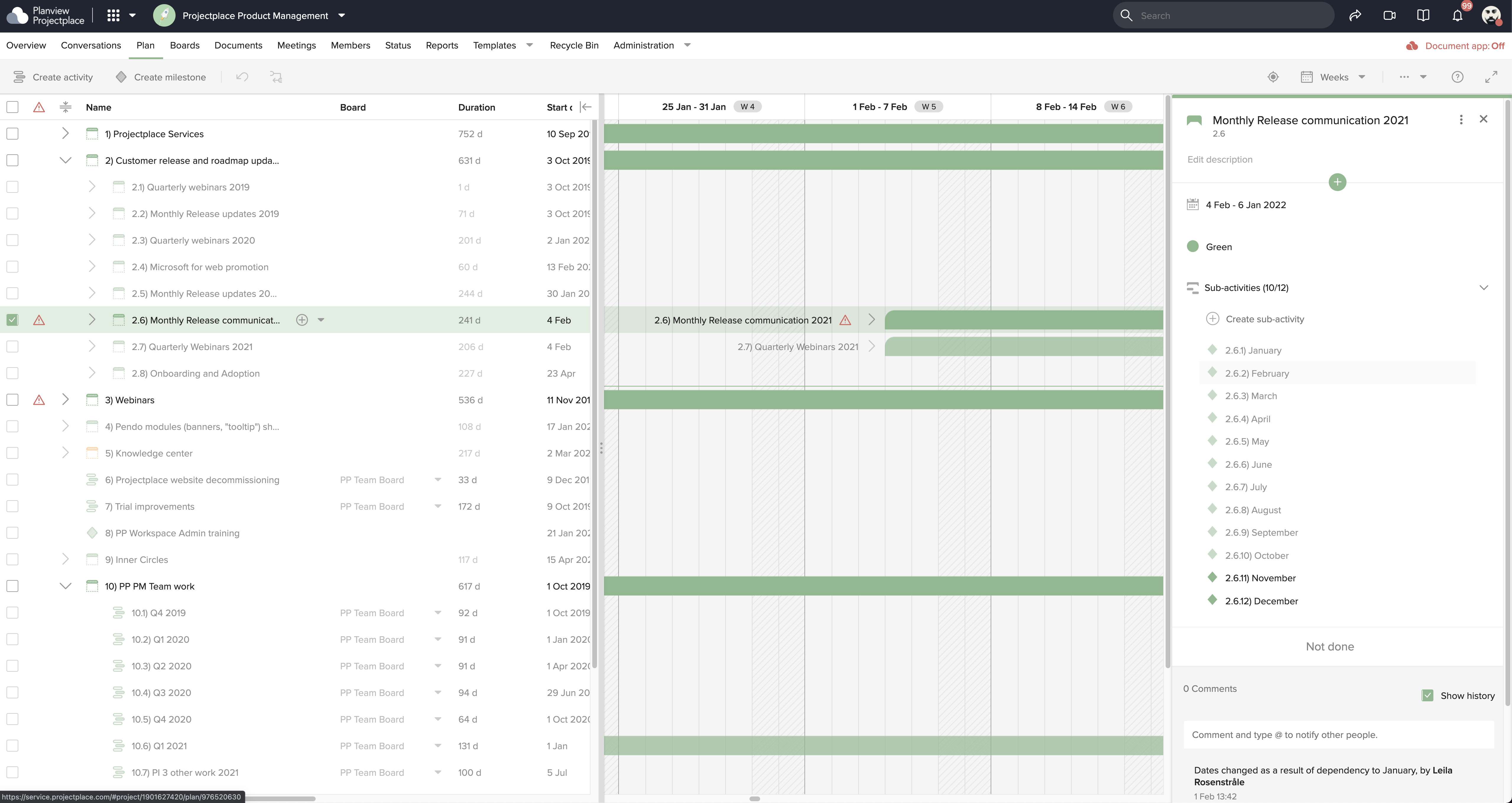
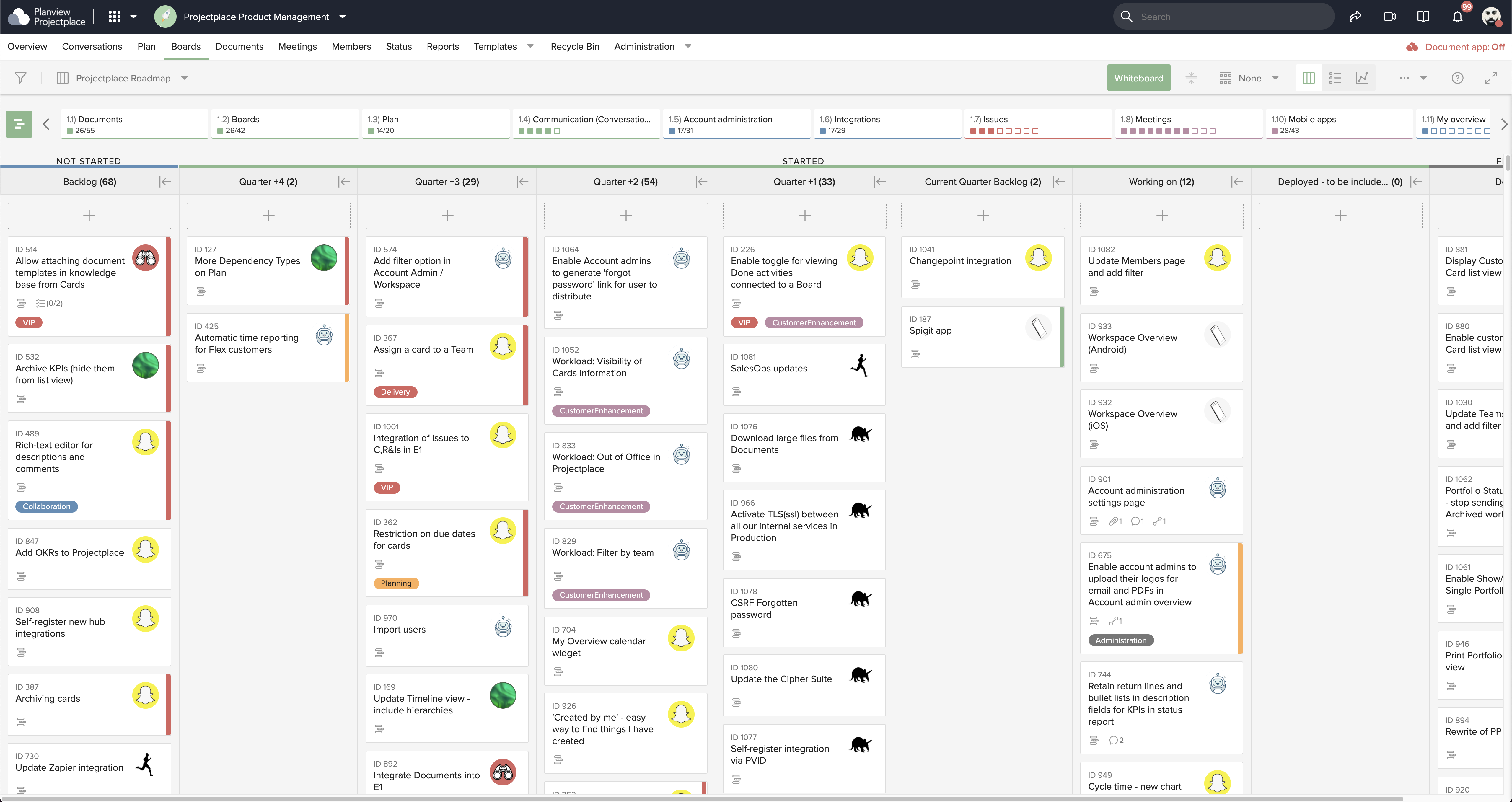
Projectplace is a collaborative work management solution. The vendor says the product is built with teams of all sizes and complexity in mind, from virtual teams of five to entire global enterprises with tens of thousands of active users. It is also designed to incorporate waterfall and agile workflows.
Copy/Paste works flawlessly from my computer to another screenhero users computer.
Screenhero works with screen-recording software, so not only can I pair-develop, I can take video of a pair development session.
I can't think of any reason why Screenhero wouldn't be suited for any situation. I would say that they need to bring back the option for a native app capability outside of the slack app like they did during the Slack merge transition.
A de minimis incentive was given to thank the reviewer for their time. The incentive was not used to bias or drive a particular response, nor was the incentive contingent on a positive endorsement. More Info
Planview ProjectPlace is a vibrant platform that manages all activities and schedules different roles based on their urgency, importance, and requests. Further, Planview ProjectPlace outlines the need for proper documentation with the aim of accurate referencing. Tasks are credibly shared, and proper reporting is enhanced to transform firms' work environment. ; Lastly, Planview ProjectPlace brings sustainable email integration for enterprises.
A de minimis incentive was given to thank the reviewer for their time. The incentive was not used to bias or drive a particular response, nor was the incentive contingent on a positive endorsement. More Info
EASY! A simply to use and understand UI cannot be understated. I needed no additional training and did not need to reference and support documentation to pick up and use Screenhero with my team. It's easy to add new folks to connect with, easy to call them, easy to end the call, and so forth. I would liken the UI to a more sleek Yahoo Instant Messenger (for those who remember that service!).
Painless. I rarely ever had connectivity issues or grainy audio/video quality. When I did occasionally encounter that (rough guess maybe 1 in 20), it usually cleared itself up after a few seconds. I think it's only ever "locked up" on me twice, meaning I had to disconnect and reconnect in order for the issue to be resolved. Overall, a painless experience.
A de minimis incentive was given to thank the reviewer for their time. The incentive was not used to bias or drive a particular response, nor was the incentive contingent on a positive endorsement. More Info
A de minimis incentive was given to thank the reviewer for their time. The incentive was not used to bias or drive a particular response, nor was the incentive contingent on a positive endorsement. More Info
I'm not sure how to sign up right now. I guess until it's integrated into Slack as a full-blown feature it'll stay like that.
Most probably it'll be monetized as an extra feature.
This is true for most of the remote management solutions: security concerns. Slack had some break-ins in the past, giving remote control to your computer can be dangerous.
Another issue which is problematic for similar product too: watch out if there's an extra remote server is involved. Say you and your client you want to guide with Screenhero both log in to a remote server through RDP. Both the RDP and Screenhero capture hotkeys, and depenfing on if your other peer logs into screenhero on the server itself or his machine, things like copy-paste won't work because the RDP is interfering with the remote management software.
A de minimis incentive was given to thank the reviewer for their time. The incentive was not used to bias or drive a particular response, nor was the incentive contingent on a positive endorsement. More Info
Under the time tracking, it would be nice to have a set template that would load each week and not have to click a button to load the previous week's template.
Somehow making it more intuitive.
Having to add in each service line and each detail that I cover for every service line each week is a bit ridiculous.
A de minimis incentive was given to thank the reviewer for their time. The incentive was not used to bias or drive a particular response, nor was the incentive contingent on a positive endorsement. More Info
We're committed now & have >50 users on Projectplace. All our projects are now tracked in the tool. We this investment of time & training, the cost of maintaining Projectplace is relatively low for the benefit. So we will renew, even if there are some idiosyncrasies in the tool & there are opportunities for improvement.
A de minimis incentive was given to thank the reviewer for their time. The incentive was not used to bias or drive a particular response, nor was the incentive contingent on a positive endorsement. More Info
Easy to use platform and provides the user with an amazing experience and straightforward tools that empower and help execute tasks with fast performances that allow quick and easy service delivery. Easy on implementation and get started immediately with enterprise-ready Planview Projectplace and start to connect with teams and departments at once.
A de minimis incentive was given to thank the reviewer for their time. The incentive was not used to bias or drive a particular response, nor was the incentive contingent on a positive endorsement. More Info
A de minimis incentive was given to thank the reviewer for their time. The incentive was not used to bias or drive a particular response, nor was the incentive contingent on a positive endorsement. More Info
I haven't needed to get in touch with support because the product is quite well structured and understandable. There were no issues initially when making payments or later for monthly payments. The project manager using the software is quite skilled in the software and has not needed much help. New licenses are easy to acquire, and there is no delay in getting them. I know there are several ways of support available, so that's a plus.
A de minimis incentive was given to thank the reviewer for their time. The incentive was not used to bias or drive a particular response, nor was the incentive contingent on a positive endorsement. More Info
Screenhero being acquired by Slack was honestly the primary reason we selected it over TeamViewer. Our organization is heavily invested in Slack's enterprise solution, so choosing Screenhero was a pretty easy decision. On top of that, Screenhero delivers very well on its core competencies, so there doesn't seem to be a very good reason to not use it given its relationship with Slack.
A de minimis incentive was given to thank the reviewer for their time. The incentive was not used to bias or drive a particular response, nor was the incentive contingent on a positive endorsement. More Info
[In my experience] Jira is more refined, better looking, and easier to become familiar with. Also, the massive market share of Jira helps in consultancy as you can switch between clients easily. Projectplace has many powerful tools but so does Jira, and Jira integrates with our suite of software much easier compared to Projectplace.
A de minimis incentive was given to thank the reviewer for their time. The incentive was not used to bias or drive a particular response, nor was the incentive contingent on a positive endorsement. More Info
A de minimis incentive was given to thank the reviewer for their time. The incentive was not used to bias or drive a particular response, nor was the incentive contingent on a positive endorsement. More Info
A de minimis incentive was given to thank the reviewer for their time. The incentive was not used to bias or drive a particular response, nor was the incentive contingent on a positive endorsement. More Info
[We have the] ability to support remote work through projects that scale across multiple groups
We have large-scale quarterly projects, so the ability to save and duplicate project templates are helpful for us to keep track of tasks down to the specific card
A de minimis incentive was given to thank the reviewer for their time. The incentive was not used to bias or drive a particular response, nor was the incentive contingent on a positive endorsement. More Info