PowerApps is a low code / rapid application development product from Microsoft that allows users to quickly build apps.
$20
per month per user
SAP Crystal
Score7.1 out of 10
N/A
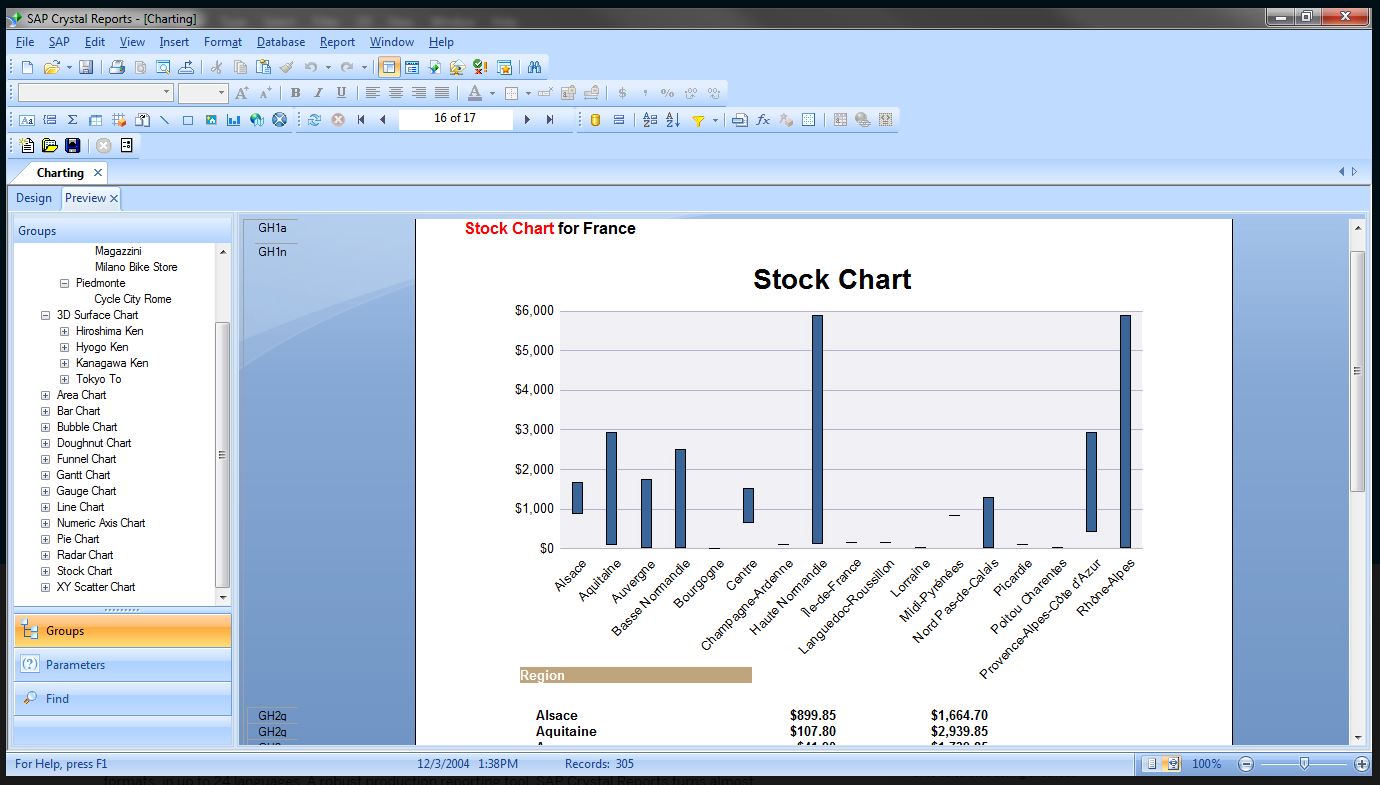
SAP Crystal is an analytics and reporting software solution for SMBs. SAP Crystal comprises Crystal Reports for pixel-perfect reporting, and SAP Crystal Server for automated distribution and self-service access to reports, dashboards and data exploration.
$295
per single user license
Pricing
Power Apps
SAP Crystal
Editions & Modules
Power Apps Premium
$20
per month per user
Upgrade Version to SAP Crystal Reports 2020
$295
per single user license
SAP Crystal Reports 2020 64-Bit
$495
per single user license
SAP Crystal Reports 2016 32-Bit
$495
per single user license
SAP Crystal Server 2020 1 NUL
$869
per user license + first year maintenance to be added
SAP Crystal Server 2020 5 CAL
$8,744
5 concurrent users + first year maintenance to be added
Offerings
Pricing Offerings
Power Apps
SAP Crystal
Free Trial
Yes
Yes
Free/Freemium Version
No
Yes
Premium Consulting/Integration Services
No
Yes
Entry-level Setup Fee
No setup fee
Optional
Additional Details
—
* SAP Crystal Reports 2020 Viewer allows you to view static data within a SAP Crystal Reports file.
* SAP Crystal Reports 2020 - Full version allows you to create powerful, richly formatted, and dynamic reports from virtually any data source, delivered in dozens of formats, in up to 28 languages. If you already have an older version of Crystal Reports, buy a license for SAP Crystal Reports 2020 - Upgrade at a discounted, upgrade price.
* SAP Crystal Server 2020, 1 NUL includes 1 license of: SAP Crystal Reports 2020 - SAP Crystal Server 2020.
* As an add-on to SAP Crystal Server 2020 1 NUL, SAP Crystal Server 2020 5 CAL allows you to support a wider, intermittent audience of end users, up to five logged on at the same time.
Power Apps is ideal for scenarios that are neither too complex nor too large. It is easy to begin development in Power Apps, as it is one of the best tools for low-code development. Power Apps can be implemented for complex scenarios as well, provided there is strong knowledge of the tool and ample time for planning. Our applications benefit from Power Apps' cross-platform support, making it easy to use on any device, including desktops, laptops, and mobile devices.
A de minimis incentive was given to thank the reviewer for their time. The incentive was not used to bias or drive a particular response, nor was the incentive contingent on a positive endorsement. More Info
Generation of templated reports is the strong suit of SAP Crystal. Allows users to change formats in templates bases on requirement with minimal effort. Automated report delivery requires the user to be aware of sql which cannot be expected from all users. Should support more document export formats and improve the UI for SAP B1 Users
A de minimis incentive was given to thank the reviewer for their time. The incentive was not used to bias or drive a particular response, nor was the incentive contingent on a positive endorsement. More Info
Power Apps has formats that are pre-built that don't require any coding which makes it easier to achieve your vision. This does become a challenge if your App needs don't fit into that format.
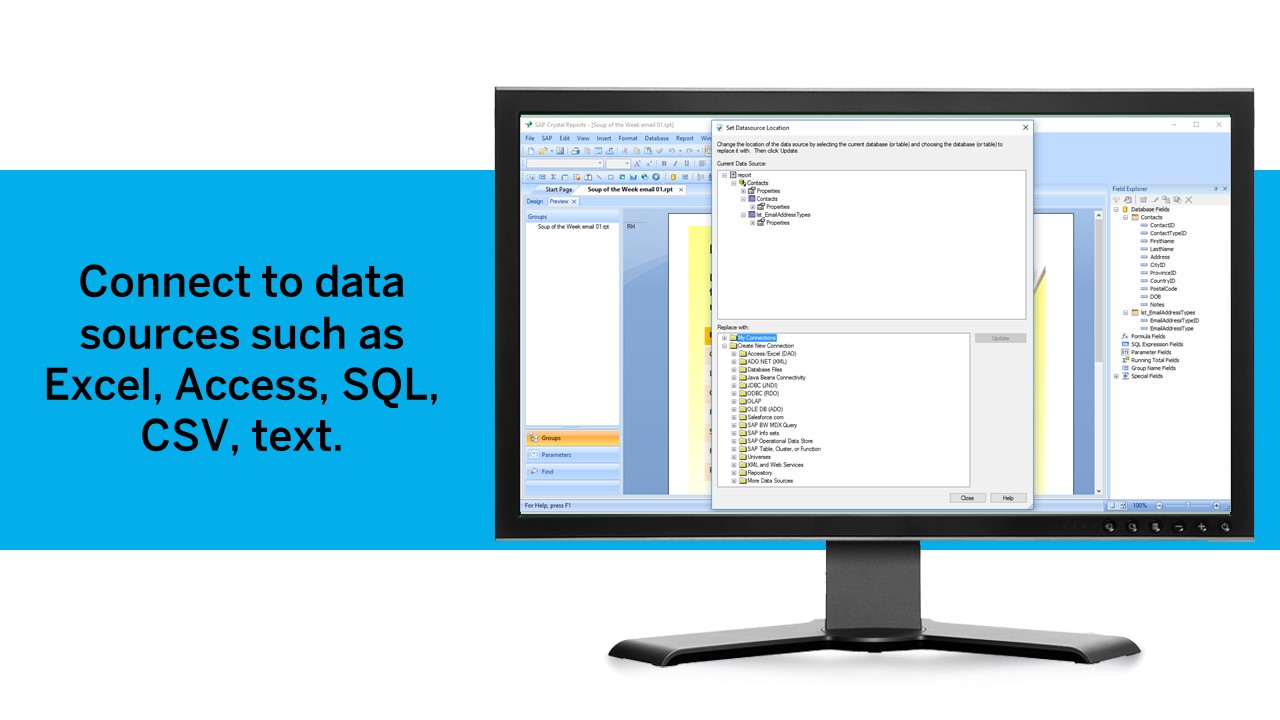
We deal with a ton of data so the fact that you can connect to any data source in addition to their pre-stablished data connections makes the process a breeze.
The online learning resources and tutorials are helpful as well for those who are tech savvy.
A de minimis incentive was given to thank the reviewer for their time. The incentive was not used to bias or drive a particular response, nor was the incentive contingent on a positive endorsement. More Info
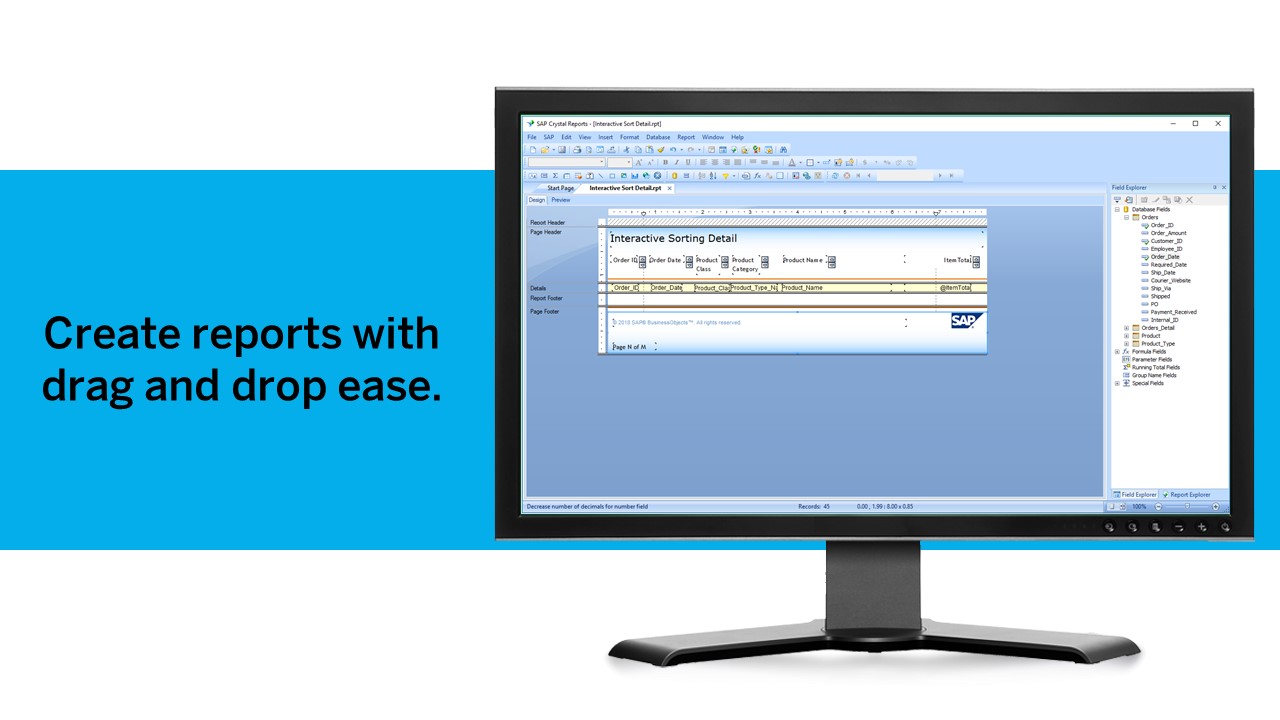
Crystal Reports allows us to create a consistent template for all of our reports.
Crystal Reports and Server allows us to house a repository for all of our reports to make them easy to find and update when necessary.
Crystal Reports can connect to a wide variety of data sources.
Crystal Reports can be a little daunting when first implementing. There are a lot of nuances in learning how to truly master this software and it can be frustrating at times.
A de minimis incentive was given to thank the reviewer for their time. The incentive was not used to bias or drive a particular response, nor was the incentive contingent on a positive endorsement. TR verified that a representative sample of customers was invited. More Info
Sometimes the cost of solutions is greater than the benefit. Licensing is expensive relative to the scope of some business user-created personal or team-level solutions.
While there is a starter-kit for Governance, it is complicated to stand up and requires dedicated resources to provide on-going governance operations. Many organizations are not going to be able to dedicate resources to governance and this causes the sprawl, solution duplication, silos, unneeded and unplanned licensing expenses, and a general "wild wild west" environment.
There needs to be better direction and best practices given around Power Platform Environment utilization and optimization.
The accessibility to the platform and ease for business partners to independantly create solutions is both a benefit and a negative. When the business outcome needed is a good fit for PowerApps it is a quick win, but when not a good fit it becomes a frustration for the business partner attempting to make the platform do something it is not well-suited for. The business partner entangles tech teams in the effort which drains resources and provides a lack-luster solution. All of this to say, it would be beneficial to have some tools that business partners could leverage to determine\understand if the type of business outcome they need is well suited to PowerApps or not.
A de minimis incentive was given to thank the reviewer for their time. The incentive was not used to bias or drive a particular response, nor was the incentive contingent on a positive endorsement. TR verified that a representative sample of customers was invited. More Info
We have been using this product for so many years and it has truly become a cornerstone to our business processes when it comes to developing and distributing information via reports. We currently have over 500 reports developed to date over about 30 systems and that will continue to grow as user needs change.
PowerApps is a great solution and I have spent the last year familiarizing myself with the platform and building custom applications to complete a whole range of tasks such as asset management, custom invoice generation, and item restriction tracking. We as a company have barely begun to scratch the surface of what can be achieved with PowerApps.
A de minimis incentive was given to thank the reviewer for their time. The incentive was not used to bias or drive a particular response, nor was the incentive contingent on a positive endorsement. More Info
Crystal is very robust, but not always easy to use. It create wonderful looking reports, and so deserves a high rating. However, I have to take a couple of points off for the simple fact that I cannot hand it to a user and expect them to be able to do development with it.
A de minimis incentive was given to thank the reviewer for their time. The incentive was not used to bias or drive a particular response, nor was the incentive contingent on a positive endorsement. TR verified that a representative sample of customers was invited. More Info
The community forums are extremely responsive to questions asked, there is a good body of online documentation and many community posts to draw from. Although the platform has changed, which means some of the posts are out of date and the solutions provided aren't relevant. Of relevance, I read over 400 articles plus documentation to get this first app built in SharePoint, move it to SQL and make it work exactly the way it should.
The support community can be difficult to navigate. I've also run into issues with my login. The SAP system has a bizarre mechanism for validating users that requires users to have what is called an S-ID. A basic ID may not give you access to all the features in the portal. The limitation may include not being able to perform a simple task like downloading patches and updates. This isn't a big deal for single user license but for teams it can be a pain.
A de minimis incentive was given to thank the reviewer for their time. The incentive was not used to bias or drive a particular response, nor was the incentive contingent on a positive endorsement. TR verified that a representative sample of customers was invited. More Info
A de minimis incentive was given to thank the reviewer for their time. The incentive was not used to bias or drive a particular response, nor was the incentive contingent on a positive endorsement. TR verified that a representative sample of customers was invited. More Info
Just like any other implementation: When designing the differing reports, get end users' input, make sure to design the reports so that they display the information that the company requires, in the best and clearest way possible.
Test, test, test, revise when needed, and, particularly, do sufficient training so users are comfortable using Crystal Reports!
A de minimis incentive was given to thank the reviewer for their time. The incentive was not used to bias or drive a particular response, nor was the incentive contingent on a positive endorsement. TR verified that a representative sample of customers was invited. More Info
1. PowerApps functionality comes with E1 over E3 License without adding extra costs 2. For Nintex you pay (at the beginning) for each workflow, so my intention would be, to do no workflows to prevent additional costs, but I want a platform with a fair price that allows me to create workflows without thinking about the price for each workflow and we use only some workflow and relative easy workflows and forms as a medium-sized company. 3. PowerApps provides a lot of functionality without needing to invest in premium features directly.
A de minimis incentive was given to thank the reviewer for their time. The incentive was not used to bias or drive a particular response, nor was the incentive contingent on a positive endorsement. More Info
Crystal reports is useful in case we want to import data from data base . We can write queries in it but Google Charts require to be implemented in our application using code so crystal reports is better than Google Charts.
A de minimis incentive was given to thank the reviewer for their time. The incentive was not used to bias or drive a particular response, nor was the incentive contingent on a positive endorsement. TR verified that a representative sample of customers was invited. More Info
A de minimis incentive was given to thank the reviewer for their time. The incentive was not used to bias or drive a particular response, nor was the incentive contingent on a positive endorsement. More Info
It is a decent buy for specific departments in terms of reporting capabilities but updates and cost (frequent) demands are higher with the benefits offered.
So long as the requirements are not ever changing, with scheduling functionality, it's a handsome tool.
A de minimis incentive was given to thank the reviewer for their time. The incentive was not used to bias or drive a particular response, nor was the incentive contingent on a positive endorsement. TR verified that a representative sample of customers was invited. More Info