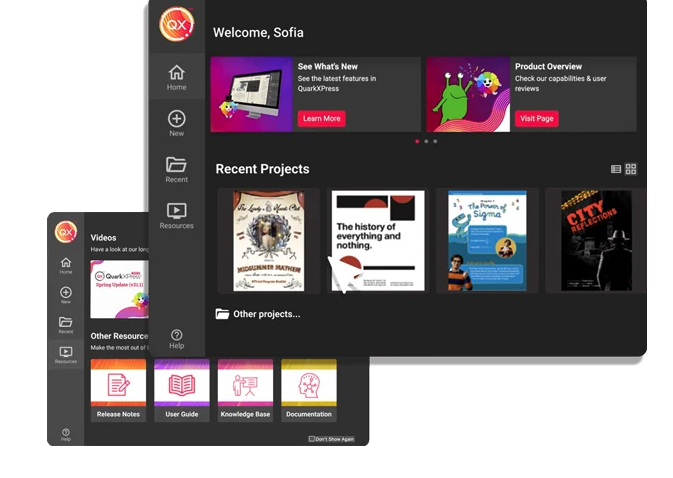
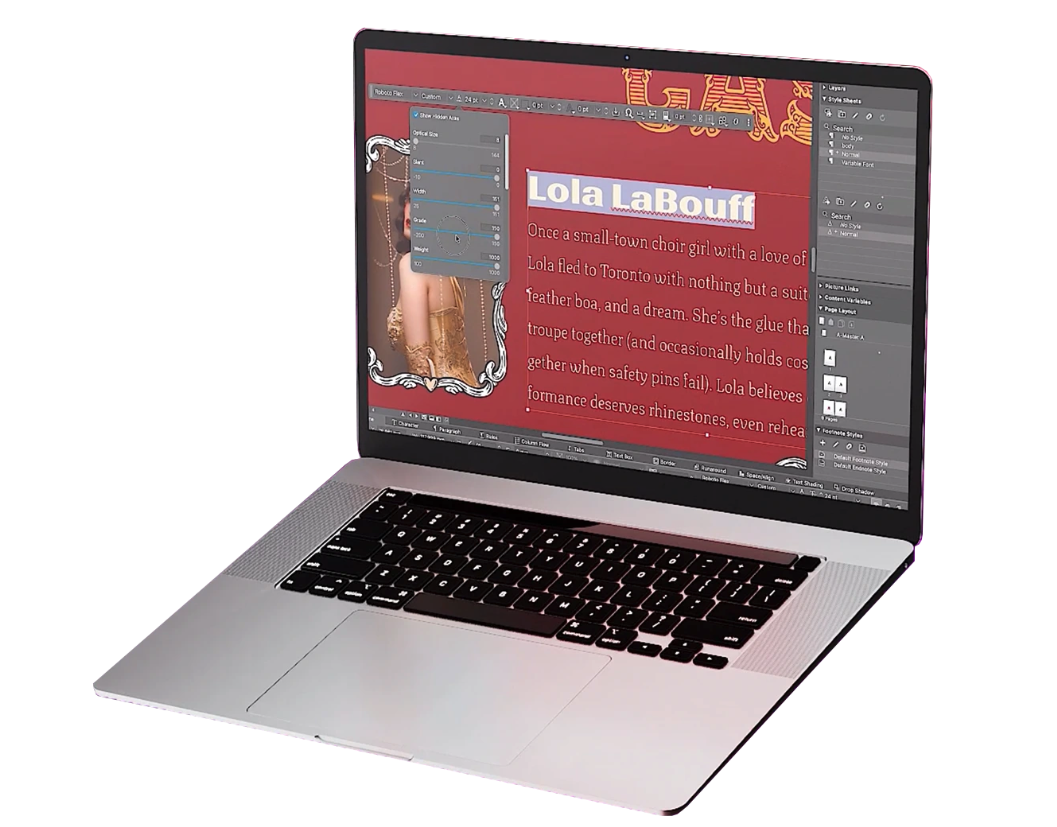
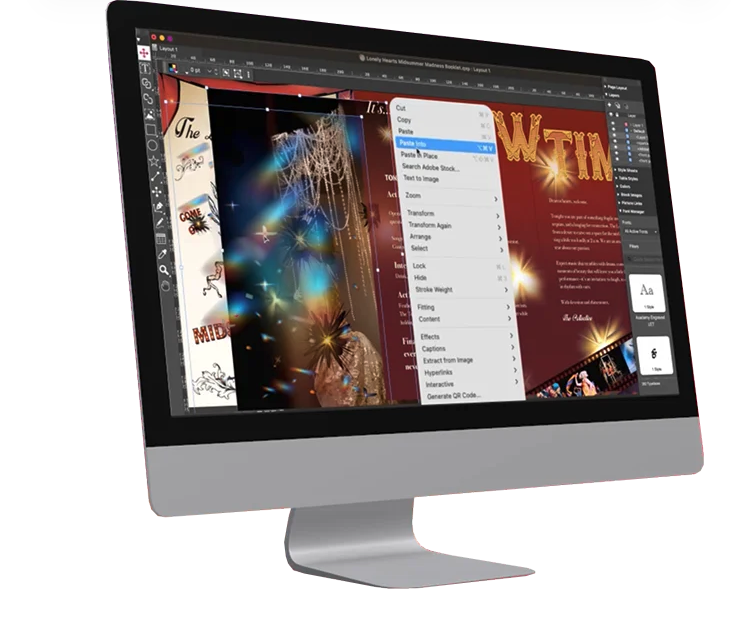
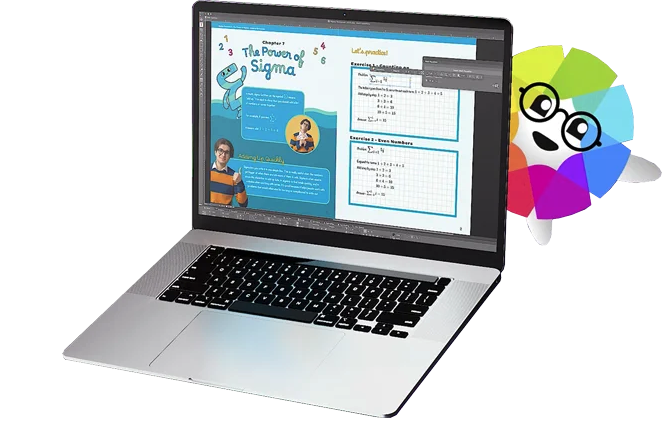
QuarkXPress from Quark Software headquartered in Denver introduces modern responsive web design with Flex Layouts, reimagined Tables, and productivity-boosting design features.
$279
per year
Sketch
Score6.2 out of 10
N/A
Sketch is a visual design tool of use for application prototyping, coming with a wide variety of extensions, plugins, and an active user community.
I used QuarkXPress to maintain a proper page layout for the UI which I receive from a UIUX developer. I develop Graphic Illustrations on the digital canvas to create creative content on the page design set and to develop designer headlines and sub-headlines where writers and editors can amend the text and place the copped images.
Here’s the proofread version: Sketch is a simple and lightweight tool for vector graphics, ideal for individuals. I would recommend it to anyone working alone on design tasks such as UI or website design. I have started and completed many projects in Sketch, ranging from simple websites to complex automotive UIs with extensive libraries.
A de minimis incentive was given to thank the reviewer for their time. The incentive was not used to bias or drive a particular response, nor was the incentive contingent on a positive endorsement. More Info
A de minimis incentive was given to thank the reviewer for their time. The incentive was not used to bias or drive a particular response, nor was the incentive contingent on a positive endorsement. More Info
Sketch is great for drawing and creating shapes, like buttons or icons. It lets you adjust every curve and line perfectly, so you can make your designs look exactly how you want. (All design tools can do that, though).
Sketch is built just for Apple computers, so it runs smoothly and uses all the special Mac features. If you’re already using Apple tools, Sketch feels like a natural fit. (The downside of this is that non-Apple users can't use it.)
If you make something, like a button, and need it in many places, Sketch lets you save it as a "Symbol." You can use it repeatedly, and if you change the Symbol, it updates everywhere automatically. (Figma can do this too.)
A de minimis incentive was given to thank the reviewer for their time. The incentive was not used to bias or drive a particular response, nor was the incentive contingent on a positive endorsement. More Info
A de minimis incentive was given to thank the reviewer for their time. The incentive was not used to bias or drive a particular response, nor was the incentive contingent on a positive endorsement. More Info
The software can be buggy right after a release. It appears that they do very little QA testing right after releasing a new version
The software can crash a lot. And when it does, I continuously have issues with it reloading my plugins.
Only available for Mac. If you have a cross platform team, it may not be the best.
Lack of features in the software, so you will have to use plugins for those additional features (Designs system management, accessibility, repository and live collaboration without paying a premium)
Sketch is a core tool for us and the cost to keep it going with our teams is low. It provides a good alternative to other screen design tools for our team members who prefer to use it.
A de minimis incentive was given to thank the reviewer for their time. The incentive was not used to bias or drive a particular response, nor was the incentive contingent on a positive endorsement. More Info
This is an industry standard. It is intuitive and pretty simple. I have been using it for 40 years and by no means do I use its potential, rather it does just what I want it to do.
A de minimis incentive was given to thank the reviewer for their time. The incentive was not used to bias or drive a particular response, nor was the incentive contingent on a positive endorsement. More Info
At the end of the day, it's just simple. This goes a long way in design and goes even further when your talking productivity, intuitive design and turnover rate. It's not difficult to figure something out even if it's not something your directly familiar with, i.e. if you want to export in certain file formats or change the size of the canvas, you don't have to delay your end product trying to figure it out. Similar situations took me less than 30 seconds to solve without a Google search. That's Usability.
A de minimis incentive was given to thank the reviewer for their time. The incentive was not used to bias or drive a particular response, nor was the incentive contingent on a positive endorsement. More Info
The support is relatively decent, and they are quick to respond. However, their releases are not great. Sketch could use more robust testing of their software before releases. Over the last four years, I have had many days lost while waiting for Sketch to patch issues with their releases. It's actually a running joke in our office. So, support, good. Releases in the first place? Not great.
A de minimis incentive was given to thank the reviewer for their time. The incentive was not used to bias or drive a particular response, nor was the incentive contingent on a positive endorsement. More Info
QuarkXPress simply blew the competition out of the water when it came to pricing and scalability in our business. Every employee that uses Quark always speaks very highly about using the software. We are not a large company but, the amount of money saved on the cost of each license was about 60% when compared to the competitors' products.
A de minimis incentive was given to thank the reviewer for their time. The incentive was not used to bias or drive a particular response, nor was the incentive contingent on a positive endorsement. More Info
Sketch's approachable UI allowed those using outdated technologies to transition efficiently. Among its peers, Sketch performs comparably with most prototyping tools. It falls behind compared to those that can better handle movement, like InVision Studio, which combines animation and prototyping into a single platform. However, these types of programs have a steep learning curve, whereas Sketch is approachable immediately.
A de minimis incentive was given to thank the reviewer for their time. The incentive was not used to bias or drive a particular response, nor was the incentive contingent on a positive endorsement. More Info
Saved time -- Intuitive interface saves us lots of time/money because it is reliable and easy to use. Other programs have caused serious confusion, leading to project delays.
More captivating wireframes -- Stakeholders have been finding it easier to visualize potential “final products” with vector-based Sketch designs. Because of this, we’ve been able to have more targeted, focused discussions that lead to improved final products (with fewer immediate post-launch revisions!).
Increased productivity -- Because Sketch is so easy to use, our designers have had more time to do more work. Rather than finagling difficult tools in previously used products, our designers feel no hesitation with Sketch, and are producing more often and more creatively.
A de minimis incentive was given to thank the reviewer for their time. The incentive was not used to bias or drive a particular response, nor was the incentive contingent on a positive endorsement. More Info