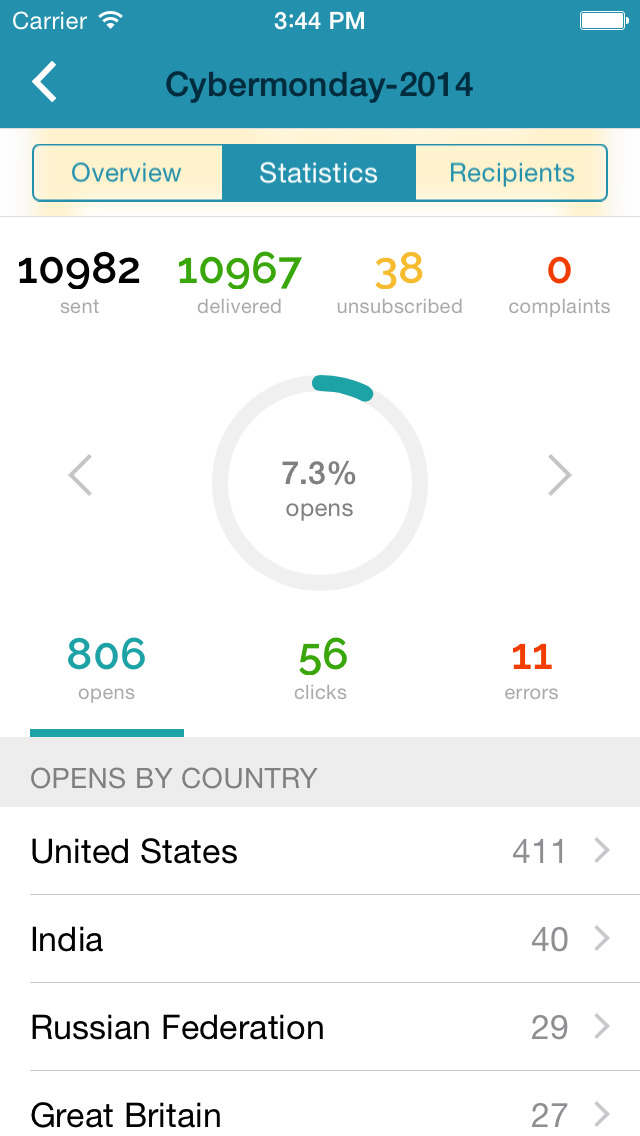
SendPulse is an integrated messaging platform providing user communication that includes emails, SMS, web push, SMTP, and user management.. This solution includes 15,000 free emails with up to 2,500 subscribers per month.
N/A
Zoho Zeptomail
Score9 out of 10
N/A
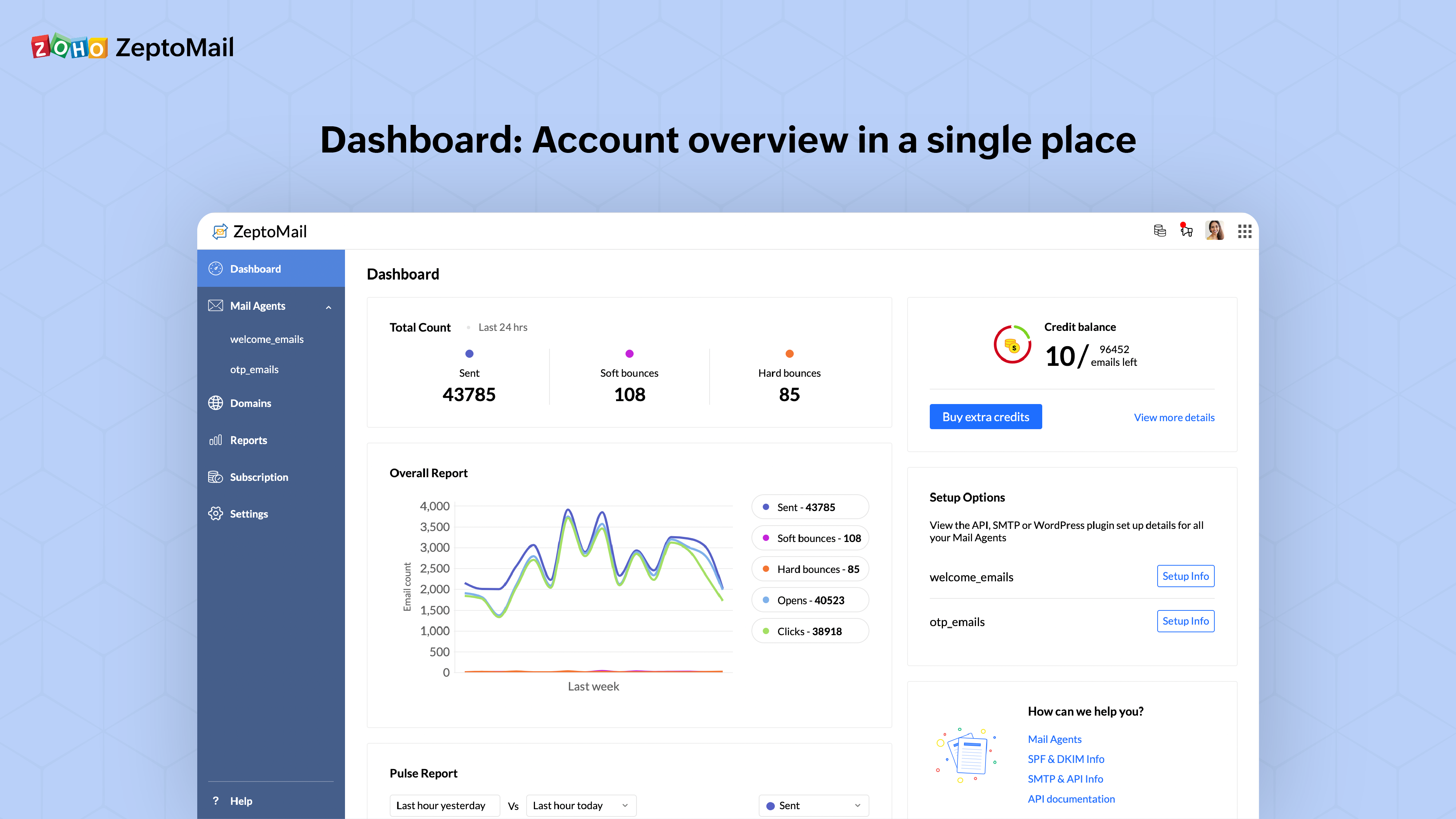
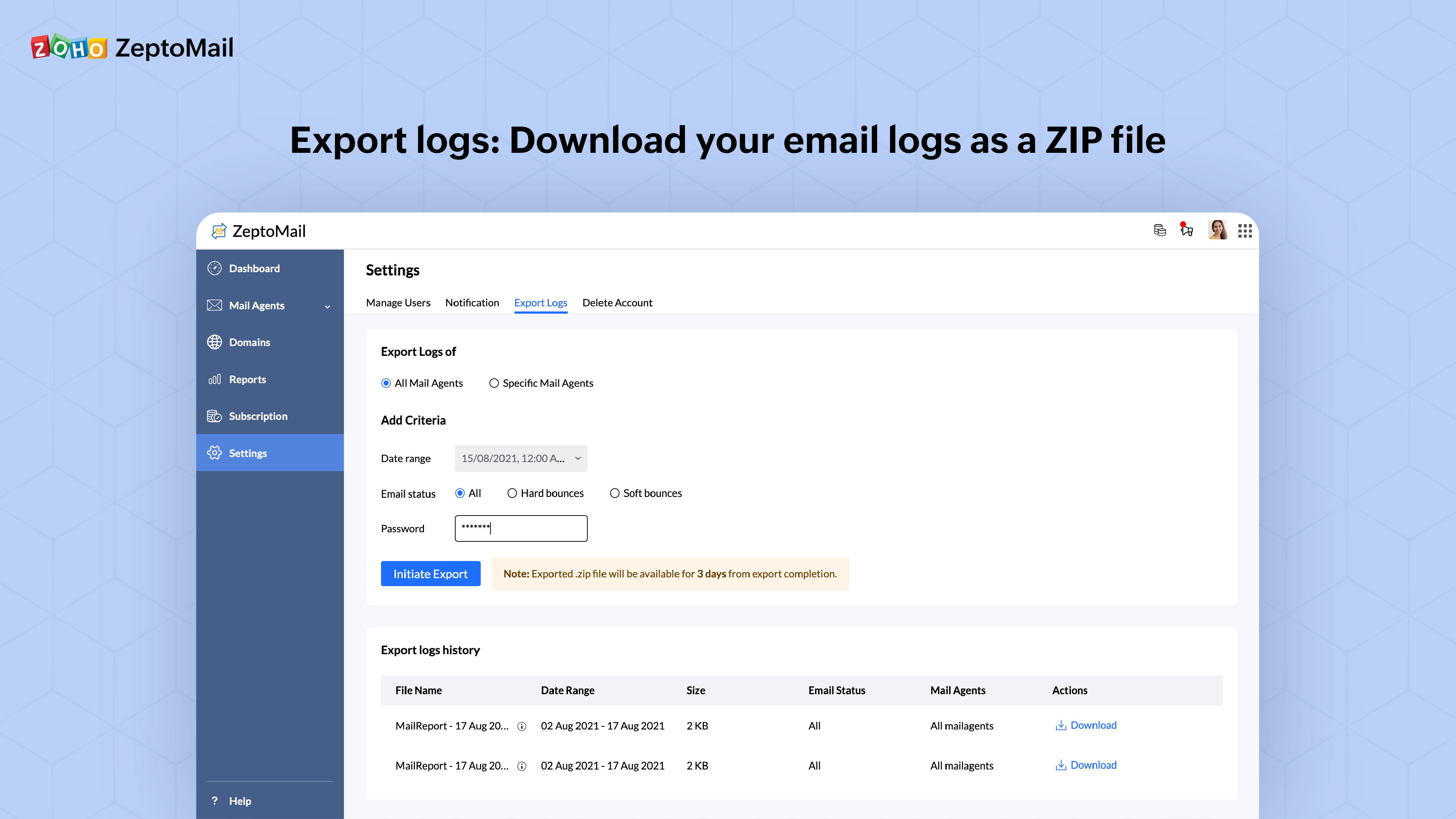
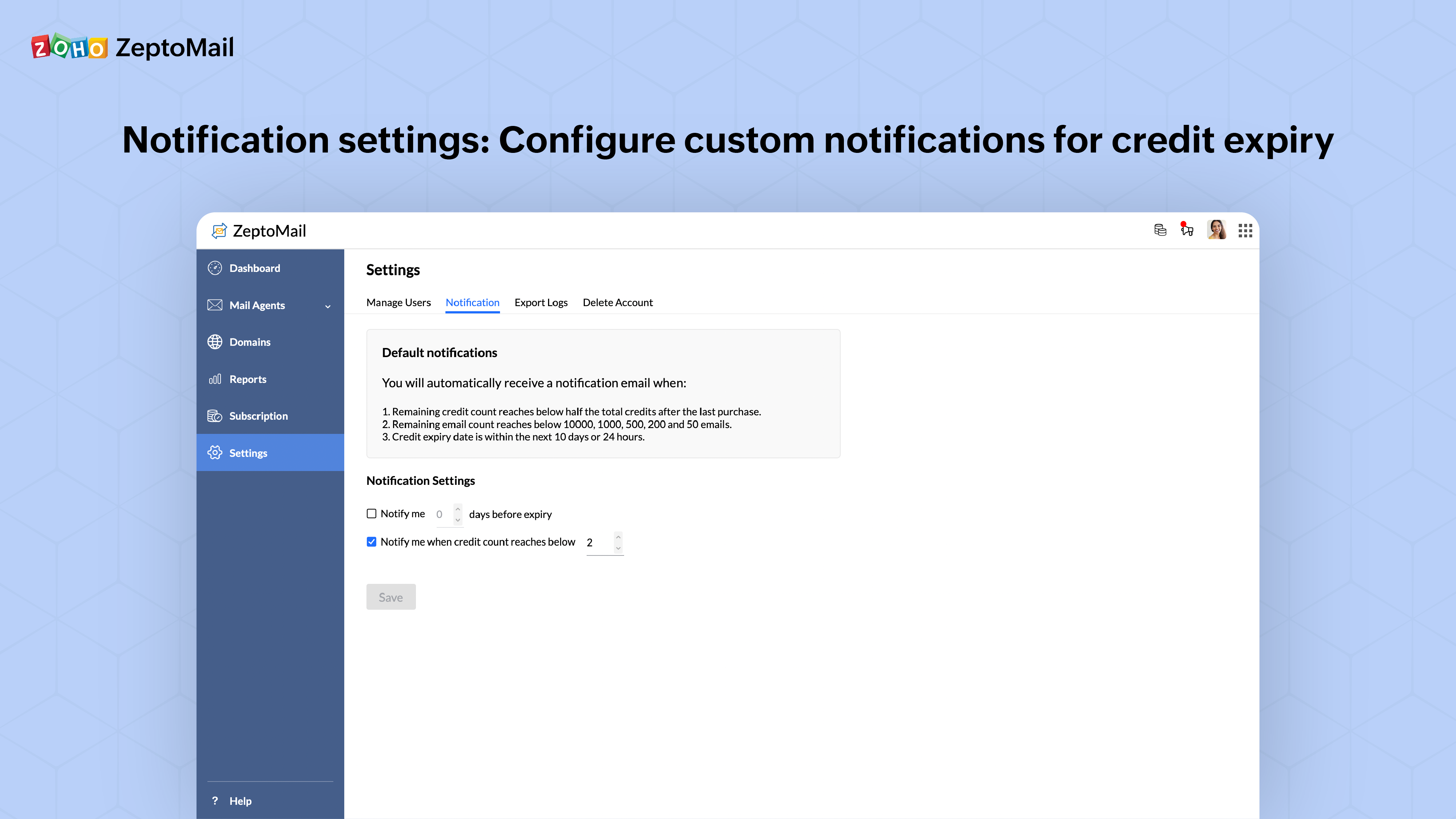
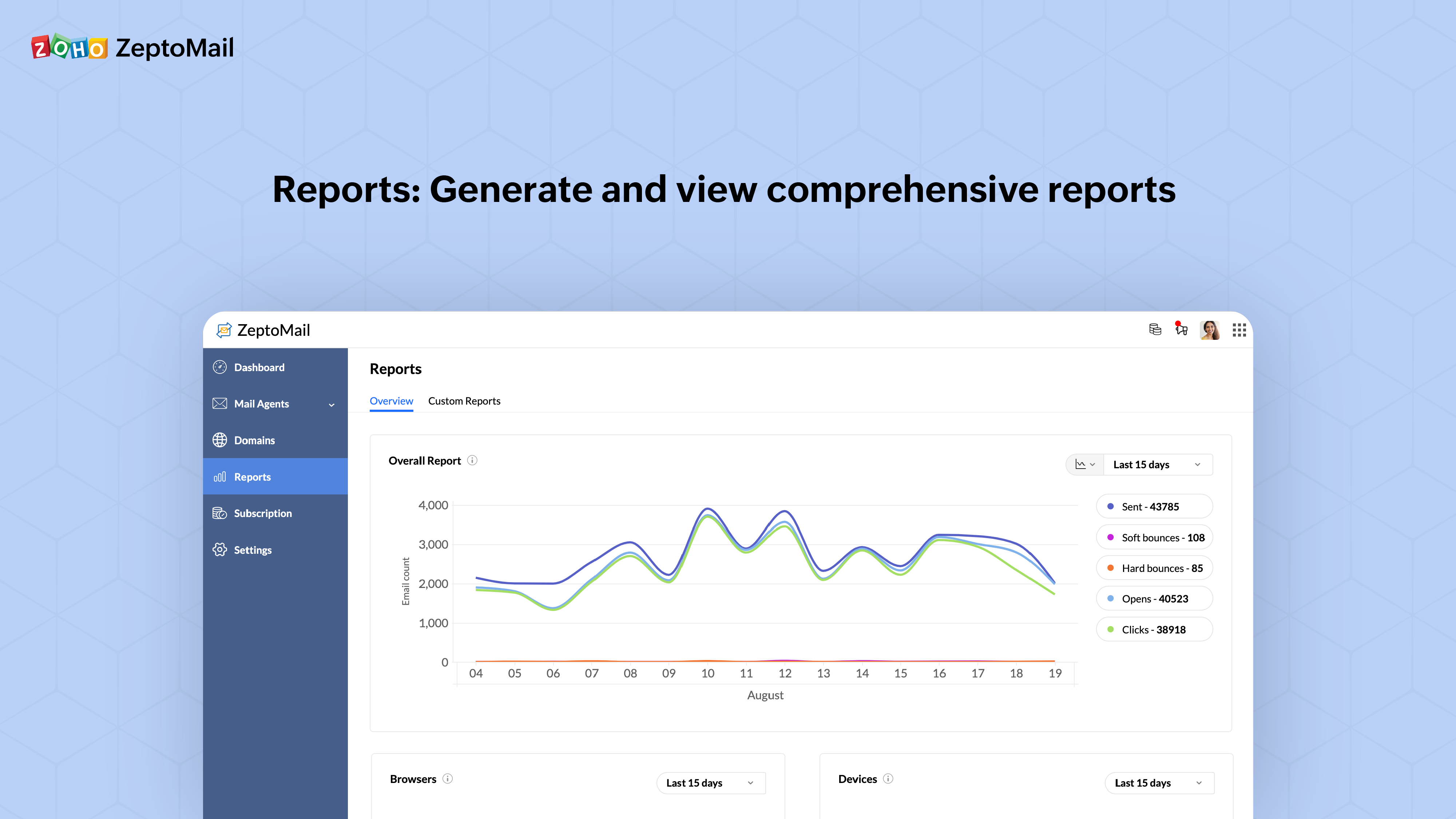
ZeptoMail is a transactional email sending service. Transactional emails acknowledge a transaction between a business and its customers. For example, OTP emails, order confirmation emails, password reset emails etc. With an undivided focus on sending transactional email, ZeptoMail is designed to maintain a strong sender reputation, which ensures high deliverability and good inbox placement for transactional emails. Applications and sites can be configured with ZeptoMail using…
$2.50
per credit (10,000 emails)
Pricing
SendPulse
Zoho Zeptomail
Editions & Modules
No answers on this topic
No answers on this topic
Offerings
Pricing Offerings
SendPulse
Zoho Zeptomail
Free Trial
Yes
Yes
Free/Freemium Version
Yes
No
Premium Consulting/Integration Services
No
No
Entry-level Setup Fee
No setup fee
No setup fee
Additional Details
Pricing starts from $9 a month and depends on the number of messages sent.
—
More Pricing Information
Features
SendPulse
Zoho Zeptomail
Email & Online Marketing
Comparison of Email & Online Marketing features of SendPulse and Zoho Zeptomail
Feature
SendPulse
4.0
12 Ratings
67% below category average
Zoho Zeptomail
-
Ratings
WYSIWYG email editor
2.012 Ratings
00 Ratings
Dynamic content
1.012 Ratings
00 Ratings
Ability to test dynamic content
4.010 Ratings
00 Ratings
A/B testing
3.09 Ratings
00 Ratings
Mobile optimization
2.012 Ratings
00 Ratings
Email deliverability reporting
7.012 Ratings
00 Ratings
List management
6.012 Ratings
00 Ratings
Triggered drip sequences
7.010 Ratings
00 Ratings
Reporting & Analytics
Comparison of Reporting & Analytics features of SendPulse and Zoho Zeptomail
SendPulse is great if you want to connect with your list on a more personal basis, and making sure that your email reaches your subscriber when it is best for him/her. You can also use the SMS function (though I haven't used it yet). Let's say you have clients and want to send a message to them automatically on their birthday, SendPulse allows you to do that. It allows you to add in specific fields that are relevant to you, in order to customise your messaging as much as you want and need.
Its a goto product for transactional emails. Developer friendly and you have control over showing message content to suprressing email deliveries. You can configure multiple domains and create multiple accounts to keep account of usage if you need to. Less appropriate scenarios? I cant think of any use cases. One concern is on the max file size, which is about 15 MB. If you intent to send emails with larger attachments, this may not be the right product for you
A de minimis incentive was given to thank the reviewer for their time. The incentive was not used to bias or drive a particular response, nor was the incentive contingent on a positive endorsement. More Info
A de minimis incentive was given to thank the reviewer for their time. The incentive was not used to bias or drive a particular response, nor was the incentive contingent on a positive endorsement. More Info
A de minimis incentive was given to thank the reviewer for their time. The incentive was not used to bias or drive a particular response, nor was the incentive contingent on a positive endorsement. More Info
I like its Drag and Drop function to design e-mailers but it lacks in some functionalities. Foe example when I write two different contents in a same box I need a line to show separation between my contents in the same box but this feature is unavailable in SendPulse.
They should include more fonts. Every product or service needs different kind of fonts to make a right impact on customers. With limited option of fonts it restricts user's creativity.
It is good to have templates to give users some idea for designing campaigns but here SendPluse has nothing much to offer. They have very limited number of templates.
A de minimis incentive was given to thank the reviewer for their time. The incentive was not used to bias or drive a particular response, nor was the incentive contingent on a positive endorsement. More Info
Code snippets are shown even after years of integration is success and working fine. This can be avoided. Being stable product, none of the dev team logs in now.
There is scope to make templates better than how they are now.
some features like auto-suppression can be shifted to agent/sub-account level. Presently they apply for all emails from all accounts.
A de minimis incentive was given to thank the reviewer for their time. The incentive was not used to bias or drive a particular response, nor was the incentive contingent on a positive endorsement. More Info
I find that overall SendPulse is very intuitive to use and the support is there to help you out in case you don't find how to do what you wish to do. The drag and drop functionalities make it easy to create the newsletters you want. Every field is explained and small tutorials are included to show you how to create a new template, newsletter, etc. which makes it very easy to use.
A good product. I cant rate very good as portal looks like built for developer. Once product is setup and in use, developers wont login, as said code snippeet isnt required. I dont have an option to hide this. I recommend we have more easier way to search the emails, have dashboards that are more relevant. for example, multiple charts on dashboard have differnt time-frame and are opened by default with such settings. Its kind of weird to see this. Another thing is their email alert on usage of the tokens is not well formatted :) I raised this concern a couple of times.
A de minimis incentive was given to thank the reviewer for their time. The incentive was not used to bias or drive a particular response, nor was the incentive contingent on a positive endorsement. More Info
Every time I contacted the support team with a question or a problem, they were very fast in replying and helping me out solve it. Usually latest within 10 minutes I would receive a first answer, and the problem would get solved on the same day.
For SendPulse's price point, I consider their competition to be the likes of Mailchimp, ConstantContact, etc. While SendPulse rates roughly average across the board in all areas, for businesses looking for the cheapest option (which comes with a lack of features/quality), ConstantContact beats them. For quality/features/value, I'd say Mailchimp is the best option for small businesses.
A de minimis incentive was given to thank the reviewer for their time. The incentive was not used to bias or drive a particular response, nor was the incentive contingent on a positive endorsement. More Info
A de minimis incentive was given to thank the reviewer for their time. The incentive was not used to bias or drive a particular response, nor was the incentive contingent on a positive endorsement. More Info
A de minimis incentive was given to thank the reviewer for their time. The incentive was not used to bias or drive a particular response, nor was the incentive contingent on a positive endorsement. More Info
A de minimis incentive was given to thank the reviewer for their time. The incentive was not used to bias or drive a particular response, nor was the incentive contingent on a positive endorsement. More Info