Doist, a company boasting an entirely globally distributed workforce, offers Todoist, a project management platform emphasizing the needs of a distributed workforce. The application emphasizes tracking events over time with advanced closed task and progress reporting, with custom graphics for sharing or ease of review.
$10
per month per user
Zoho Tables
Score8.2 out of 10
N/A
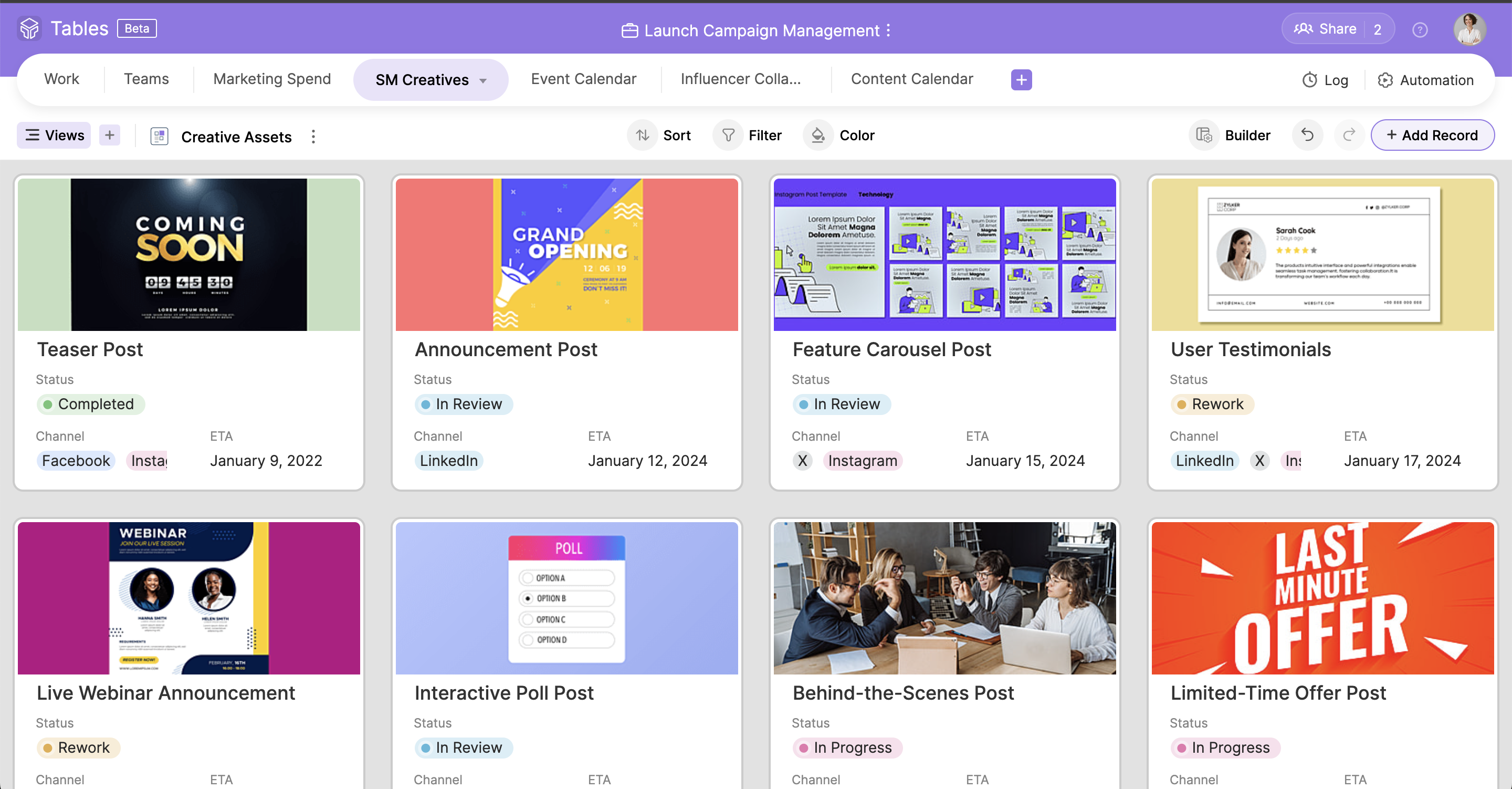
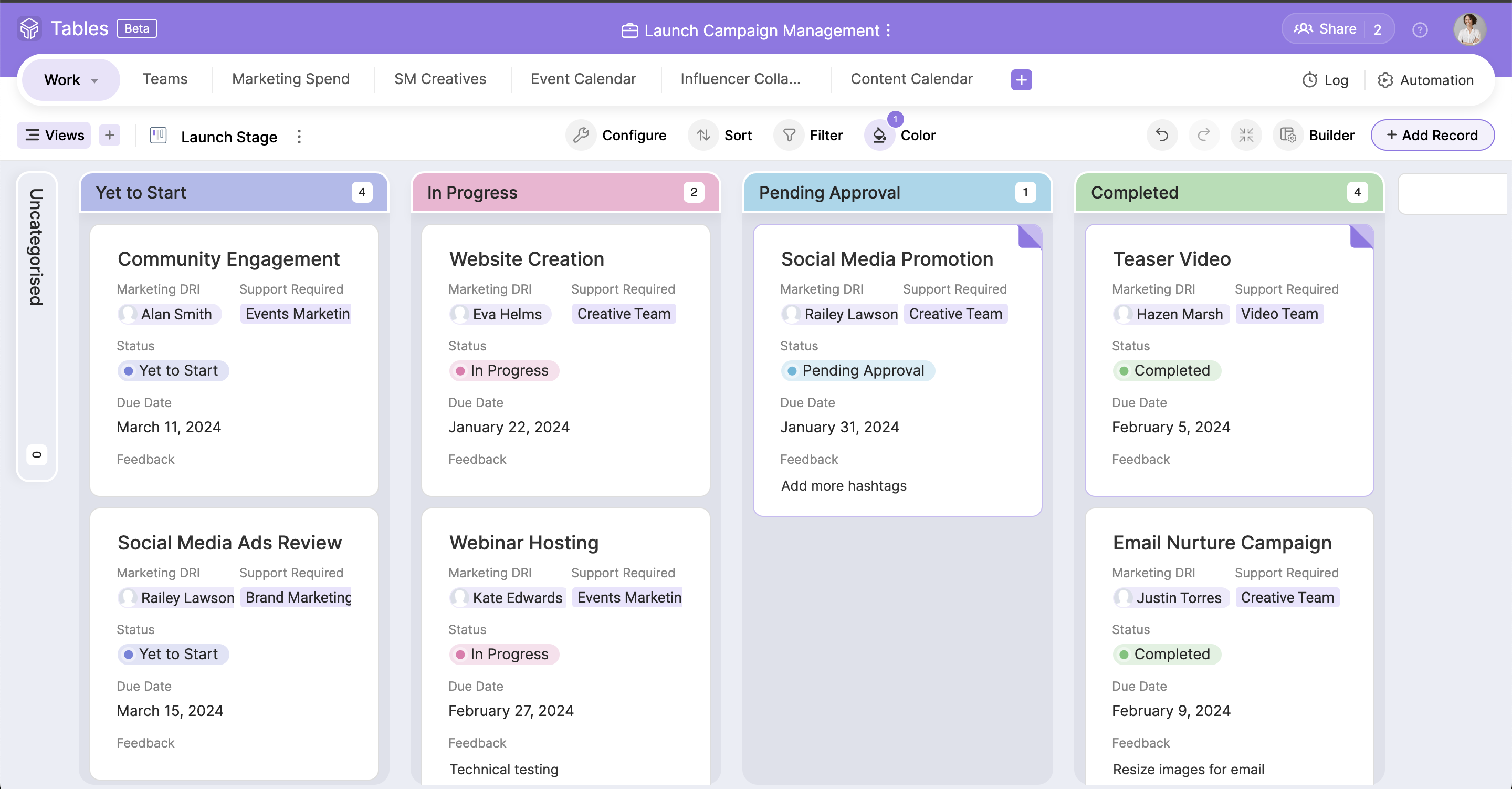
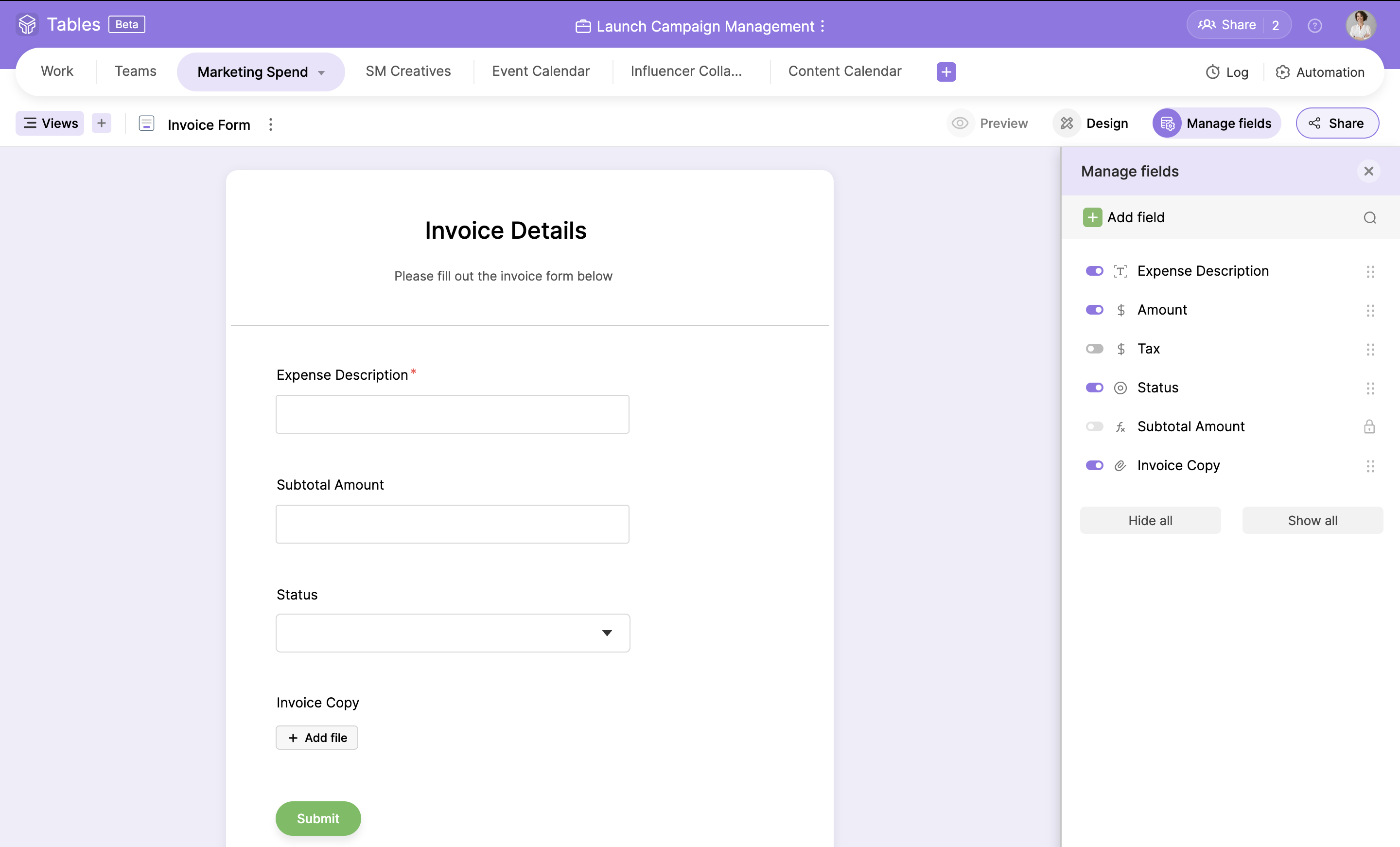
Zoho Tables is a no-code spreadsheet-and-database hybrid, combining familiar spreadsheet workflows with the advanced capabilities of a relational database. With five distinct views—Grid, Gallery, Kanban, Calendar, and Form—Zoho Tables allows users to visualize data in the way that best suits the task. It can also be used to build interactive dashboards to bring key metrics together, monitor progress, and gain valuable insights at a glance. Beyond…
There have been lots of times when we need to add a new habit into our daily work routines, and having the option to do so in the To-Doist app on the very first screen is incredibly helpful. It's a good reminder, and I believe that professionals who truly appreciate and properly value the implementation of good habits would be very grateful for this feature. It's also a time saver because you don't have to manually type it in every day/week / etc.
A de minimis incentive was given to thank the reviewer for their time. The incentive was not used to bias or drive a particular response, nor was the incentive contingent on a positive endorsement. More Info
Zoho Tables has been great! I have outlined many of my descriptions in my previous answers. It works great for many things, and could do with just a bit more refinement in the ability to customize what it can turn into. However, the best part of Zoho Tables is the simplicity of its original "blank" state. With the right pre-made User-defined automations for primary zoho apps such as projects and CRM, this would become our commonly used tool as a central hub for all our operations.
A de minimis incentive was given to thank the reviewer for their time. The incentive was not used to bias or drive a particular response, nor was the incentive contingent on a positive endorsement. More Info
A de minimis incentive was given to thank the reviewer for their time. The incentive was not used to bias or drive a particular response, nor was the incentive contingent on a positive endorsement. More Info
The Todoist application now works almost identically across all platforms. There is a minor improvement that I would like to see on iOS and that is the ability to show task count by custom filter.
In Board view, I want to be able to easily add sub-tasks to a parent task.
Besides those two minor improvements, I am extremely happy with the application.
A de minimis incentive was given to thank the reviewer for their time. The incentive was not used to bias or drive a particular response, nor was the incentive contingent on a positive endorsement. More Info
Ability to create subgroups in a simple fashion in the Zoho Tables. That allows for drop downs. Does not change the formatting of any cells unless specifically addressed by user. But a light column is added at the start of the table with a button to dropdown each row.
Ability to fill a cell with color without reason or specific selection of field options, add an option for a simple color bucket fill.
It would be great to have an efficient way of updating tasks, projects, etc all on one table easily set up by the user! (Ie. When column "Next Action" equals "Add Task to Project 1" without using deluge)
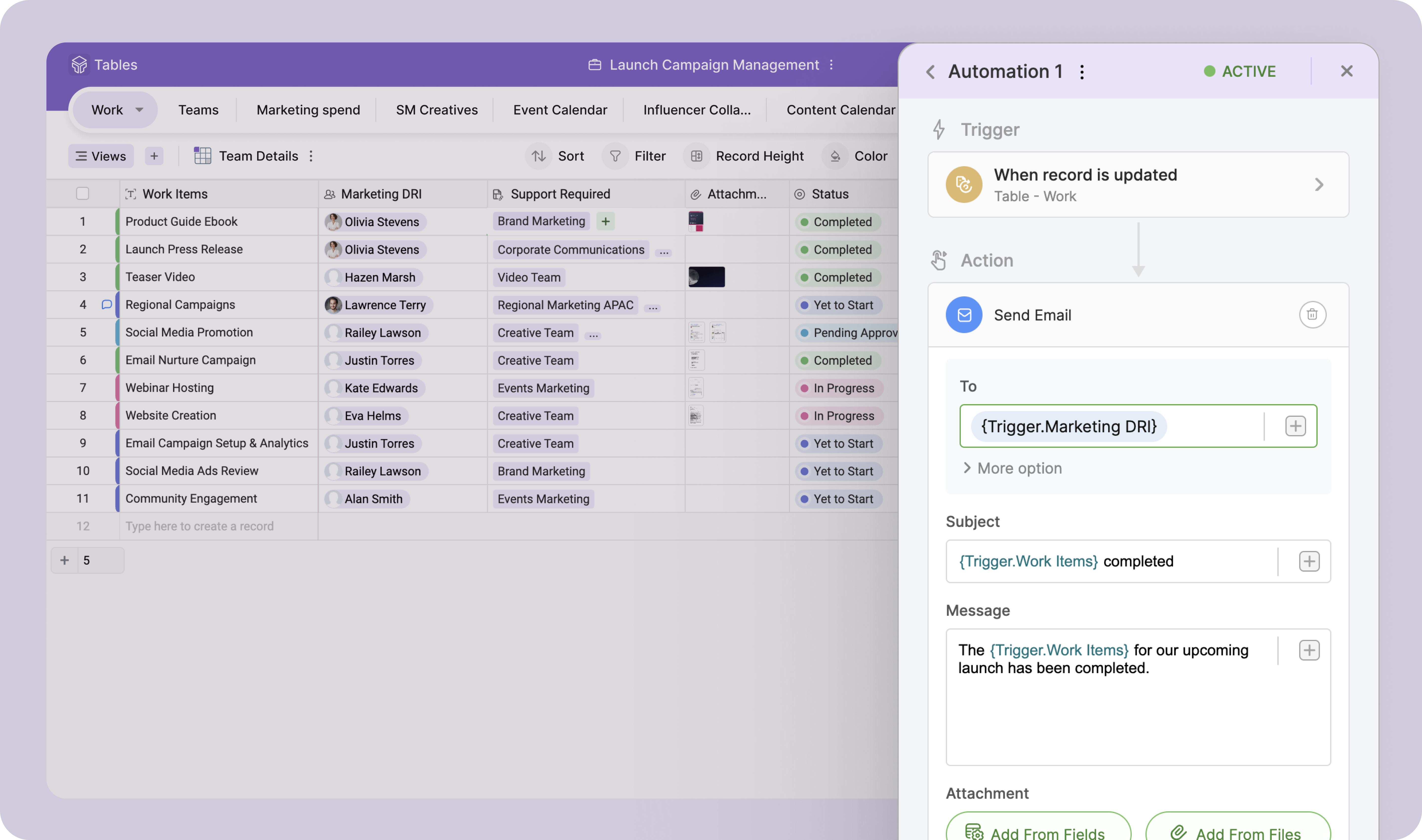
The best pre-made automations for Zoho Tables would be with all {} being user defined selections:
- Update {Selected Task Field} on {Task} when {Column}...
- When {Row} on table is created or edited: Add {Column} as a Task on {Project} in {Task List} then map {Related Table Columns} to {Project Columns}
Excellent features and concept, simple implementation, but the software is not very clear in training new users and communicating features. The occasional unexplained crash or freeze is not handled gracefully by the desktop software, requiring either the user or tech support to manually restart.
A de minimis incentive was given to thank the reviewer for their time. The incentive was not used to bias or drive a particular response, nor was the incentive contingent on a positive endorsement. More Info
Simple to use and as a Zoho user, for over a year, I had no issues whatsoever implementing tables almost within minutes to replace Airtable and other databases that were being used as intermediaries, without the automation. Highly recommend (note: in very early stages of testing)
A de minimis incentive was given to thank the reviewer for their time. The incentive was not used to bias or drive a particular response, nor was the incentive contingent on a positive endorsement. More Info
I've used Todoist for about three years now and I haven't needed to contact support, which I'm considering a 10 out of 10. Honestly, their platform is so easy to use that I never had to look up a knowledge base or forum to be able to do what I wanted in Todoist. So I'm not sure what their support system looks like or how it works, but I do know that if I haven't needed support, that's also a good sign!
A de minimis incentive was given to thank the reviewer for their time. The incentive was not used to bias or drive a particular response, nor was the incentive contingent on a positive endorsement. More Info
[Todoist: To-Do List & Task Manager] is significantly simpler and cheaper than most of the alternatives and doesn't complicate the management of tasks with a plethora of unnecessary features. While all the alternatives have strong feature sets, what Todoist does better than any of them is manage tasks, in theory the central point of them all.
A de minimis incentive was given to thank the reviewer for their time. The incentive was not used to bias or drive a particular response, nor was the incentive contingent on a positive endorsement. More Info
Zoho Projects is great for it's intended use to track and manage projects, and the CRM is also great for it's intended use. However, when you are managing operations, everything essentially "ties" together when you are needing to make next decisions. This really comes into play for meetings, and to do lists, etc. Sometimes, all of the detail does not matter when you are trying to operate efficiently. For example, during a meeting, many times we will review KPIs (comes from CRM but in Analytics), then projects, and then general topics. At all points throughout the meeting, tasks are coming up which need to be added, etc. All range vastly resulting in a lot of different places. With Zoho Tables, I am basically working on a blank canvas of cells that can pull data from where I need it too and the more user friendly the ability to set up automations and workflows to be a central hub/home base type tool, the better it would be!
Location-based reminders ensured that my staff didn't miss things when they went onsite with a customer. This has led to renewals on a regular basis.
Sharing of task visibility for managers with their direct reports has enhanced 1-on-1 meetings and ensured that field coaches kept focused
The cost of Todoist vs. the value it creates is a huge selling point for the software. For the price per user, I've found nothing that even comes close!
A de minimis incentive was given to thank the reviewer for their time. The incentive was not used to bias or drive a particular response, nor was the incentive contingent on a positive endorsement. More Info
I have not had much ROI on this specific tool just yet. But I do foresee the ability to streamline a lot of our operations as we are beginning to scale.