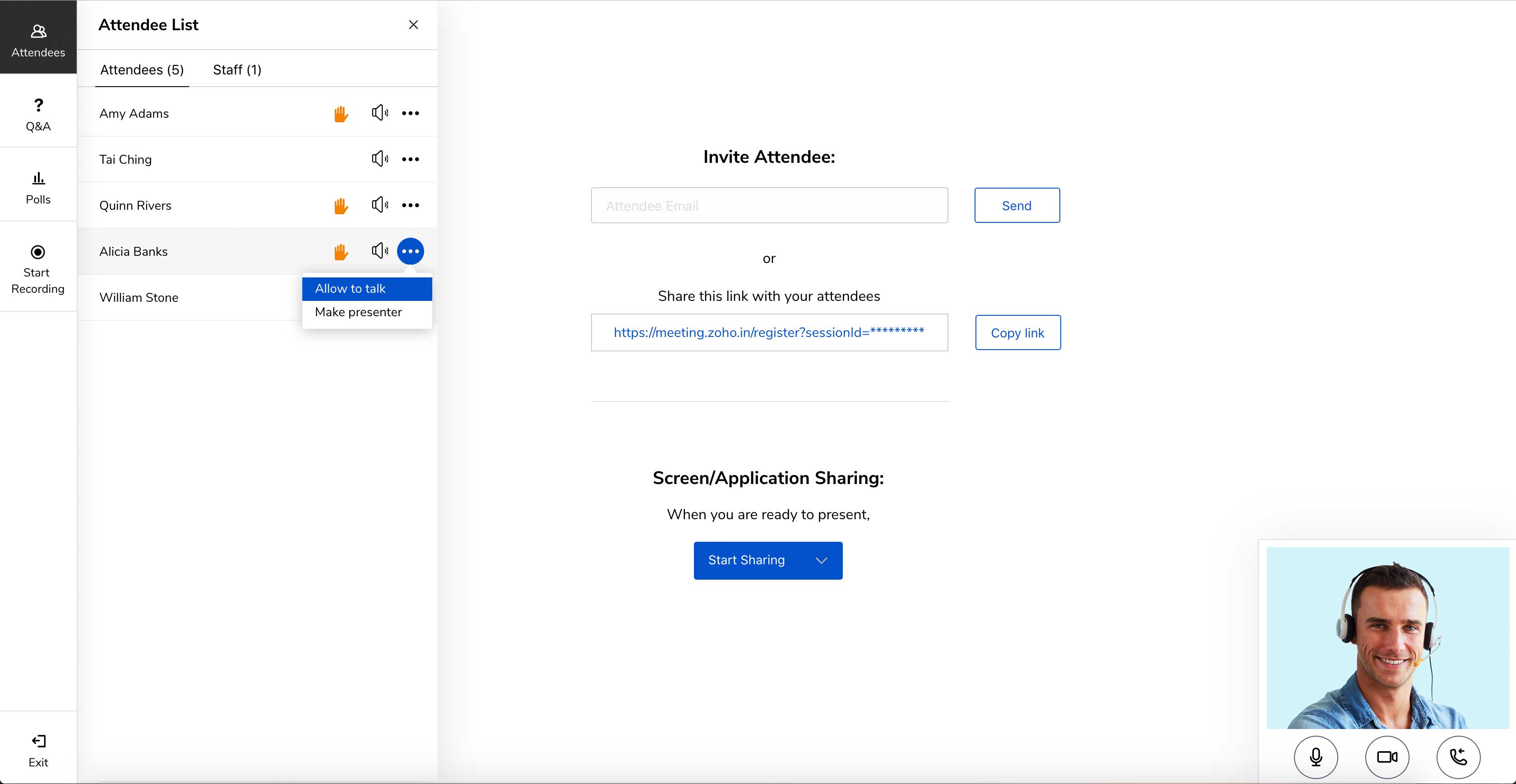
Zoho Meeting is a web-based online meeting solution.
$3
per month
Zoom Rooms
Score 8.5 out of 10
N/A
Zoom's conference rooms that make it easy to run or join video meetings with a tap of a button. Zoom Rooms bring HD video collaboration into any space – in the office, in the classroom, or at home – and enables in-person and remote participants to interact in real time. The solution also makes it simple to start a meeting, book a room, and share content.
$498.96
per year per room
Pricing
Zoho Meeting
Zoom Rooms
Editions & Modules
MEETING - 10
$3
per month
MEETING - 50
$9
per month
MEETING-100
$12
per month
MEETING - 250
$18
per month
Webinar -25
$19
per month
Webinar - 50
$29
per month
Webinar - 100
$39
per month
Webinar - 250
$79
per month
Webinar - 500
$125
per month
Webinar - 1000
$200
per month
No answers on this topic
Offerings
Pricing Offerings
Zoho Meeting
Zoom Rooms
Free Trial
Yes
No
Free/Freemium Version
Yes
No
Premium Consulting/Integration Services
No
No
Entry-level Setup Fee
No setup fee
No setup fee
Additional Details
You can also get the toll-free add-on at $20/month and additional storage space for 200 sessions recording at $20/month for your organization.
Hardware not included in price.
More Pricing Information
Community Pulse
Zoho Meeting
Zoom Rooms
Features
Zoho Meeting
Zoom Rooms
Performance & Compatibility of Online Events Software
Comparison of Performance & Compatibility of Online Events Software features of Product A and Product B
Zoho Meeting
8.5
11 Ratings
7% above category average
Zoom Rooms
8.4
22 Ratings
6% above category average
High quality audio
8.811 Ratings
8.721 Ratings
Low bandwidth requirements
8.011 Ratings
7.710 Ratings
Mobile support
8.811 Ratings
00 Ratings
High quality video
00 Ratings
8.622 Ratings
Screen Sharing
Comparison of Screen Sharing features of Product A and Product B
Zoho Meeting
8.9
11 Ratings
12% above category average
Zoom Rooms
8.7
13 Ratings
10% above category average
Desktop sharing
8.911 Ratings
8.413 Ratings
Whiteboards
00 Ratings
9.11 Ratings
Online Meetings / Events
Comparison of Online Meetings / Events features of Product A and Product B
Zoho Meeting
8.9
11 Ratings
9% above category average
Zoom Rooms
8.9
13 Ratings
9% above category average
Calendar integration
9.011 Ratings
8.513 Ratings
Meeting initiation
8.711 Ratings
8.513 Ratings
Record meetings / events
9.011 Ratings
8.612 Ratings
Slideshows
00 Ratings
10.01 Ratings
Online Events Collaboration
Comparison of Online Events Collaboration features of Product A and Product B
Zoho Meeting
8.5
10 Ratings
5% above category average
Zoom Rooms
8.4
8 Ratings
4% above category average
Live chat
8.59 Ratings
8.48 Ratings
Audience polling
8.510 Ratings
00 Ratings
Q&A
8.59 Ratings
00 Ratings
Online Events Security
Comparison of Online Events Security features of Product A and Product B
Anyone who needs assistance with a work-related issue can take advantage of this service. Because of this, the entire company benefits from increased effectiveness, openness, and output in all areas. Sharing a computer's screen has been an enormous help. Stability issues increase when a major meeting occurs. Make sure you buy the paid version because you won't find a good free version.
User friendly, reliable and inclusive to remote audiences. The product grows organically for us which speaks for itself ; the business at sites we could not equip with our initial investments requests it. We have made the choice of Zoom rooms 5 years ago and it is still one our our star products supporting frictionless collaboration.
Embed meeting link feature- The feature is unique to Zoho Meeting and helps attach meeting link to website, thus anyone accessing [the] website can join the meeting with just one click of a button.
Surveys and questions are prepared pretty seamlessly in Zoho Meeting as compared to other video conferencing applications.
As mentioned earlier, webinar analytics i.e. the way all the questions and surveys data is presented in .csv file is very easy to understand and helps the team lead a lot in understanding and getting to know the team better.
Support is prompt, but not always the most immediately knowledgable or helpful.
Admin portal is convoluted. There's gotta be a better way to assign scheduling permisissions.
Zoom account managers are constantly being reassigned. It is nearly impossible to keep track of who presently is our account manager. When we were going through the process of looking into Zoom Phone, our manager was literally switched twice, resulting in us working with three total managers during that two-month process.
Zoho Meeting is very easy to use and very effective collaborating tool. If I say about the usability, this application is highly usable because oaf it's cost effective nature, user friendly interface, empathetic customer services and amazing application features. Most importantly, it ensures data security for the company. Overall, the usability of the application is trustworthy.
User friendliness (experience very similar to the already familiar Zoom app), consistency of the UX across locations and manufacturers. Screen sharing is made super easy (proximity). Zoom rooms support strategic needs for Hybrid work and reduced travels. Backend admin interface is simple (that's good) and provides useful dashboards for trend analysis.
Zoho Meeting's support team was always good their response time. Many of their customers come to them with a complete lack of knowledge and I think they're well aware of that. they were friendly and knowledgeable so it was always a good experience contacting them. but I think it's better if they can open a hotline for their paying customers
Zoho Meeting is very affordable and it suits better for the small business like ours. In addition to these, it offers the same features Microsoft Teams does. It has better adaptability compared to teams both in desktop and mobile applications. Moreover, it ensures data security as they do not rely on 3rd party
I personally think Zoom Rooms is superior to Teams. I have setup 3 or 4 Zooms Rooms for my organisation and it is pretty straightforward to do without any formal training or education on Zoom Rooms. My experience with Teams was the opposite. A horrible interface and options deliberately hidden away in menus levels deep. On top of which, Zoom Room outperforms Teams Rooms in both video and audio. On the desktop, Teams is a bloated app whereas, in my experience, Zoom Rooms works well.