TrustRadius: an HG Insights company

iSpring LMS

Score9.5 out of 10

67 Reviews and Ratings

What is iSpring LMS?

iSpring LMS is an LMS developed by iSpring Solutions. iSpring LMS automates corporate training and helps to improve employee retention through quality onboarding, on-the-job training, gamification and engagement mechanics. With iSpring LMS, training and development professionals can launch eLearning fast, without any technical skills. Also, account owners can customize or white-label the learner portal to reflect their corporate branding.

Read more details.

Media

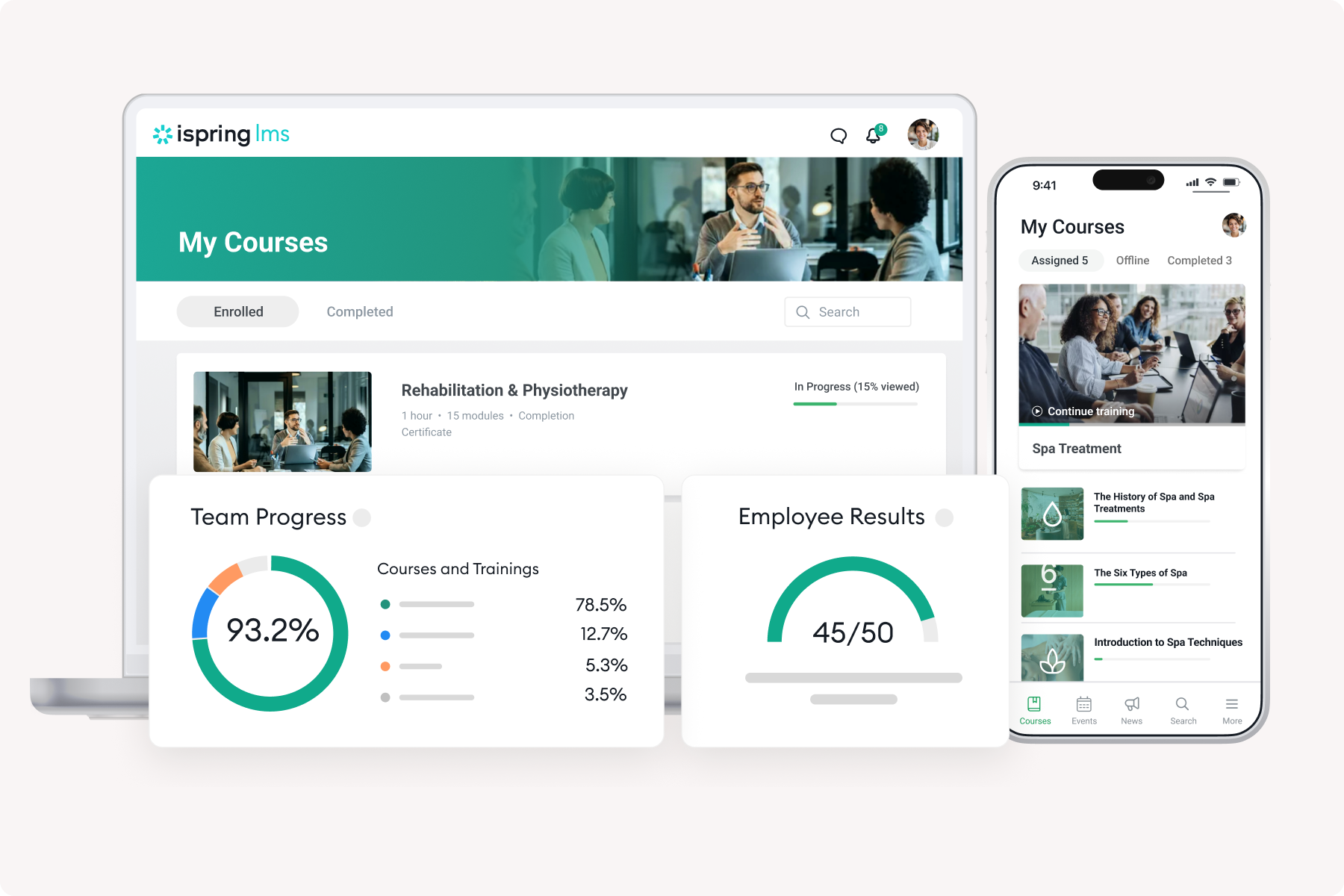
Screenshot of iSpring LMS
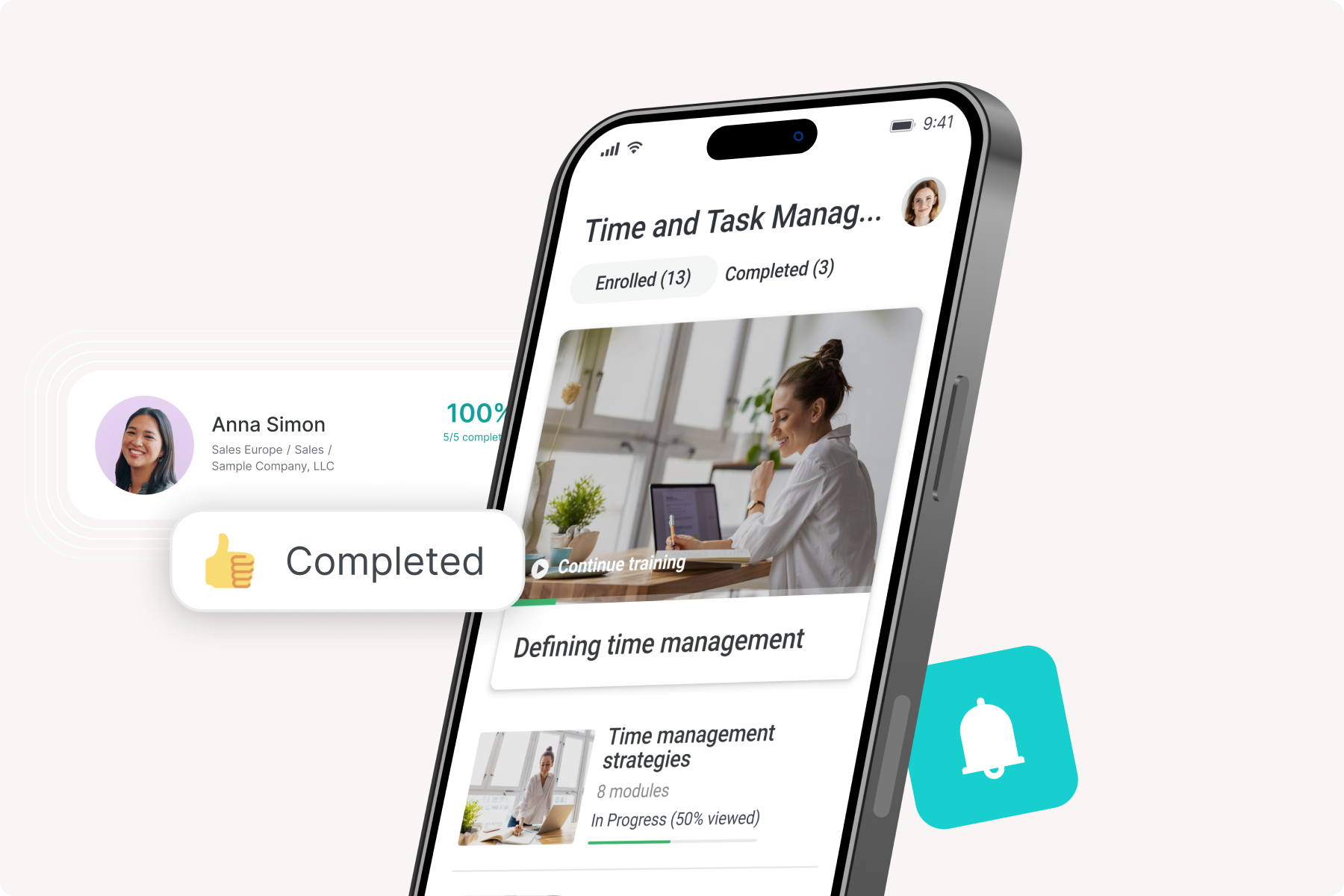
Screenshot of the native mobile app
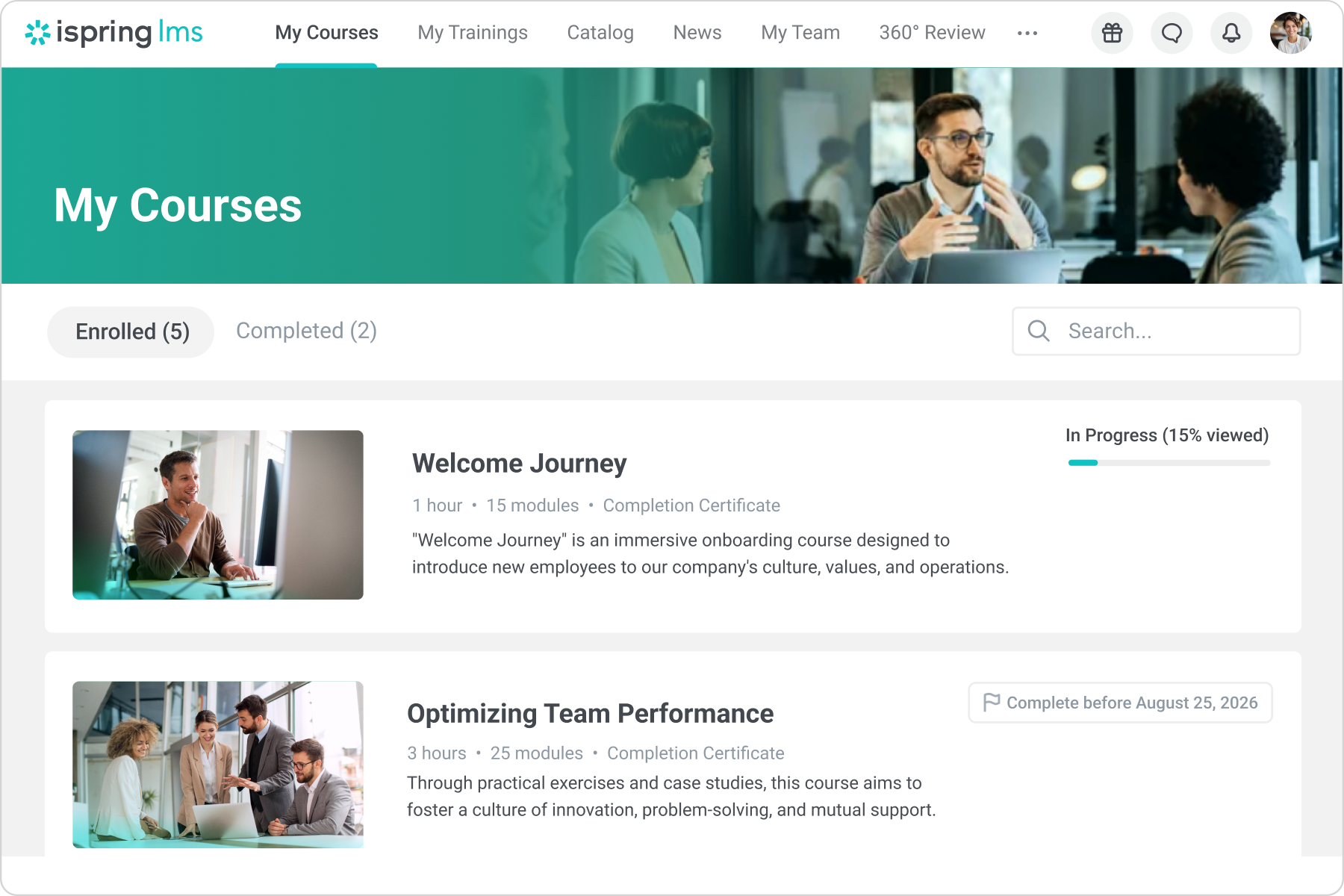
Screenshot of the user portal
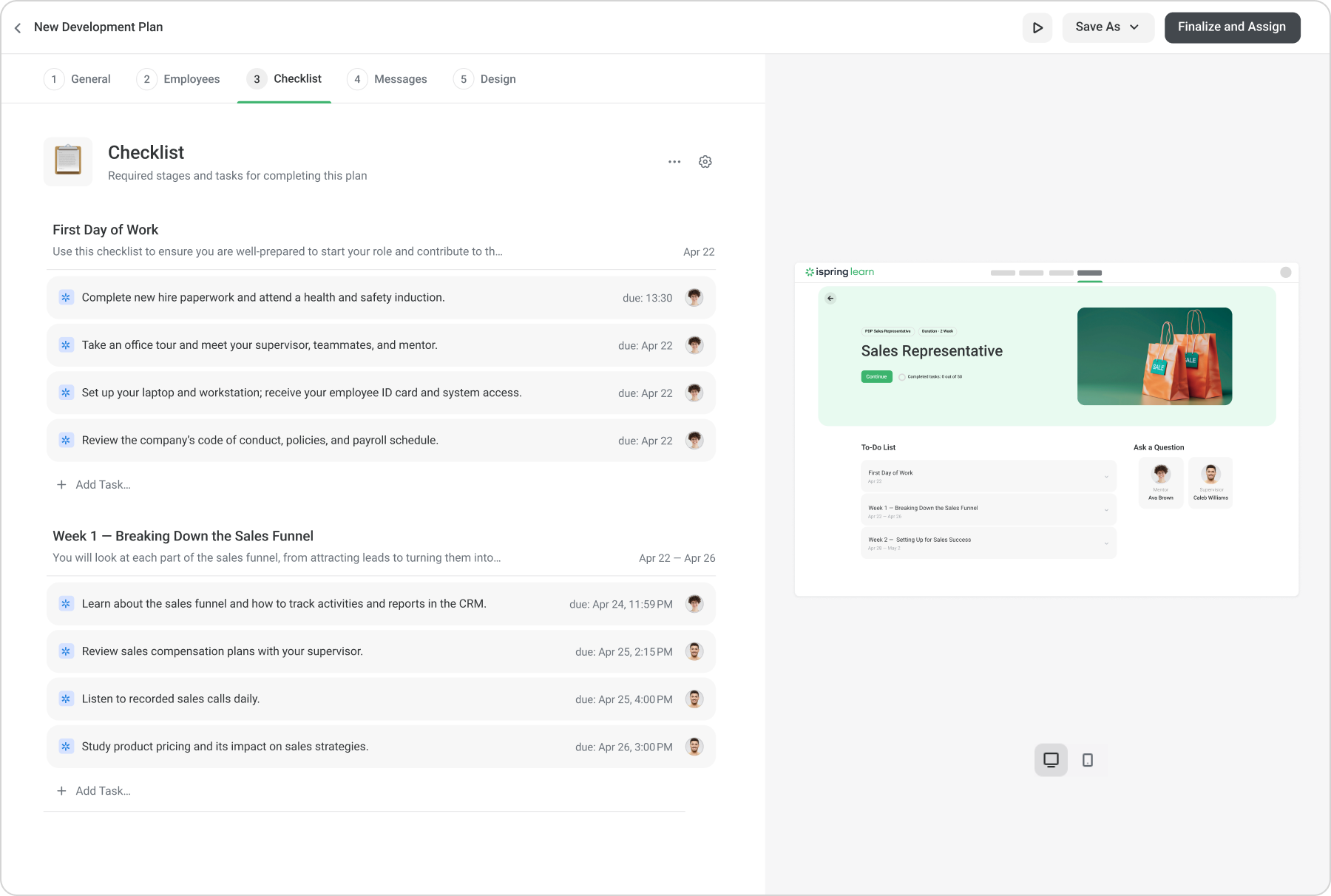
Screenshot of development plans
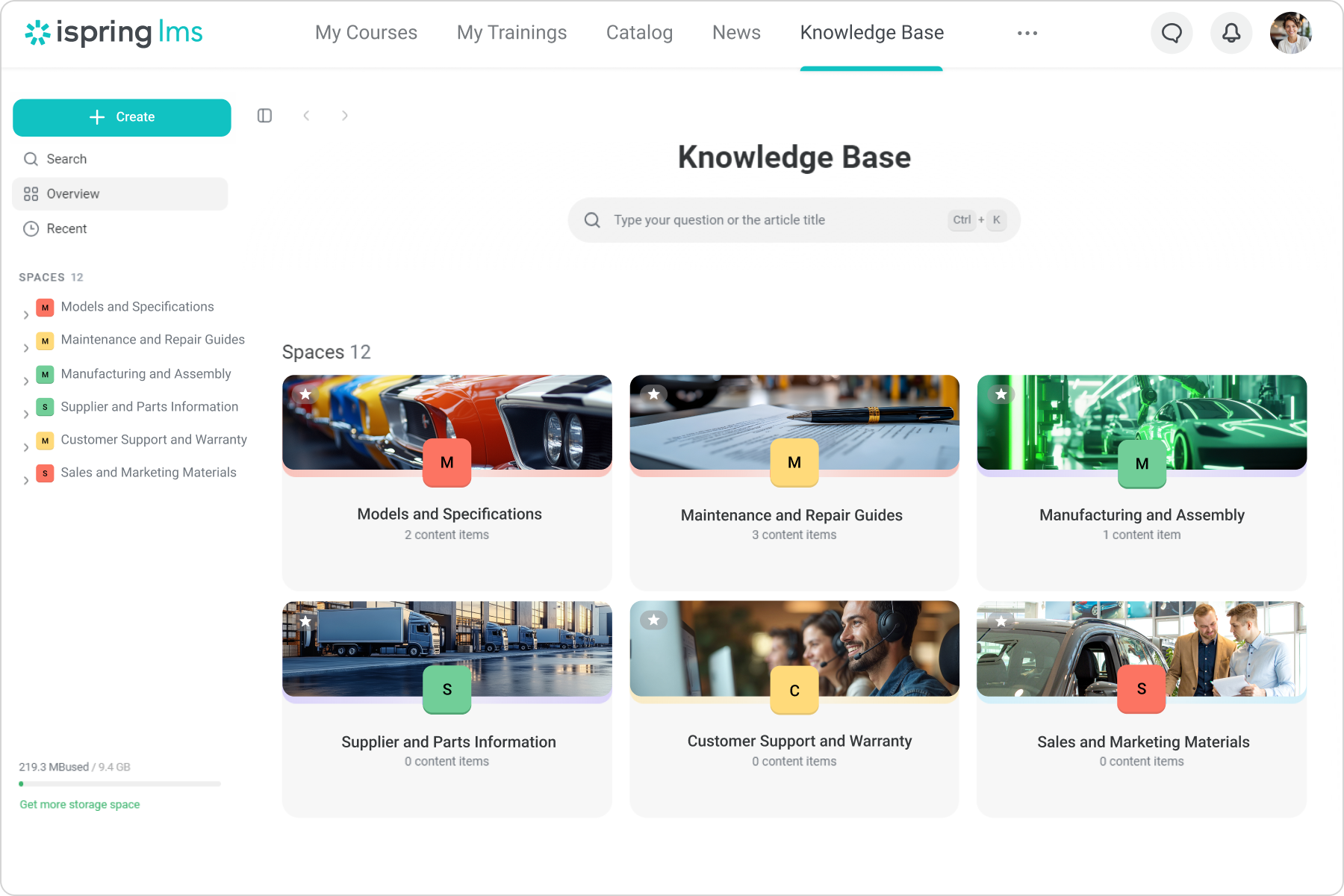
Screenshot of the knowledge base
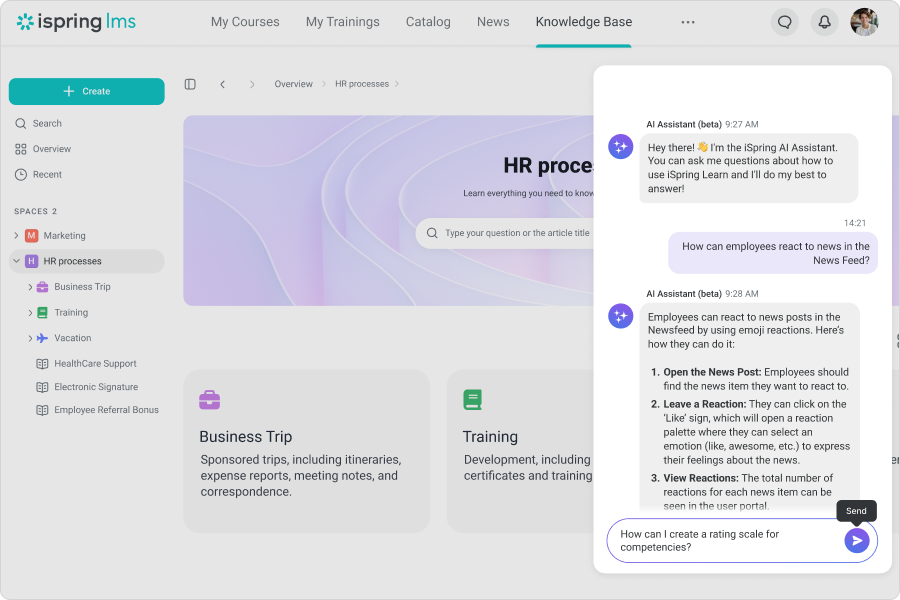
Screenshot of the AI assistant
Screenshot of a 360-degree review
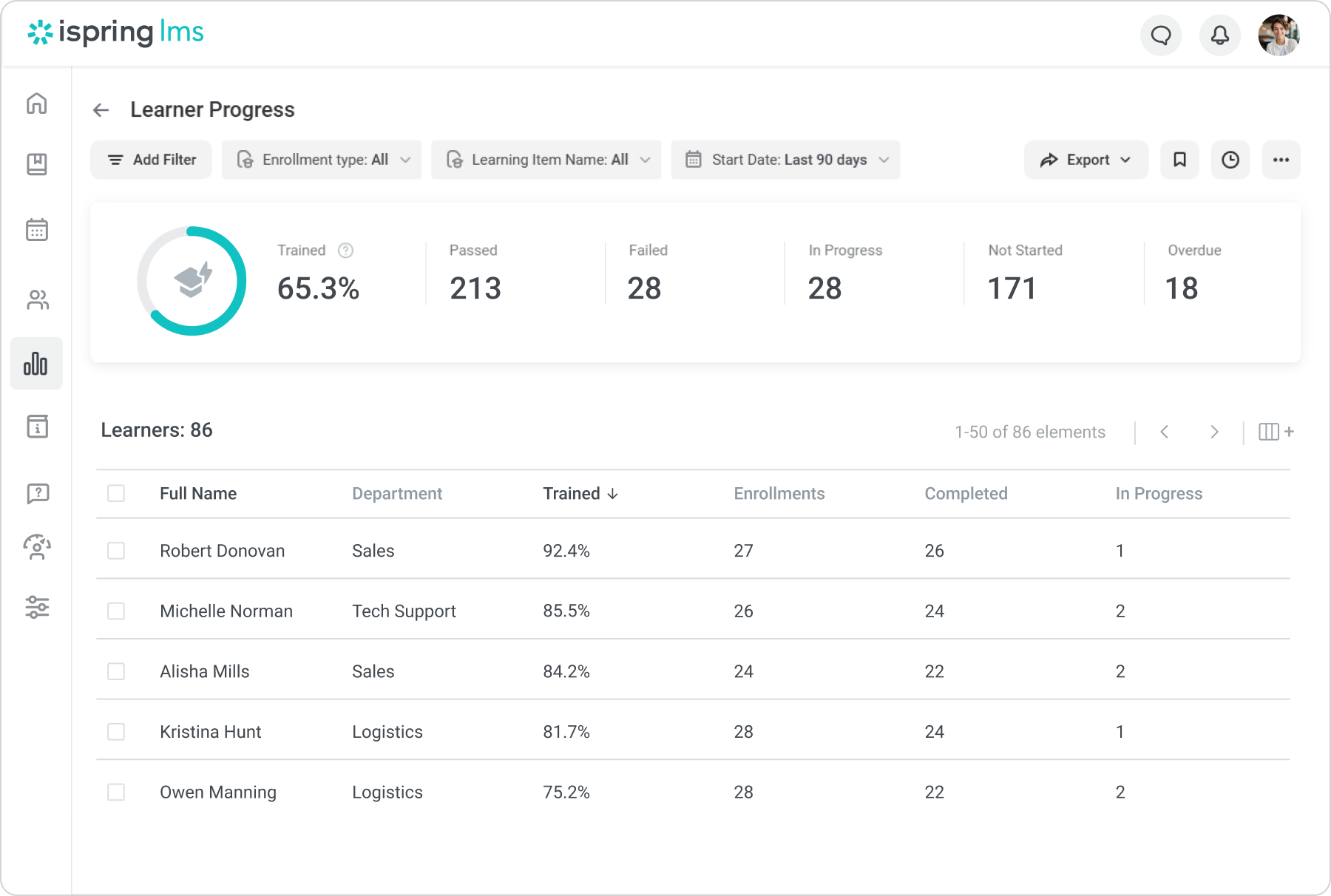
Screenshot of the reporting and analytics interface
Screenshot of the interface to build interactive scrollable courses with AI right inside iSpring LMS
Screenshot of the events calendar

1 / 10

Screenshot of iSpring LMS

Top Performing Features

  • Learning administration

    Administrators can manage the content and people (students/employees, course authors, instructors, etc.) on the platform.

    Category average: 8.4

  • Player/Portal

    Students or employees can engage with content and take courses using this interface, which may be called a player or portal.

    Category average: 7.5

  • Assignments

    Users can assign courses/curricula to individuals or groups, with due dates.

    Category average: 8

Areas for Improvement

  • Gamification

    Presents course material in a game-like format to increase engagement and enjoyment.

    Category average: 6.7

  • Compliance management

    Users can identify potential risks and ensure that requirements are met and that certifications are up to date.

    Category average: 8.8

  • Learning content

    The vendor offers high quality pre-made courses or assets. These may be specific to certain industries or technologies.

    Category average: 7.5

Who Buys & Uses iSpring LMS

iSpring Learn has made a huge difference in our company!

Use Cases and Deployment Scope

iSpring Suite Max and iSpring Learn is used in our business to create e-learning content within the Learning and Development department to put engaging training modules together to roll out to our employees on personal skills training, mandatory policy training and compliance training. This platform has created a better culture around learning due to the engagement modules we can now put together thanks to iSpring!

Pros

  • Tutorials are available if you are unsure on anything
  • Customer support is always there on live chat to resolve your technical issues
  • The interactive slides help create more engaging content

Cons

  • Some limitations where you can't create exactly what you want either in the design of interactions or lack of varied interactions
  • Images cannot be moved to where you want them on the interaction slides
  • Layout of interactions can't be adjusted and overides your powerpoint background
  • If you have to edit a course and delete it off iSpring Learn then the records of all the people associated to that course are swiped and there's not a way of retrieving the information.

Return on Investment

  • I feel since we have introduced iSpring to our employees we have retained more employees then before
  • Some individuals do complain when they don't receive their email through for the training (this happens frequently) making them not want to use the platform
  • Overall this has been a great addition to our resources which is helping to encourage more of a learning culture in our organisation

Alternatives Considered

iSpring Suite

Other Software Used

iSpring Suite

We got even more than we bargained for

Use Cases and Deployment Scope

We needed a tool that we could use to train new hires effectively and also store all of our company trainings, video recordings, etc. We signed on with iSpring Learn 1.5 years ago to help with that, and it's been fantastic. We created learning tracks with structured courses for new hires and managers, and our teams have found iSpring Learn easy to use.

Pros

  • On-the-job training checklists
  • Intuitive UI/UX, easy to find training material
  • Publishing news to the entire company
  • Building new courses with easy tools

Cons

  • Connection between various parts of the system, like connecting "Assignments" and "On-the-Job Training checklists"
  • Allowing managers to view Performance Appraisals they've filled out even if the company hasn't "closed" the review cycle yet
  • More quiz question types (without having to buy iSpring Suite)

Return on Investment

  • Enabled us to grow our employee base by 20%+ last year
  • Essentially 1 person has been all it takes to run our LMS (rather than requiring tons of people to manage it)
  • Seamlessly onboarded over 100 new hires using the system in 1 year

Alternatives Considered

WorkRamp, LearnDash, Docebo Learning Platform, Tovuti LMS and Litmos

Other Software Used

Microsoft Teams

Great Tool! Easy to Use!

Use Cases and Deployment Scope

iSpring Learn has allowed me to spend more time teaching and training employees and less time managing training materials and programs!

Pros

  • Automatically re-enrolling employees when a certificate expires. Set it and forget it!
  • If set up properly from the beginning, you don't have to do much, with the roles and groups settings, you can automate a large portion of the course management.
  • I can provide visibility to anyone about any employee necessary, allowing me to put more responsibility on my managers, instead of doing it all myself.

Cons

  • Some of the words they use for features, are commonly used words for other things, so it can be a bit confusing to learn the different features.
  • There can be a lot of redundancy when setting up users and courses.
  • I want the lead administrator to see the dashboards that the managers can see for their teams.

Return on Investment

  • I can train more people and I can do it in less time.
  • I can provide repetitions for stronger retention.
  • I can clearly know who has or hasn't completed tasks or failed quizzes to know who needs extra help.

Alternatives Considered

Articulate 360, LearnUpon, BrainCert, Docebo Learning Platform, 360Learning, GyrusAim, eloomi, AITalent LMS, CYPHER Learning and Rockstar Learning Platform

Other Software Used

iSpring Suite, Vyond, Microsoft 365

Great product!

Use Cases and Deployment Scope

We have used iSpring for our Leadership Learning and Development, and it has been awesome! Their setup is so easy and instinctive to use, and the customer service is very responsive and helpful. I have recommended iSpring to two of our sister properties, and they are enjoying it too! As an LMS, it is one of the best I have used. I love the presentation tools and characters. The different voiceovers are great, too! I would highly recommend it.

Pros

  • Ease of use.
  • Great training reports and tracking.
  • Great presentation tool.
  • Good "starter" library of trainings.

Cons

  • Animated characters.
  • Integration into text to voice ideas.

Return on Investment

  • We have increased our customer satisfaction rating by 8 points.

Alternatives Considered

ADP Comprehensive Services and Paylocity

Other Software Used

Dayforce, ADP TotalSource

iSpring Learn Review: Centralising Learning in a Fast-Paced Industry

Use Cases and Deployment Scope

Our environmental consulting business has been using iSpring Learn for over a year now. The platform has become an integral part of our learning and development strategy. Its scope extends across our entire organisation, supporting various aspects of employee growth and operational efficiency.We have implemented the platform for multiple purposes, from new hire onboarding to ongoing professional education. By utilising iSpring Learn's course authoring capabilities, we've created custom content that directly addresses the specific needs of our environmental consulting business.

Pros

  • Continuous learning for employees
  • Skill enhancement
  • Employee on-boarding
  • Course authoring

Cons

  • To confirm work generated is someone's own work by limiting certain functionality in tests such as copy and paste
  • Content Creation Assistance: Integrate AI tools to help create quizzes, interactive scenarios, and learning paths automatically based on content provided.
  • Add features for teams to collaborate on course creation in real-time, with comments, version control, and integrated communication tools.

Return on Investment

  • An opportunity to ensure everyone in the organisation knows our policies and procedures
  • Enhanced personal development for employees
  • Assistance with on-boarding