

TimeCamp
75 Reviews and Ratings
What is TimeCamp?
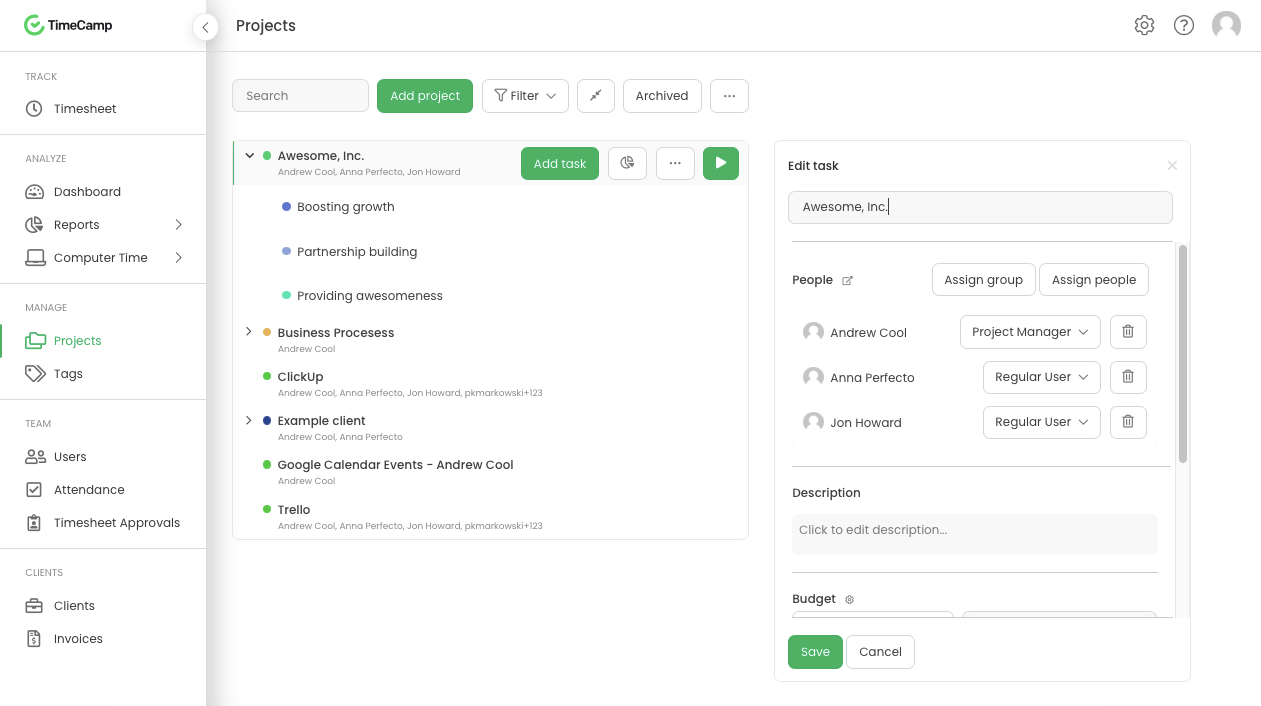
TimeCamp is a Time Tracking software designed to organize Time Management processes. The platform enables users to log hours automatically or manually input entries into Timesheets. The system employs a project tree architecture utilizing Tags to support the creation of nested tasks and subtasks for assignment categorization.
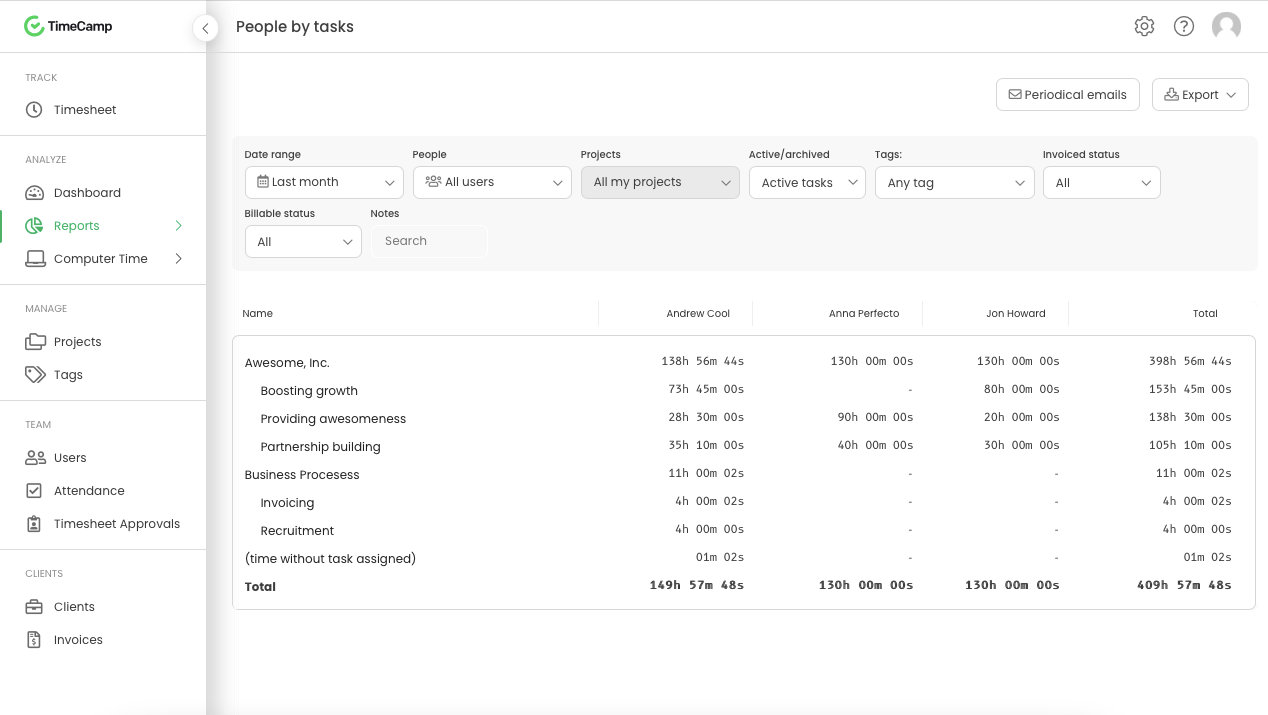
Users access Reports detailing team productivity, time allocation, and budget consumption per project. Utilizing tracked hours and configured Billing Rates, the system generates Invoices for client distribution.
TimeCamp provides an Attendance Module to manage employee presence and absence. Integrated with Billing Rates, the platform supports Payroll Processing functions.
TimeCamp integrates with Project Management, Sales, Accounting, CRM, and Marketing applications.
For organizations utilizing hourly billing, TimeCamp logs workforce activity automatically in the background using AI Suggestions. According to the vendor, this ensures that profitability calculations reflect documented activity rather than post-project estimates.
- Background Logging: The system records hours automatically without requiring manual timers.
- Margin Tracking: The platform calculates real-time margins for clients and projects.
- Consolidated Modules: The interface combines Time Tracking, Attendance, Reporting, and Capacity Planning.
- Automated activity capture for data-driven teams.
TimeCamp is intended as a Timesheet Software solution that consolidates project tracking and team insights. The vendor states the platform assists organizations in tracking hours, ensuring billing accuracy, and supporting operational decisions.
TimeCamp targets mid-market services firms, agencies, software development organizations, and consultancies with 51 to 1,000 employees utilizing hourly billing models. The vendor indicates the solution accommodates enterprise organizations (1,000+ employees) requiring high-volume data processing and Self-Hosted Deployment capabilities.
1. Native Integrations (Account-Level API Sync)
These integrations import project/task structure, synchronize data bidirectionally, or export time to the connected tool. Each is configured in the TimeCamp Integrations panel by an Administrator.
Jira (Cloud + Self-hosted)
Asana
Trello
Monday.com
ClickUp
Notion
Smartsheet
Wrike
Basecamp (2 + 3)
Teamwork
Podio
Redmine
ActiveCollab
MeisterTask
Breeze
Targetprocess
Dropbox Paper
Todoist
Azure DevOps
GitHub
GitLab
Slack
Microsoft Teams
Salesforce
Insightly
Zendesk
Freshdesk
QuickBooks (Online only)
Xero
Google Calendar
Outlook Calendar
iCal / Calendar (ICS feed)
Microsoft Entra (Azure AD)
LDAP
BambooHR
Sage HRIS
Zapier
Toggl (migration tool)
Global Holidays
Custom Attendance Day Types
2. Browser Extension Timer Buttons (Chrome / Edge)
These integrations add a one-click "Start timer" button directly into the interface of third-party web applications via the TimeCamp Chrome Extension or Microsoft Edge Extension. They do NOT sync project structure – they only provide a timer button that logs time to the currently selected project in TimeCamp.
Requirement: TimeCamp Chrome Extension or Microsoft Edge Extension installed and logged in.
Project Management
Asana
Trello
ClickUp
Monday.com
Notion
Wrike
Todoist
Podio
Teamwork Projects
OpenProject
YouTrack
Redbooth
Fibery
DokuWiki
Unfuddle
CodebaseHQ
Zube
Kantree
Sprintly
CRM & Sales
HubSpot
Pipedrive
Insightly
MiniCRM
Bitrix24
Helpdesk & Support
Zendesk
Freshdesk
osTicket
Zammad
Google Workspace
Google Docs
Google Keep
Google Mail (Gmail)
Productivity & Other
TickTick
Habitica
Odoo
Remember The Milk
Toodledo
PagerDuty
Sifterapp
Spidergap
Focuster
Husky Marketing Planner
Engineering & CAD
Onshape
3. Tools with Both Native Integration + Browser Extension
These tools appear in both categories – they have a native account-level integration AND a dedicated Chrome extension timer button for quick access:
Asana
Trello
ClickUp
Monday.com
Notion
Wrike
Todoist
Insightly
Zendesk
Podio
Teamwork
Summary: 40 native integrations, 42 browser extension timer integrations, 11 tools available in both categories.
Categories & Use Cases
Screenshots



1 / 5
Screenshot of Daily timesheet view
Product Demos
Technical Details
| Deployment Types | On-Premise, SaaS |
|---|---|
| Operating Systems | Windows, Linux, Mac, Ubuntu |
| Mobile Application | Apple iOS, Android, Windows Phone, Mobile Web |
| Supported Languages | English, French, Spanish, German, Polish, Portuguese |