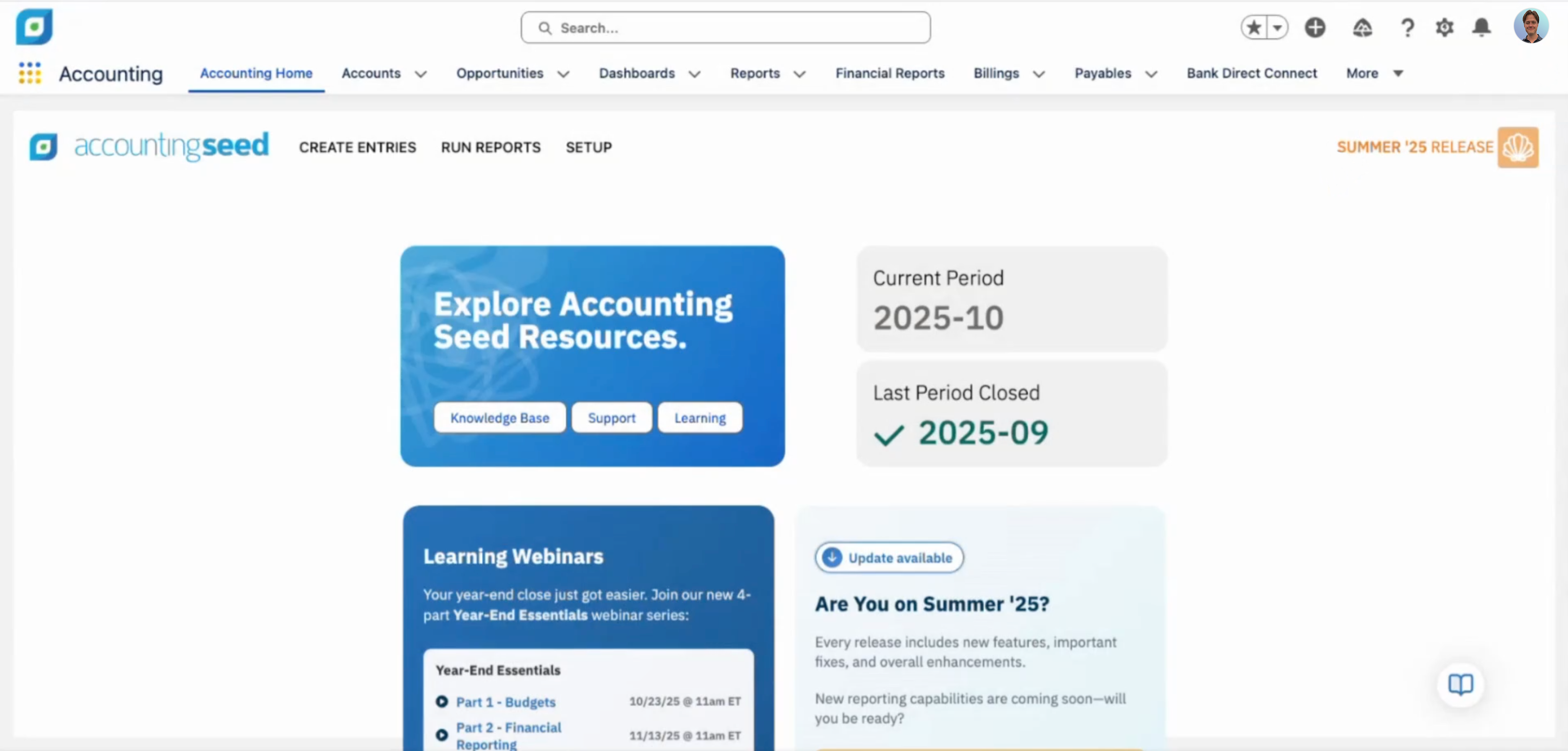
Accounting Seed is accounting software that is native to Salesforce.
$3,960
per year
AccountEdge
Score8 out of 10
Small Businesses (1-50 employees)
AccountEdge is a small business accounting software for Mac and Windows users. AccountEdge allows business owners to organize, process, and report on their financial information. Its features include accounting, integrated payroll, sales and purchases, contact management, inventory, and time billing. It was acquired by Priority Software in January 2018 to expand that company's small business portfolio.
$20
per month
Pricing
Accounting Seed
AccountEdge
Editions & Modules
No answers on this topic
AccountEdge Pro
$20
per month
AccountEdge Network Edition
$30
per month
AccountEdge Hosted
$50
per month
Offerings
Pricing Offerings
Accounting Seed
AccountEdge
Free Trial
No
Yes
Free/Freemium Version
No
No
Premium Consulting/Integration Services
No
Yes
Entry-level Setup Fee
No setup fee
No setup fee
Additional Details
—
—
More Pricing Information
Features
Accounting Seed
AccountEdge
Payroll Management
Comparison of Payroll Management features of Accounting Seed and AccountEdge
Feature
Accounting Seed
9.0
2 Ratings
17% above category average
AccountEdge
6.6
6 Ratings
14% below category average
Pay calculation
8.32 Ratings
10.06 Ratings
Benefit plan administration
8.62 Ratings
8.04 Ratings
Direct deposit files
9.32 Ratings
5.04 Ratings
Salary revision and increment management
9.02 Ratings
6.05 Ratings
Reimbursement management
9.72 Ratings
4.03 Ratings
Customization
Comparison of Customization features of Accounting Seed and AccountEdge
Feature
Accounting Seed
9.7
4 Ratings
25% above category average
AccountEdge
5.0
3 Ratings
41% below category average
API for custom integration
9.74 Ratings
00 Ratings
Plug-ins
9.73 Ratings
5.03 Ratings
Security
Comparison of Security features of Accounting Seed and AccountEdge
Feature
Accounting Seed
9.7
4 Ratings
17% above category average
AccountEdge
9.0
7 Ratings
10% above category average
Single sign-on capability
9.74 Ratings
00 Ratings
Role-based user permissions
9.74 Ratings
9.07 Ratings
Reporting & Analytics
Comparison of Reporting & Analytics features of Accounting Seed and AccountEdge
Feature
Accounting Seed
9.1
6 Ratings
15% above category average
AccountEdge
9.0
7 Ratings
14% above category average
Dashboards
9.75 Ratings
9.04 Ratings
Standard reports
8.76 Ratings
9.07 Ratings
Custom reports
8.86 Ratings
9.06 Ratings
General Ledger and Configurable Accounting
Comparison of General Ledger and Configurable Accounting features of Accounting Seed and AccountEdge
Feature
Accounting Seed
8.9
6 Ratings
15% above category average
AccountEdge
7.2
8 Ratings
6% below category average
Accounts payable
9.66 Ratings
9.08 Ratings
Accounts receivable
9.74 Ratings
9.08 Ratings
Cash management
9.45 Ratings
8.12 Ratings
Bank reconciliation
8.66 Ratings
6.08 Ratings
Expense management
9.75 Ratings
6.06 Ratings
Time tracking
9.72 Ratings
6.04 Ratings
Fixed asset management
9.73 Ratings
00 Ratings
Multi-currency support
7.23 Ratings
9.03 Ratings
Multi-division support
8.54 Ratings
9.02 Ratings
Regulations compliance
7.63 Ratings
7.02 Ratings
Electronic tax filing
8.62 Ratings
7.04 Ratings
Self-service portal
9.73 Ratings
2.71 Ratings
Global Financial Support
10.03 Ratings
00 Ratings
Primary and Secondary Ledgers
8.74 Ratings
00 Ratings
Intercompany Accounting
9.14 Ratings
00 Ratings
Localizations
10.03 Ratings
00 Ratings
Journals and Reconciliations
9.76 Ratings
00 Ratings
Enterprise Accounting
5.54 Ratings
00 Ratings
Configurable Accounting
8.55 Ratings
00 Ratings
Centralized Rules Framework
9.13 Ratings
00 Ratings
Standardized Processes
9.14 Ratings
00 Ratings
Inventory Management
Comparison of Inventory Management features of Accounting Seed and AccountEdge
Feature
Accounting Seed
9.0
2 Ratings
21% above category average
AccountEdge
8.0
6 Ratings
9% above category average
Inventory tracking
9.72 Ratings
8.06 Ratings
Automatic reordering
9.72 Ratings
8.01 Ratings
Location management
9.72 Ratings
8.03 Ratings
Manufacturing module
6.92 Ratings
8.02 Ratings
Order Management
Comparison of Order Management features of Accounting Seed and AccountEdge
I wouldn’t recommend Accounting Seed to enterprise companies. However, Accounting Seed is the best cloud accounting tool for small and medium-sized companies that are yearning to automate accounts payable and receivable, inventory management, and invoice customization in one integrated platform.
A de minimis incentive was given to thank the reviewer for their time. The incentive was not used to bias or drive a particular response, nor was the incentive contingent on a positive endorsement. More Info
If you are handling a large client list, and are selling services, it is dead easy. If you are managing/selling a physical inventory, it seems like it has great options to do that quite well (disclaimer, I do not use those functions, but I have paid attention as that functionality was built into the software). If you want to link your bank account to a bookkeeping platform, this is not the software for you (at least so far).
A de minimis incentive was given to thank the reviewer for their time. The incentive was not used to bias or drive a particular response, nor was the incentive contingent on a positive endorsement. More Info
A de minimis incentive was given to thank the reviewer for their time. The incentive was not used to bias or drive a particular response, nor was the incentive contingent on a positive endorsement. More Info
AccountEdge has a robust report menu that allows a user to slice and dice data for analysis. Report on projects for the life of the project across fiscal years. Report on different departments with segregated income statements.
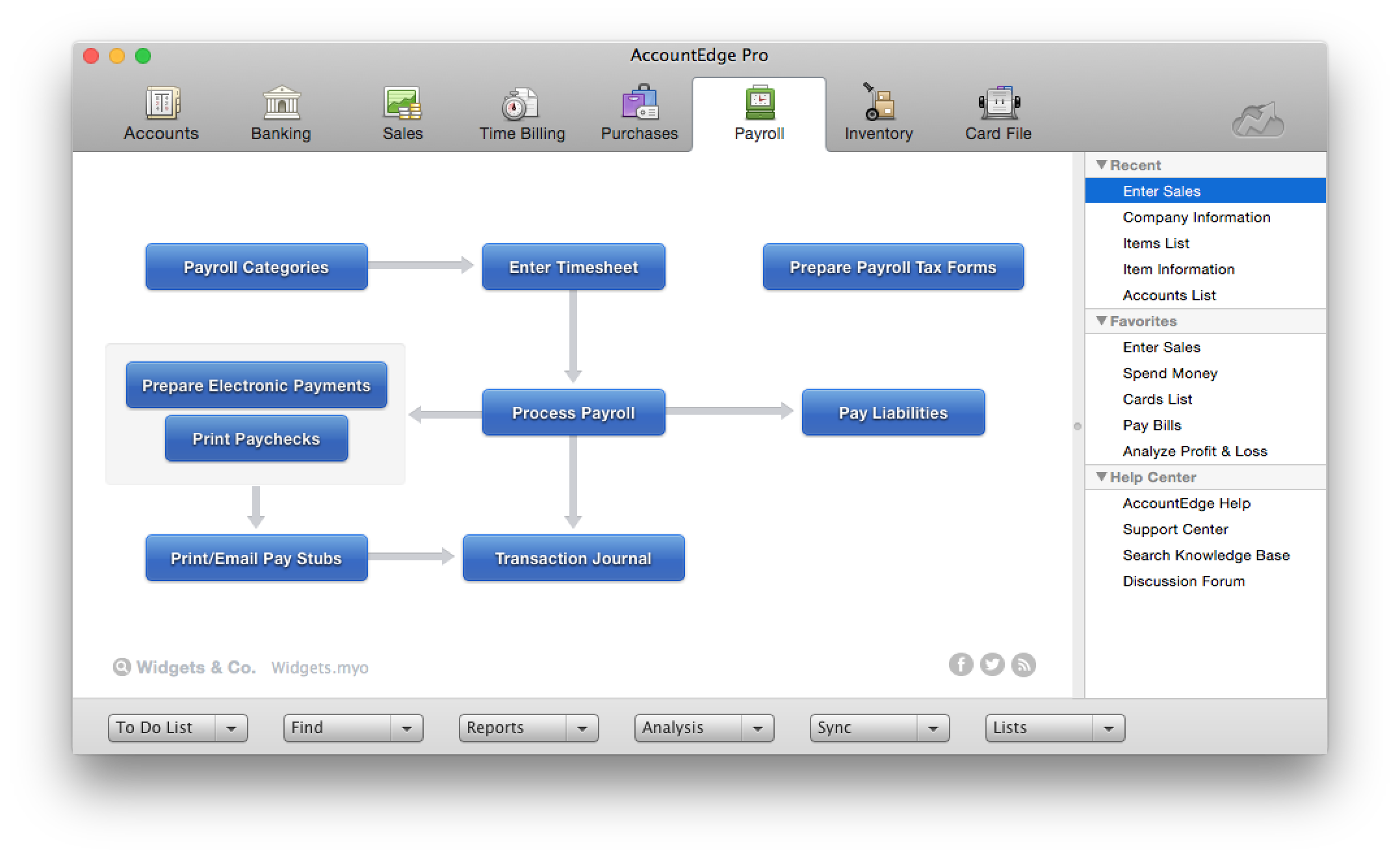
For users who want to run payroll in house that is easily done through the payroll module. Print physical checks or direct deposit to employee's account, process payroll taxes and file year end W2s.
My personal favorites are time billing and retainers. As a service based business I can at my fingertips review how much money a client has on deposit with me and how much of that will be billed out at the end of the month. The integration with AccountEdge Mobile rounds it all out with being able to log my time on-site.
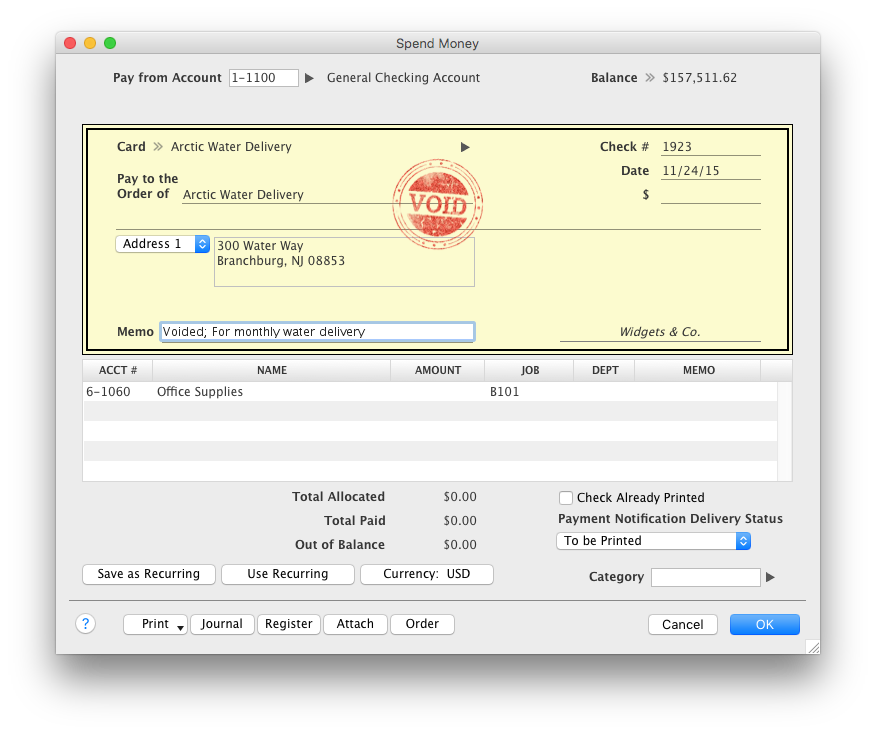
Last but not least AccountEdge Mobile in general, as the companion app for the desktop software is invaluable. My heaviest use is the spend money feature. Excellent for logging travel receipts & cash expenses while they are fresh on the brain. Really cuts back the data entry at the end of a trip and trying to recall what something may have been for.
A de minimis incentive was given to thank the reviewer for their time. The incentive was not used to bias or drive a particular response, nor was the incentive contingent on a positive endorsement. More Info
Custom reporting seems cumbersome, but it could just be that we need better instructions, more examples, maybe some more canned reports. My company needs the ability to compare multiple years, and more than one budget in a report - we start with an approved board budget and then we reproject each quarter.
Non profits need to print financials by restriction level - this has also been very awkward - all the data is there but I have to piece it together in an excel spreadsheet every time I want it.
In general, the materials needed for non profits is not as accessible as it could be.
My biggest frustration, and one that I've mentioned to Acclivity for many years, is that it only permits opening nine windows at a time (plus the home window). I hit that limit almost daily, and then I have to decide what do I close so I can complete the transaction that needed the "9th" window.
The Accounts section includes two quick reports, "Analyze Profit and Loss" and "Analyze Balance Sheet. These can be filtered for the current month or any prior month in the current fiscal year. And that's fine most of the year, but at the beginning of the next year, when I haven't yet started the new fiscal year, these only go to December of the prior year. The regular reports for these can select "next year;" why can't these?
It would be helpful if the journal entry number would have one or two additional digits available. For example, when I am entering journal entries for a client, I would like to use a number such as CPA2014001, CPA2014002, etc. to distinguish what I enter from the "automatic" entries that AccountEdge does. But that's one more digit than AccountEdge allows, so if I had over 100 adjustments, I would run out of entry numbers.
A de minimis incentive was given to thank the reviewer for their time. The incentive was not used to bias or drive a particular response, nor was the incentive contingent on a positive endorsement. More Info
Without a doubt, when you need to do accounting use the program that will get the job done in the least amount of time with the least amount of errors. Once you are using a program that works you stay with it year after year and you will find yourself even excited about the updates
A de minimis incentive was given to thank the reviewer for their time. The incentive was not used to bias or drive a particular response, nor was the incentive contingent on a positive endorsement. More Info
It always works well. We've never had programming issues. Never. It is easy to customize. The system can grow with you as your business grows and changes. Being cloud-based you can work from anywhere. It is intuitive. You have all the features of Salesforce, like workflows, that work perfectly in Accounting Seed. Having that full integration with Salesforce allows you to see all our data in one platform
A de minimis incentive was given to thank the reviewer for their time. The incentive was not used to bias or drive a particular response, nor was the incentive contingent on a positive endorsement. More Info
The intuitive interface does all the tasks we need our accounting software to do. Some tasks are slower to process than I would like but overall very usable. Customizable forms let us choose to either go with the easy ready-made out-of-the-box options or retool them to better fit our specific needs.
A de minimis incentive was given to thank the reviewer for their time. The incentive was not used to bias or drive a particular response, nor was the incentive contingent on a positive endorsement. More Info
One of the finer advantages of desktop software, it's always available. AccountEdge doesn't suffer from outages or sluggish internet like web based applications do. It's always there when you power on your device!
A de minimis incentive was given to thank the reviewer for their time. The incentive was not used to bias or drive a particular response, nor was the incentive contingent on a positive endorsement. More Info
We seldom have had to use their support but when we have, they have been responsive and actually were able to answer our questions in a simple, nontech language. You don't have to be a programmer to talk to them!
A de minimis incentive was given to thank the reviewer for their time. The incentive was not used to bias or drive a particular response, nor was the incentive contingent on a positive endorsement. More Info
On the few occasions we have needed tech support over the years, they were responsive and worked to get to the root of the issues. However, even though Checkout POS is a separate application, it was pitched to us as a natural extension of the functionality of our AE software that would integrate seamlessly. The company's support for Checkout has been minimal at best, and now totally abandoned. That colors our view of Priority's support unfortunately. And to be honest, that's why it's a 9 instead of a 10. So to be fair, AccountEdge's support itself has been very good over the years.
A de minimis incentive was given to thank the reviewer for their time. The incentive was not used to bias or drive a particular response, nor was the incentive contingent on a positive endorsement. More Info
A de minimis incentive was given to thank the reviewer for their time. The incentive was not used to bias or drive a particular response, nor was the incentive contingent on a positive endorsement. More Info
Honestly, Accounting Seed was the only one I focused on when looking to switch from our existing program. It showed in the partner app store and stated it was created native to SalesForce. As I read through it's capabilities, cost, etc., I knew it was the right choice.
For Mac enthusiasts, AccountEdge is the complete installed software solution for small to medium-sized businesses, as it has so many capabilities that QuickBooks for Mac lacks. However, it holds your hand less than QuickBooks for Mac does, so you ought to know what your are doing in keeping business books properly. If your needs are simple, QuickBooks for Mac may be a better solution. QuickBooks Online and Xero are excellent cloud accounting solutions that can be used on the Mac equally well as on Windows. QuickBooks Online offers a similar set of features as QuickBooks for Mac, with the addition of anywhere, anytime access. Xero is a great basic accounting solution in the cloud that can also be used equally well on Macs and WIndows, and offers endless customization and flexibility through its extensive third-party app integration for almost any need.
A de minimis incentive was given to thank the reviewer for their time. The incentive was not used to bias or drive a particular response, nor was the incentive contingent on a positive endorsement. More Info
A de minimis incentive was given to thank the reviewer for their time. The incentive was not used to bias or drive a particular response, nor was the incentive contingent on a positive endorsement. More Info