The Acquia Digital Experience Platform is an "Open DXP" with its two core pillars being content and data. Built on top of one of the largest open-source content management systems, Drupal, it aims to provide the flexibility and interoperability a modern organization needs. With its customer data platform, it allows organizations to understand who their customers are and deliver personalized experiences. Acquia's DXP offers variety of other tools including digital asset management,…
N/A
Qvidian RFP & Proposal Automation
Score 7.0 out of 10
Enterprise companies (1,001+ employees)
Proposal management and RFP response software
N/A
Pricing
Acquia Digital Experience Platform
Qvidian RFP & Proposal Automation
Editions & Modules
No answers on this topic
No answers on this topic
Offerings
Pricing Offerings
Acquia Digital Experience Platform
Qvidian RFP & Proposal Automation
Free Trial
No
No
Free/Freemium Version
Yes
No
Premium Consulting/Integration Services
No
Yes
Entry-level Setup Fee
No setup fee
Optional
Additional Details
—
—
More Pricing Information
Community Pulse
Acquia Digital Experience Platform
Qvidian RFP & Proposal Automation
Features
Acquia Digital Experience Platform
Qvidian RFP & Proposal Automation
Security
Comparison of Security features of Product A and Product B
Acquia Digital Experience Platform
8.0
49 Ratings
1% below category average
Qvidian RFP & Proposal Automation
-
Ratings
Role-based user permissions
8.049 Ratings
00 Ratings
Platform & Infrastructure
Comparison of Platform & Infrastructure features of Product A and Product B
Acquia Digital Experience Platform
7.7
41 Ratings
5% below category average
Qvidian RFP & Proposal Automation
-
Ratings
API
7.839 Ratings
00 Ratings
Internationalization / multi-language
7.632 Ratings
00 Ratings
Web Content Creation
Comparison of Web Content Creation features of Product A and Product B
Acquia Digital Experience Platform
7.9
43 Ratings
10% above category average
Qvidian RFP & Proposal Automation
-
Ratings
WYSIWYG editor
7.331 Ratings
00 Ratings
Code quality / cleanliness
8.134 Ratings
00 Ratings
Admin section
7.942 Ratings
00 Ratings
Page templates
8.030 Ratings
00 Ratings
Library of website themes
8.226 Ratings
00 Ratings
Mobile optimization / responsive design
7.828 Ratings
00 Ratings
Publishing workflow
7.934 Ratings
00 Ratings
Form generator
7.924 Ratings
00 Ratings
Web Content Management
Comparison of Web Content Management features of Product A and Product B
Acquia Digital Experience Platform
7.1
35 Ratings
5% above category average
Qvidian RFP & Proposal Automation
-
Ratings
Content taxonomy
7.728 Ratings
00 Ratings
SEO support
6.029 Ratings
00 Ratings
Bulk management
6.931 Ratings
00 Ratings
Availability / breadth of extensions
7.432 Ratings
00 Ratings
Community / comment management
7.226 Ratings
00 Ratings
Proposal Creation & Organization
Comparison of Proposal Creation & Organization features of Product A and Product B
Acquia Digital Experience Platform
-
Ratings
Qvidian RFP & Proposal Automation
7.6
3 Ratings
3% below category average
Proposal branding
00 Ratings
7.93 Ratings
Proposal templates
00 Ratings
8.03 Ratings
Proposal content library updates
00 Ratings
8.03 Ratings
Guided proposal creation
00 Ratings
7.13 Ratings
Searchable proposal database
00 Ratings
7.03 Ratings
Proposal Collaboration & Workflow
Comparison of Proposal Collaboration & Workflow features of Product A and Product B
Acquia Digital Experience Platform
-
Ratings
Qvidian RFP & Proposal Automation
7.1
3 Ratings
10% below category average
RFP management & response
00 Ratings
7.13 Ratings
Proposal collaboration & approval
00 Ratings
8.03 Ratings
User permissions/proposal editing controls
00 Ratings
7.03 Ratings
Sales proposal workflow
00 Ratings
7.23 Ratings
Proposal automation user interface
00 Ratings
6.23 Ratings
Best Alternatives
Acquia Digital Experience Platform
Qvidian RFP & Proposal Automation
Small Businesses
Bloomreach - The Agentic Platform for Personalization
It made it super easy to upgrade 300+ Drupal sites to the latest major version in 12 weeks, end to end. It is easy to deploy legal changes and updates to components at scale. Turnkey service to deploy new environments and to clone sites. There are no ecosystem lock-in principles for Customer service/success services and professional services for new approaches.
This software is very well-suited to companies who find themselves expanding their footprint, the number of their Sales representatives, their territories, and/or their products and services and need to maximize their ability to both keep up with those demands whilst streamlining their proposal resources. Further, this is a very powerful tool with a lot of features and functionality including CRM plug-in and reporting. Thus, it may be less appropriate for a very small organization with only one product and that is also blessed with lengthy cradle-to-grave turnaround windows. In addition, to better the odds for success an investment in upfront personnel training and either a dedicated periodic window of time and/or dedicated person(s) for content upkeep are prudent. Finally, working with the vendor is a delight as they make every effort to maintain and deliver a product that both meets your needs and on which you can rely.
Exceptionally good support. When there's a problem, you reach out to your account manager who either fixes the issue or gets you to the right person. We've had no downtime.
Platform is very accessible to those who know how to manage the back end software.
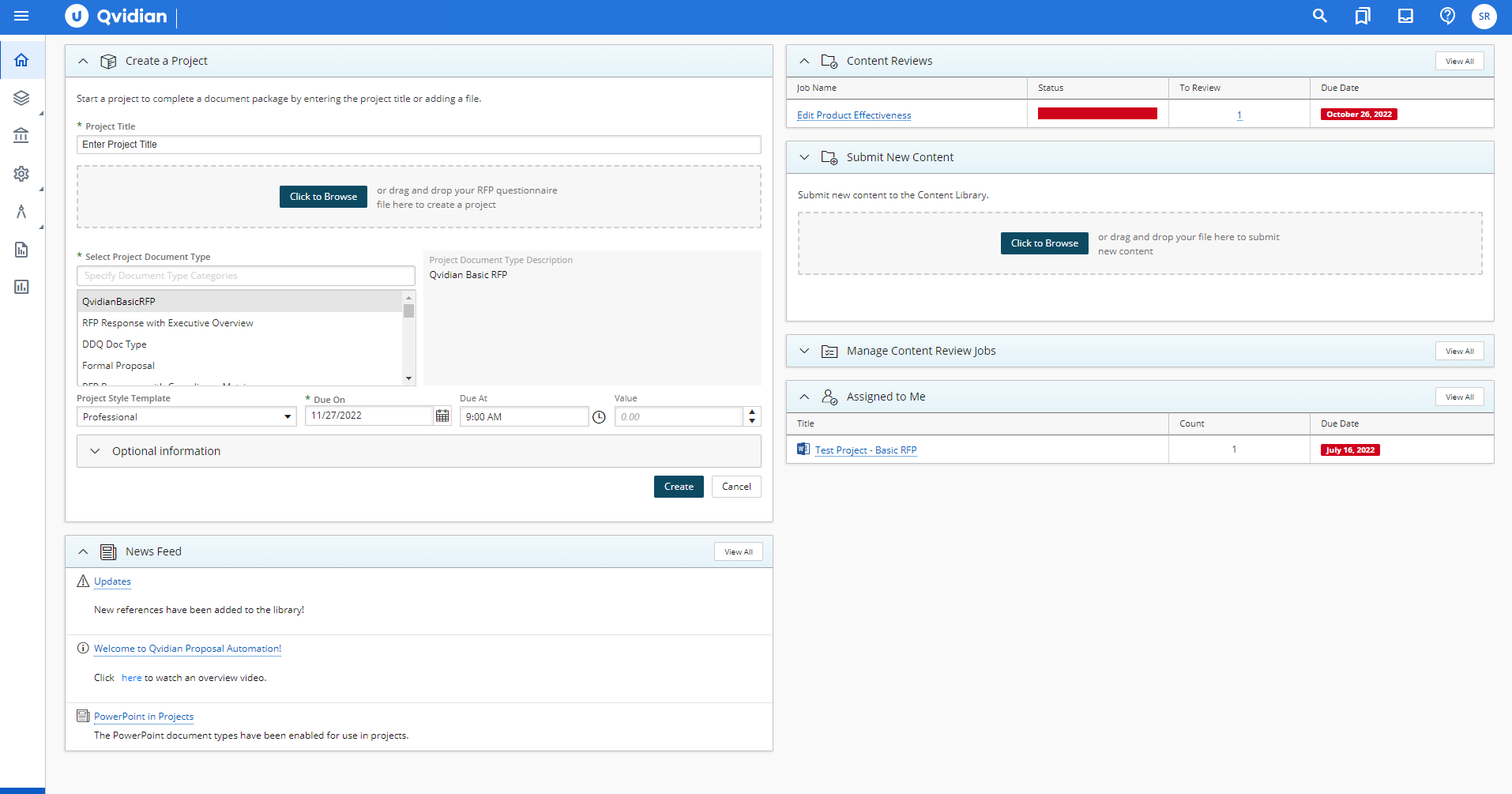
Using Qvidian as an RFP tool has made a difference in our RFP process, turn-around time, and content development. It's helped us streamline our RFP process so that we are able to produce the majority of the document before the kick-off meeting, which means we have more time to customize and refine the document before it goes to print.
Additionally, it took several hours before to gather all of the basic data we needed for an RFP, but now we can have the majority of the response ready in under 15 minutes in most cases. We are also able to start projects from our phones (iPhone thru Safari) or on an iPad. This has been extremely helpful while traveling.
Finally, our content is centrally located on a searchable database. Previously we had used several free tools to aid in content storage that would allow us access easily via search. It never seemed to do what we wanted, and when we did find something, we weren't sure if it was the most current or usable. The library functions in Qvidian have been a huge help, and has changes the way we collect data, and retrieve it.
Support responds pretty quickly to critical tickets, but they can be slow to respond on non-urgent items. Some of what we experienced may have been related to a newer ticketing system recently implemented.
Standard support covers business days/hours but only critical support is available outside those times. We typically schedule our website updates for the weekend or "off" hours when only critical support is available.
One area where Qvidian occasionally struggles is feature regression. For instance, the editing option that puts multiple records into one document had always been present in Qvidian; however, when the multi-edit feature that only allows editing one record at a time was released in version 9.1, the original editing functionality was removed. This caused me a lot of frustration, as it severely slowed down my work flow since I could now only see and edit one record at a time. It wasn't until a year later when version 10 was released that the old editing functionality was added back. However, one bright spot of version 9.1 was an added feature that allowed organizing records by simply dragging and dropping them into different categories. This was much easier than having to right click on a record, select Move, then right click on a folder and select paste. However, with version 10, this feature was removed and I'm now back to having to right click on records instead of dragging and dropping. It seems that with each release, I never know if something I like will be taken away or if something I don't like will be added -- sometimes it's both.
A recent change that was added in version 10.1 that I personally view as a negative is that Qvidian now handles all requests server side instead of on the user's computer. This means that if a user wants to export or edit a large number of records, they have to wait for Qvidian's server to generate a report of those records. Depending on the number of records, this can be very quick (a few seconds) or very long (I've waited up to 20 minutes before) depending on how taxed Qvidian's servers currently are. I understand the reasoning behind the move, in that it takes the load off of a user's computer so that other applications they currently have open aren't affected by added memory usage, but in practice I find that it only slows down my workflow. Any somewhat modern PC shouldn't have any trouble handling a large report request from Qvidian.
Although Qvidian is certified for use in several different browsers (Internet Explorer, Firefox, and Chrome for Windows), it doesn't offer the same functionality in each one. For instance, in Explorer, when a record is selected for editing or export, it will automatically open in Word. In Firefox, a pop-up dialog appears and a user has to click Open in order for the record to appear in Word. And in Chrome, the file is added to the download bar and a user must click on the file there for it to open, unless they add an exception to .docx file types to automatically open in Word (which I had to do, since I prefer using Chrome). Other simple features such as right clicking on a folder or record to bring up Qvidian's context menu are hit or miss depending on the browser. In Explorer, everything is generally smooth, though the browser itself is slower than the other choice. In Firefox, right clicking generally works but sometimes has some hiccups, and in Chrome, more often than not right clicking brings up Chrome's context menu instead of Qvidian's, which often leads to having to first select a folder and then click the dedicated Actions button in Qvidian to perform the desired action. No matter which browser you use, there will be some sort of functionality that doesn't quite work as expected.
We're moving away from Drupal as a platform. Drupal 8 and 9 were simply too overburdened and difficult to maintain compared to other offerings. PHP seems like a dying language so we are currently in the process of migrating all of our Drupal 7 functionality and custom modules to a Python/Django/Wagtail platform. This doesn't mean Acquia isn't a great service, they are professional and top-knotch, but the only way we'd say with them is if I didn't complete the migration.
The tool provides us with the functionality we need to perform more efficiently and we have not identified another product that offers enough "nice to haves" in addition to the "must haves" to warrant a compelling reason for changing tools.
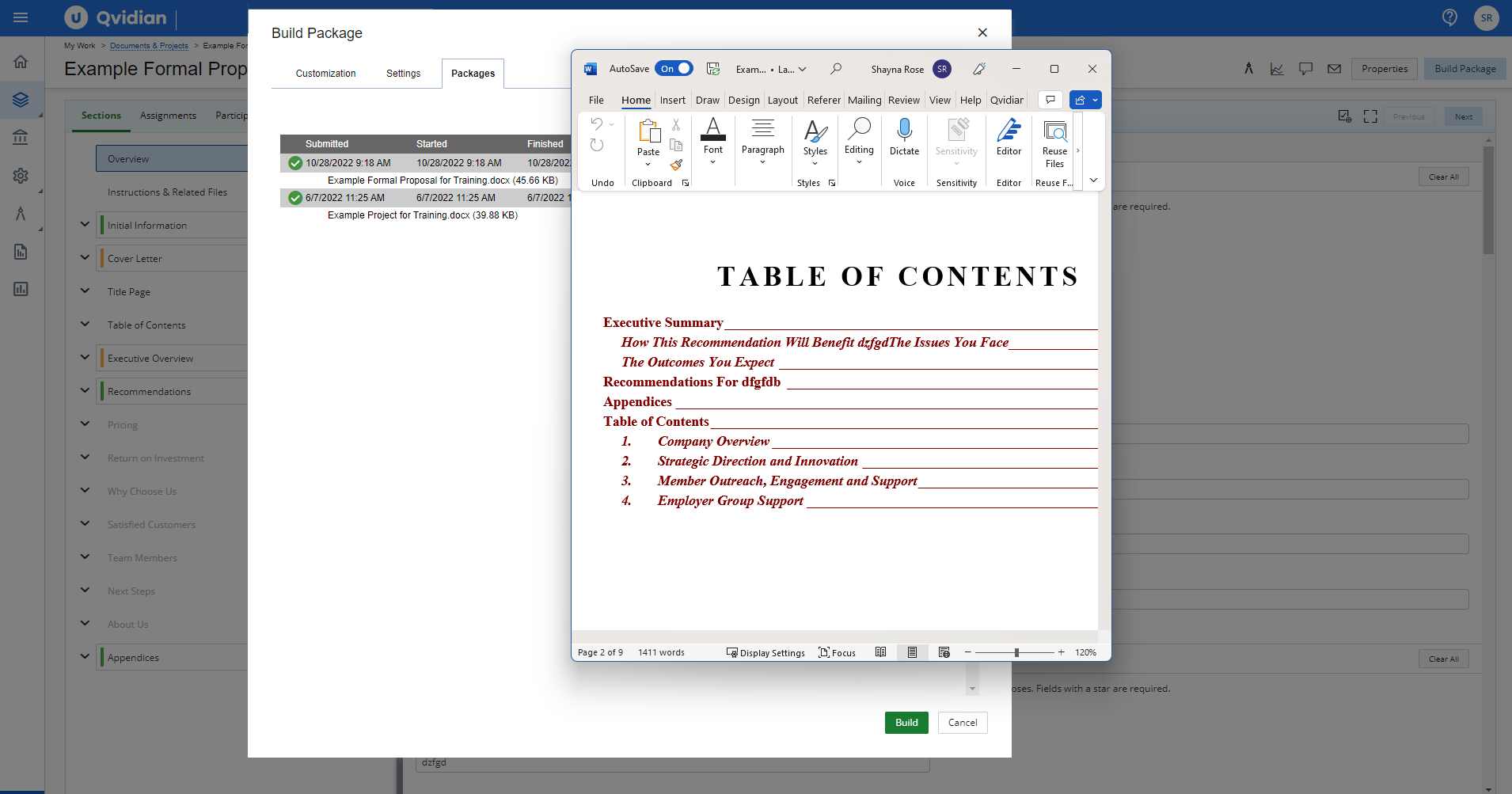
The shift they made in architecting documents from content to outline, is now reversed allowing outline creation first, then content which is more natural. But, due to the fact that we went through a migration of content to get to the new version, it feels less optimized than if we would have re-implemented.
End users having to configure settings more often than desired
Every time we have had an issue, Acquia support has responded promptly and worked with us as a team to solve the problem. The Acquia support team is global and we have literally had interactions with all of their support offices, yet the experience has been the same - top notch
They are very much in support of great customer service. They respond quickly with emails and in some cases phone calls to resolve any issues and often times user questions in the past when I could not figure something out.
Live instructor training is expensive, though we have had instructors come to our offices for a ‘refresher’ before. The refresher was more of a “let us fix that for you” than a training on how to do it ourselves.
We chose Acquia for a much better UI that gave non-analytical marketers and easy to use tool where they could create their own reports. The campaign side of things also had an easier to use UI as well, that made the targeting of audiences much easier.
We have been using Qvidian for years, when Compass was introduced in our company. Having spent over a year using Compass, I would not recommend it for writing proposals. In all fairness, that is not Compass' strength. Compass is ok for general document sharing for informational purposes. It does have a Presentation Builder function for creating PowerPoint presentations, but it is cumbersome and not very flexible. Specifically, the linkage is awkward and files may have to be re-linked when they are updated. In addition, the architecture only allows you to create a couple of levels of content. The search function is very limited. Compass is a newer project and has not fully matured.
The DXP tools can handle millions of requests and can scale automatically to fit your needs. We have clients that use only part of the DXP tools and have a small usage, but even in these cases they see great value in using tools like personalization and CDP.
Acquia has helped us to stabilize and optimize our website performance, lowering page load times and dramatically decreasing the frequency of issues experienced by end-users.
Acquia SOLR search provided a much-improved search experience on our website.
Acquia's PCI-compliant hosting has helped us to remain compliant and cyber-secure.
We are working to implement Acquia Site Studio and Acquia Personalization now and expect those to improve our operation agility and ability to drive more relevant experiences to our various website visitors.
The positive impact has been to know we have a system that can house legally-approved responses to questionnaires. The good about this is that if we have a simple RFI that does not require a lot of response customization, we can draw upon previously-approved responses and create output MUCH quicker, without the need of laborious and time-consuming legal reviews of RFIs or DDQs we produce for prospective clients. Quicker, easier output with less internal review = efficient RFI process and quicker turnaround time to respond to our client/prospective client base.
The negative impact has only been the time it takes to orient oneself with the program, and REMAIN oriented. As we do not do RFIs on a daily basis, it is easy for us to become rusty, or to take short-cuts because we do not have time to re-train on the program. Those shortcuts and workarounds tend to cause us not to use the program to its full potential and lead to counter-productivity in some cases.