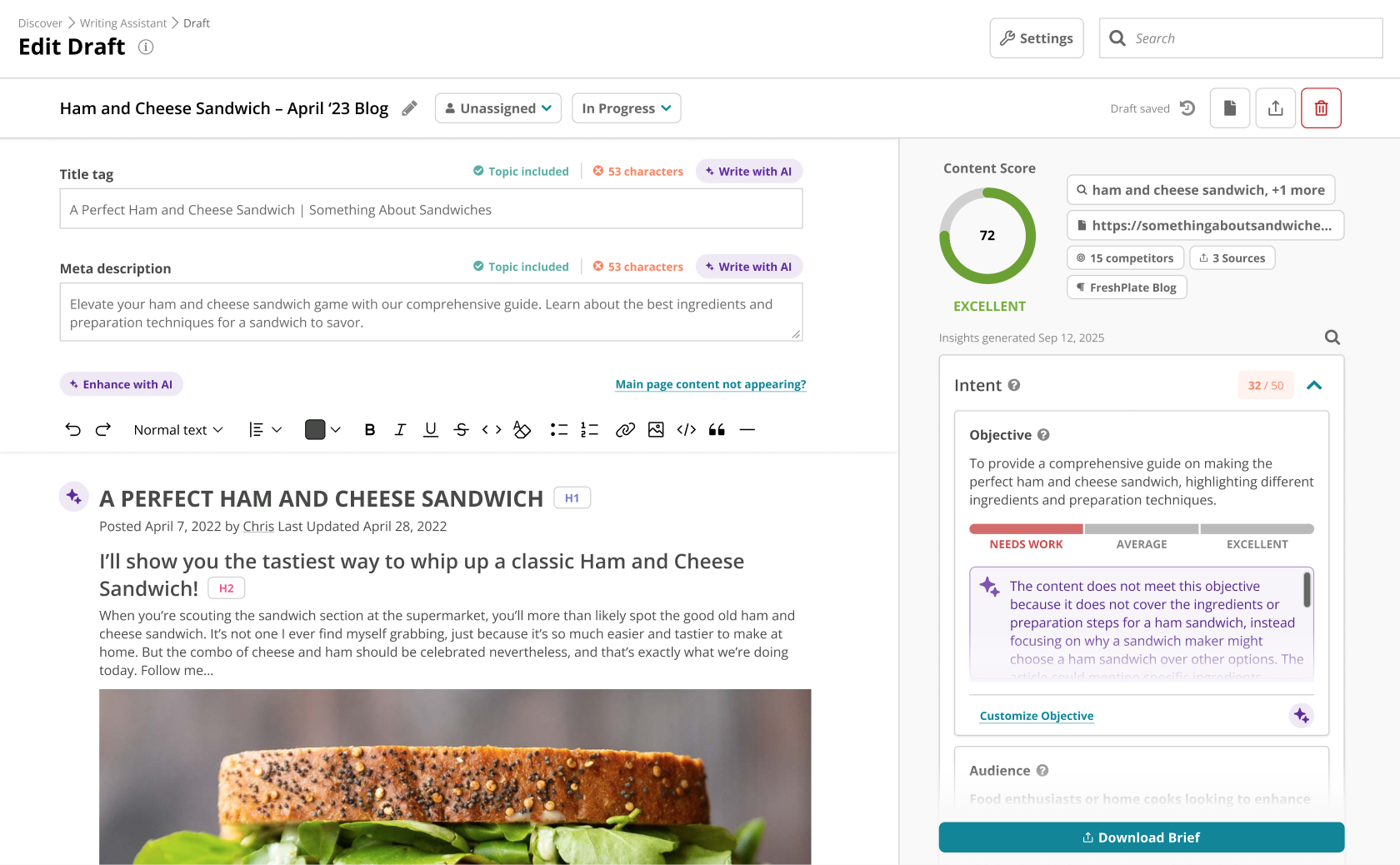
Acrolinx is a marketing writing tool that captures the way an enterprise communicates and its guidelines, and aligns content with guidelines, using automation to shorten the editorial process.
N/A
Conductor
Score 9.3 out of 10
N/A
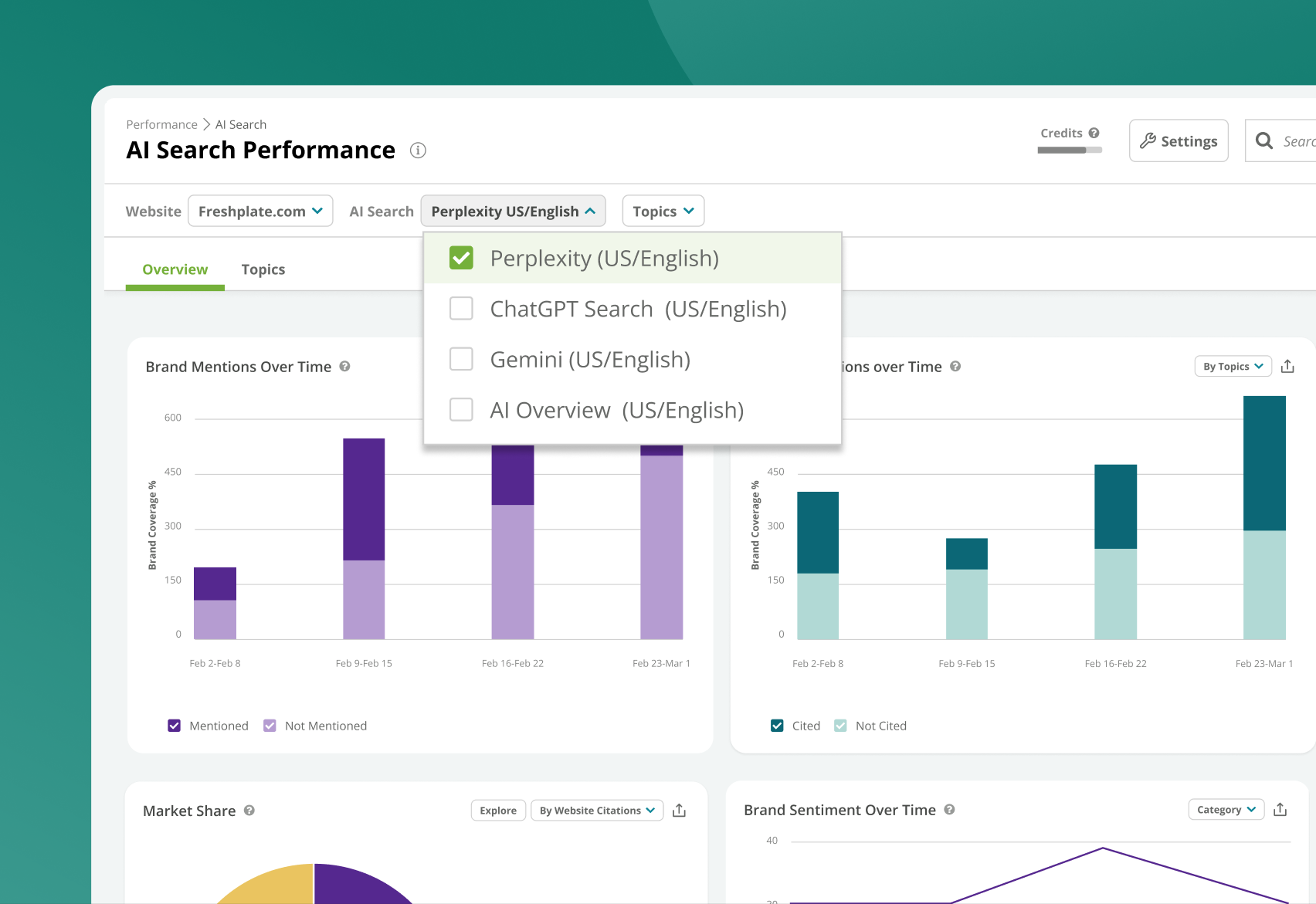
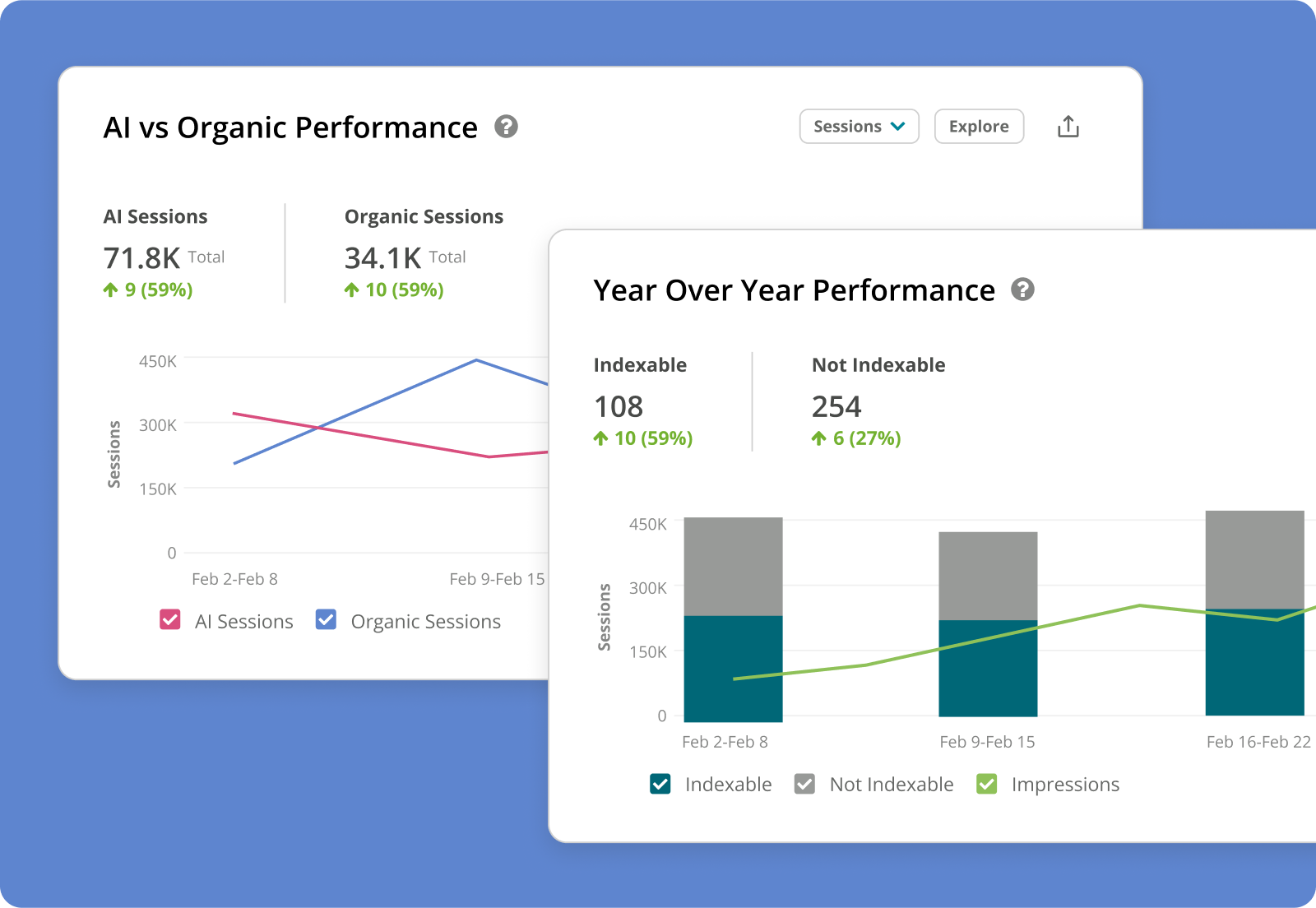
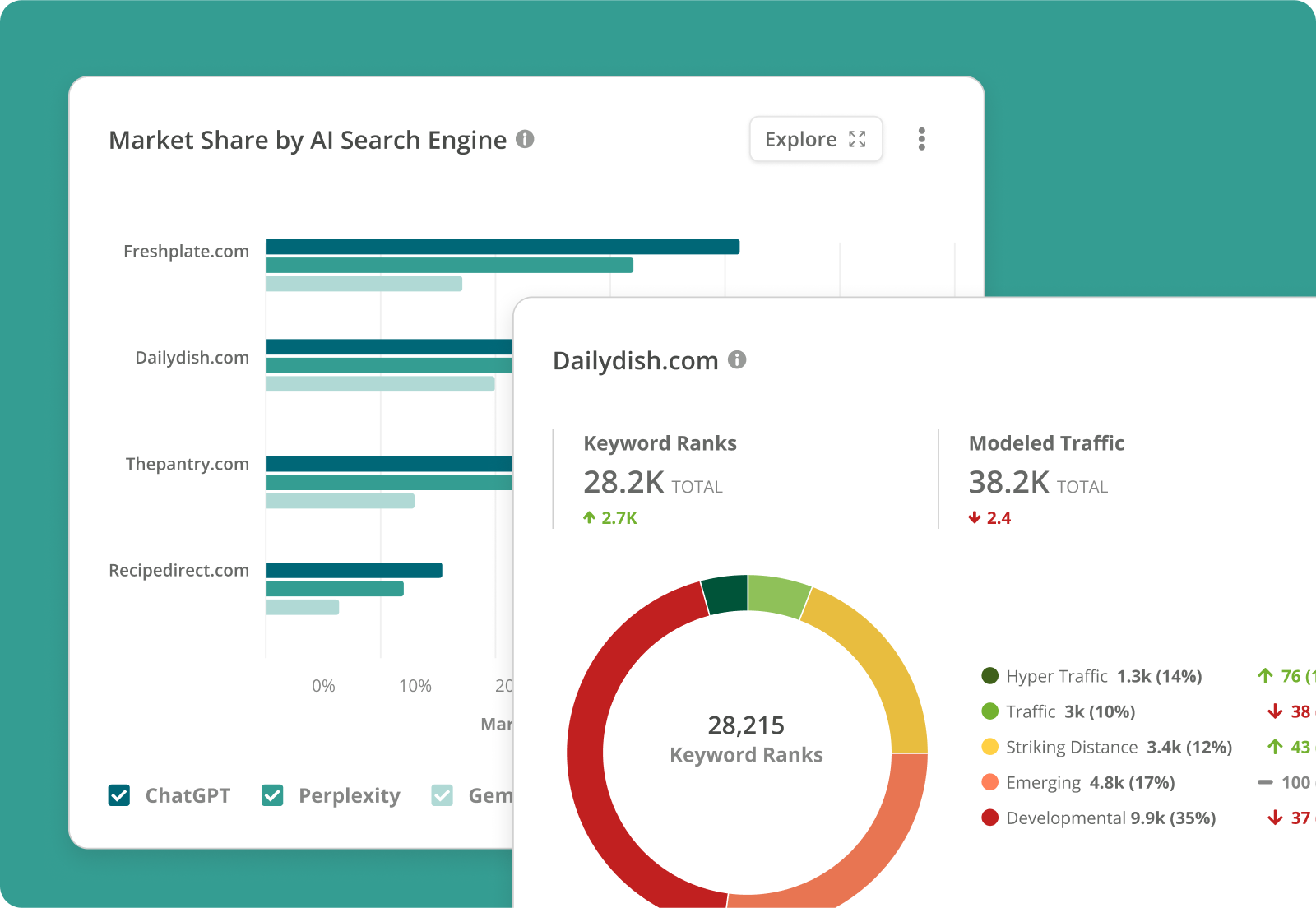
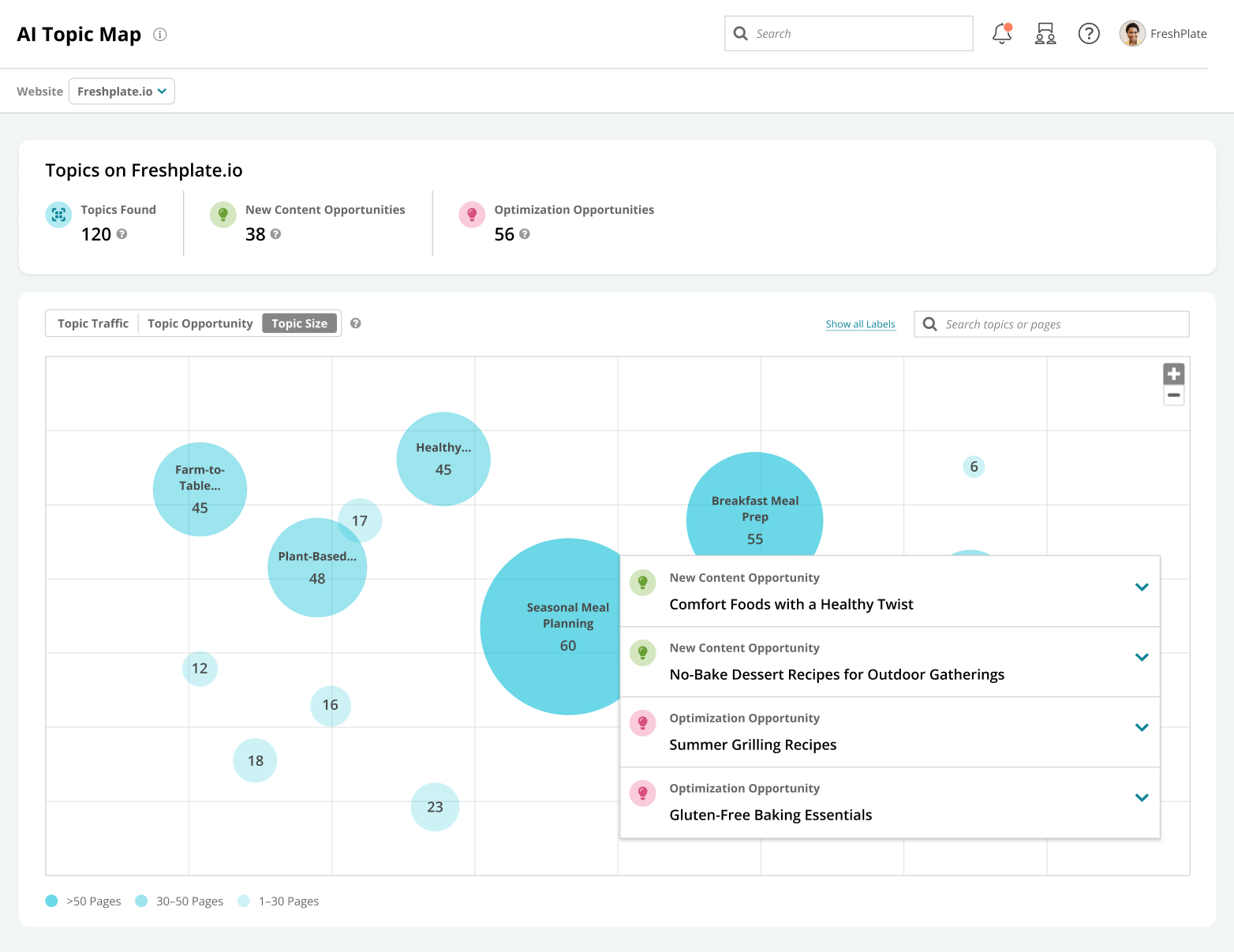
Conductor is an enterprise AEO platform that provides unified AEO & SEO intelligence, scaled AI content generation, and real-time website monitoring. From tracking visibility in LLMs to technical health and content optimization, Conductor’s platform empowers teams to increase authority and visibility in AI and traditional search and accelerate digital growth. Conductor states its current customers include global brands such as SAP, e.l.f Cosmetics, FedEx, and Mastercard.
N/A
Grammarly
Score 9.0 out of 10
N/A
Grammarly in San Francisco provides its grammar improvement and AI driven writing assistance platform, available on free or paid premium and business plans.
$30
per month
Pricing
Acrolinx
Conductor
Grammarly
Editions & Modules
No answers on this topic
No answers on this topic
Pro
$30
per month per member
Enterprise
Contact Sales
Offerings
Pricing Offerings
Acrolinx
Conductor
Grammarly
Free Trial
No
Yes
Yes
Free/Freemium Version
No
No
Yes
Premium Consulting/Integration Services
No
Yes
No
Entry-level Setup Fee
No setup fee
Optional
No setup fee
Additional Details
Contact vendor for pricing information.
—
Discount available on Pro plan for annual pricing.
More Pricing Information
Community Pulse
Acrolinx
Conductor
Grammarly
Features
Acrolinx
Conductor
Grammarly
Content Creation
Comparison of Content Creation features of Product A and Product B
Acrolinx
8.0
1 Ratings
2% above category average
Conductor
-
Ratings
Grammarly
-
Ratings
Ideation
8.01 Ratings
00 Ratings
00 Ratings
Approval workflows
7.01 Ratings
00 Ratings
00 Ratings
Content collaboration
9.01 Ratings
00 Ratings
00 Ratings
Content calendar
8.01 Ratings
00 Ratings
00 Ratings
Network for content licensing/production
8.01 Ratings
00 Ratings
00 Ratings
Content Publishing
Comparison of Content Publishing features of Product A and Product B
Acrolinx
8.5
1 Ratings
7% above category average
Conductor
-
Ratings
Grammarly
-
Ratings
Content hub
9.01 Ratings
00 Ratings
00 Ratings
Forms / Gated content
8.01 Ratings
00 Ratings
00 Ratings
Embedded CTAs
9.01 Ratings
00 Ratings
00 Ratings
Content distribution
7.01 Ratings
00 Ratings
00 Ratings
Content promotion
8.01 Ratings
00 Ratings
00 Ratings
Content automation
10.01 Ratings
00 Ratings
00 Ratings
Content Reporting & Analytics
Comparison of Content Reporting & Analytics features of Product A and Product B
Acrolinx
8.0
1 Ratings
7% above category average
Conductor
-
Ratings
Grammarly
-
Ratings
Audience profiling and targeting
8.01 Ratings
00 Ratings
00 Ratings
Closed-loop tracking and reporting
8.01 Ratings
00 Ratings
00 Ratings
Content performance analytics
7.01 Ratings
00 Ratings
00 Ratings
Campaign optimization dashboard
9.01 Ratings
00 Ratings
00 Ratings
Competitive analytics
8.01 Ratings
00 Ratings
00 Ratings
SEO
Comparison of SEO features of Product A and Product B
Acrolinx
-
Ratings
Conductor
8.7
282 Ratings
13% above category average
Grammarly
-
Ratings
Keyword analysis
00 Ratings
9.5267 Ratings
00 Ratings
Backlink management
00 Ratings
8.394 Ratings
00 Ratings
SERP ranking tracking
00 Ratings
9.0252 Ratings
00 Ratings
Page grader
00 Ratings
9.3133 Ratings
00 Ratings
Competitive analysis
00 Ratings
8.1268 Ratings
00 Ratings
Site audit / diagnostics
00 Ratings
9.7253 Ratings
00 Ratings
Site recommendations
00 Ratings
7.7265 Ratings
00 Ratings
Task management
00 Ratings
8.1102 Ratings
00 Ratings
SEO Channels
Comparison of SEO Channels features of Product A and Product B
Acrolinx
-
Ratings
Conductor
8.8
249 Ratings
16% above category average
Grammarly
-
Ratings
Local SEO
00 Ratings
9.0200 Ratings
00 Ratings
Social SEO
00 Ratings
7.935 Ratings
00 Ratings
Mobile SEO
00 Ratings
9.8217 Ratings
00 Ratings
Global SEO
00 Ratings
8.4210 Ratings
00 Ratings
SEO Platform & Account Management
Comparison of SEO Platform & Account Management features of Product A and Product B
I have used Acrolinx as an integrated tool with Microsoft Office. I use Office tools on a regular basis and need new formatting options for not only presentations slides but also for document creation, email templates, etc., and here is where Acrolinx helps me on a daily basis. Acrolinx, however, suffers from some frequent unavailability of the tool, which results in some disturbance, but overall the experience is great with the software.
Conductor is a great tool to use when we're planning and optimizing content around specific trends. It also helps us track our on-going performance as well, which is great to help us improve. Conductor is less ideal for content that has a quick turnaround time or pieces where SEO isn't a priority, also if you're looking to manage content publishing directly. It's more useful when it comes to strategy and optimization for in-depth pieces.
When drafting important emails to clients, stakeholders, or partners, Grammarly ensures the tone is professional and polite while eliminating grammar or spelling errors.While preparing reports, proposals, or presentations for internal or external use, Grammarly helps maintain clarity, proper structure, and a formal tone. Employees whose first language is not English use Grammarly to enhance their writing, making it more fluent and grammatically accurate.
When I need to quickly determine what Google features our keywords are ranking for: Featured Snippets, Carousels, Rich Snippets, Sitelinks, PAA boxes, etc.
The ability to create highly customizable dashboards that provide a one-page view of insights for the specific web properties you are tracking.
A content guidance tool that is unmatched by any other product available in the market.
Ease of use - Grammarly is super easy to use. Anyone can use the app whether in a text editor like Microsoft Word or on the Grammarly website.
Integration - This one is a game-changer. It integrates with the main programs I use on a regular basis including email, Microsoft Office, Firefox, desktop, phone and iPads. I didn't need to change to anything or use something different so it was an ideal match.
Goals - This is a really cool function of Grammarly. With Goals, you can choose your audience, formality and domain type. So it works for a wide range of users. Depending on the audience type, Grammarly automatically can suggest changes to your content to help ensure your goals are being met.
Backlink tracking/reporting (would like to see backlinks more easily and maybe backlink opportunities if possible)
Custom content briefs (right now I move the brief from the platform version into our own in-house Word doc template because it is more detailed. Would love to be able to customize the brief that is set up within Conductor so that we can do it all in one place.)
User experience/technical issues on certain tools - in Google Calendar, for instance, Grammarly checks text that you type into the "Email Guests" modal window on calendar events. However, because of the way Google calendar works, if you right-click a word that Grammarly highlighted, the calendar event modal window will close and you will lose everything you typed. This is an extremely frustrating experience that has gotten me multiple times.
Incorrect suggestions - it doesn't happen that often, but occasionally Grammarly does highlight words or make suggestions that don't make sense or aren't optimal. I'm sure the Grammarly team is working continuously to improve the tool to make it smarter and smarter.
Lack of support on all platforms - although Grammarly works on most text areas you encounter online, there are still some areas it doesn't work - I'm not sure if this is an issue with Grammarly or not, but I haven't been able to figure it out.
Conductor enables high-value SEO activity. There are a lot of moving parts in SEO and I'm always open to products that fit our requirements, but Conductor has built a stronger argument for its value after we subscribed than it had when we subscribed -- that's rare.
Either I'm as dumb as a bag of nails, or Grammarly has been an invaluable tool in our communication arsenal since we've been users since 2017. I don't recall which podcast we heard it on, but it may have been when Jordan Harbinger was on Art of Charm. I listen to about 8 podcasts a day, so it was probably on something I listened to, demo'd it, and then ponied up for a paid subscription.
I check features like the InsightStream every Monday to monitor any major losses or gains in performance. These are easily digested and save me tons of time searching for these insights manually. If there's anything "worth calling home about" I can easily add insights into a workspace and create a report to communicate these results. It's super easy to use Conductor with a team and across departments.
It was very easy. I have it applied to all of my browsers as an extension so that I know I have entirely accurate grammar in anything I write for my company. I appreciate having something that will always be applied to anything on my computer. I wish I didn't need to use the Grammarly keyboard on mobile; I want it to read my text boxes like my computer does.
Again, here's another example of Maine being very happy with the product. The application quickly analyzes my writing and highlights areas for me to address. It doesn't correct everything without my support, and I like that because it gives me control over my writing style and tone and gets me close to being perfect in my grammar and syntax. I've never seen it have a problem with any application that I traditionally use
The Conductor support team is excellent, especially our Customer Success manager. Our monthly calls to review our wins, losses, and key takeaways for the next steps are incredibly helpful, and Conductor's platform provides not only an organic search tool for our company but also a learning resource via our Customer Success calls.
I have not really used customer support. I used the FAQ page to see how to re-install Grammarly because it wasn't functioning properly in longer documents. It seems to be working better now, but it still does not always underline all of the issues in the actual text. Thus, it is sometimes difficult to know where the errors are located.
Our in house SEO manager trained everyone. It was easy to learn and he was well versed with the product. Any questions we had he was able to answer or reach out to support to find the answer
I definitely recommend their professional services for getting started. It got our account 90% of the way to where we needed to be in order to gain value from it. In fact, I'd suggest that with few exceptions (such as, you have a staff that is already familiar with the platform and doesn't need any help), the quick start services over the first 30-90 days should be a standard part of onboarding with any new client. It definitely got us to the point of gaining ROI from the solution and, in turn, will make it easier to justify renewal and continued investment in it.
Perhaps if you have a team that is not overly computer savvy, which in that case, I'd challenge your hiring decision, there's not much involved. I'm sure there are YouTube videos that go in-depth about implementation but it's really quite simple.
We didn't use another product previously, we used an agency that did everything for us, so bringing Organic SEO in-house was why we went with Conductor. I have used other products in other roles and at other companies and each has its strengths. Conductor is good for large enterprises
Nothing comes close to Grammarly in terms of ease of use and quick setup. It practically works right out of the box without any rigorous configuration. It also allows you to pick a specific dialect which isn't available in other apps. And since Grammarly introduced AI features, its counterparts lost their advantage.
Grammarly has been an extremely reliable application for our organization. It works effectively across multiple applications, both traditional desktop and web. The more you see other web application bots floundering, Grammarly has never had that problem. When tools like LinkedIn make updates, Grammarly seamlessly works after the updates. We are very happy with the reliability of this product. It's even working inside of this app so that it fixes my mistakes when I'm drafting
I haven't calculated the exact financial benefits, but indeed Acrolinx has contributed greatly to the quality of the content my company has been producing
With enhanced formatting, themes, and organization of the documents, emails, and presentations, we have been able to attract new customers, resulting in more business
With the offerings Acrolinx have, team's productivity has increased manifolds
Conductor helped us aim at low hanging fruits for quick wins, which increased our traffic
With Conductor's tool, it was easy to look at general keywords where we were already ranking, but not good enough, and then focus around what we could do to increase our positioning
All this extra traffic, gave us more leads, therefore more sales!