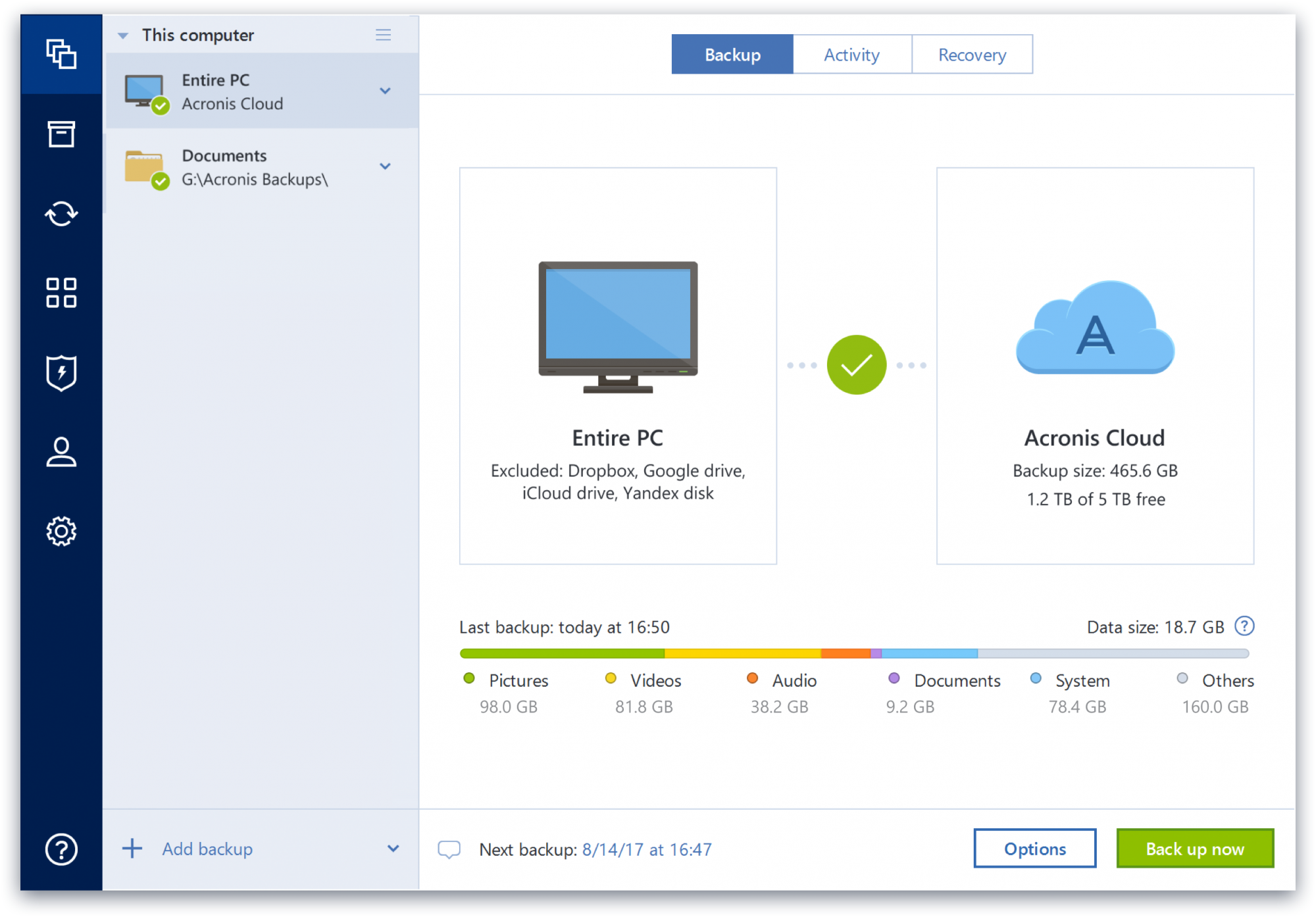
Acronis True Image is a backup, cloning, cyber protection and privacy tool suite for home users.
N/A
Cove Data Protection
Score8.4 out of 10
N/A
Cove Data Protection (formerly N-Able Backup) is designed to cover servers, datacenters, applications, and workstations, and is provided to ensure business continuity and at-a-glance assessment and fast issue resolution via customizable dashboard.
N/A
Pricing
Acronis True Image
Cove Data Protection
Editions & Modules
No answers on this topic
No answers on this topic
Offerings
Pricing Offerings
Acronis True Image
Cove Data Protection
Free Trial
Yes
No
Free/Freemium Version
No
No
Premium Consulting/Integration Services
No
No
Entry-level Setup Fee
No setup fee
No setup fee
Additional Details
—
Cove offers one flat rate per server or workstation and one flat per-user price for Microsoft 365, with cloud storage included. Each license carries a defined amount of included storage that is pooled across an MSPs customers, so smaller devices that use less can offset larger ones.
Acronis Cyber Protect is great for any small/mid-sized business. The price point makes it attractive to all budgets >$100/year for 5 device deployments. Competitors offer less and charge more! Very happy with the suite of products, and renewals are simple and straightforward as well. I hope they don't change a thing!
A de minimis incentive was given to thank the reviewer for their time. The incentive was not used to bias or drive a particular response, nor was the incentive contingent on a positive endorsement. More Info
Solarwinds Backup is ideal for individuals looking to keep a consistent backup of devices in their environment. We used it primarily for networking equipment. It is easy to set up, as it is one of the steps available when adding a new device to solarwinds. It is probably not an ideal product to use for long-term (1 month+) backups.
A de minimis incentive was given to thank the reviewer for their time. The incentive was not used to bias or drive a particular response, nor was the incentive contingent on a positive endorsement. TR verified that a representative sample of customers was invited. More Info
A de minimis incentive was given to thank the reviewer for their time. The incentive was not used to bias or drive a particular response, nor was the incentive contingent on a positive endorsement. More Info
Backup Reporting: Email alerts, and a great, easy to read Dashboard with detailed error logs and an easy to search Solarwinds FAQ for a lot of them.
Restores: So far I have restored files, full VMs, and VMs to other hardware, and so far it has not only been flawless, but so flexible that I can't imagine going back to any other software.
A de minimis incentive was given to thank the reviewer for their time. The incentive was not used to bias or drive a particular response, nor was the incentive contingent on a positive endorsement. More Info
Some features have actually become more complicated over the years. One that comes to mind is creating a backup plan that can execute daily to an external USB media that is changed daily (older versions would back up to the, for example, "F" drive regardless of which drive was attached - newer versions identify each drive uniquely, and a backup task created with a given external drive will fail due to the lack of media presence if the drive is replaced).
Error messages could be less cryptic.
Support turnaround time and live assistance could be faster.
A de minimis incentive was given to thank the reviewer for their time. The incentive was not used to bias or drive a particular response, nor was the incentive contingent on a positive endorsement. More Info
A de minimis incentive was given to thank the reviewer for their time. The incentive was not used to bias or drive a particular response, nor was the incentive contingent on a positive endorsement. More Info
Protect my system from data loss and also can manage multiple devices via online cloud from any where and also can set Multifactor authentication for more secure login access. Archive any backup which will use less space and we can transfer it to any other space also so it is very easy as server admin to manage acronics utilities
A de minimis incentive was given to thank the reviewer for their time. The incentive was not used to bias or drive a particular response, nor was the incentive contingent on a positive endorsement. More Info
Cove Data Protection is very usable as it's easy to tell that it is made to not only do backup very well, but it's also easy to deploy. The agent-based deployment allows for flexible deployment options while ensuring a minimal amount of manual work is needed on the dashboard end. Recovery is also very easy, especially as it relates to one-off file recovery
A de minimis incentive was given to thank the reviewer for their time. The incentive was not used to bias or drive a particular response, nor was the incentive contingent on a positive endorsement. More Info
Beyond a single instance, I haven't had to approach Acronis' support. I needed a new key following the death of my previous workstation, and they rapidly supplied it. I've heard from colleagues that they've quickly answered any questions that've been asked. If I need something, I'll generally frequent FAQ pages first, although Acronis actually has instructional videos to help users get started, which is forward-thinking. Great software that fills a vital niche for Windows systems.
A de minimis incentive was given to thank the reviewer for their time. The incentive was not used to bias or drive a particular response, nor was the incentive contingent on a positive endorsement. More Info
A de minimis incentive was given to thank the reviewer for their time. The incentive was not used to bias or drive a particular response, nor was the incentive contingent on a positive endorsement. More Info
IDrive is incredibly faster than Acronis on cloud backup. After Acronis' failures on cloud storage I moved to IDrive for peace of mind. IDrive can also do local backups, and either variant of system state, server, outlook, exchange, etc. It does not however have the ability to do a full image of a bitlocked machine like Acronis, so I'm continuing the local imaging with Acronis.
A de minimis incentive was given to thank the reviewer for their time. The incentive was not used to bias or drive a particular response, nor was the incentive contingent on a positive endorsement. More Info
Cove is able to cover all aspects of backup in a single package. From the same dashboard I can check servers, workstations, and even Office 365. Cove is a much better solution in terms of overall management for a company such as ours. It also provides integration options with N-Able's RMM and Take Control solutions. This allows us to offer our customers with a full service suite in a single package.
A de minimis incentive was given to thank the reviewer for their time. The incentive was not used to bias or drive a particular response, nor was the incentive contingent on a positive endorsement. More Info
The Windows version is generally reliable and only ran into one issue thus far. Restores are easy and there are many features. On MacOS, it's a completely different story. There is significant resource leakage related to the updater app that can bog down part of a CPU core continuously until it is disabled. The mobile backup feature also needs to be disabled via UNIX command line or CPU usage will go up when a mobile device on the same network like an iPad or iPhone's screen is turned on.
A de minimis incentive was given to thank the reviewer for their time. The incentive was not used to bias or drive a particular response, nor was the incentive contingent on a positive endorsement. More Info
A de minimis incentive was given to thank the reviewer for their time. The incentive was not used to bias or drive a particular response, nor was the incentive contingent on a positive endorsement. More Info
There has been NO negative impact to out ROI, but it definitely helps our bottom line. Affordable pricing and solid support make Solarwinds Backup almost a no brainer. That interprets to a growing ROI.
The best thing to happen to our ROI is the growth brought in by very happy clients.
A de minimis incentive was given to thank the reviewer for their time. The incentive was not used to bias or drive a particular response, nor was the incentive contingent on a positive endorsement. More Info