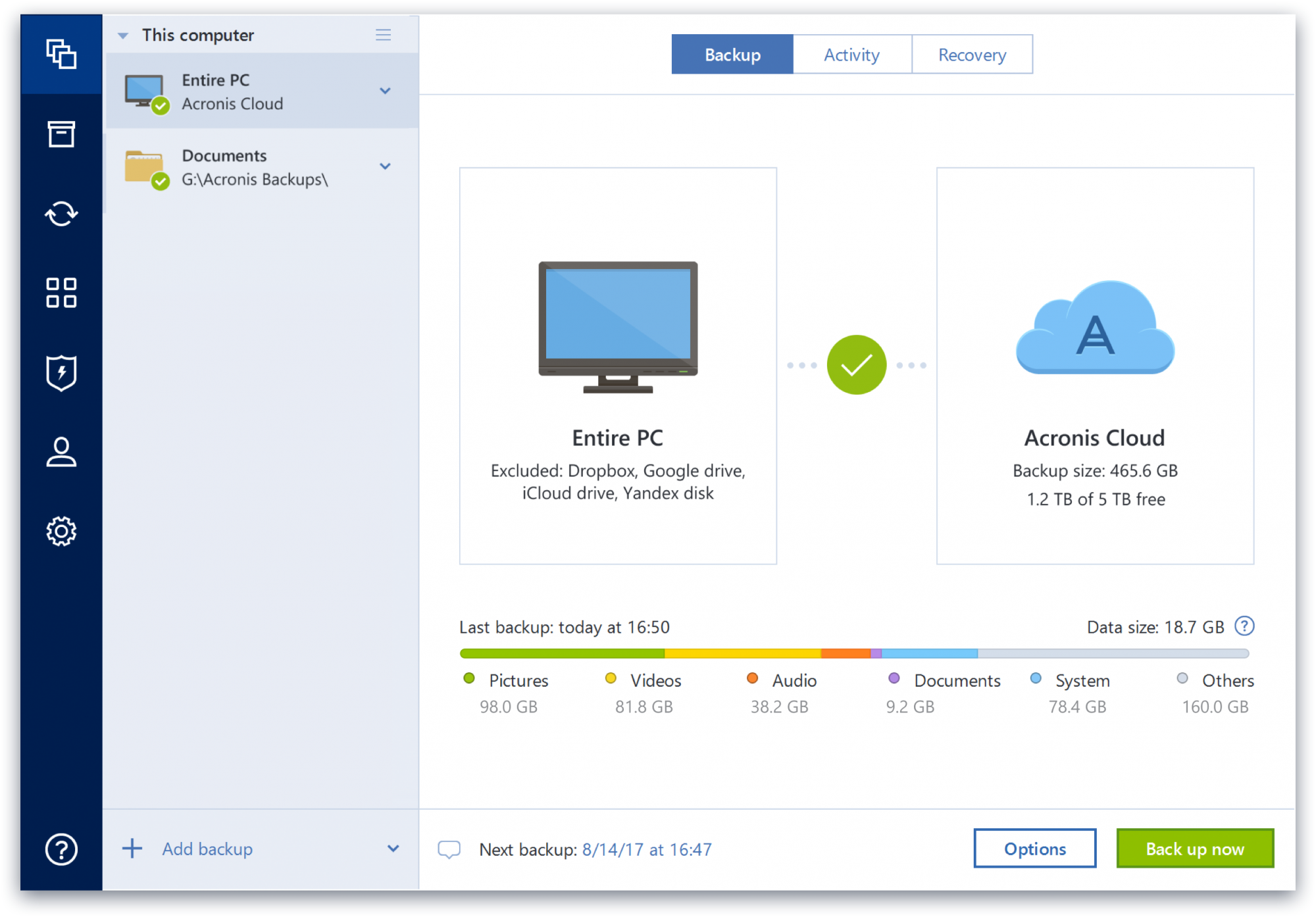
Acronis True Image is a backup, cloning, cyber protection and privacy tool suite for home users.
N/A
Trend Micro Smart Protection Suite, with XGen
Score 9.0 out of 10
N/A
Trend Micro offers the Smart Protection Suite with XGen, an endpoint security suite including data loss prevention and mobile device protection. The Smart Prtection Endpoint Suite is the basic edition. The Smart Protection Complete Suite also includes a message security gateway for specific applications (e.g. Office 365, Skye, Sharepoint, etc.) and web security gateway for extended capabilities.
N/A
Pricing
Acronis True Image
Trend Micro Smart Protection Suite, with XGen
Editions & Modules
No answers on this topic
No answers on this topic
Offerings
Pricing Offerings
Acronis True Image
Trend Micro Smart Protection Suite, with XGen
Free Trial
Yes
No
Free/Freemium Version
No
No
Premium Consulting/Integration Services
No
No
Entry-level Setup Fee
No setup fee
No setup fee
Additional Details
—
—
More Pricing Information
Community Pulse
Acronis True Image
Trend Micro Smart Protection Suite, with XGen
Features
Acronis True Image
Trend Micro Smart Protection Suite, with XGen
Endpoint Security
Comparison of Endpoint Security features of Product A and Product B
Acronis Cyber Protect is great for any small/mid-sized business. The price point makes it attractive to all budgets >$100/year for 5 device deployments. Competitors offer less and charge more! Very happy with the suite of products, and renewals are simple and straightforward as well. I hope they don't change a thing!
As mentioned earlier, privacy and financial transaction threats will continue to risk with the current and rapid rise in tech tools/computer software. And handling such threats is NOT a core competency for many businesses. So, a paid version of such a robust systems comes well recommended - especially for those users who often use mobile banking or pay via cellphone apps
Some features have actually become more complicated over the years. One that comes to mind is creating a backup plan that can execute daily to an external USB media that is changed daily (older versions would back up to the, for example, "F" drive regardless of which drive was attached - newer versions identify each drive uniquely, and a backup task created with a given external drive will fail due to the lack of media presence if the drive is replaced).
Error messages could be less cryptic.
Support turnaround time and live assistance could be faster.
Protect my system from data loss and also can manage multiple devices via online cloud from any where and also can set Multifactor authentication for more secure login access. Archive any backup which will use less space and we can transfer it to any other space also so it is very easy as server admin to manage acronics utilities
We deployed the trial version of Trend Micro Smart Protection Suite, with XGen. The trial was applied to 3 users including one from accounts to check all angles. Considering the overall performance, as detailed in prior specifics, we found it to be a very close contended to Spybot-Search and Destroy, that we have been using since 10++ years. In fact, since the later does not have an andriod app, we are, most likely, shifting to this product after locating and evaluating 2-3 close competitors. Our experience with Trend Micro Smart Protection Suite, with XGen began with its free "Trend micro housecall" around 8 years before. The minuses - 1. It does seem to be a little more resource intensive vs. Spybot search and destroy 2. The absence of cookie cleaning and associated tiered options (the kind of cookies I want to retain or delete) is one big gap
Beyond a single instance, I haven't had to approach Acronis' support. I needed a new key following the death of my previous workstation, and they rapidly supplied it. I've heard from colleagues that they've quickly answered any questions that've been asked. If I need something, I'll generally frequent FAQ pages first, although Acronis actually has instructional videos to help users get started, which is forward-thinking. Great software that fills a vital niche for Windows systems.
I have only had to contact technical support once, which in itself shows what a good product this is, and I received spot-on advice from the person I contacted.
IDrive is incredibly faster than Acronis on cloud backup. After Acronis' failures on cloud storage I moved to IDrive for peace of mind. IDrive can also do local backups, and either variant of system state, server, outlook, exchange, etc. It does not however have the ability to do a full image of a bitlocked machine like Acronis, so I'm continuing the local imaging with Acronis.
Everything I've used and installed before and since has been easier to implement and support. TM had attractive pricing, however, that was negated by the overall experience.
The Windows version is generally reliable and only ran into one issue thus far. Restores are easy and there are many features. On MacOS, it's a completely different story. There is significant resource leakage related to the updater app that can bog down part of a CPU core continuously until it is disabled. The mobile backup feature also needs to be disabled via UNIX command line or CPU usage will go up when a mobile device on the same network like an iPad or iPhone's screen is turned on.