Adobe Captivate is an elearning authoring and course design tool (or LCMS). It supports mobile HTML5 content. Captivate’s users are commonly midsized businesses to enterprises. Adobe Captivate includes some prebuilt assets as well as customizable workflows.
$33.99
per month
Sendspark
Score10 out of 10
N/A
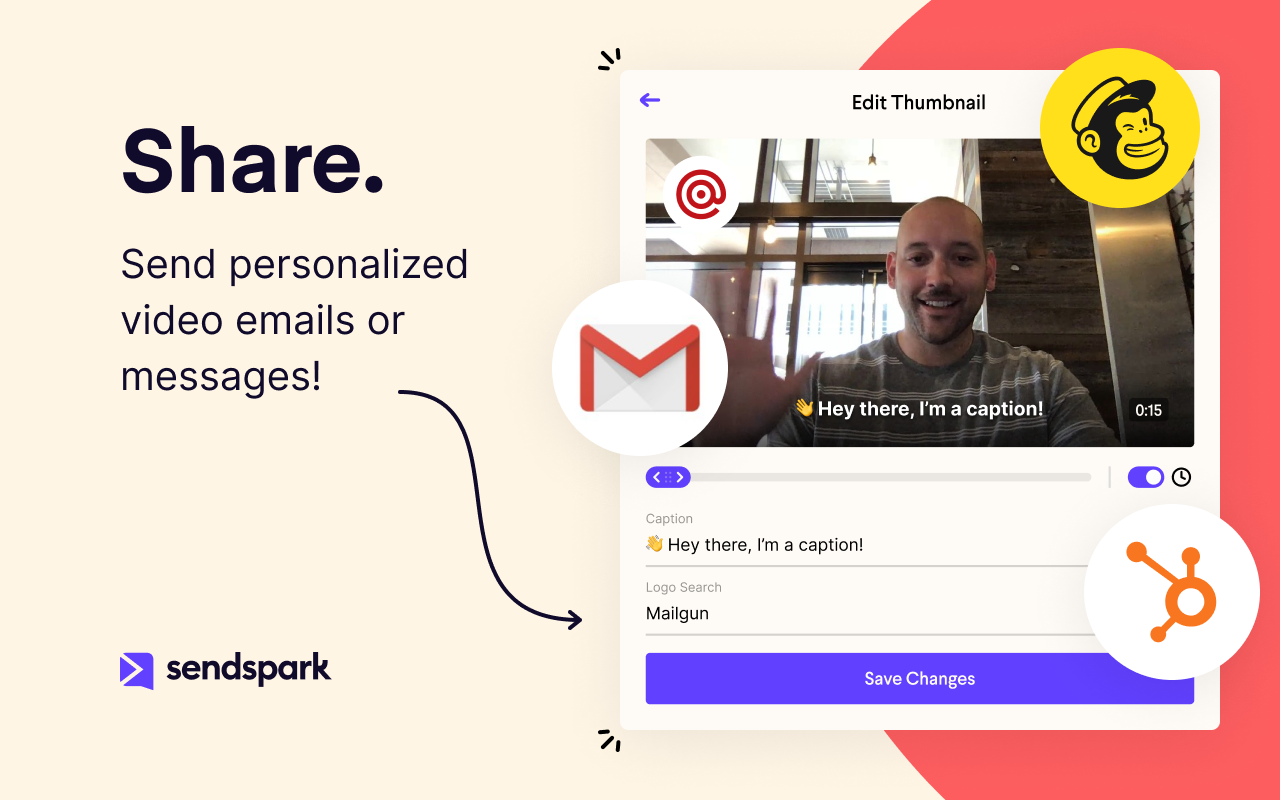
Sendspark helps businesses connect to customers with personalized video messages. Whether the user is an individual, manager, or enterprise, Sendspark can be used to create polished videos for demand generation, sales, or customer success. Videos can be shared in Gmail, LinkedIn, or email marketing platforms — wherever communication with customers is happening — to drive higher engagement.
Captivate is well suited for instruction designers who want to build attractive, personalized, interactive, energetic lessons. It's also a good choice for someone who wants to build something innovative because Captivate gives the developer so much control over so many aspects.
But if someone wanted something built quickly, generically and didn't care about holding the viewer's attention, then Captivate might be an expensive tool. That person might be more satisfied with a cheaper and easier to learn authoring tool.
A de minimis incentive was given to thank the reviewer for their time. The incentive was not used to bias or drive a particular response, nor was the incentive contingent on a positive endorsement. More Info
In my experience, Sendspark is particularly well-suited for sales and marketing professionals who need to create and send personalized videos at scale. The platform makes it easy to quickly record and share videos, which can be a great way to stand out in a crowded market and provide a more engaging and personal experience for clients. Additionally, the branding and marketing features of Sendspark are handy for maintaining a consistent and professional image. On the other hand, I think Sendspark may be less appropriate for organizations that require more robust collaboration and video editing features. The platform is designed for simplicity and speed, so it may not be the best choice for users who need more advanced editing tools or the ability to work on videos with multiple users simultaneously. Additionally, the limited customization options for video themes may not be suitable for users who need more flexibility in terms of design and layout. Other video recording and sharing platforms may be a better fit in these cases.
Quickly adding in graphics, text, and interactive buttons.
Has extensive variables and branching for additional customization, beyond the competition.
Has 360 degree capability which competitors don't offer (I have not used this feature).
High degree of customization and personalization.
True responsive screen display on all devices, viewable as you are creating the training. This is different than some competitors - some just shrink the screen, but Adobe Captivate allows actually removing or moving or changing items at different screen sizes.
If you like Flash, it has Flash output, although it's going away in 2020. Personally, I think this is an outdated technology.
Many advanced capabilities. I chose this product due to the capabilities.
Comes with assets, templates, people, head shots, and full body—excellent.
Adobe Captivate is the authoring tool. It integrates with Adobe Captivate Prime - which I highly recommend if you want to truly take advantage of all of its features in reporting, administration, compliance, and social learning. (I didn't use Prime because you essentially need 100+ students to affordably use Prime.) If you look at my chart of what Captivate is capable of, I can't say that Captivate has a lot of the reporting features because they are part of Prime/SCORM, although, with Captivate's customization, you might be able to do most of them if you are up to it, but I did not.
A de minimis incentive was given to thank the reviewer for their time. The incentive was not used to bias or drive a particular response, nor was the incentive contingent on a positive endorsement. More Info
Clunky interface, it takes a lot of extra clicks to get places compared to other Adobe apps and competitor's eLearning software.
Would be nice if it was part of creative cloud, or at least in the group of apps you can add through Creative Cloud.
More regular and meaningful updates. Compared to flagship apps like Photoshop, Illustrator, etc. Captivate is like the read headed step child. Competitors excel at providing regular updates with clear change documentation. How are we still using Captivate 2019 in 2022?
The interface feels like it is still stuck in the 90s, would be nice if it was more modern and better in-line with flagship adobe offerings.
Variables and associated menus are a nuisance to work with vs some of the clever drop down and content-sensitive options in Articulate Storyline.
A de minimis incentive was given to thank the reviewer for their time. The incentive was not used to bias or drive a particular response, nor was the incentive contingent on a positive endorsement. More Info
We have hundreds of courses that were created in Adobe Captivate. It will take us a while to convert to Articulate. We'll need a license for another year and/or until Adobe comes out with a true update to the software.
A de minimis incentive was given to thank the reviewer for their time. The incentive was not used to bias or drive a particular response, nor was the incentive contingent on a positive endorsement. More Info
Because with such a contribution it is possible to reach customers much better than with many other expensive tools. It is comparatively cheaper to do marketing with emails. So you should make your email campaigns as effective as possible. What really works with Sendspark. I think Sendspark will implement many more things. Which is why I am currently convinced to continue using Sendspark.
Adobe Captivate does take some getting used to. There are features that are much more convoluted than they need to be, but overall it is a great product with a some excellent features. Being in a pretty small market, Adobe Captivate and Articulate Storyline dominate the space. They are not the same software, but allow for eLearning authoring. Each has their benefit and their downside, but, for me, Adobe Captivate edges out Storyline.
A de minimis incentive was given to thank the reviewer for their time. The incentive was not used to bias or drive a particular response, nor was the incentive contingent on a positive endorsement. More Info
Acutally we didnt have had any problems so far. Everything works since we use it. The Servers are fast, and creating videos is a breeze. The Dashboard works properly and we can work very Smooth with Sendspark so far.
Support is very fast. I actually get Support between 8-24 Hours which is Important for us. The website tend to slow down sometimes, but will not affect the overall usage. I think they have a good Server Plan, which runs smooth. Until now we didnt had any serious problems with saving our Video Files or Uploading.
It is difficult to get in touch with Adobe Captivate support. With a seemingly limited number of resources, mostly outsourced, getting in contact with someone to help troubleshoot an issue is challenging. Typically wait times are long, and the desired path to resolution is to use an existing knowledge base or a self-help guide. It is certainly not a user-friendly experience.
A de minimis incentive was given to thank the reviewer for their time. The incentive was not used to bias or drive a particular response, nor was the incentive contingent on a positive endorsement. More Info
I'm only aware of the problems Adobe Captivate had with SumTotal LMS and Upside LMS, requiring extensive contact with both internal and external support staff to fix the problems. We had no problems at all with Articulate.
A de minimis incentive was given to thank the reviewer for their time. The incentive was not used to bias or drive a particular response, nor was the incentive contingent on a positive endorsement. More Info
I think that Articulate360 is more user-friendly and has a cleaner, more updated look. If you can edit a PDF, then you can use Articulate 360. Adobe Captivate may be more challenging for the designer, but it has more features. We chose Adobe Captivate because we want the option to create interactive learning environments. Adobe Captivate plays well with the other Adobe design products including Photoshop, Illustrator, and Premier. Additionally, Adoe Captivate is highly compatible with Cornerstone, our preferred Learning Management Systems.
A de minimis incentive was given to thank the reviewer for their time. The incentive was not used to bias or drive a particular response, nor was the incentive contingent on a positive endorsement. More Info
Loom provides all basic features of screen recording software but because they are established now, they sometimes fail to work on customer feedback while Sendspark is always innovative e.g one of the life-saving features is a link to share with customers to record their testimonials which other software are not doing.
I think there is a lot of space for scaling. But for a Company like us there is plenty enough of capabilites to use Sendspark without any lack of performance issues. Maybe Sendspark could be limited for very Big Companys. But since they are a Startup, maybe they will grow and dive us to a better overall experience.
Adobe Captivate has allowed our instructors to engage students in ways we never have before.
Instructors who have used Adobe Captivate in our organization have reported higher levels of engagement with their courses and their students, theoretically leading to improved assessment of student performance.
A de minimis incentive was given to thank the reviewer for their time. The incentive was not used to bias or drive a particular response, nor was the incentive contingent on a positive endorsement. More Info
A member of my sales team went 10 for 10 on receiving replies from outreach prospects when leading with a Sendspark video message.
Received a PO for $109K on the last day of the quarter after messaging a customer with a polite and earnest Sendspark video to get the PO that day.
Supported a team member closing a sale by creating a Sendspark demo/explanation video of "this is how it would work" for the owner of a prospect company.