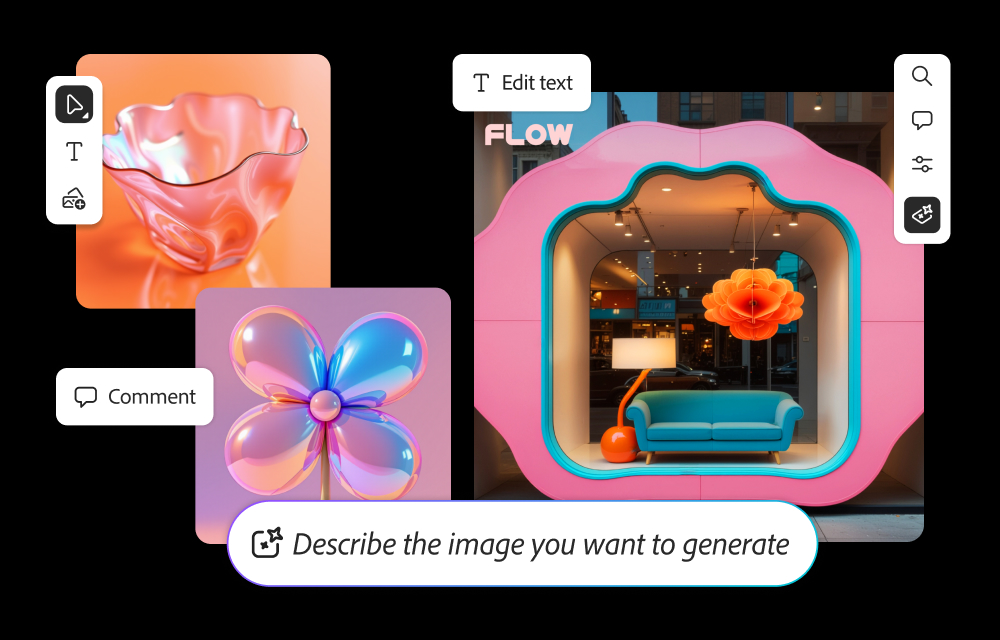
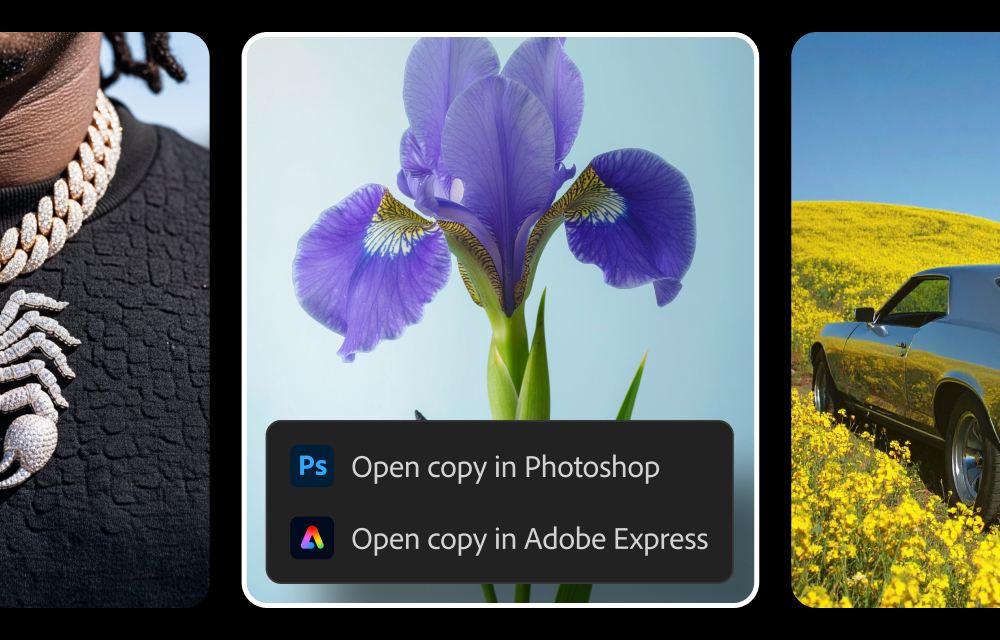
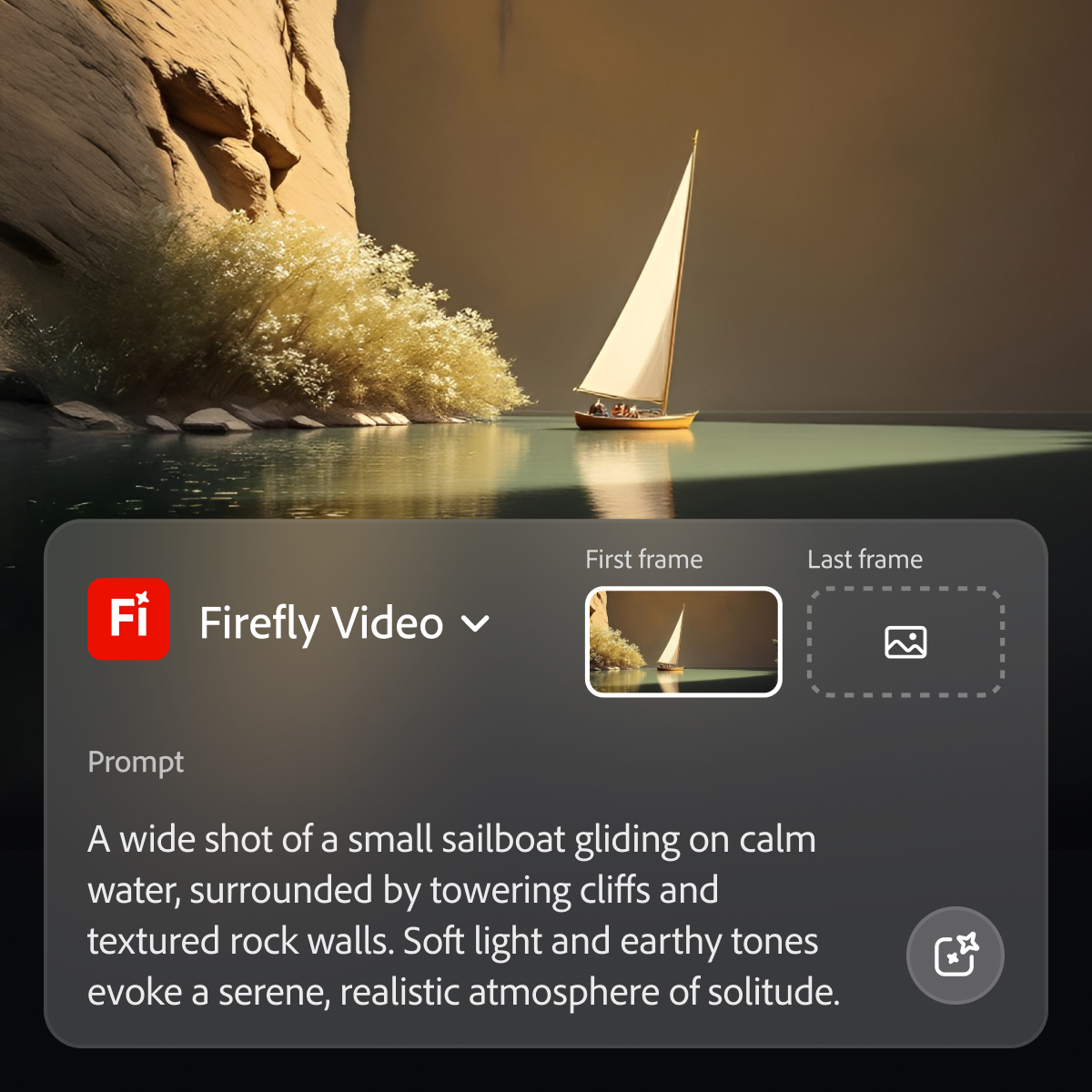
Adobe's Firefly models and services power generative AI features in Adobe creative apps, with features that can be used in Photoshop, Premiere Pro (beta), and the Firefly web app.
$9.99
per month (1 user & 2000 generative credits per month)
Animoto
Score8.7 out of 10
N/A
New York-based Animoto offers their video editing platform supporting individual video creators and businesses with different tiers of service up to their business plan for marketing teams wishing to create high quality to distribute across social media sites.
$0
per month
invideo
Score9.6 out of 10
N/A
invideo is an AI video generation platform used to create video ads, promo videos, and social media videos. It features a library of 4000+ templates, a full-fledged editor, millions of stock videos and images, and effects.
Perfect for tweaking things quickly in images - changing details in the background or adding additional objects. Does well at creating an environment. Don’t reach for it if you need a detailed close-up of a person or extremely specific conditions in your image generation output.
A de minimis incentive was given to thank the reviewer for their time. The incentive was not used to bias or drive a particular response, nor was the incentive contingent on a positive endorsement. More Info
Animoto is great for small to mid-sized business looking for control over their own video marketing. Allows someone with initiative and "scrapbooking mentality" to create professional-looking videos with ease. If you have even the smallest of marketing budgets, Animoto is perhaps the most worthwhile investment--that is, if you're able to get decent photographs or video clips to build from.
A de minimis incentive was given to thank the reviewer for their time. The incentive was not used to bias or drive a particular response, nor was the incentive contingent on a positive endorsement. More Info
You will get access to various models Along with that you will get access to photo and video library which you can further improve / modify with prompts You can simply start with the prompt and it will deliver the videos. They are early adopters of AI - you will get the well trained model since there are many users who had used it and their team must be monitoring and improving their internal model to deliver more suitable results
A de minimis incentive was given to thank the reviewer for their time. The incentive was not used to bias or drive a particular response, nor was the incentive contingent on a positive endorsement. More Info
Works particularly well within Photoshop with Generative Fill and Expand.
Low cost relative to the type of one's Adobe Cloud subscription.
The advantage of Adobe Firefly's production of multiple results compared to partner models, though with the expectation that edits will sometimes be required.
A de minimis incentive was given to thank the reviewer for their time. The incentive was not used to bias or drive a particular response, nor was the incentive contingent on a positive endorsement. More Info
A de minimis incentive was given to thank the reviewer for their time. The incentive was not used to bias or drive a particular response, nor was the incentive contingent on a positive endorsement. More Info
A de minimis incentive was given to thank the reviewer for their time. The incentive was not used to bias or drive a particular response, nor was the incentive contingent on a positive endorsement. More Info
Adobe Firefly could add some improvement by making people look more realistic. Some of my prompts resulted in people's faces or body parts being distorted, or missing fingers. When this happens I find that if I resubmit the prompt a couple of times with more direction the final result often comes out better. But it would be nice if I could get a good result with one or two prompts tops.
A de minimis incentive was given to thank the reviewer for their time. The incentive was not used to bias or drive a particular response, nor was the incentive contingent on a positive endorsement. More Info
Great visual tool that lets you intelligently communicate what you are seeking to explain to your audience. More features I might suggest would be anything that makes it more interactive with the viewer in real-time.
A de minimis incentive was given to thank the reviewer for their time. The incentive was not used to bias or drive a particular response, nor was the incentive contingent on a positive endorsement. More Info
Because while Adobe Firefly is a good tool (and comes integrated to a certain extent with your Adobe CC subscription) there is still a long way to go before it can have the support to be able to use it outside of the same program subscription.
A de minimis incentive was given to thank the reviewer for their time. The incentive was not used to bias or drive a particular response, nor was the incentive contingent on a positive endorsement. TR verified that a representative sample of customers was invited. More Info
Firefly is a powerful tool with great potential. The shortcoming is that it can be challenging for users who are weak writers or who can’t think of helpful words to use in prompts. Working with prompt help to get stronger results may be helpful for less experienced AI users.
A de minimis incentive was given to thank the reviewer for their time. The incentive was not used to bias or drive a particular response, nor was the incentive contingent on a positive endorsement. More Info
A de minimis incentive was given to thank the reviewer for their time. The incentive was not used to bias or drive a particular response, nor was the incentive contingent on a positive endorsement. More Info
A de minimis incentive was given to thank the reviewer for their time. The incentive was not used to bias or drive a particular response, nor was the incentive contingent on a positive endorsement. TR verified that a representative sample of customers was invited. More Info
We haven't actually needed much support so that in itself says a lot about the software. It was easy to use and had great tool tips that guide you through the tool so you don't even need to reach out to support. There are help files that are there when needed, and some of these are helpful to us as well because again, we didn't have to reach out and wait for support.
A de minimis incentive was given to thank the reviewer for their time. The incentive was not used to bias or drive a particular response, nor was the incentive contingent on a positive endorsement. More Info
As I have noted in previous answers, the integration of Adobe Firefly is already done for you. It is part of the Adobe Suite and works seamlessly with all other Adobe products. If you don't happen to use Adobe products, it works just like any other AI image creation tool in that you can save and download your creations to edit in whatever software tools you prefer.
A de minimis incentive was given to thank the reviewer for their time. The incentive was not used to bias or drive a particular response, nor was the incentive contingent on a positive endorsement. TR verified that a representative sample of customers was invited. More Info
Midjourney was not in this list but that is the most similar to Firefly in my opinion. I find that Adobe Firefly and Midjourney have a lot of overlap. The generative fill options on Photoshop and Illustrator also include very similar use cases with generating photography and extending areas of a photo to imagine outside of the crop.
A de minimis incentive was given to thank the reviewer for their time. The incentive was not used to bias or drive a particular response, nor was the incentive contingent on a positive endorsement. TR verified that a representative sample of customers was invited. More Info
We had invested in making our own videos using YouTube, and even Camtasia. But they were still us interpreting on behalf of our audience which took forever. Once we found Animoto, it was so much easier to upload the pics our audience would send us. From there we had a 100% positive response, that we had indeed captured what they were trying to say.
A de minimis incentive was given to thank the reviewer for their time. The incentive was not used to bias or drive a particular response, nor was the incentive contingent on a positive endorsement. More Info
I also used Powtoon for video-making service before InVideo. I am using InVideo for the last year and I found it very beneficial & effective than Powtoon because InVideo provides lots of features like Bulk Uploading, Closed captions, Engagement Tracking, Inside the Video Search, Speed Adjustment, Video Looping, and much more which are not provided by Powtoon. That is the main reason to choose InVideo against it.
A de minimis incentive was given to thank the reviewer for their time. The incentive was not used to bias or drive a particular response, nor was the incentive contingent on a positive endorsement. More Info
Firefly has saved us many hours by being able to generate images that were otherwise hard to find, or images that we'd need to request licenses to use. Those time saving equate to money savings as team members can move on to other paid tasks more quickly.
When using the generative fill feature, being able to extend the aspect ratio of images we already have in our library has saved us both time and money.
Using Firefly has been a useful part of our strategy to introduce Generative AI to our clients, which helps us stay on the front foot with new developments.
A de minimis incentive was given to thank the reviewer for their time. The incentive was not used to bias or drive a particular response, nor was the incentive contingent on a positive endorsement. TR verified that a representative sample of customers was invited. More Info
A de minimis incentive was given to thank the reviewer for their time. The incentive was not used to bias or drive a particular response, nor was the incentive contingent on a positive endorsement. More Info