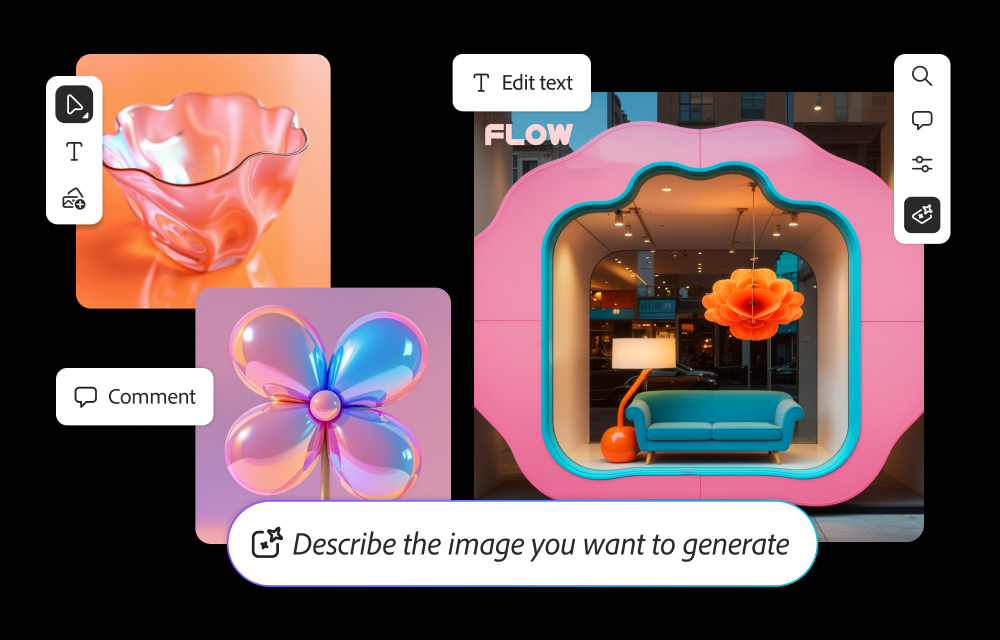
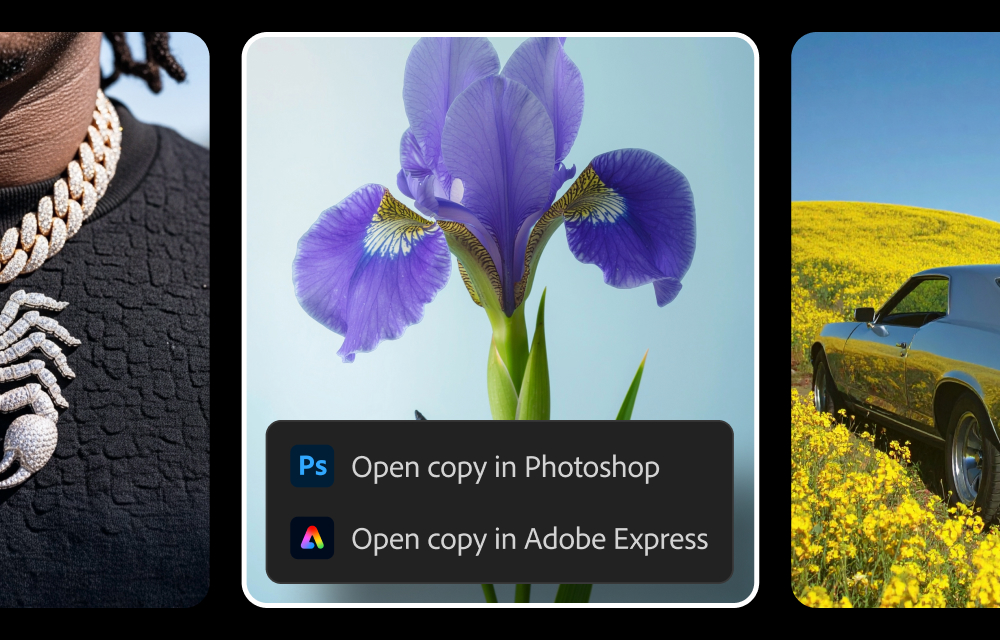
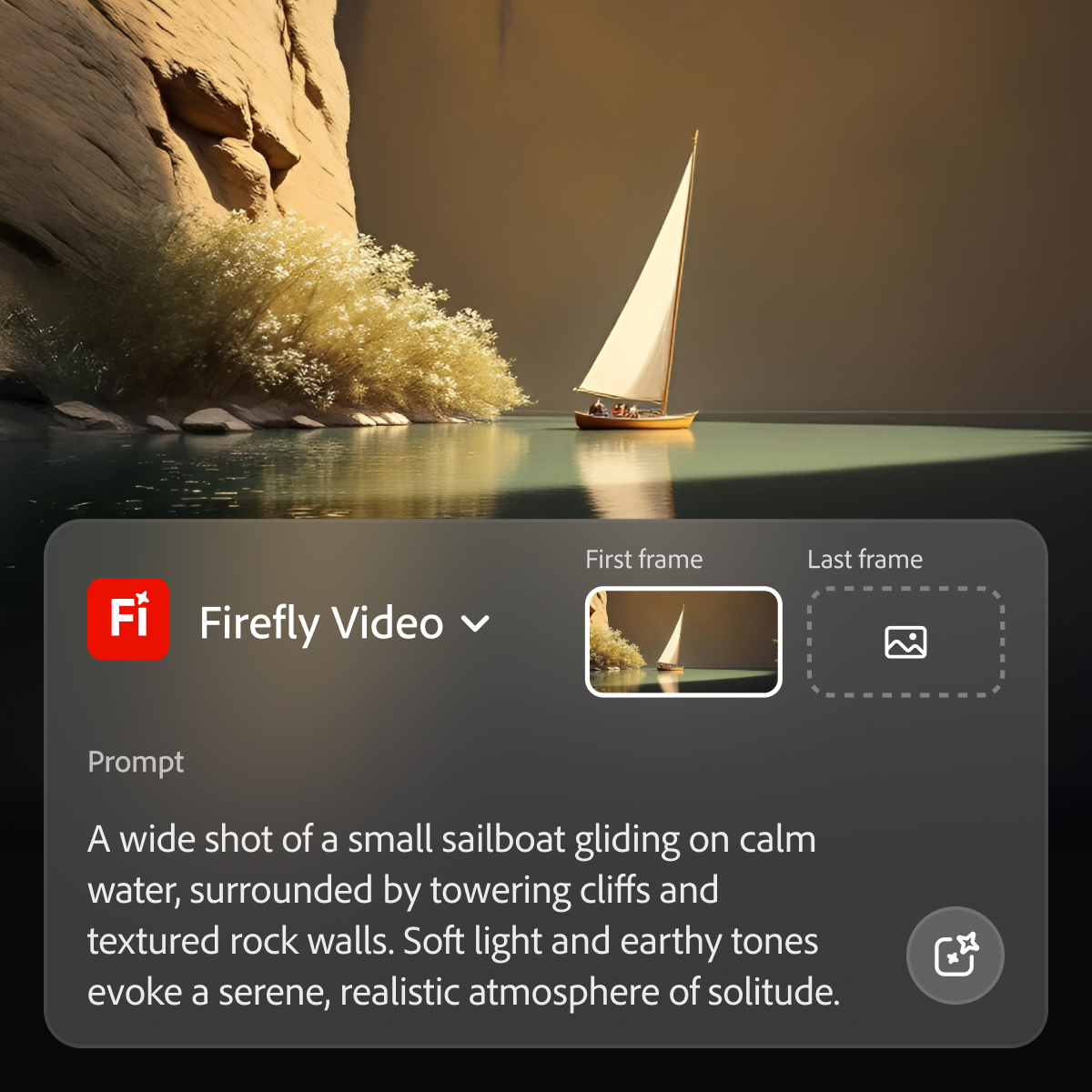
Adobe's Firefly models and services power generative AI features in Adobe creative apps, with features that can be used in Photoshop, Premiere Pro (beta), and the Firefly web app.
$9.99
per month (1 user & 2000 generative credits per month)
Canva
Score9.1 out of 10
N/A
Canva is a popular, simple online graphic design tool. Users can import images, use templates to design banners and logos, or pay to use Canva's premium stock images/paid templates (elements starting at $1).
I’ve tried other design tools like Canva and Midjourney, which are both great in their own ways. Canva is excellent for quick, easy-to-use templates and basic design needs, and it’s very beginner-friendly. Midjourney, on the other hand, has impressive AI capabilities for …
A de minimis incentive was given to thank the reviewer for their time. The incentive was not used to bias or drive a particular response, nor was the incentive contingent on a positive endorsement. TR verified that a representative sample of customers was invited. More Info
Verified User
Chose Adobe Firefly
Adobe Firefly outshines Canva in customization and integration with Adobe’s suite, making it ideal for advanced, brand-specific designs. While Canva is highly user-friendly and great for quick projects, Firefly’s AI-driven features and robust editing tools give us the …
A de minimis incentive was given to thank the reviewer for their time. The incentive was not used to bias or drive a particular response, nor was the incentive contingent on a positive endorsement. TR verified that a representative sample of customers was invited. More Info
Verified User
Chose Adobe Firefly
Adobe Firefly is a more trusted company than Canva. When we had to contact customer support, we found they are more responsive. Canva is used within the organization but not as many licenses are purchased. In the long run, we plan to continue using Firefly for most of our media …
A de minimis incentive was given to thank the reviewer for their time. The incentive was not used to bias or drive a particular response, nor was the incentive contingent on a positive endorsement. TR verified that a representative sample of customers was invited. More Info
Verified User
Chose Adobe Firefly
Adobe's Gen AI features are far more advanced than Canva. There is more user direction towards how to use the product successfully in terms of their community articles and webinars.
A de minimis incentive was given to thank the reviewer for their time. The incentive was not used to bias or drive a particular response, nor was the incentive contingent on a positive endorsement. TR verified that a representative sample of customers was invited. More Info
Verified User
Chose Adobe Firefly
I feel the images generated by Adobe Firefly are a step above those I've generated from Canva. Better quality images.
A de minimis incentive was given to thank the reviewer for their time. The incentive was not used to bias or drive a particular response, nor was the incentive contingent on a positive endorsement. TR verified that a representative sample of customers was invited. More Info
Verified User
Chose Adobe Firefly
we have worked with Canva but right now it need a lot of work so we are working on Adobe Firefly currently because of its ease of use and wide range of library so the concepts are diverse and highly precise.
A de minimis incentive was given to thank the reviewer for their time. The incentive was not used to bias or drive a particular response, nor was the incentive contingent on a positive endorsement. TR verified that a representative sample of customers was invited. More Info
Verified User
Chose Adobe Firefly
Firefly has much more control than the Canva AI photo generator. Results mostly seem more realistic.
A de minimis incentive was given to thank the reviewer for their time. The incentive was not used to bias or drive a particular response, nor was the incentive contingent on a positive endorsement. TR verified that a representative sample of customers was invited. More Info
A de minimis incentive was given to thank the reviewer for their time. The incentive was not used to bias or drive a particular response, nor was the incentive contingent on a positive endorsement. TR verified that a representative sample of customers was invited. More Info
CTO in Manufacturing at Animal Necessity (Veterinary, 11-50 employees)
Chose Adobe Firefly
Adobe Firefly works pretty similar to what we also use in Canva. Canva's AI graphical generation also works fine, but we tend to use Firefly more because we feel it gives us more options that are closer to our scope and needs. We use both because we're active in both programs.
A de minimis incentive was given to thank the reviewer for their time. The incentive was not used to bias or drive a particular response, nor was the incentive contingent on a positive endorsement. TR verified that a representative sample of customers was invited. More Info
A de minimis incentive was given to thank the reviewer for their time. The incentive was not used to bias or drive a particular response, nor was the incentive contingent on a positive endorsement. More Info
Event Manager in Professional Services at FNP Wedding (Events Services, 501-1000 employees)
Chose Adobe Firefly
Adobe Firefly is more professional and loaded with so many complex features with makes it unique. The other software may be done the role of helping hand but cannot be done all work. And also it was a management decision to onboard the software we are just user in that. This …
A de minimis incentive was given to thank the reviewer for their time. The incentive was not used to bias or drive a particular response, nor was the incentive contingent on a positive endorsement. More Info
Verified User
Chose Adobe Firefly
Adobe Firefly gives you a variety of choices and options to adjust the image.
A de minimis incentive was given to thank the reviewer for their time. The incentive was not used to bias or drive a particular response, nor was the incentive contingent on a positive endorsement. More Info
Verified User
Chose Adobe Firefly
Adobe Firefly has more advanced generative AI capabilities if you are looking to create something specific
A de minimis incentive was given to thank the reviewer for their time. The incentive was not used to bias or drive a particular response, nor was the incentive contingent on a positive endorsement. More Info
Verified User
Chose Adobe Firefly
Adobe expertise is reflected on Firefly. There are several tools and options that other AI platforms are unable to provide.
A de minimis incentive was given to thank the reviewer for their time. The incentive was not used to bias or drive a particular response, nor was the incentive contingent on a positive endorsement. TR verified that a representative sample of customers was invited. More Info
Verified User
Chose Adobe Firefly
Photoshop at the end of the day can do a lot more than Adobe firefly, and probably most of the other software on the market for media generation. However, Adobe PhotoShop requires extensive training for results and quite a bit more of training for excellent results. That would …
A de minimis incentive was given to thank the reviewer for their time. The incentive was not used to bias or drive a particular response, nor was the incentive contingent on a positive endorsement. TR verified that a representative sample of customers was invited. More Info
Design Lead at Brazilian National Research and Education Network (RNP) (Computer Networking, 501-1000 employees)
Chose Adobe Firefly
Adobe Firefly provides images of much higher quality than the CoPilot image generator and without credit limitations, allowing for more continuous experimentation. Although I haven’t used Shutterstock’s AI yet, I no longer see the need to rely on image banks for most of our …
A de minimis incentive was given to thank the reviewer for their time. The incentive was not used to bias or drive a particular response, nor was the incentive contingent on a positive endorsement. TR verified that a representative sample of customers was invited. More Info
Verified User
Chose Adobe Firefly
There is no comparison at all, the solution Firefly offers is leaps and bounds better than that of CoPilot.
A de minimis incentive was given to thank the reviewer for their time. The incentive was not used to bias or drive a particular response, nor was the incentive contingent on a positive endorsement. TR verified that a representative sample of customers was invited. More Info
Director in Information Technology at Devtics Technologies (Computer Software, 1-10 employees)
Chose Adobe Firefly
Adobe Firefly is a seperate version of AI from photoshop. Photoshop AI in latest version can do many things but it needs some work, it generates something different than you ask, thats where Firefly AI comes in handy because it's built just to tackle that problem we had with AI …
A de minimis incentive was given to thank the reviewer for their time. The incentive was not used to bias or drive a particular response, nor was the incentive contingent on a positive endorsement. TR verified that a representative sample of customers was invited. More Info
admistrative project manager at Rhode Island Judiciary (Judiciary, 51-200 employees)
Chose Adobe Firefly
allows to you make changes of images that you already made and does not recreate the whole image that looks completely different than what you may like.
A de minimis incentive was given to thank the reviewer for their time. The incentive was not used to bias or drive a particular response, nor was the incentive contingent on a positive endorsement. TR verified that a representative sample of customers was invited. More Info
A de minimis incentive was given to thank the reviewer for their time. The incentive was not used to bias or drive a particular response, nor was the incentive contingent on a positive endorsement. TR verified that a representative sample of customers was invited. More Info
While Adobe does and should establish policies with regard to censorship of certain types of images and words used in prompts, the restrictions do at times seem arbitrary and random, with little feedback in such cases as to what issues in particular are causing problems. For example, if using a reference image of a child to produce a video is forbidden, it would seem simple enough from an AI point of view to explain the limitation to the user.
A de minimis incentive was given to thank the reviewer for their time. The incentive was not used to bias or drive a particular response, nor was the incentive contingent on a positive endorsement. More Info
They are suited to serve the non-profit space, offering premium features at no charge for up to 50 users. They provide tools for non-graphic designers that help to create appealing and attractive pieces. For those who are unsure about where to start with a project, Canva offers templates that can be edited to suit the current need.
In Adobe Premiere Pro, Adobe Firefly does a great job with the Remix Tool which expands the length of an audio music track while matching notes and adding more beats to its length. The transitions are seamless, and after the generation is completed it is difficult to distinguish the new beats apart from the original composition.
In the Adobe Firefly, I use the standalone app to create graphic variations and visual concepts for quick mockups to streamline design ideas. This process helps me to speed up the creative process and to work more efficiently. It also presents me with additional creative ideas to incorporate in future ideations.
In Adobe Photoshop, Adobe Firefly is wonderful with the 'Generative Fill' which uses prompts to enhance an original image by adding complimentary content, replacing content, or even removing the background or content from an image altogether. The result is extremely realistic and amazing.
A de minimis incentive was given to thank the reviewer for their time. The incentive was not used to bias or drive a particular response, nor was the incentive contingent on a positive endorsement. More Info
It helps you find the right design and helps you start with the right template
It helps in creating for all platforms, basically you need to create the design only once and Canva takes care of the rest by resizing the design for whichever platform you want to publish it to.
It also comes with a content planner which is extremely helpful for obvious reasons. It relieves you from the hassle of posting when the right time hits.
There's a Brand feature which is also extremely fascinating as it helps you store all your brand information (even color) at the same place.
A de minimis incentive was given to thank the reviewer for their time. The incentive was not used to bias or drive a particular response, nor was the incentive contingent on a positive endorsement. TR verified that a representative sample of customers was invited. More Info
I have a hard time coming up with any improvements, perhaps increase the number of free elements to use in design.
Maybe, Canva should check if you start editing a previous document to see if you want to change the current design or create a new one as a clone of the current document (design).
I'm sorry, I really can't think of a 3rd. Overall, I really like working in Canva.
A de minimis incentive was given to thank the reviewer for their time. The incentive was not used to bias or drive a particular response, nor was the incentive contingent on a positive endorsement. More Info
Because while Adobe Firefly is a good tool (and comes integrated to a certain extent with your Adobe CC subscription) there is still a long way to go before it can have the support to be able to use it outside of the same program subscription.
A de minimis incentive was given to thank the reviewer for their time. The incentive was not used to bias or drive a particular response, nor was the incentive contingent on a positive endorsement. TR verified that a representative sample of customers was invited. More Info
The ease of use makes Canva a powerful tool for manipulating images, creating original content, and testing ideas without requiring the involvement of graphic design or more time-intensive image editing software such as Photoshop. While it doesn't have the full functionality of a mature software, such as Photoshop, The speed and simplicity of Canva makes it a necessity in a business of any size
A de minimis incentive was given to thank the reviewer for their time. The incentive was not used to bias or drive a particular response, nor was the incentive contingent on a positive endorsement. More Info
Easy to use on the web application, and its integration into Photoshop is super easy to utilize for my projects. I always get what I am looking for out of Firefly, and it's become an amazing tool to save me time on a heavy workload task.
A de minimis incentive was given to thank the reviewer for their time. The incentive was not used to bias or drive a particular response, nor was the incentive contingent on a positive endorsement. More Info
It is super easy to use, but it could be limiting if you're on a small device. It is easier on a bigger device because you can resize graphics and text easier than with your fingers on a small device. I do think it's perfect and easy for non-designers who don't have any training. As long as you have a good eye for visuals, Canva is a wonderful substitute for graphics programs on-the-go.
A de minimis incentive was given to thank the reviewer for their time. The incentive was not used to bias or drive a particular response, nor was the incentive contingent on a positive endorsement. More Info
I have yet to encounter Canva being offline in at least 6 years of using it regularly. They also announce well in advance if there may be upgrades to the code and the hours during which there may be issues accessing the service.
A de minimis incentive was given to thank the reviewer for their time. The incentive was not used to bias or drive a particular response, nor was the incentive contingent on a positive endorsement. More Info
I haven't ever had issues with a slow-loading site and there haven't been any lag issues within the software. There have been maybe a handful of times over the past six years where I have tried to upload a large image and it will slow down as it loads the last megabyte, but I have yet to have the system time out or require any interference by me
A de minimis incentive was given to thank the reviewer for their time. The incentive was not used to bias or drive a particular response, nor was the incentive contingent on a positive endorsement. More Info
A de minimis incentive was given to thank the reviewer for their time. The incentive was not used to bias or drive a particular response, nor was the incentive contingent on a positive endorsement. TR verified that a representative sample of customers was invited. More Info
Overall, Canva is easy to use, easy to train others to use, allows for creativity with a professional look without enormous associated costs. The mobile apps works almost as easily, but at a minimum allows for easy review and downloading in a pinch. Really, anyone can learn to use Canva quickly and will immediately benefit from the results.
As I have noted in previous answers, the integration of Adobe Firefly is already done for you. It is part of the Adobe Suite and works seamlessly with all other Adobe products. If you don't happen to use Adobe products, it works just like any other AI image creation tool in that you can save and download your creations to edit in whatever software tools you prefer.
A de minimis incentive was given to thank the reviewer for their time. The incentive was not used to bias or drive a particular response, nor was the incentive contingent on a positive endorsement. TR verified that a representative sample of customers was invited. More Info
Remember to download the mobile app onto your phone for easy image manipulation on the go. Adding company colors, logos, and typefaces to your company account is an easy process. When images are uploaded, these can also be shared between accounts within a company, as can canvases you've created for easy editing among teams.
A de minimis incentive was given to thank the reviewer for their time. The incentive was not used to bias or drive a particular response, nor was the incentive contingent on a positive endorsement. More Info
Midjourney was not in this list but that is the most similar to Firefly in my opinion. I find that Adobe Firefly and Midjourney have a lot of overlap. The generative fill options on Photoshop and Illustrator also include very similar use cases with generating photography and extending areas of a photo to imagine outside of the crop.
A de minimis incentive was given to thank the reviewer for their time. The incentive was not used to bias or drive a particular response, nor was the incentive contingent on a positive endorsement. TR verified that a representative sample of customers was invited. More Info
Canva is faster and easy to use. There aren't complex menus like Adobe products and everything is generally intuitive. Menus are mostly open and visible or relatively small. Small changes to the program add to it's usability rather than detract. I also appreciate that Canva helps the user become more creative through use. By giving you editable examples through templates you can choose to re-design something ir create something from scratch w/ a similar concept or feel. Canva often gives me ideas that I can implement into my design or into the entire project even. I also like how Canva is intuitive in it's approach. The program gives you suggestions when it comes to graphics, etc. without getting in your way if you know what you already want
Very easy to add accounts and share content between them. Collaboration is also easy to manage and can be done on a project-by-project basis. The cloud-based software means it is incredibly fast to add a coworker and have them editing images within minutes. A live internet connection is required to access Canva so this is something to consider if expecting to use the software while on journeys without access to wifi etc
A de minimis incentive was given to thank the reviewer for their time. The incentive was not used to bias or drive a particular response, nor was the incentive contingent on a positive endorsement. More Info
Firefly has saved us many hours by being able to generate images that were otherwise hard to find, or images that we'd need to request licenses to use. Those time saving equate to money savings as team members can move on to other paid tasks more quickly.
When using the generative fill feature, being able to extend the aspect ratio of images we already have in our library has saved us both time and money.
Using Firefly has been a useful part of our strategy to introduce Generative AI to our clients, which helps us stay on the front foot with new developments.
A de minimis incentive was given to thank the reviewer for their time. The incentive was not used to bias or drive a particular response, nor was the incentive contingent on a positive endorsement. TR verified that a representative sample of customers was invited. More Info
As far as ROI is concerned, Canva has proven itself time and time again as having a positive impact for business.
Just yesterday, I had to prepare an hour-long presentation on the fly; the great reviews of the presentation and the materials (all made in Canva) only served to advertise for Canva and it proves that Canva is a smart investment.
I don't think in the time that I have been a Canva pro user that I can say that my ROI has been negatively impacted. Highest recommendation. The software more the casually pays for itself time and time again.
A de minimis incentive was given to thank the reviewer for their time. The incentive was not used to bias or drive a particular response, nor was the incentive contingent on a positive endorsement. More Info