
Adobe Workfront vs. N-able MSP Manager
Adobe Workfront vs. N-able MSP Manager
| Product | Rating | Most Used By | Product Summary | Starting Price |
|---|---|---|---|---|
 Adobe Workfront | N/A | Adobe Workfront, acquired by Adobe in late 2020, is a web-based project-management tool. It is designed for both IT and marketing teams, but can be implemented for any kind of project. Workfront offers all the features standard to project management platforms, as well as resource allocation, automation, and agile workflow. | N/A | |
 N-able MSP Manager | N/A | N-able™ MSP Manager (formerly Solarwinds MSP Manager) is a cloud-based help desk and billing software for IT service providers, which includes a ticketing system, customer portal, technician mobile apps, billing tools, and reporting dashboards. MSP Manager offers a lightweight ticketing system with a quick entry feature that allows users to capture essential information such as customer name, service items, and issue details from any screen. Tickets can also be… | N/A |
| Adobe Workfront | N-able MSP Manager | |||||||||||||||
|---|---|---|---|---|---|---|---|---|---|---|---|---|---|---|---|---|
| Editions & Modules | No answers on this topic | No answers on this topic | ||||||||||||||
| Offerings |
| |||||||||||||||
| Entry-level Setup Fee | Optional | No setup fee | ||||||||||||||
| Additional Details | — | — | ||||||||||||||
| More Pricing Information | ||||||||||||||||
| Adobe Workfront | N-able MSP Manager |
|---|
| Adobe Workfront | N-able MSP Manager | |||||||||||||||||||||||||||||||||||||||||||||
|---|---|---|---|---|---|---|---|---|---|---|---|---|---|---|---|---|---|---|---|---|---|---|---|---|---|---|---|---|---|---|---|---|---|---|---|---|---|---|---|---|---|---|---|---|---|---|
| Project Management |
| |||||||||||||||||||||||||||||||||||||||||||||
| Professional Services Automation |
|
| Adobe Workfront | N-able MSP Manager | |
|---|---|---|
| Small Businesses |  Kintone Score 9.7 out of 10 |  Intuit Enterprise Suite Score 9.1 out of 10 |
| Medium-sized Companies | Kintone Score 9.7 out of 10 | Intuit Enterprise Suite Score 9.1 out of 10 |
| Enterprises |  Planview AgilePlace Score 7.6 out of 10 |  Planview AdaptiveWork Score 8.7 out of 10 |
| All Alternatives | View all alternatives | View all alternatives |
| Adobe Workfront | N-able MSP Manager | |
|---|---|---|
| Likelihood to Recommend | 8.5 (474 ratings) | 4.0 (4 ratings) |
| Likelihood to Renew | 6.5 (63 ratings) | - (0 ratings) |
| Usability | 6.4 (19 ratings) | - (0 ratings) |
| Availability | 9.1 (10 ratings) | - (0 ratings) |
| Performance | 7.3 (5 ratings) | - (0 ratings) |
| Support Rating | 10.0 (12 ratings) | 3.9 (2 ratings) |
| In-Person Training | 5.0 (1 ratings) | - (0 ratings) |
| Online Training | 8.9 (4 ratings) | - (0 ratings) |
| Implementation Rating | 8.3 (10 ratings) | - (0 ratings) |
| Configurability | 5.0 (1 ratings) | - (0 ratings) |
| Contract Terms and Pricing Model | 10.0 (1 ratings) | - (0 ratings) |
| Ease of integration | 1.0 (1 ratings) | - (0 ratings) |
| Product Scalability | 9.1 (4 ratings) | - (0 ratings) |
| Vendor post-sale | 1.0 (1 ratings) | - (0 ratings) |
| Vendor pre-sale | 1.0 (1 ratings) | - (0 ratings) |
| Adobe Workfront | N-able MSP Manager | |
|---|---|---|
| Likelihood to Recommend |  Adobe
| N-able
 Tamara Ham Secretary |
| Pros | Adobe
| N-able
|
| Cons | Adobe
| N-able
 Les Klassen Hamm Owner |
| Likelihood to Renew | Adobe
| N-able No answers on this topic |
| Usability | Adobe
| N-able No answers on this topic |
| Reliability and Availability | Adobe
| N-able No answers on this topic |
| Performance | Adobe
| N-able No answers on this topic |
| Support Rating | Adobe
 Rob Gokee Composer | N-able
Tamara Ham Secretary |
| In-Person Training | Adobe
| N-able No answers on this topic |
| Online Training | Adobe
 Maryland Tracy Web Traffic Manager | N-able No answers on this topic |
| Implementation Rating | Adobe
| N-able No answers on this topic |
| Alternatives Considered | Adobe
 Matt Elliott Director of Operations | N-able
|
| Contract Terms and Pricing Model | Adobe
Rob Gokee Composer | N-able No answers on this topic |
| Scalability | Adobe
| N-able No answers on this topic |
| Return on Investment | Adobe
| N-able
|
| ScreenShots | Adobe Workfront Screenshots    | N-able MSP Manager Screenshots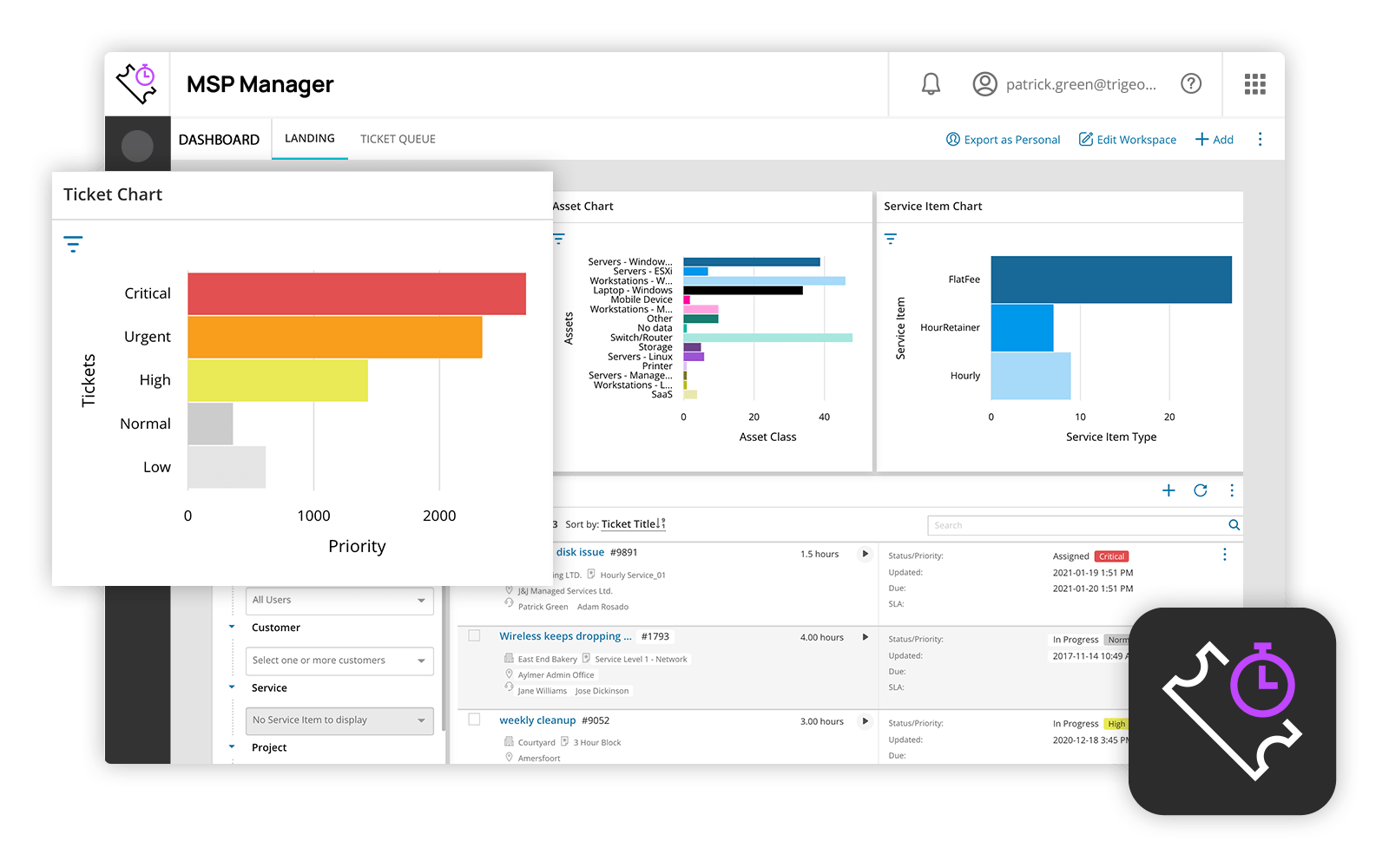 |