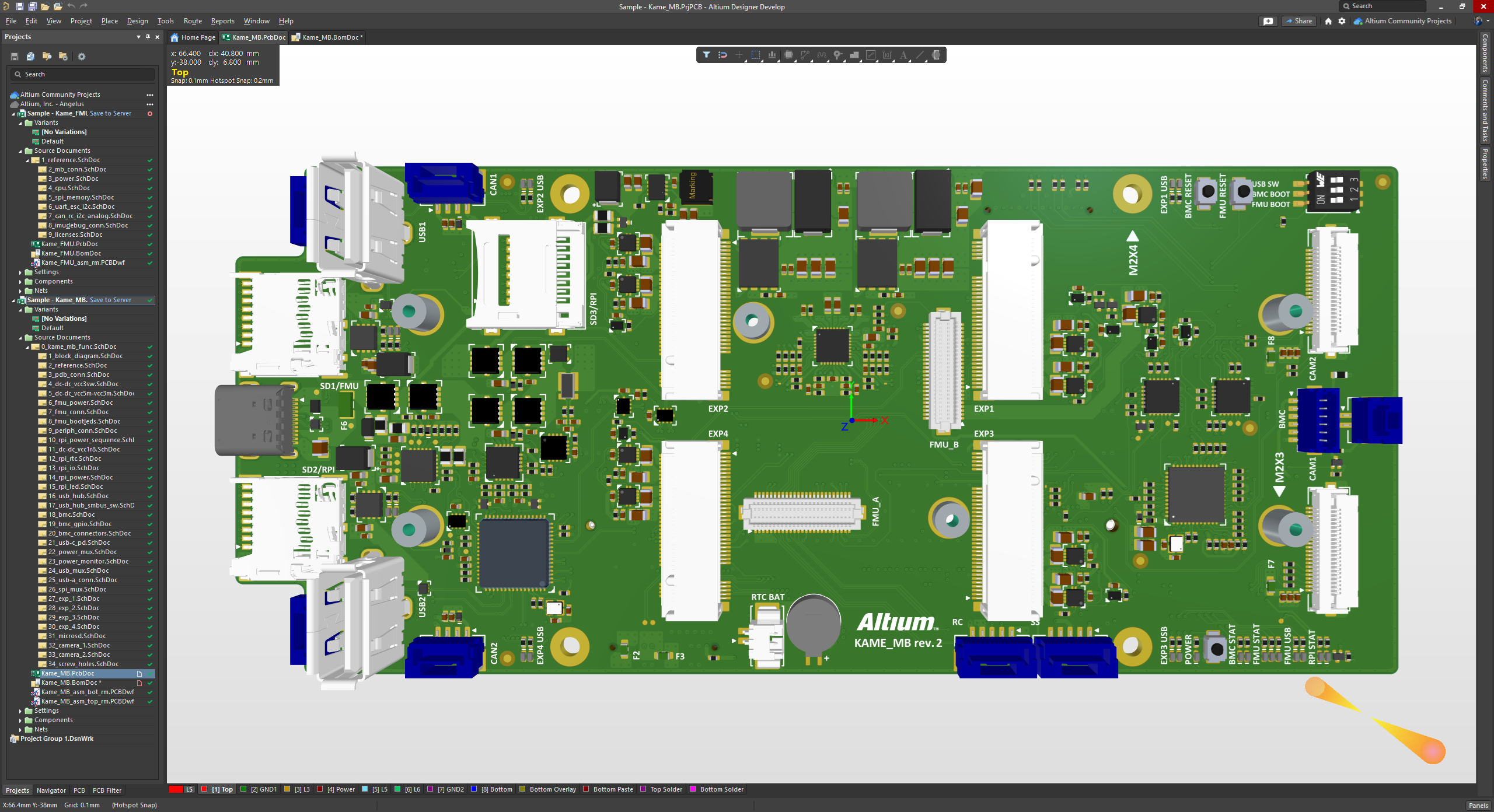
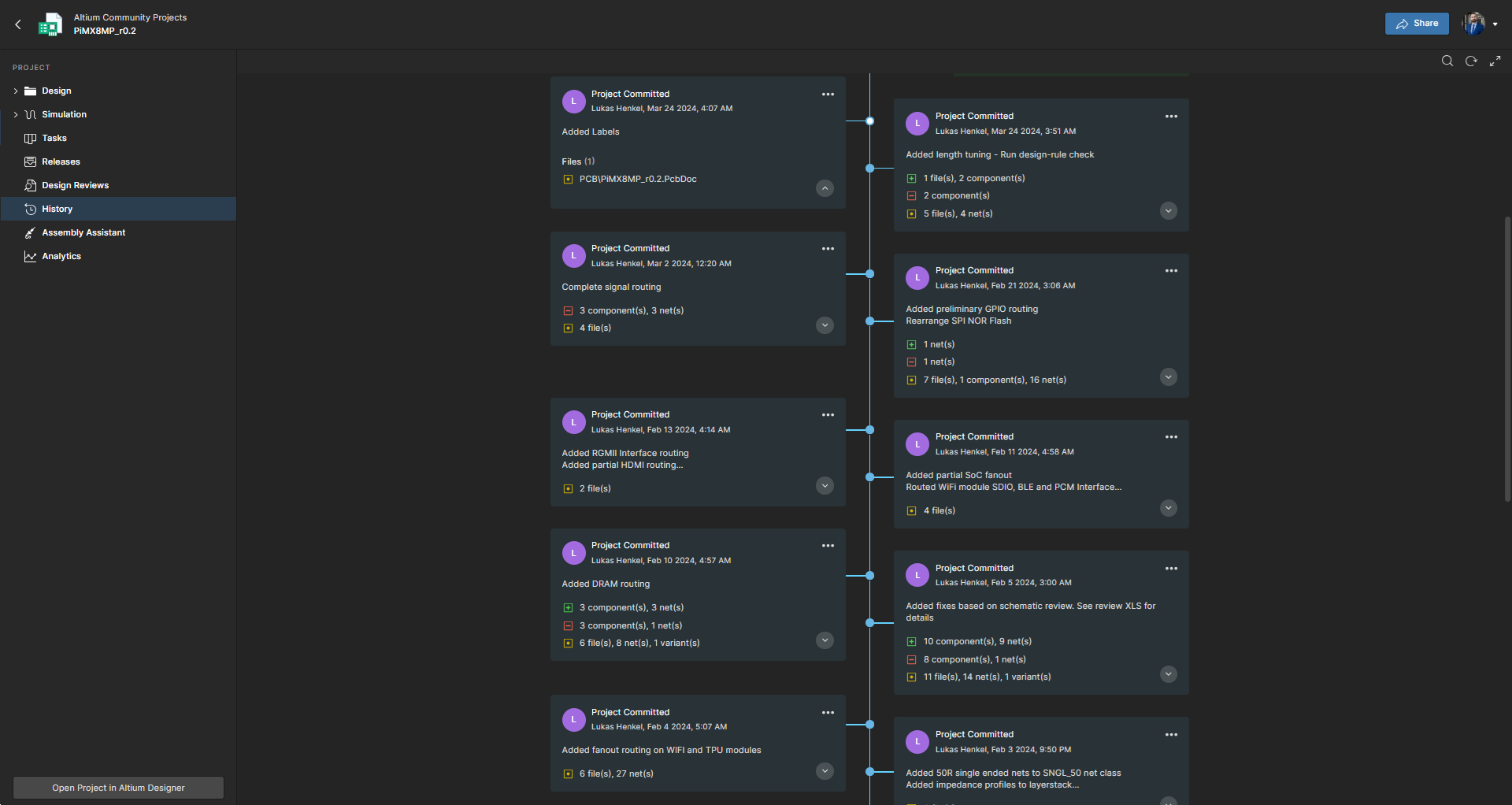
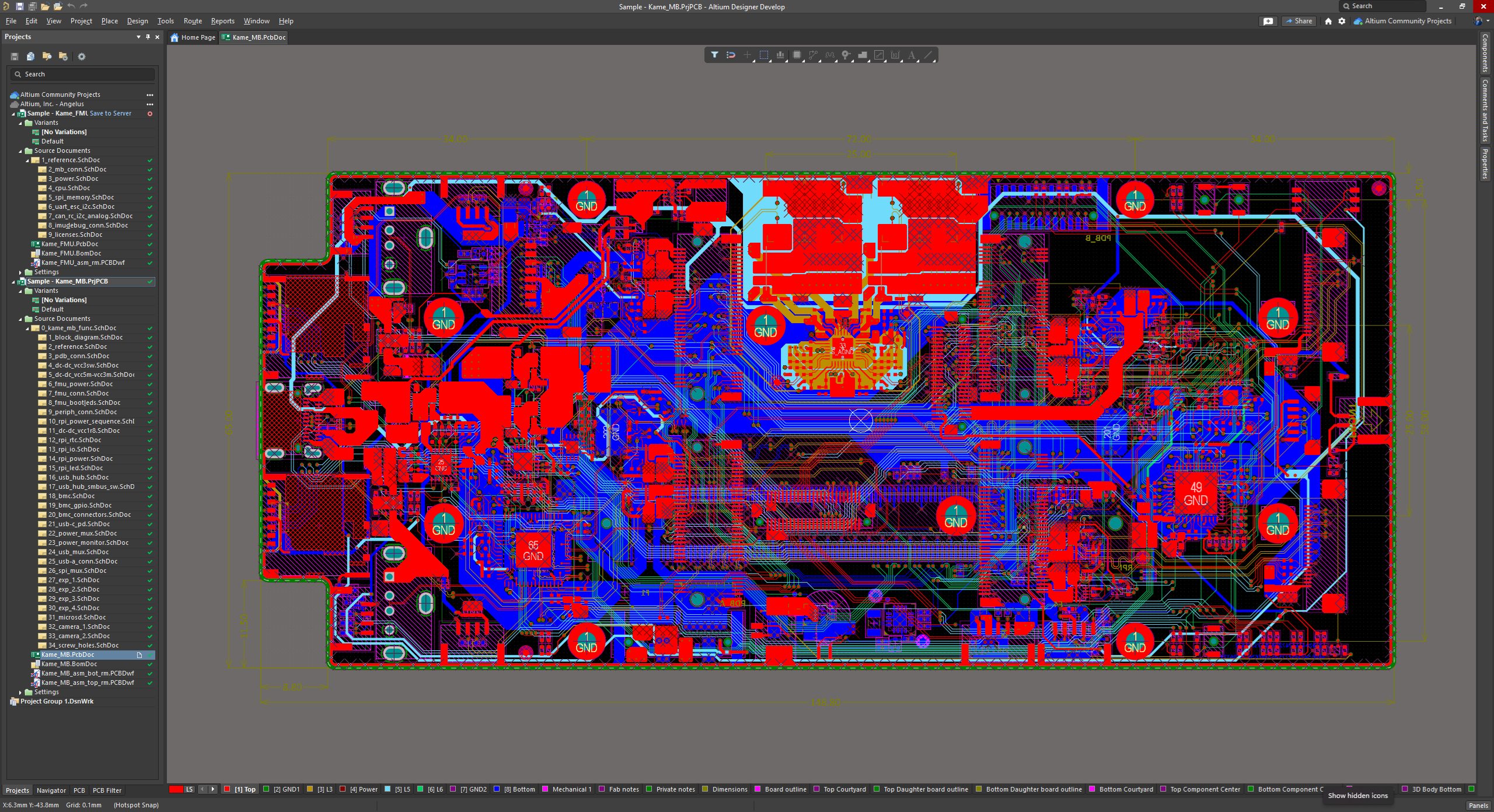
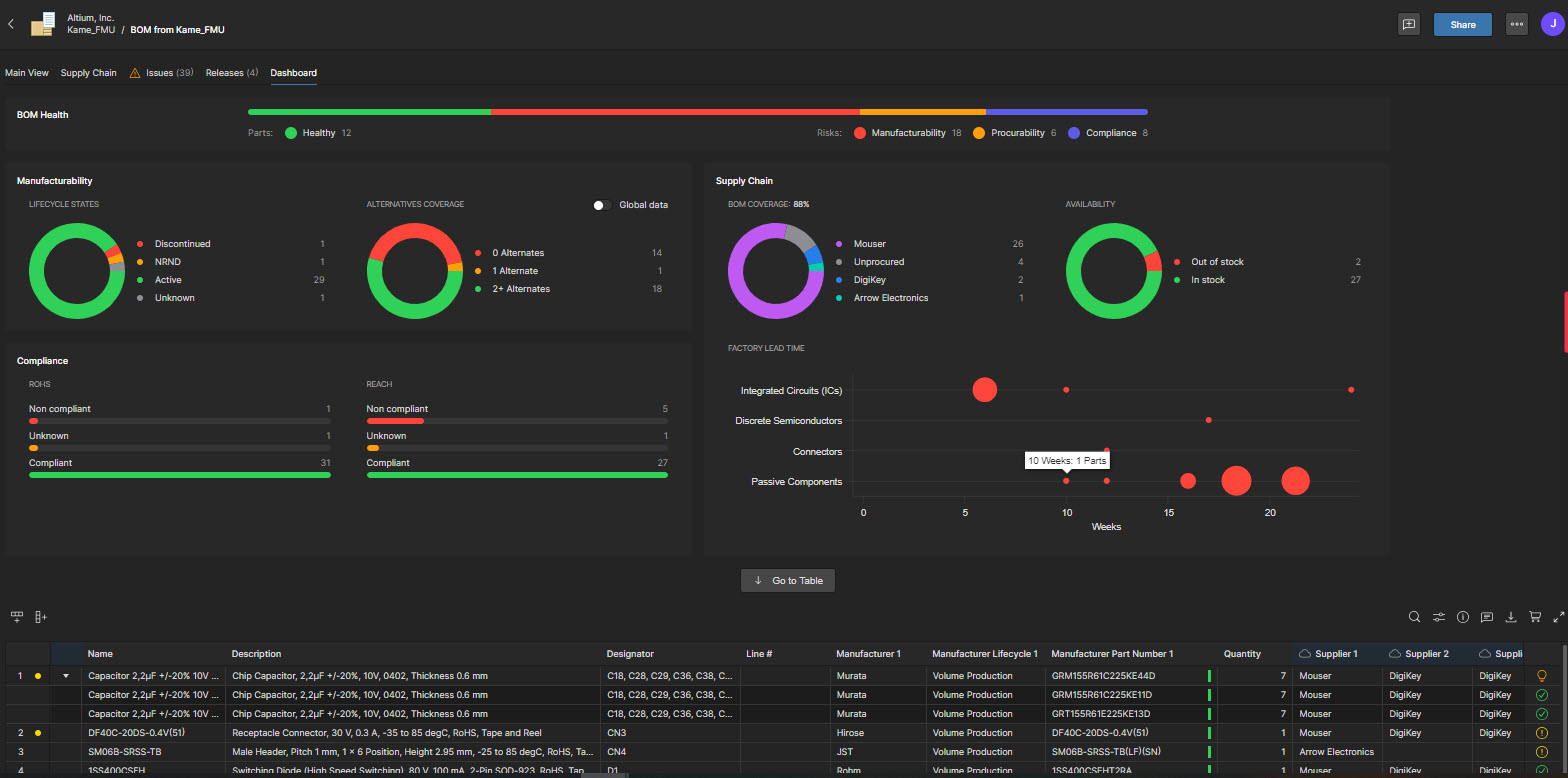
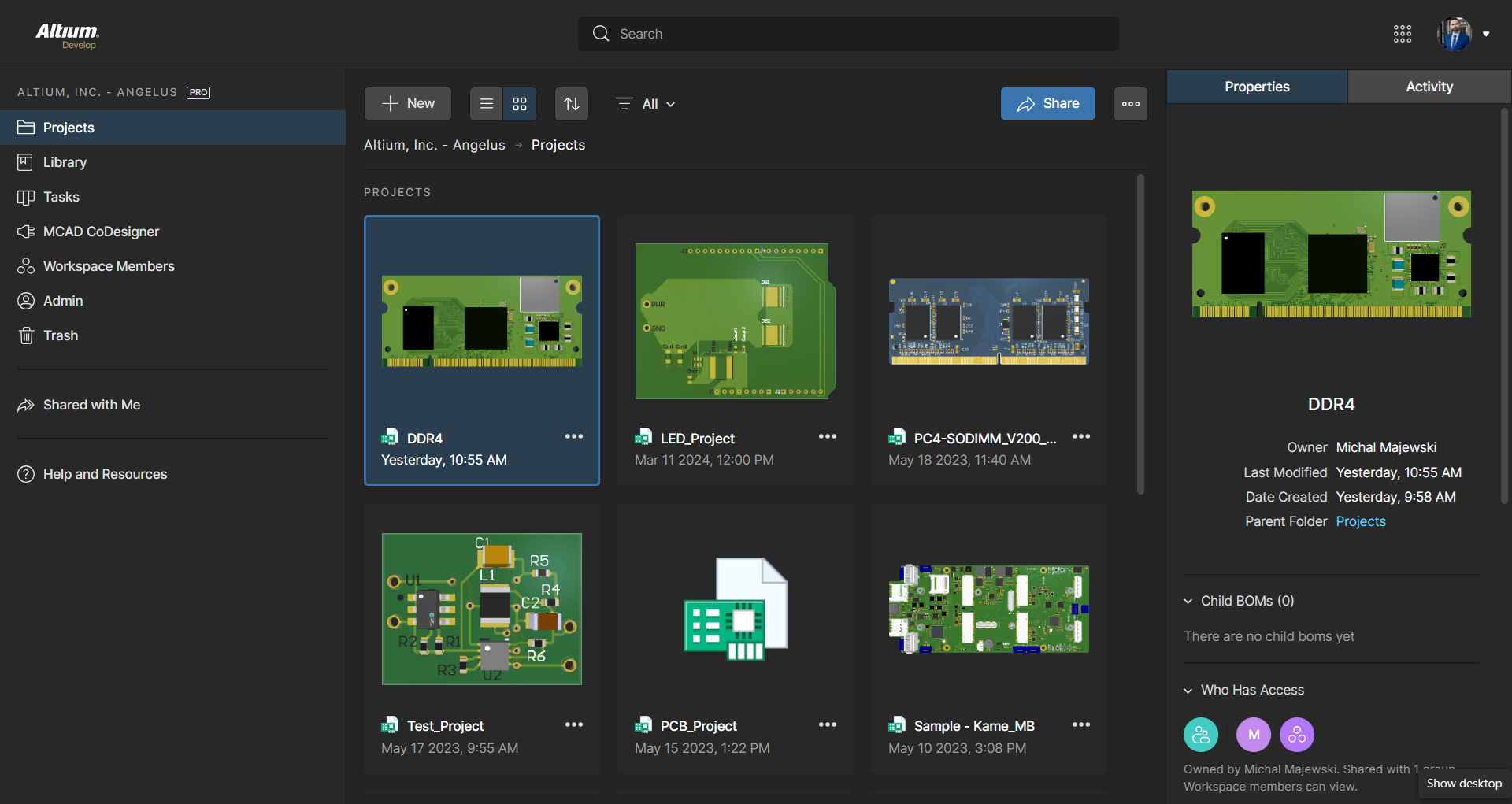
Altium Develop is a platform that unifies multidisciplinary teams across engineering, sourcing, and manufacturing to support seamless co-creation. It provides real-time visibility into designs, requirements, and supply chain data, enabling contributors to work together concurrently rather than in silos.
$995
per year per seat
DraftSight
Score 8.7 out of 10
N/A
DraftSight is a 2D and 3D CAD solution for architects, engineers and construction service providers, as well as professional CAD users, designers, educators and hobbyists. DraftSight lets users create, edit, view, and markup any kind of 2D and 3D DWG file with greater ease, speed, and efficiency. Its familiar user interface helps to facilitate a quick transition from other CAD applications. DraftSight Offerings: DraftSight Professional: the advanced 2D CAD drafting…
$249
per year
SketchUp
Score 8.2 out of 10
N/A
SketchUp is 3D modeling software with an emphasis on usability. SketchUp is a Trimble product.
$119
per year
Pricing
Altium Develop
DraftSight
SketchUp
Editions & Modules
No answers on this topic
DraftSight Professional
$249
per year
DraftSight Premium (3D)
$549
per year
DraftSight Enterprise
Contact sales team
DraftSight Enterprise Plus
Contact sales team
Free
$0.00
per year
For Schools (free with G Suite or Microsoft education account)
$0
For Students
$55.00
per year
For Educators
$55.00
per year
Studio for Students / Educators (Desktop version)
$55
per year
Shop
$119.00
per year
Pro
$299.00
per year
Professional
$299.00
per year
Studio (Windows only)
$699
per year
Studio
$1199.00
per year
Offerings
Pricing Offerings
Altium Develop
DraftSight
SketchUp
Free Trial
Yes
Yes
No
Free/Freemium Version
No
No
Yes
Premium Consulting/Integration Services
No
No
No
Entry-level Setup Fee
No setup fee
No setup fee
No setup fee
Additional Details
—
DraftSight Professional, and Premium are available to purchase online directly. DraftSight Enterprise and Enterprise Plus are available to purchase through local resellers.
DraftSight is much easier to use, as I really didn't get along with SketchUp. As it is so similar to cad, I am able to find solutions and then discuss [them] with my design department. This makes the production process much smoother and easier, and we can show the production …
Being a user for almost 10 years of DraftSight, the ease of use, the distribution of functions, etc. make switching to another program a bit painful and in need of a learning period.
I personally enjoyed AutoCAD more as that is what I used throughout my education. However, it is much more expensive for nearly the same product as Draft Sight. Revit is its own type of software and isn't easily comparable to something like DraftSight. Draftsight was just …
Each of these has their pros and cons but DraftSight is the most complete and capable package for accurate 2D designs at a low price point. It does 99.999% of what we need it to and is easily affordable.
I have used AutoCAD extensively and tested trail or free versions of FreeCAD, LibreCAD and likely a number of other 2D CAD programs in the past. In a business setting where compatibility and reliability was essential, only DraftSight gave me the features and confidence I need …
I did not use it enough to actually comment. I used the free version, however, the interface was confusing (due to my lack of experience) so I threw in the towel early.
Draftsight is NOT my basic drafting program. It lacks the power tools that PowerCadd has. Vectorworks Architect is a complete BIM solution. Draft sight does not offer an object-based solution, so would not work for my basic CAD needs. Users considering Draftsight should use …
SketchUp meets the intermediate to advanced business needs, setting the right assessment you can take advantage using the latest add in to fit the pro needs of a singular segment in the project or just to get the most from using one tool, instead of the other apps SkecthUp has …
It's the most approachable "professional" package for small to medium-sized businesses, given the price point. It's fairly mature feature-wise and has improved stability enough over the last 5 years that it no longer constantly crashes. But it feels like there's a push to constantly increase prices until it's no longer an obvious choice. That, coupled with the insistence on subscription models and the terrible user experience when on poorly connected mobile data plans, means it's still my CAD package of choice, but I'm now a reluctant user rather than a fan.
From product design, including production drawings to lay out of large (10m x 1m footprint) layouts DraftSight is a cost effective solution providing all appropriate interfaces for BIM.
The level of detail during rendering (while it can be slow) is good for visualization and for use in installation and training materials
SketchUp is great for individually studying options for building design. It is an awesome conceptual tool to be able to quickly model and manipulate a building to study different designs. It is not good for complex geometries, especially curves. Surfaces have a hard time registering and cutting into one another. It also eventually needs to go into Revit to be more realistic as it is not good as a documentation tool
Quickly exploring solutions in 3D: We get a lot of "what if" and "what would that look like" questions. While hand-sketching and hand-drafting can be fairly quick, SketchUp allows me to quickly create 3D and 2D views of a detail or solution, change dimensions and materials in a flash, and show a client or installer the plan in minutes.
Creating professional design documents in LayOut: Projects of any scale need good documentation. Using a combination of SketchUp and LayOut, I can create a Design Intent Set, plans for permitting, a set for mechanical trades to mark-up, etc. Having clear, appropriately-scaled drawings with dimensions or notations is a must, and we don't always have the time or budget to get an architect involved!
Using live files to guide discussions: Not all clients are "visual" people, so opening their model and orbiting around their space in real time has been extremely helpful. Clients and trades enjoy the perspective views so much that we often include them in the full-sized drawing sets to give a good "overall" view of the project intent. For complex or tight spaces, sometimes un-rendered plans and elevations just aren't enough!
It is difficult to create new components while reusing existing footprints/symbols. For example, reuse a 1206 package footprint, create a variant for resistors with an appropriate 3D model, and then a variant for capacitors with an appropriate 3D model.
The software's overall responsiveness seems slow, and it does not update properly in all instances. For example, clicking a component in the schematic will not always show its properties; it usually shows the properties of the last selected component. Clicking the blank space in the schematic first, then selecting the component, seems to load some of the correct data. But the 3D model in the properties view would still show the last EDITED part.
Saving components to the server would not always register correctly, requiring the component editor to be closed 'without saving' to close the part out, even though no changes were made since the last save to the server.
It is unclear where a list of footprints/symbols can be managed. For example, deleting a deprecated footprint so that it does not appear as a valid option in the future.
BOM part choice data has an NRFND component selected as in use, causing the status to be yellow. There is no apparent way to select a different manufacturer part as the 'in use' part to resolve the warning.
Updating from the library does not pull the most up-to-date symbol/footprint data for a given component. So far, there does not appear to be a way to do this, even though the component itself has been updated to use the correct references. This may be related to the general delays and consistency/reliability issues with the online link.
The text search and replace is very crude and barely works. Needs a major revamping.
The layout tabs are very clunky and hard to use. Needs to be fixed.
DraftSight will fix a problem in one version, mess it up in another version, then fix it again later on. And so forth, and so forth, and so forth. Very poor software update control.
ALTIUM DESIGNER is the reference tool in the electronic circuit design sector, its use is widespread worldwide. Although there are other alternatives, some of them free do not rival ALTIUM DESIGNER in terms of features and reliability. It is also very practical to request quotes with ALTIUM DESIGNER BOM reports since all suppliers are accustomed to using the tool.
We typically wait a few years in between renewing, as even older versions are powerful tools for modeling, and we make sure the amount of feature changes are worth the re-investment.
I originally chose Altium Develop for its superior usability. All operations being handled in one cohesive platform greatly improves efficiency. When handling many different designs, project setup and component creation eat into every project's productivity. Templates, defaults and design reuse all speed up design. I hold back from a higher rating because development focus on those usability features seems to have stagnated a bit. Simple missing features requested seem to remain missing. New collaboration features, simulation and sourcing features are released, but I just want to be able to draw dashed lines! I think this reflects a general focus on the 10% of datacenter/AI/smartphone customers over the 90% of 2-4 layer designs. The lack of information available during the platform transition gave me significant pause before buying in as well.
Easy if you know how to use CAD software. But is not very difficult to learn using DraftSight if this is your first CAD software. As soon as you get in to it the work flow will save you a lot of time and its simple interface is very nice.
It is very user friendly and easy to learn. It's simplicity allows for a low learning curve so more people can learn it faster. The downside is that most schools are no longer teaching it, so many younger professionals come out of school not knowing it and knowing more complex software and they have a hard time "dumbing down" their skillsets
Technical support seems to be overseas with broken English and difficulty to read English. I asked for a trial license to try the fix but it was declined. Ask pratiksha.dahotre and gayatri.keskar for details. In summary, they released a broken version, I helped to fix by providing feedback and error logs. They claimed it is fixed but I can't test it.
Sketchup is so intuitive; I can't recall ever looking for official support. However, there are many user forums online that can answer more questions. The usefulness of the online forums is, however, tempered by the fact that there have been many versions of the software under different ownership and support regimes, and thus finding the right information for the right version of the software can be a challenge.
Take time to get used to where commands are and how the interface can be customized to suit your needs and work style. The keyboard commands are very helpful and can make work more efficient if time is taken to learn them.
In terms of collaborative work, Altium 365 is the easiest to use since KiCad nor OrCAD have sophisticated infrastructure for team members to interact with each other. By allowing features such as organizations and version control, Altium 365 is by far the best product for collaborative work. Additionally, electronics parts management and creation is better in Altium 365 than the other products. Actions such as importing schematic libraries, creating bills of materials, and conducting simulations are simply better in Altium 365.
While SketchUp is free, DraftSights cost is minimal and its abilities are much greater. It is so much easier to layout and modifies a system design. Since DraftSight is compatible with all versions of CAD, it makes it easy to collaborate with customers on their specific system design. We spend less time and see greater sales on our projects.
We have not evaluated any other competing software to this one. I heard about this software from a friend who teaches how to use it. She showed me in just a few minutes and I was HOOKED. I saw immediately the possible help it would be to my business. Thank you.
It's a typical contract for cad software. It was inexpensive at the time I started. But now the more useful features are on the more premium (priced) version.
Quite responsive when I have an issue, and with little to no delay in responding. They are professional and know the software so have been able to solve all of the issues that I have had with both using the software and also with making revisions as required. Non-technical issues like invoices have also been resolved quickly.
Draftsight has been very cost effective, it was free a few years ago then £79 a year, which it still is if you have the standard version. Now the minium level is Profession edition at £159+ VAT per year. Which is still very good value for money, just more that what we currently pay with the standard licences we have.