Software AG offers ARIS Process Mining, With it the user can monitor and analyze the performance and structure of business processes automatically to identify best practices and specific optimization measures.
N/A
CMW Platform
Score 9.3 out of 10
Mid-Size Companies (51-1,000 employees)
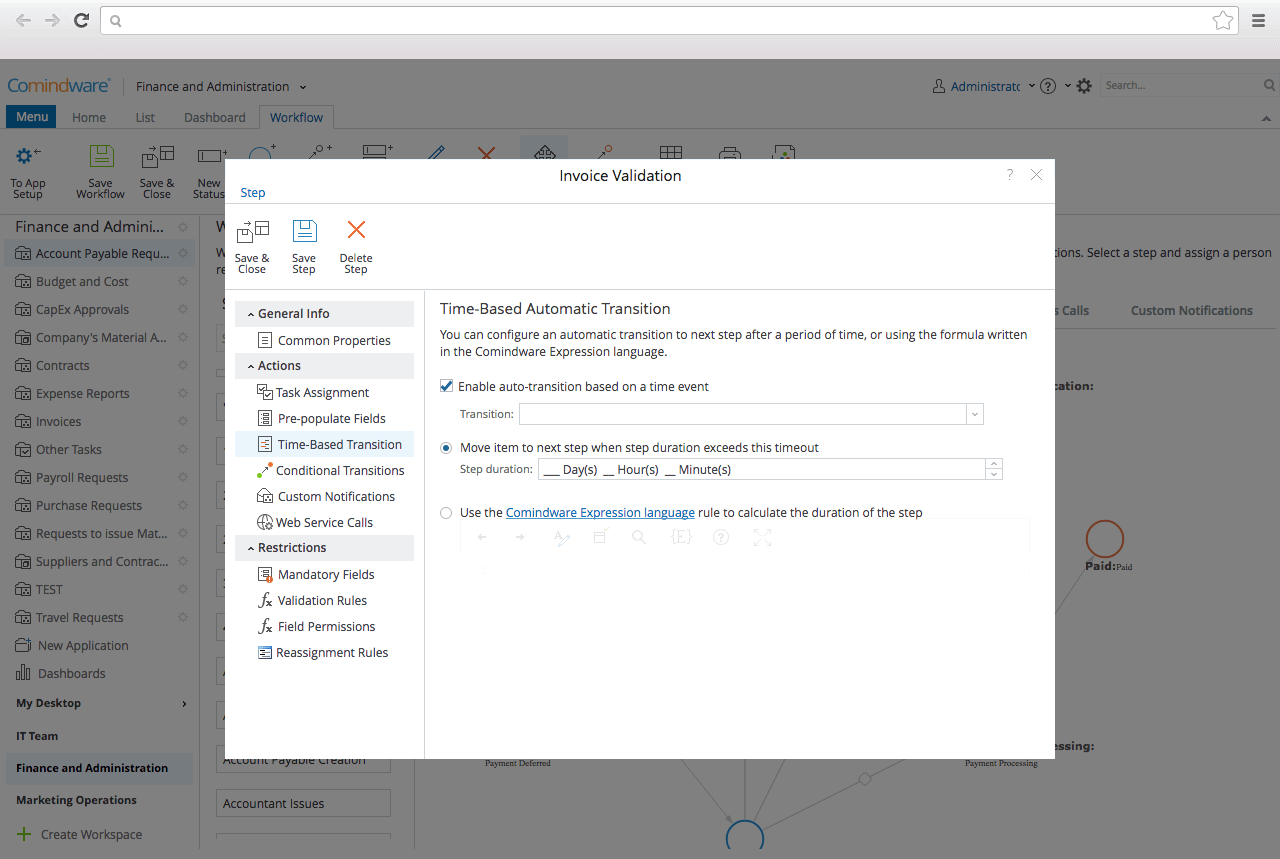
CMW Platform (formerly Comindware) is a business process management software centered on worklows to build automations. It implements a drag-and-drop interface along with Excel-style rules and forms.
N/A
Microsoft Power Automate
Score 8.4 out of 10
N/A
Microsoft Power Automate is an advanced automation platform offering a range of features, including AI-powered automation, robotic process automation (RPA), business process automation (BPA), digital process automation (DPA), and process/task mining. The platform aims to empower organizations to securely automate their operations at scale by leveraging low-code and AI technologies.
$15
per month per user
Pricing
ARIS Process Mining
CMW Platform
Microsoft Power Automate
Editions & Modules
No answers on this topic
No answers on this topic
Power Automate Premium
$15
per month per user
Power Automate Process
$150
per month per bot
Hosted RPA add-on
$215
per month per bot
Process Mining add-on
$5,000
per month per tenant
Offerings
Pricing Offerings
ARIS Process Mining
CMW Platform
Microsoft Power Automate
Free Trial
No
Yes
Yes
Free/Freemium Version
No
No
Yes
Premium Consulting/Integration Services
No
Yes
No
Entry-level Setup Fee
Optional
Optional
No setup fee
Additional Details
—
Comindware Tracker is available for purchase on a per-user subscription plan.
Comindware Tracker is useful and can be accessed through a web
browser on iOS and Android devices, as well as Mac and Windows desktops. It is
necessary to create, implement and modify our workflows, as well as to automate
Microsoft Power Automate is useful and practical to help us achieve our corporate goals. It enables us to design time-saving workflows on anything from individual tasks to large-scale operations, by combining applications with connectors and enabling all participants to build …
Microsoft
Power Automate is advantageous because it can link with current products in the
Microsoft ecosystem, can automate a large number of desktop operations with
The scenarios where ARIS Process Mining is well suited are actually quite niche. I can say if you're a big, old organization with a lot of hierarchy and bureaucracy and this causes the information within the organization to disseminate and reaching the correct units take time, therefore inefficiency, then it's surely worth investing in ARIS Process Mining tool. These are the exact problems ARIS offers to solve. But if at least some of these terms I mentioned do not apply to your organization, whether it's small or does not suffer these symptoms despite being big, you can still use it for its various reporting and mining tool to improve, however the most suitable scenario is as I explained above.
If you have multiple departments that are in charge of production or different facets of a large project, this platform is for you. International companies would benefit especially from the real-time updates, which are incredible for overseas production monitoring. For smaller businesses, the cost is too much for something that could be handled in-house
Very useful RPA tools for automating processes with minimal coding and drag-and-drop functionality, with a wide variety of triggers, including scheduled time-based triggers and activity-based triggers, such as modifying a file/list in SharePoint to run a Power Automate flow. Very easy-to-use UI with native integration with every Microsoft product, and a very low automation failure rate for deployed workflows.
Even though the cost is higher than its counterparts in the market, overall, it is reliable and gets the job done.
I've faced a single issue in my tenure of using this platform - the integration capabilities. As compared to other project management tools, CMW does seem to have limited integration options.
The tool is very useful when used with its various native connectors, taking great advantage of the integration between the components and systems of the Office365 universe. However, its cost is still high, and automation using more advanced components containing AI resources becomes unfeasible for some companies. Due to the financial crisis that many companies are currently experiencing, investment in automation systems or tools is taking a back seat.
As I mentioned in my whole review that it is making opration smoother it's capabilities to automate repetitive tasks, reduce manual errors,and improve productivity.Its low code approach allows us to create business apps quickly and easily without requiring extensibe programming knowledge.although it has lots of positive points but there are some issues which is barrier to become perfect that's why I give 8
Power Automate features a clean and intuitive user interface that allows users to create, manage, and monitor workflows easily. The UI is designed to be accessible to both technical and non-technical users, with drag-and-drop functionality for building workflows. Power Automate supports integration with a wide range of Microsoft and third-party applications. This flexibility in integration allows users to automate workflows across various systems, enhancing overall productivity and efficiency.
We worked with a vendor who supported us and have been able to resolve any problems/questions we came across so we did not even need to go to ARIS Process Mining support/developer team to resolve issues.
It's more of drag and drop functionality. It is quite easy to set up. Creation of form is very easy. Support Team of Comindware Tracker is good and very friendly. It is efficient in terms of task management, project management, team management, vendor/client tracking.
both Community support and Microsoft official support typically respond to (and resolve) reported issues in a VERY expedient manner, usually going above and beyond for education and bugfixing. I have been thoroughly impressed with the level of support I had been provided in the past.
after reviewing the main features of Power Automate, the Microsoft trainer focused on some of our real life use cases implementation, from simple to more advanced.
although it was productive, it is more difficult to stay focused and in a 7 hours a day online training (including screen share issues and the fact that the trainer just can't precisely show the exact location of your mistake)
Overall, our experience implementing Microsoft Power Automate has been positive, with a relatively low barrier to entry and a fast time-to-value—especially because it integrates natively with Microsoft 365, which we were already using extensively. With Respect to migration, I had a very good experience where existing workflows were reviewed and simplified. Unnecessary steps were removed. Business rules were reimplemented using Power Automate logic. We migrated Approval workflows, email-based notifications, SharePoint-centric processes, and simple integrations.
I have not heard of any better such software that you can use to both map the processes, report them and mine them to see bottlenecks to improve. There are many software platforms that you can draw and map processes but such advanced library, mapping, reporting and mining tools to achieve the optimal process flow does not exist as far as I know.
Other than trying Comindware Tracker it is newer to me, I have used Adobe software multiple times and are familiar with their products. I won't stack Comindware Tracker against them because they both are amazing. I like using Comindware tracker because it is easy to use and is great for me, it helps optimize and maintain my workflows.
Microsoft Power Automate is worlds ahead of Zapier in so many ways. The looping, DOM access, and flow controls are much better. I feel that accessing different data within previous connectors used in a flow is much easier in Microsoft Power Automate as well. The custom connector creation process is a lot more pleasant in Microsoft Power Automate. The DateTime data type is handles MUCH better in Microsoft Power Automate, which is reason enough to use it.
Microsoft's professional services provide hands-on support throughout the implementation lifecycle of Power Automate.This includes initial setup, configuration, integration with existing systems, testing, and deployment. They ensure that workflows are correctly designed, optimized for performance, and aligned with security best practices.
You can automate a lot of process very easy like automatic mails for status updates and such. This will save a lot of time and is more accurate, faster and up-to-date than a user can be.
Task approval is centralized and automatic reminders save us a lot of time.
The ROI is good if you have a lot of use cases and things to automate