ManageEngine's AssetExplorer is an IT asset management solution.
N/A
Atlassian Service Collection
Score8.1 out of 10
N/A
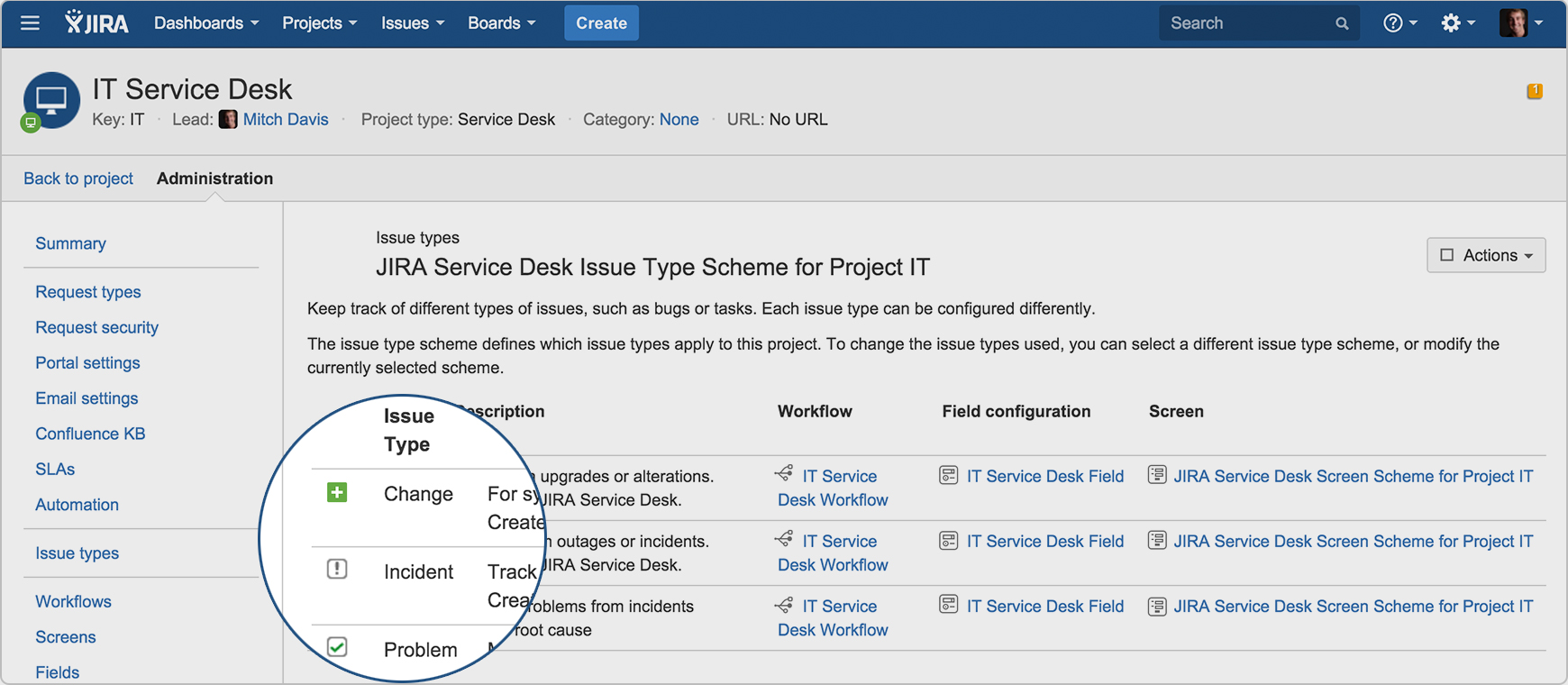
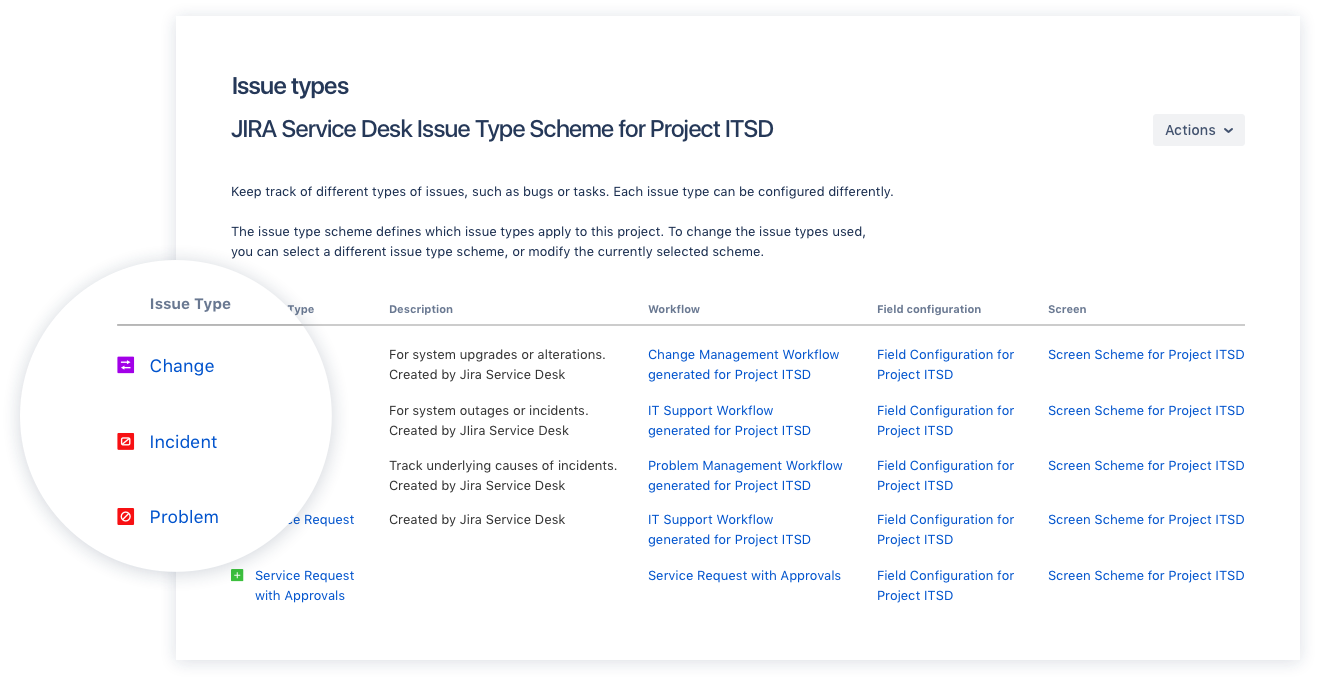
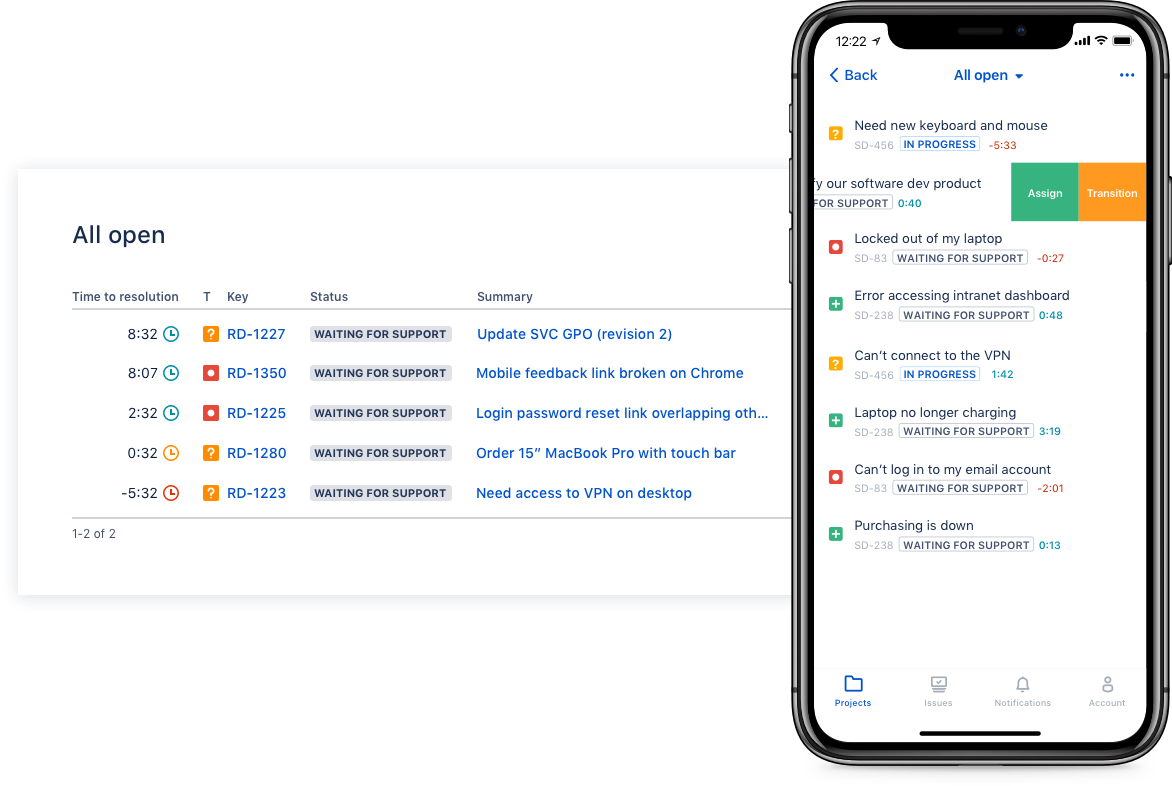
The Atlassian Service Collection, including the no longer available standalone Jira Service Management, is an integrated suite of service management applications built on Atlassian's unified Jira platform architecture. Designed to bring development, operations, internal IT, and external support teams onto a single workflow engine, the Service Collection consolidates support infrastructures to deliver service at high velocity.
The purchase order module can be very useful if you put a process in place. It is miles ahead of using a spreadsheet or something simple to do purchase orders and track spending. It can be good to keep track of equipment and software you have in house. However it is imperative you have dedicated staff and processes in place to maximize the utility of the software else it can become a white elephant if not implemented properly as it is a complex piece of software that does many things.
A de minimis incentive was given to thank the reviewer for their time. The incentive was not used to bias or drive a particular response, nor was the incentive contingent on a positive endorsement. More Info
I think using a ticketing system is very easy to use and allows multiple teams to create help desks in the same portal. In terms of internal usage, I think this is a great option. However, suppose you're trying to keep internal items and external helpdesks in the same instance. In that case, this is not ideal, as there is no effective way to separate the two instances to protect internal data better.
A de minimis incentive was given to thank the reviewer for their time. The incentive was not used to bias or drive a particular response, nor was the incentive contingent on a positive endorsement. More Info
A de minimis incentive was given to thank the reviewer for their time. The incentive was not used to bias or drive a particular response, nor was the incentive contingent on a positive endorsement. More Info
Integration with many of the most common tools companies are using (Slack, MS Teams, Salesforce, ... etc)
Natural workflow with Jira (as product development / project management tool) which makes the full fix and follow up of the tickets / issues very easy to follow
Allow multiple different entry points and work flows for as many different needs your teams / company have
A de minimis incentive was given to thank the reviewer for their time. The incentive was not used to bias or drive a particular response, nor was the incentive contingent on a positive endorsement. More Info
A de minimis incentive was given to thank the reviewer for their time. The incentive was not used to bias or drive a particular response, nor was the incentive contingent on a positive endorsement. More Info
If you're used to other tools in the Atlassian ecosystem, you'll feel right at home with JSM. It's also a platform that technical folk can easily pick up. However, I wouldn't recommend using JSM as a company's first jumping off point into Atlassian. There are a lot of other 'newer' tools that provide sleeker ITSM systems at a similar cost.
A de minimis incentive was given to thank the reviewer for their time. The incentive was not used to bias or drive a particular response, nor was the incentive contingent on a positive endorsement. More Info
It is not a perfect solution. I don't believe it is the best software for some of the components it offers but I do like and appreciate what it does offer. It offers complexity and a range of features for a company to take advantage of if planned and implemented properly.
A de minimis incentive was given to thank the reviewer for their time. The incentive was not used to bias or drive a particular response, nor was the incentive contingent on a positive endorsement. More Info
I gave JIRA a 9 rating since for me JIRA works according to its purpose. Since there is a customer portal, our clients can leave a comment or communicate with us using the PR ticket that way it is easier for us to also request any additional information we need for our investigation.
Online Training from Atlassian was really Good to effectively deploy, manage, and utilize Jira Service Management. It really improved the overall Operational Efficiency and productivity of end users in the organization. Training gives the confidence to use Jira Service Management for all of the Product engineering, Application support, and Infrastructure engineering support team members.
Online Training was good and informative for new users adopting Jira Service Management. The Training helped to understand the product features, customization capabilities, and integration options with various tools in an enterprise organization, so the overall productivity and efficiency are improved at Blue Yonder. It also helps to timely address the incident tickets, user stories, and track and close them in a timely manner.
Altiris is very daunting for users that have never worked with it. AssetExplorer was much easier to use for our team that had no experience with asset management.
A de minimis incentive was given to thank the reviewer for their time. The incentive was not used to bias or drive a particular response, nor was the incentive contingent on a positive endorsement. More Info
Zendesk is a similar ticketing system that our organization used before JIRA Service Desk. The main drawback of Zendesk was that it can only be used as a cloud service. This means that our company data would be living on the internet at the hands of their security team. Another drawback of this is the price is significantly more expensive rather than hosting it yourself. Zendesk does have some additional features such as commenting on multiple tickets at once that JSD does lack. However, switching to JSD was significantly more cost effective because we have the ability and the infrastructure to host our own ticketing system, something that Zendesk could not provide. Ultimatley switching to JSD saved us money and allows the ability for integration with all of the other Atlassian Suite products that we use on a day to day basis.
A de minimis incentive was given to thank the reviewer for their time. The incentive was not used to bias or drive a particular response, nor was the incentive contingent on a positive endorsement. More Info
Allow us to stay in compliance with licensing requirements. We usually have just the right amount of licenses +2 or 3. We don't have to guess on where we are.
Allows us identify older assets and proactively replace them. Reduces downtime.
A de minimis incentive was given to thank the reviewer for their time. The incentive was not used to bias or drive a particular response, nor was the incentive contingent on a positive endorsement. More Info
A de minimis incentive was given to thank the reviewer for their time. The incentive was not used to bias or drive a particular response, nor was the incentive contingent on a positive endorsement. More Info