Our organization had evaluated it for sometime, but it was on the higher side for the budget we had. Many of our departments used it for a while, even after the initial demo session many users from different departments had raised IT assistance requests. Keeping in mind these …
Nintex
No answer on this topic
Features
Aurea Process
Breakout (discontinued)
Nintex
Reporting & Analytics
Comparison of Reporting & Analytics features of Product A and Product B
Aurea Process
5.3
1 Ratings
38% below category average
Breakout (discontinued)
8.8
1 Ratings
12% above category average
Nintex
6.8
189 Ratings
14% below category average
Dashboards
6.01 Ratings
9.11 Ratings
6.8174 Ratings
Standard reports
6.01 Ratings
9.11 Ratings
7.0177 Ratings
Custom reports
4.01 Ratings
8.21 Ratings
6.6142 Ratings
Process Engine
Comparison of Process Engine features of Product A and Product B
Aurea Process
5.8
1 Ratings
36% below category average
Breakout (discontinued)
8.8
1 Ratings
6% above category average
Nintex
7.1
257 Ratings
16% below category average
Process designer
6.01 Ratings
9.11 Ratings
7.7228 Ratings
Process simulation
7.01 Ratings
9.11 Ratings
5.021 Ratings
Business rules engine
5.01 Ratings
9.11 Ratings
7.6197 Ratings
SOA support
5.01 Ratings
7.31 Ratings
7.0173 Ratings
Process player
7.01 Ratings
9.11 Ratings
7.455 Ratings
Model execution
5.01 Ratings
9.11 Ratings
7.8180 Ratings
Form builder
00 Ratings
9.11 Ratings
8.0227 Ratings
Support for modeling languages
00 Ratings
00 Ratings
6.014 Ratings
Collaboration
Comparison of Collaboration features of Product A and Product B
Aurea Process
4.0
1 Ratings
70% below category average
Breakout (discontinued)
9.1
1 Ratings
9% above category average
Nintex
9.0
18 Ratings
7% above category average
Social collaboration tools
4.01 Ratings
9.11 Ratings
9.018 Ratings
Content Management Capabilties
Comparison of Content Management Capabilties features of Product A and Product B
The tool has potential. Its capabilities and visual aspects could be considered rather basic but this might improve, particularly if the business intelligence/analytics aspect is leveraged. Once running well, it could allow (perhaps smaller) companies to successfully improve their customers' experiences through digitalizing customer journey - and we all know that customer loyalty goes a long way. However, whether or not the tool is comprehensive enough to deliver this for larger companies with more complex, multi- and omni-channel interactions is yet to be seen...
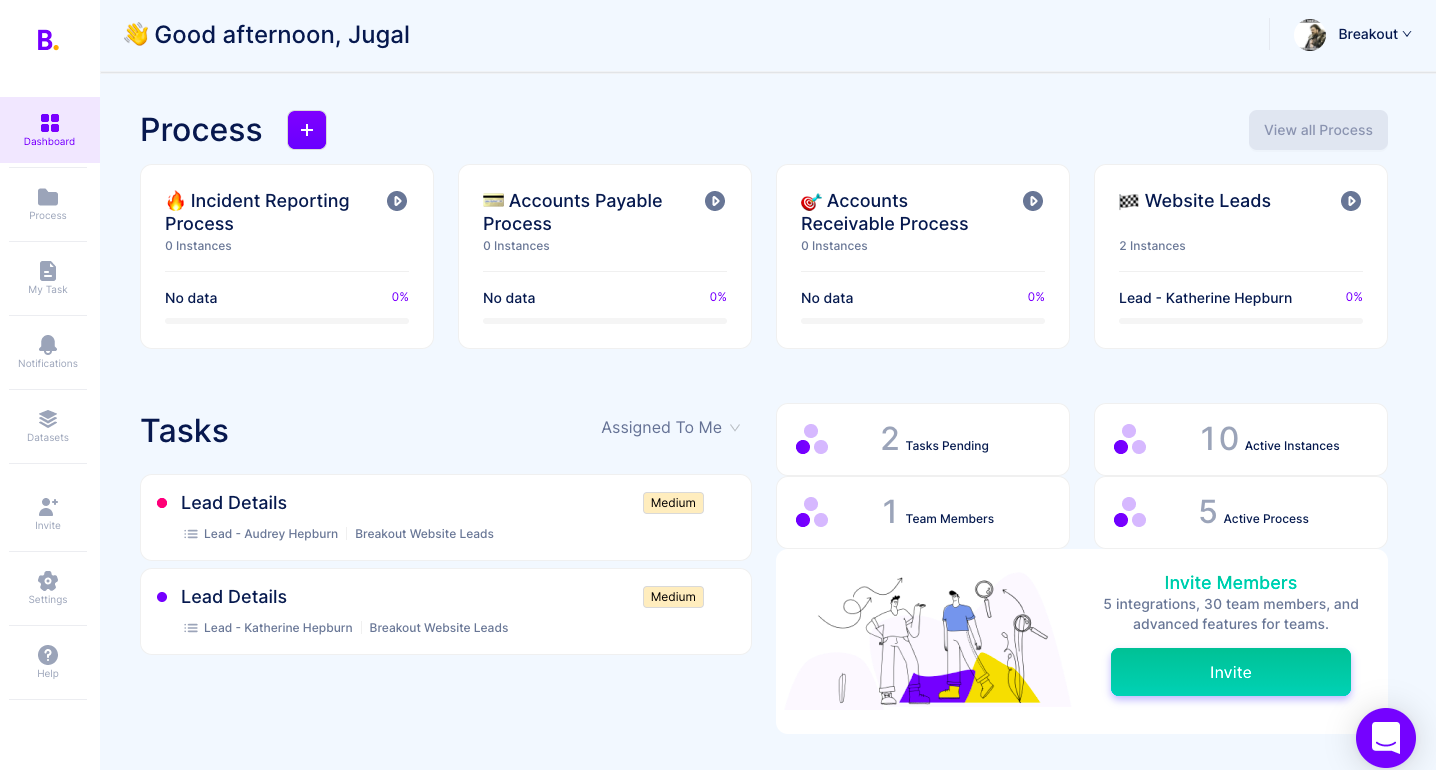
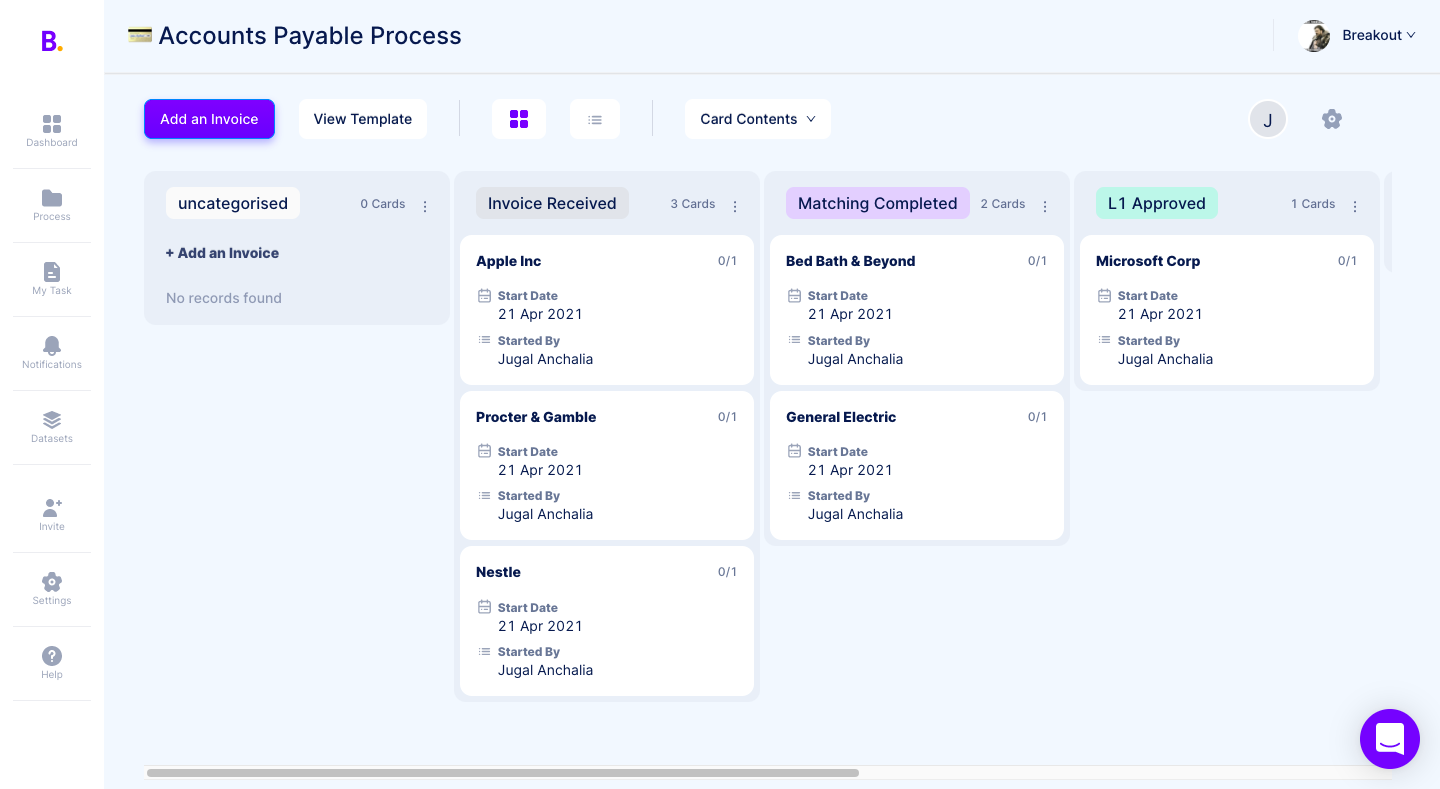
Breakout is well suited for the organizations where there is need of automating multiple recurring process to increase the productivity and effectiveness. For our IT department it has helped us in assigning the support and assistance requests made by different departments to our team members, keep the checklist that they need to follow and easy to use form to collect details and track their status of work.
We use Nintex to automate fundraising outreach at scale. It helps us send personalized emails to a large contact list, and we’d also like to automate follow-ups when there’s no reply. If you need highly customized solutions or clean, fully controllable code, I wouldn’t recommend Nintex. It has many features, but it’s not the same as building your own system from scratch. That said, it can save a lot of time for standard automation workflows.
Integrations with other services using various secure authentication methods, along with the seamless integration with SharePoint, are the icing on the cake. This makes it superior to other BPM tools available in the market.
Flexibility in application development - The diverse configurable properties offer multiple ways to utilise the controls and events, affording the flexibility to expand your scope and enabling the creation and use of processes in a myriad of ways.
The streamlined and efficient deployment process significantly accelerates release management, allowing for faster and smoother implementation of updates and new features.
The user interface of the pages offers a more refined and appealing look and feel compared to most other BPM tools.
If you are creating a process with parallel subprocesses, there's no way to see, in a single view in Nintex, all the steps for the subprocesses. You have to view each sub-process in its own view, so it's hard to see what's going on at a high level.
There isn't an easy way to filter the processes by another user (not yourself) in Nintex. There is a report that shows processes and objects by user, but that's not as convenient. This is something that I've seen in other tools (OpenPages by IBM) so I am surprised that it is missing.
Nintex doesn't really have a way to capture iterative processes (which we have a lot of). It's designed for linear processes.
We are currently investigating which collaboration platform best suits our needs. Chances are that we move to SharePoint Online and then we're going to also consider the microsoft power platform (power automate and power apps) to develop forms and workflows. Aspecially the pricing model for the cloud is currently a blocking factor to go for the Nintex solution in the Cloud.
Based on the on-prem experience with this tool, I believe that they have a lot of potential to help the online version catch up to where the on-prem left off. Nintex developed their online version and it is not as fully formed or capable compared to the on-prem version, and the licensing model scales back what we would have liked to be an expansion or at least continuous improvement of existing flows. It is also not near as user friendly specifically to non-developers and has an uncanny similarity to Microsoft Flow in the online instance. Consistent with my reviews of the tool - I believe they have some good approaches to design thinking that, if translated well from on-prem to online, could make this a clear winner again.
The Nintex Process Platform has never crashed or had any availability issues during my usage. However there was an issue that was of my own making that caused a slowdown of the system. I had set up a process to run once a day and check for employees on a list that had certain parameters selected, and for some reason that I had to troubleshoot, the process instead ran constantly, which filled the cache quickly. I ended up having to dismantle that process so the system didn't crash.
Unlike any other process automation product out there. Not only is it a low-code, easy to use tool for building processes in environments like SharePoint or Salesforce, they have really started to expand their tool-set by offering tools to manage other things like process mapping, RPA, mobile,etc.
The support team works as fast as they can and they are usually fast to solver the issues. Sometimes they need more time to solve one of them because our workflows and so on are more complex than usual clients.
I used the Nintex training software, it was easy to watch and follow along. It didn't go too fast and was descriptive enough to understand what the steps needed were in order to produce efficient workflows and user friendly forms.
1.Start with Simple Workflows: Begin with basic workflows to gain user confidence before tackling complex processes. 2.Involve Stakeholders Early: Engage business users and IT early to align workflows with real business needs. 3.Comprehensive Training: Invest in user training to ensure smooth adoption and reduce resistance. 4.Leverage Prebuilt Templates: Use Nintex’s templates to speed up implementation and maintain consistency. 5.Iterate and Optimize: Continuously improve workflows based on user feedback and performance metrics.
Our organization had evaluated it for sometime, but it was on the higher side for the budget we had. Many of our departments used it for a while, even after the initial demo session many users from different departments had raised IT assistance requests. Keeping in mind these factors at hand we started exploring alternatives.
Microsoft environment does not have the scalability of Nintex; it is perfect for small and medium-sized companies, especially in environments where Microsoft environment is almost entirely used. Although Microsoft offers options to connect to other applications, its platform lacks the development and robustness that Nintex provides. Nintex not only covers Microsoft environments but also Google and other important platforms.
The scalability is really bottlenecked by the imagination of the user. I was able to make processes for my own personal usage, making my daily tasks easier. I was also able to make processes that affected hundreds of employees, making large standardization and efficiency gains. So either way, the system is used the same way, and I was the limiting factor.
As our customers vary in size and maturity, the ROI ranges accordingly.
For younger, smaller businesses this is a useful tool. Digitalization of he customer journey has certainly helped save time and efforts in many cases.
For more mature market players the tool is not always comprehensive enough. Dashboard and report personalization take time and efforts, and sometimes it feels that a dedicated BI tool would be a more suitable solution.
People have woken up to the amount of overlap after mapping their processes.
People can be resistant to process changes. You need to have the support from above or support from the 'business' that you are process changing to be able to see the positive impacts.
Numbers talk. if you can get a general salary figure from your HR dept to show savings for 'employee bands', then when you present reports, they will be all the richer in data.