Autodesk offers 3ds Max, 3D modeling and rendering software for design visualization, games, and animation. The vendor states that users can produce professional-quality 3D animations, renders, and models with an efficient and flexible toolset to help create better 3D content in less time.
$235
per month per user
Creately
Score8.6 out of 10
Small Businesses (1-50 employees)
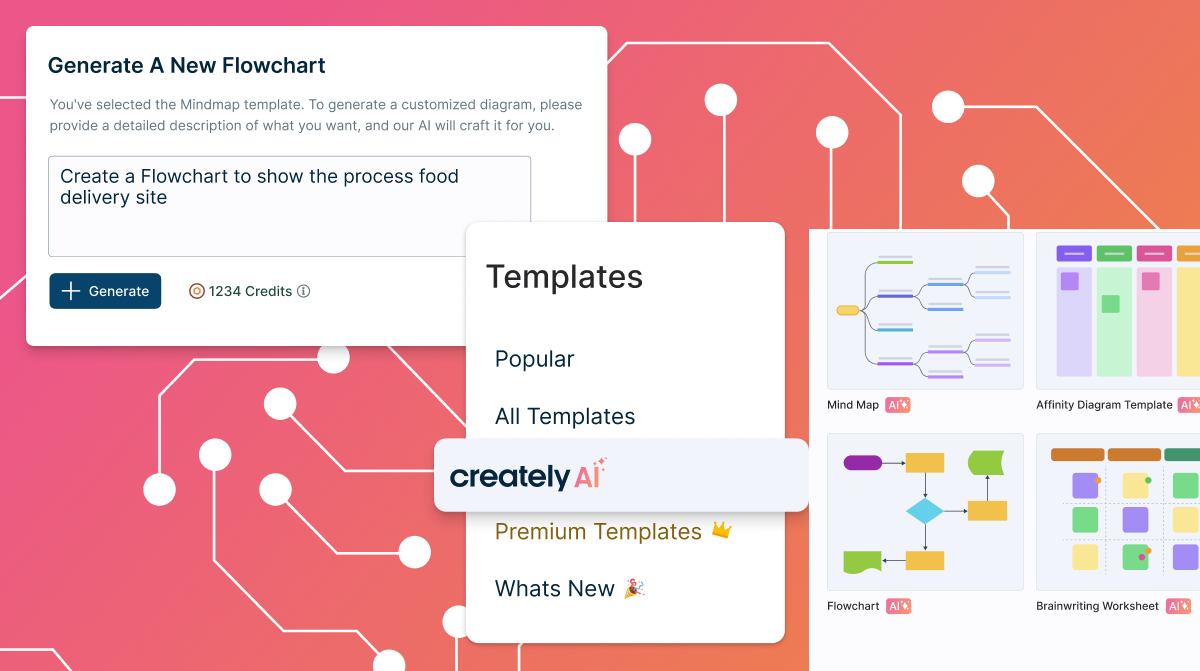
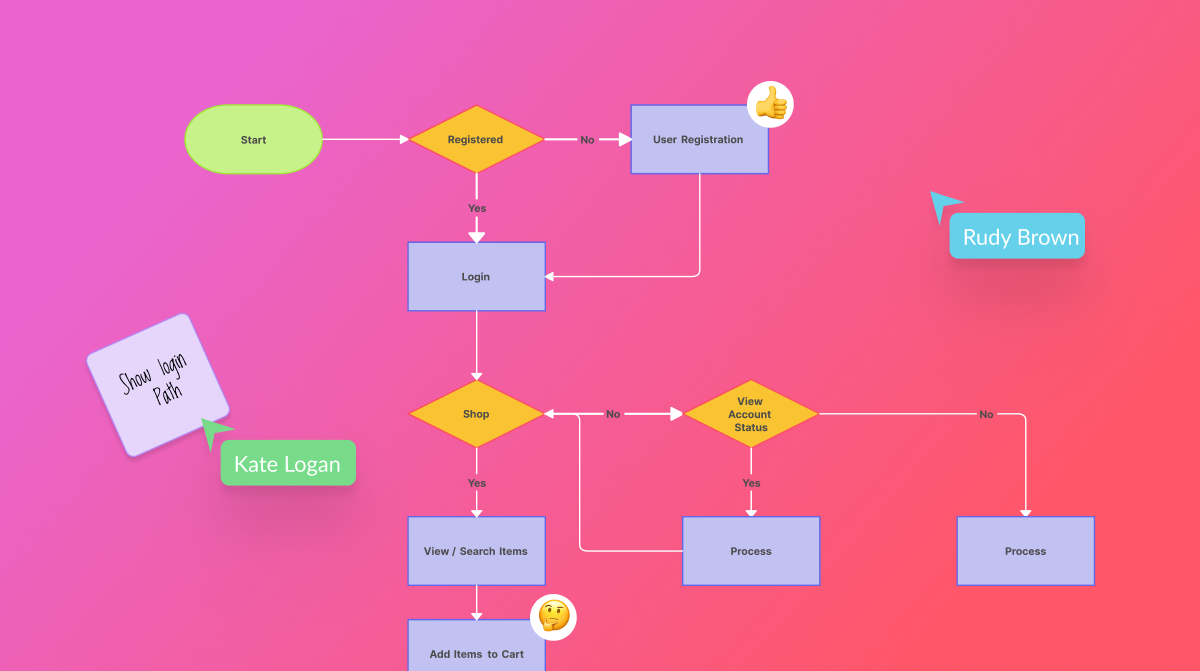
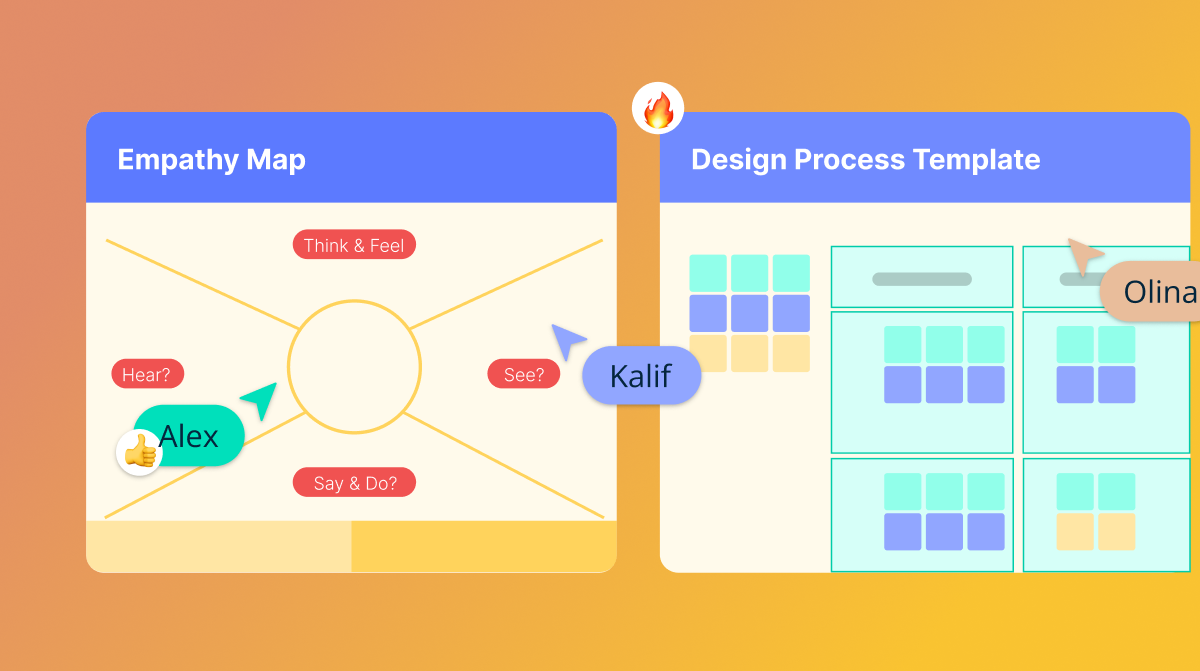
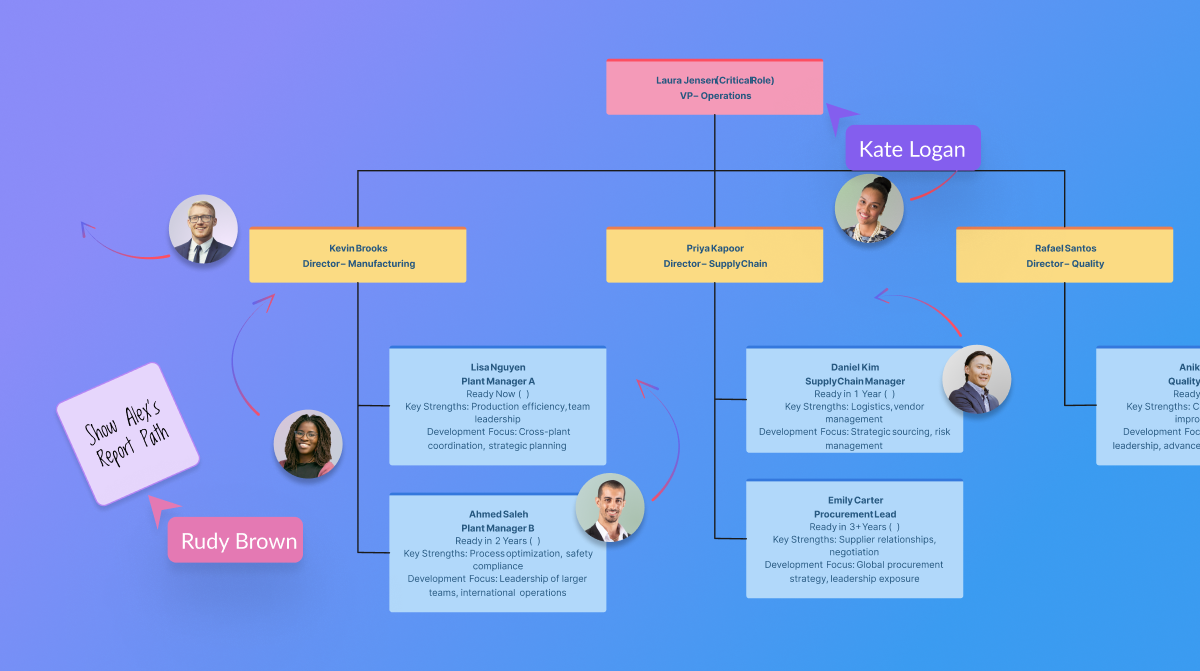
Creately is a visual collaboration platform that supports genograms, flowcharts, org charts, mind maps, and UML diagrams. Featuring template-based AI diagram generation, Creately boasts speed and accuracy in visual planning.
$8
per month (single user)
draw.io
Score7.4 out of 10
N/A
draw.io is an online diagramming tool with integrations with Jira, Google, and Confluence available free online or at cost depending on integration chosen.
$5
per month
Pricing
Autodesk 3ds Max
Creately
draw.io
Editions & Modules
Monthly Subscription
$235
per month per user
Yearly Subscription
$1875
per year per user
3-Year Subscription
$5625
3 years per user
Creately Personal
$8
per month
Creately Team
$8
per month per user
Creately Team
$60
per year per user
Creately Personal
$60
per year
Creately Business
$149
per month Unlimited Users
Creately Business
$1,068
per year Unlimited Users
Up to 10 Users
$5
per month
Up to 20 Users
$11
per month
Up to 50 Users
$27.50
per month
Up to 75 Users
$41.25
per month
Up to 100 Users
$55
per month
Up to 200 Users
$95
per month
Up to 500 Users
$152.50
per month
Up to 750 Users
$190
per month
Up to 1,000 Users
$227.50
per month
Up to 2,000 Users
$377.50
per month
Up to 5,000 Users
$827.50
per month
Up to 10,000
1,577.50
per month
Offerings
Pricing Offerings
Autodesk 3ds Max
Creately
draw.io
Free Trial
Yes
Yes
No
Free/Freemium Version
No
Yes
No
Premium Consulting/Integration Services
No
Yes
No
Entry-level Setup Fee
No setup fee
No setup fee
No setup fee
Additional Details
Flex pricing available for limited usage. Minimum plan $300 for 100 tokens. 3ds Max costs 6 tokens per day.
Discounted prices for non profits, educational institutes, and charities.
—
More Pricing Information
Community Pulse
Autodesk 3ds Max
Creately
draw.io
Considered Multiple Products
Autodesk
No answer on this topic
Creately
Verified User
Chose Creately
Creately's folder system is a novel feature that beats its competitors. It helps keep everything organized. In addition, there are many more customization possibilities, especially in the shapes and in the library of templates and drawings. It has an intelligent drawing …
A de minimis incentive was given to thank the reviewer for their time. The incentive was not used to bias or drive a particular response, nor was the incentive contingent on a positive endorsement. More Info
For print media for marketing and for 3d animations for web spots and TV ads/movies/programs. It is less suited for quick 3d graphics or images that you get from AI image programs, but it is much more powerful than most AI image programs.
A de minimis incentive was given to thank the reviewer for their time. The incentive was not used to bias or drive a particular response, nor was the incentive contingent on a positive endorsement. More Info
Creately sells itself as software specializing in a wide variety of areas, which is true in some cases. Visualizing and creating marketing processes, research, user flows, and general flowcharts is an extremely powerful tool. However, in other areas, such as Human Resources, UI/UX prototyping, and Wireframe design, it leaves a little to be desired compared to the competition.
A de minimis incentive was given to thank the reviewer for their time. The incentive was not used to bias or drive a particular response, nor was the incentive contingent on a positive endorsement. More Info
draw.io can be more suitable for technical documentation for architectures, flow diagrams/charts, and conceptual images of an application infrastructure. However, this tool is not made for business intelligence work nor for dashboarding to monitor the technical components. From the administrative standpoint, this is not well suited for agile ceremony structures like retrospective boards or planning or even quarterly planning boards. The strength of draw.io lies strongly in being a lightweight diagramming tool.
A de minimis incentive was given to thank the reviewer for their time. The incentive was not used to bias or drive a particular response, nor was the incentive contingent on a positive endorsement. More Info
A de minimis incentive was given to thank the reviewer for their time. The incentive was not used to bias or drive a particular response, nor was the incentive contingent on a positive endorsement. More Info
A de minimis incentive was given to thank the reviewer for their time. The incentive was not used to bias or drive a particular response, nor was the incentive contingent on a positive endorsement. More Info
Draw.io offers a lot of shapes and customizability of how the diagrams are laid out. We've been able to create a lot of different things with it, and have barely scratched the surface of the sorts of things that we could do.
Draw.io is fairly intuitive in the way that you draw shapes and connect shapes together, I was able to figure it out without a tutorial.
Draw.io is fast and performant for me compared with some of the alternatives.
A de minimis incentive was given to thank the reviewer for their time. The incentive was not used to bias or drive a particular response, nor was the incentive contingent on a positive endorsement. More Info
A de minimis incentive was given to thank the reviewer for their time. The incentive was not used to bias or drive a particular response, nor was the incentive contingent on a positive endorsement. More Info
A de minimis incentive was given to thank the reviewer for their time. The incentive was not used to bias or drive a particular response, nor was the incentive contingent on a positive endorsement. More Info
A de minimis incentive was given to thank the reviewer for their time. The incentive was not used to bias or drive a particular response, nor was the incentive contingent on a positive endorsement. More Info
It satisfies 95% of my 3d visualization need. The left over 5% is handled by a few other programs. If Max just can't perform a specific task I can do that elsewhere and then bring it back to Max to finish up. But, it's rare that this occurs in my work
A de minimis incentive was given to thank the reviewer for their time. The incentive was not used to bias or drive a particular response, nor was the incentive contingent on a positive endorsement. More Info
It is a very difficult program to learn to use and even harder to use well. But once you get to using it it is a great software package to know how to use. Getting to be good at using it takes lots of use.
A de minimis incentive was given to thank the reviewer for their time. The incentive was not used to bias or drive a particular response, nor was the incentive contingent on a positive endorsement. More Info
Creately is one of its Kind. The software has a straightforward interface and very supportive customer services providers. It is very well suited in diagramming and collaboration.
The UI is intuitive. It allows a new user to start diagramming almost instantly. Manipulating elements, linking them together, etc. are all easy to do. Draw.io nevertheless a broad variety of diagram templates to help get started and also of shapes to use in diagrams. Some situations can make it a bit tricky to use, such as when having multiple shapes on top of each other (e.g. shapes placed within swimlanes) but that's a minor issue.
A de minimis incentive was given to thank the reviewer for their time. The incentive was not used to bias or drive a particular response, nor was the incentive contingent on a positive endorsement. More Info
A de minimis incentive was given to thank the reviewer for their time. The incentive was not used to bias or drive a particular response, nor was the incentive contingent on a positive endorsement. More Info
A de minimis incentive was given to thank the reviewer for their time. The incentive was not used to bias or drive a particular response, nor was the incentive contingent on a positive endorsement. More Info
The support for draw.io is pretty decent, considering it is a free website. I had a question one time when I was trying to do something, so I sent an email to their support email and got a response fairly quickly with an answer to my question. They also have some excellent support tools on their support website for helping you get more familiar with their program, and I found that very helpful.
A de minimis incentive was given to thank the reviewer for their time. The incentive was not used to bias or drive a particular response, nor was the incentive contingent on a positive endorsement. More Info
Sketch-up week to be vertically integrated to produce concept all the way to high-end render, an animation (effects, particles, soft-body, etc..) All 3 other softwares are fully capable, it just comes down to what software an operator is most familiar with and if it works in the production pipeline for the client.
A de minimis incentive was given to thank the reviewer for their time. The incentive was not used to bias or drive a particular response, nor was the incentive contingent on a positive endorsement. More Info
Creately's folder system is a novel feature that beats its competitors. It helps keep everything organized. In addition, there are many more customization possibilities, especially in the shapes and in the library of templates and drawings. It has an intelligent drawing capability superior to all the competition, allowing more customization and detail.
A de minimis incentive was given to thank the reviewer for their time. The incentive was not used to bias or drive a particular response, nor was the incentive contingent on a positive endorsement. More Info
draw.io is open-source and free for many uses, which means minimal upfront cost and good value.It works in the browser, also has a desktop version (so you can use offline) which helps teams that may not always be online or want local backups. Useful when you want a diagram tool that “just works” without huge ecosystem lock-in.For organisations that value control, less vendor-dependency, this is a plus.
A de minimis incentive was given to thank the reviewer for their time. The incentive was not used to bias or drive a particular response, nor was the incentive contingent on a positive endorsement. More Info
3ds Max has one of the best control tools that can help someone to sculpt almost anything. With the vertex tool and polyline edit function we can create almost any complex geometry.
Default rendering is equipped with almost everything that is needed for process, V-Ray for 3ds Max is the best 3rd party plugin for getting crisp renders.
The four view port tools for viewing the model helps from each and every angle. The moment and selection tools in the 3ds Max are quit easy to operate.
A de minimis incentive was given to thank the reviewer for their time. The incentive was not used to bias or drive a particular response, nor was the incentive contingent on a positive endorsement. More Info
A de minimis incentive was given to thank the reviewer for their time. The incentive was not used to bias or drive a particular response, nor was the incentive contingent on a positive endorsement. More Info
A de minimis incentive was given to thank the reviewer for their time. The incentive was not used to bias or drive a particular response, nor was the incentive contingent on a positive endorsement. More Info