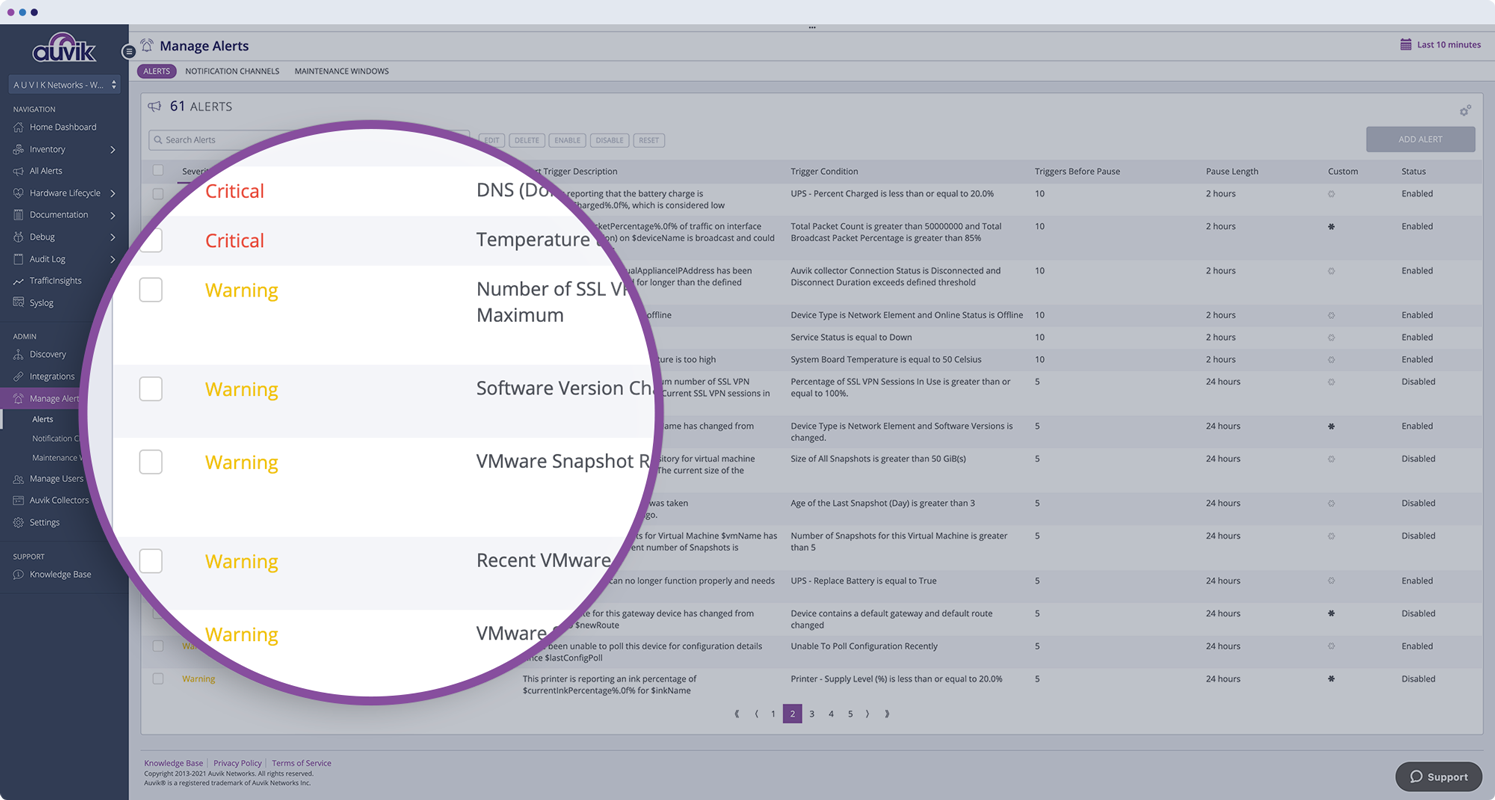
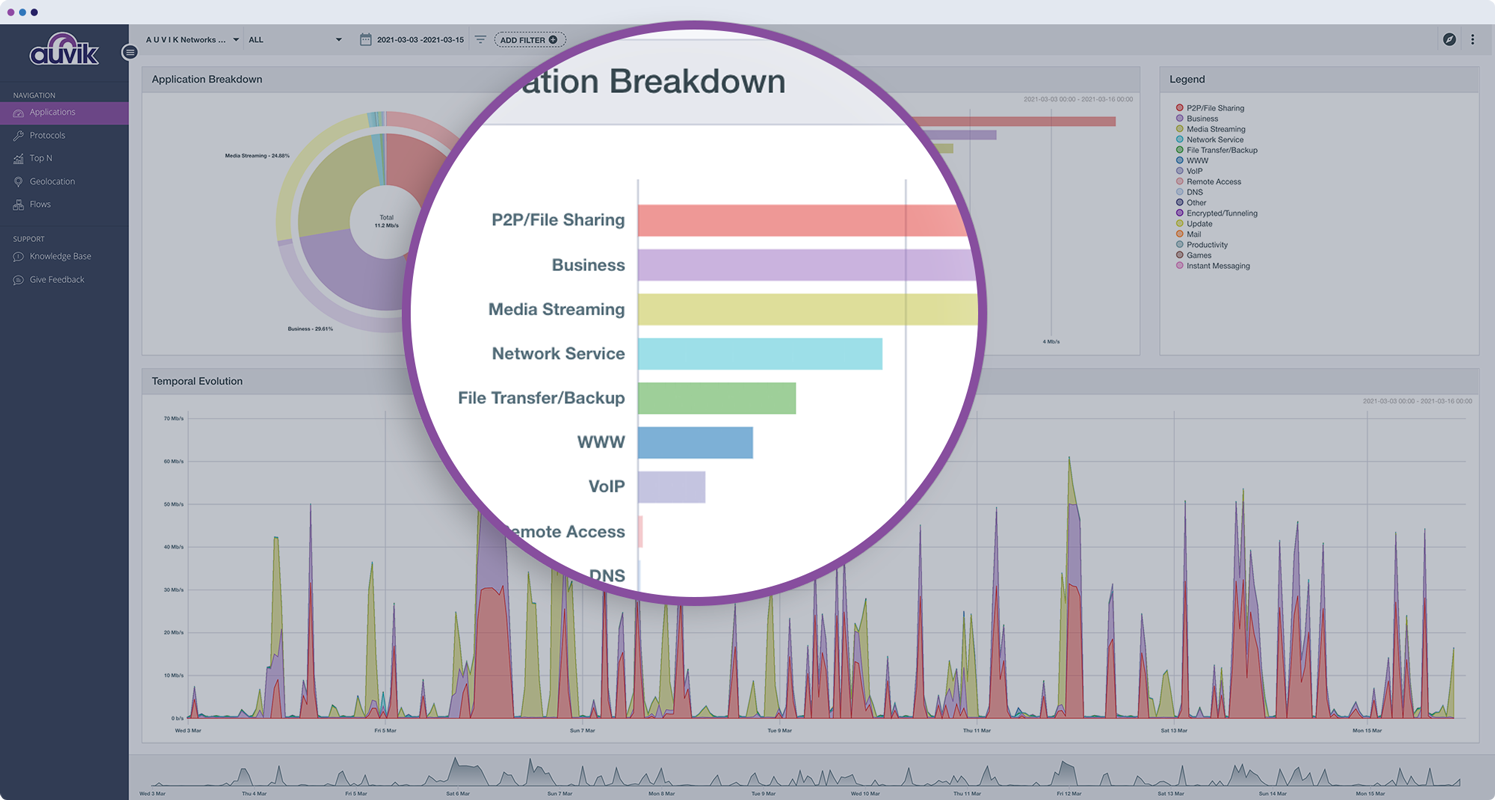
Auvik Network Management is a vendor-agnostic cloud-based network monitoring and management solution providing automated network discovery. Auvik requires no service hardware or disruptive maintenance cycles and provides onboarding and training for new and existing users. Auvik delivers visibility and automation to reduce friction for IT teams and allow them to give end users the freedom to work wherever and however they…
N/A
Colasoft Capsa
Score 9.0 out of 10
N/A
Colasoft Capsa is a network performance monitoring and protocol analyzing tool. Capsa provides core monitoring features, as well as automated diagnostics and packet decoding. Colasoft offers a limited free version of the software.
N/A
IBM SevOne
Score 8.2 out of 10
N/A
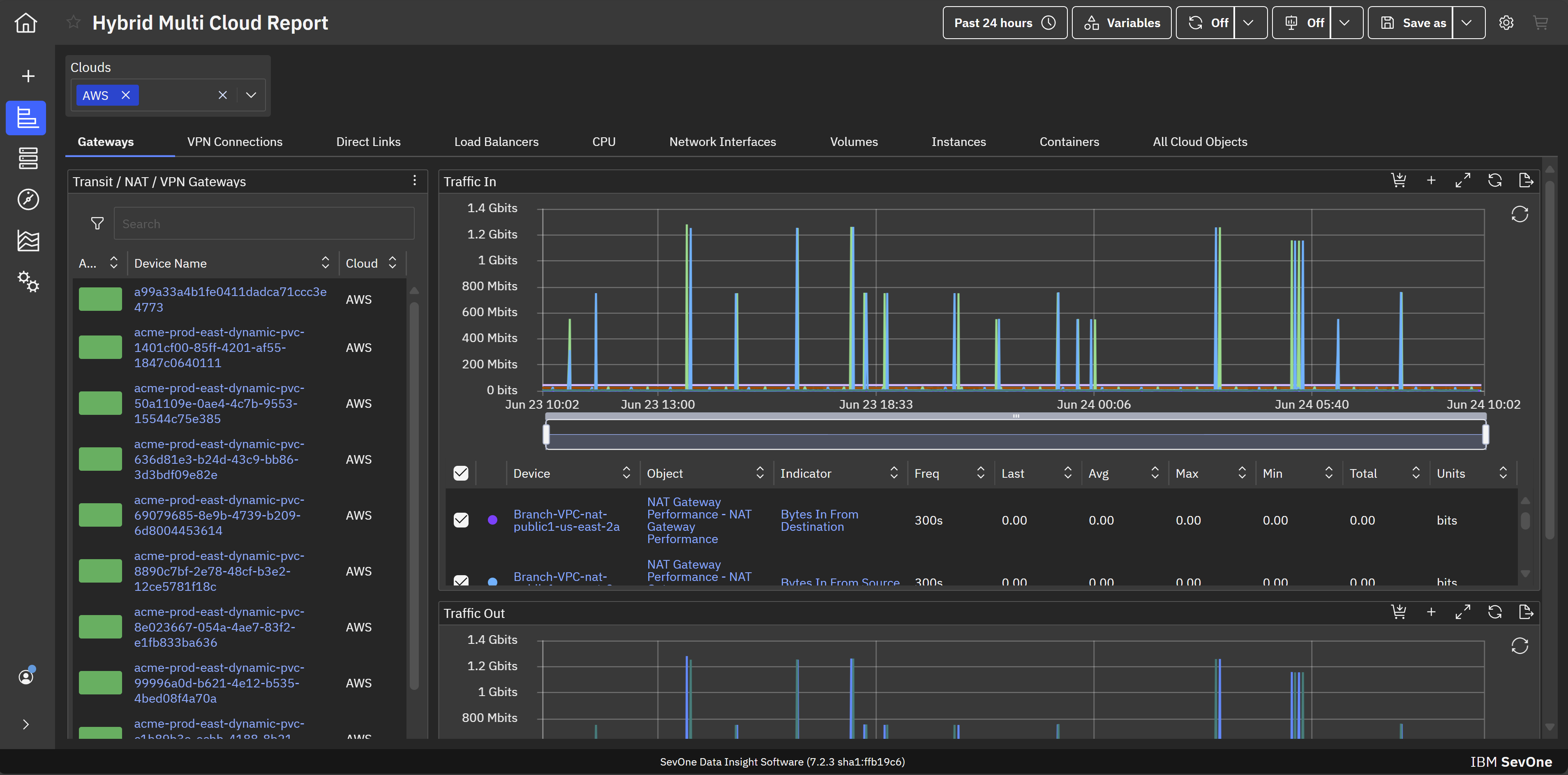
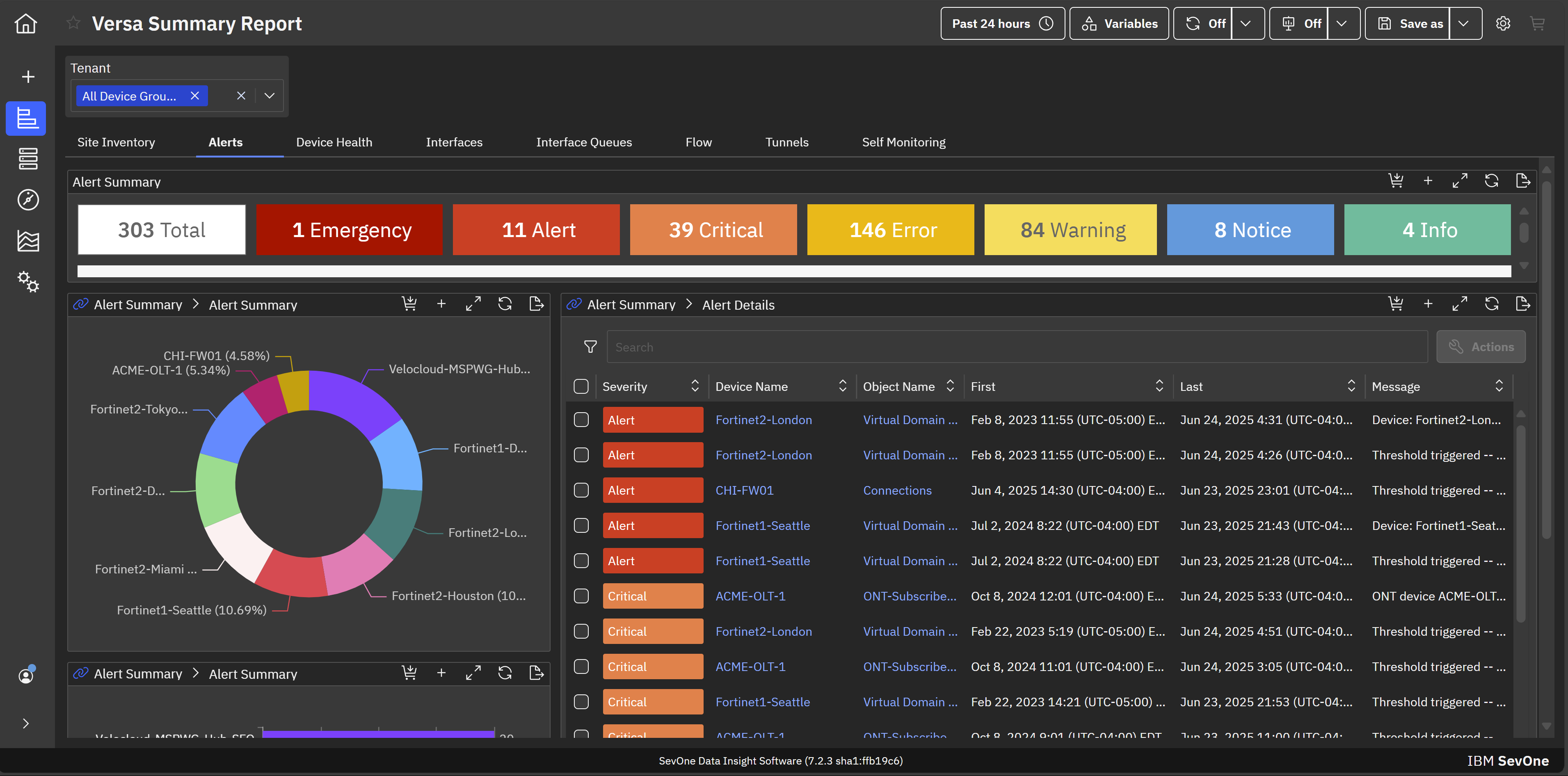
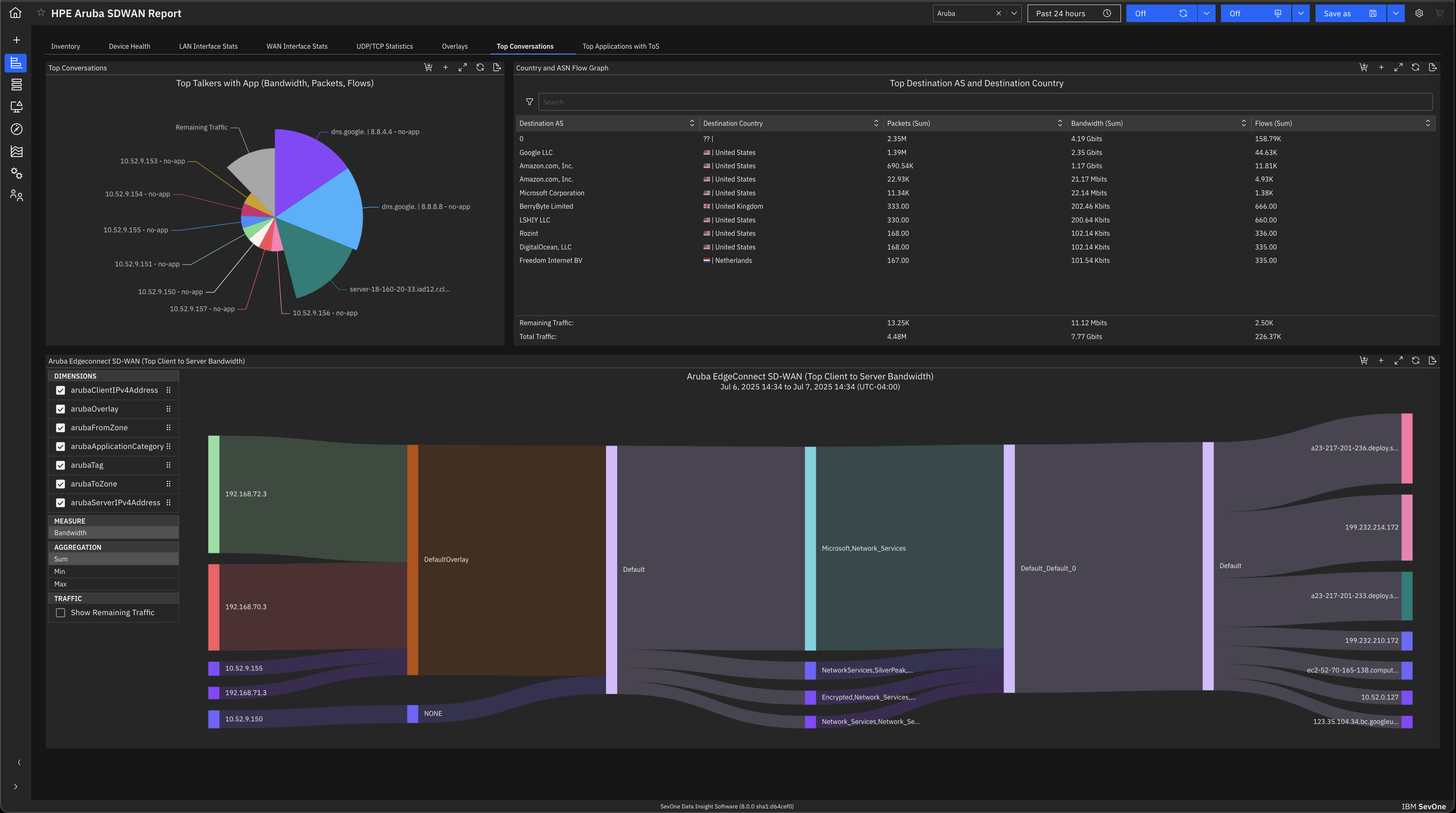
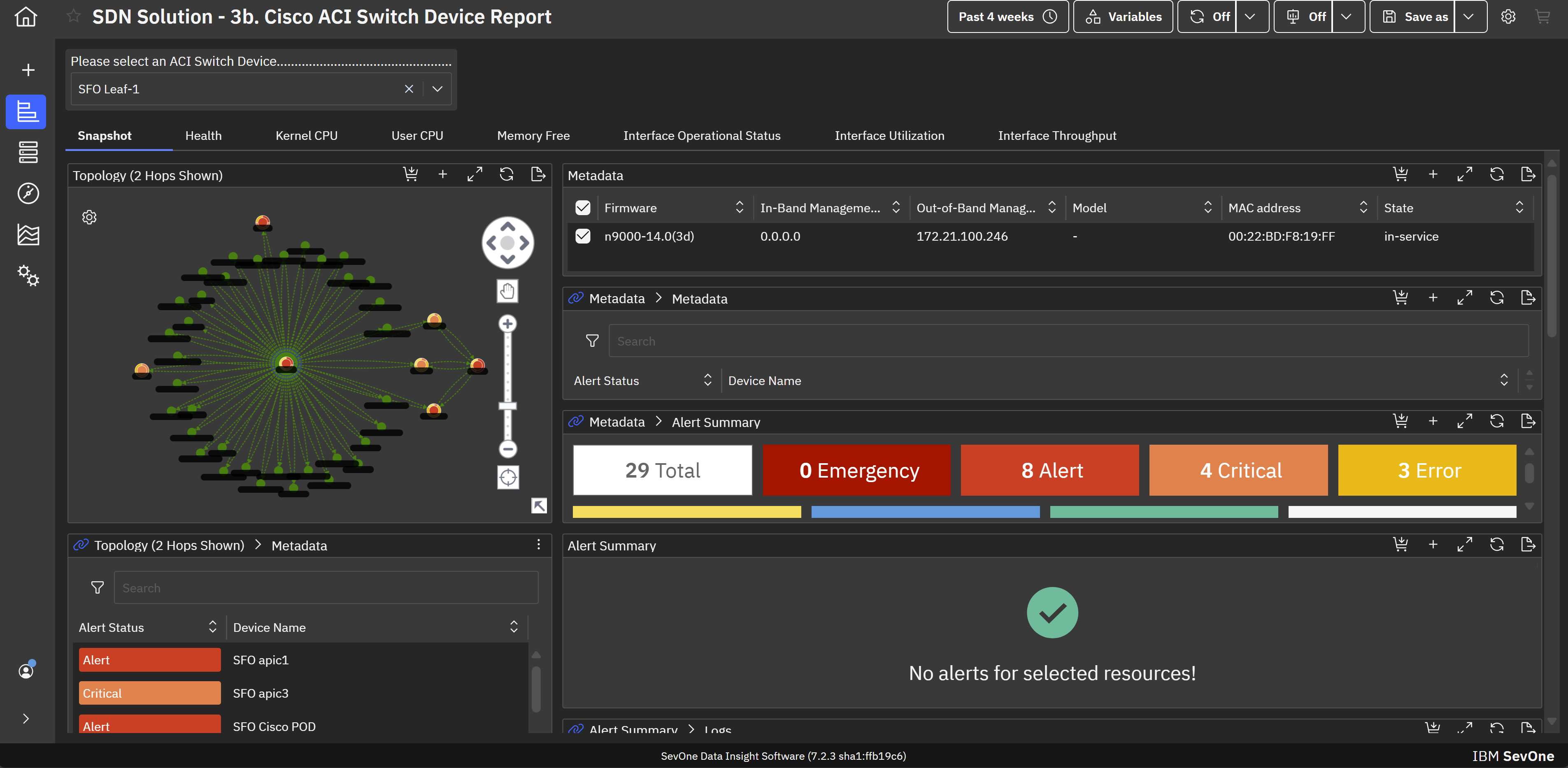
IBM SevOne’s app-centric, hybrid network observability empowers NetOps teams with ML-driven insights, enabling proactive issue prevention and resolution. With a single source of truth for network performance, it delivers visibility to optimize operations and support agility in complex, multi-cloud environments.
N/A
Pricing
Auvik
Colasoft Capsa
IBM SevOne
Editions & Modules
No answers on this topic
No answers on this topic
No answers on this topic
Offerings
Pricing Offerings
Auvik
Colasoft Capsa
IBM SevOne
Free Trial
Yes
No
No
Free/Freemium Version
No
No
No
Premium Consulting/Integration Services
No
No
No
Entry-level Setup Fee
No setup fee
No setup fee
No setup fee
Additional Details
Pricing is calculated per number of switches, routers, firewalls, and controllers. Everything else is monitored for free.
—
IBM® SevOne® uses Managed Device (MD) and Managed Client Device (MCD) as pricing metrics. These can be mapped to managed devices for physical, virtualized and containerized functions in the managed environment.
Auvik was a much better to scale as an MSP and their support offering was far better from my research. Knowledge base, training, and dedicated support/account reps made it an easy decision. As an MSP we need less time maintaining and learning the tools and more time working …
Auvik's license structure is simple and affordable. Auvik's license is based on total network devices in your network. They charge only for total number of Switches, Routers, firewalls and Wireless controllers in your network. All other devices license would be free of charge
Auvik has an automatic discovery setting, where Zabbix has to be done per each machine. This slows things down and makes it a little more complicated especially when there is no credentials or anything that is available. Zabbix however has a better uptime compared to Auviks. …
Auvik can stand up against any of the big network management and monitoring solutions on the market. I've implemented and used SolarWinds at many organizations for over 15 years. The paradigm that SolarWinds, PRTG, Prime, etc., work under is completely different than Auvik. …
I have previewed several other products, and they all look like a joke compared to Auvik. I have not tested them, however, so I won't say anything further on that.
Auvik is a superior tool for MSPs due to its multi-tenant capability, speed of deployment for new customers, and integrations with the current common MSP tools stack. Intermapper is a very powerful and expensive application, so not directly applicable, but Auvik still has many …
I came onboard with Solarwinds already installed and running. It took me some time to learn my way around the Web interface. Nice product but a little convoluted for me. We weren't using it to it's full potential. It did work well for network monitoring, and configuration …
Auvik does a better job of visually giving a representation of how items are connected in the network. Also, the alerts are fast and detailed, which allows fast response to issues when they arise. There are many SNMP details already in Auvik and they have the ability to monitor …
I selected Auvik because they are based in Canada. The ease of use for documentation. The ongoing growth of our networks and simplicity to adding other super users and giving visibility into the networks. Dan the sales guy was good at his job and gave us a good insight into …
The out of the box features and alerting with Auvik have been incredibly helpful. The navigation is slightly behind the clarity within the SolarWinds portals, but the alerting is significantly better out of the box.
Since we have only evaluated auvik and have solely rested on this as a solution, we have no ability to compare and contrast other vendor offerings such as SolarWinds or HP's network discovery tools.
Auvik checks all the boxes in regards to the required features of network monitoring. The ongoing customer training and helpful online documentation make for a positive experience for daily administration. In our experience, the per-device license costs were also …
Colasoft performs more like the traditional wireshark as opposed to other solutions that tend to focus on graphs instead of giving you the raw data. I personally prefer the raw data, and then the ability to build graphs upon this (which Capsa can do). This allows for quicker …
IBM SevOne was selected instead of Datadog because it is perfect for large insurance networks and also connects trouble-free between the on-premise and cloud environments. Its alerts are in real-time, it offers comprehensive dashboards and it allows to gain a better grip on the …
Zabbix is very cost effective, good flexibility, easy to start and customizable. This is a plus compared to IBM SevOne. However it is more manual work, less polished user interface and may need more effort to handle larger networks. IBM Netcool has service provider network, …
May lack some of the advanced analytics, big-data scale, depth of historical performance, or baseline anomaly detection that SevOne provides. UI / advanced features are less polished. Datadog is strong in cloud-native, full-stack observability; good dashboards; good …
IBM SevOne provides a more robust visibility platform than Dynatrace as it relates to the network. While Dynatrace is a good product, it lacks the granularity that IBM SevOne brings straight out of the box! Also, observability and discover. Nothing is better than IBM SevOne.
SevOne is a good alternative to the products such as SolarWinds, MicroFocus, LogicMonitor and many more for network monitoring. It has certain unique features such as Fancy Dashboard and flexibility to visualize the information in terms of widgets and metrics. Out of the …
SevOne from Turbonomic is not as popular in network monitoring space as Solarwinds, MicroFocus, Broadcom etc. However, it is equally effective in monitoring. One unique feature that SevOne has over other software is that its framework is built on the latest technologies which …
Auvik is fantastic for managing multi-site, multi-company networks - very well suited for MSP or consultative technology companies. Navigation is simple and easy between clients and their sites. Auvik is less well suited for managing single sites or single companies - it is really meant to be used at a larger scale.
Capsa is highly recommended to be used in small dense areas of a network where it makes sense to be able to run analytics off of a mirror port to gain insight into traffic trends. It is a costly product to install in branch locations, and requires a decent spec hardware to run appropriately
IBM SevOne ensures deep performance and in depth monitoring and allows customization according to specific organisation or business needs. Availability of real-time alerts and unlimited customization. The software integrates freely with many third party applications and has reliable analytics and reporting systems. Ability of the software in automating routine network monitoring tasks which reduces operational costs. Software pricing is a major challenge towards smooth implementation of the software. It is expensive and not affordable to small businesses and organisations.
Monitors, alerts, and reports on network device and port utilization.
Quickly created complete network diagrams.
Works well in a co-manage environment enabling teams full but restricted access to specific sites. Integrates well with site specific access in ConnectWise Automate.
Documentation for the embedded help pages in NMS and more. In my opinion, these do not provide anything of any depth or maybe anything helpful at all. If anything it just seems to be a guide of what actually exists on the page. It is nicely searchable documentation though.
It is very surprising and disappointing for us to learn that it isn't until the latest version of IBM SevOne that bulk editing was introduced. I think this is such a basic and foundational feature that should have been a part of the original rollout. My team is still trying to configure the REST API.
It was disappointing for the webinar to start with a speaker who had a thick accent and simply read from slides. To me, it felt hopeless until the second speaker, who was engaging and easy to understand. It's as if this fact wasn't considered. I'm sure the first speaker lost a lot of viewers who didn't stick around to discover the 2nd speaker.
I asked three different questions during the webinar and none were answered.
The program can be a bit unwieldy at times, however the majority of information is displayed in a readable and friendly way. The maps and popup information box from the bottom can be harder to use on a smaller screen but on a 1080p+ display tends to work fine.
Auvik's license structure is simple and affordable. Auvik's license is based on total network devices in your network. They charge only for total number of Switches, Routers, firewalls and Wireless controllers in your network. All other devices license would be free of charge
Colasoft performs more like the traditional wireshark as opposed to other solutions that tend to focus on graphs instead of giving you the raw data. I personally prefer the raw data, and then the ability to build graphs upon this (which Capsa can do). This allows for quicker analysis and makes it easier to relate to.
IBM SevOne was selected instead of Datadog because it is perfect for large insurance networks and also connects trouble-free between the on-premise and cloud environments. Its alerts are in real-time, it offers comprehensive dashboards and it allows to gain a better grip on the network issues, thus helping to keep the downtime small and the operations well managed thanks to the good communication.
Auvik has worked on sites with 15+ offices connected with VPN's and we have not encountered any issues with the monitoring. On larger sites the map can be a bit cumbersome to read however it can be cleaned up easily with device filters.
We are at an initial stage of device onboarding and Auvik already provides quick network documentation without having to worry about updating; this is done dynamically.
Helpful for MSP in that it uses role-based access control to present customer-focused device management, and simplifying administration for monitoring and alerting, dashboards and reports, and billing.
While the product doesn't detect malware, it has helped track down malware infected machines by using data from other applications to run filters to look for known traffic destinations for that malware. For me this is a huge ROI since malware can be the great unknown.