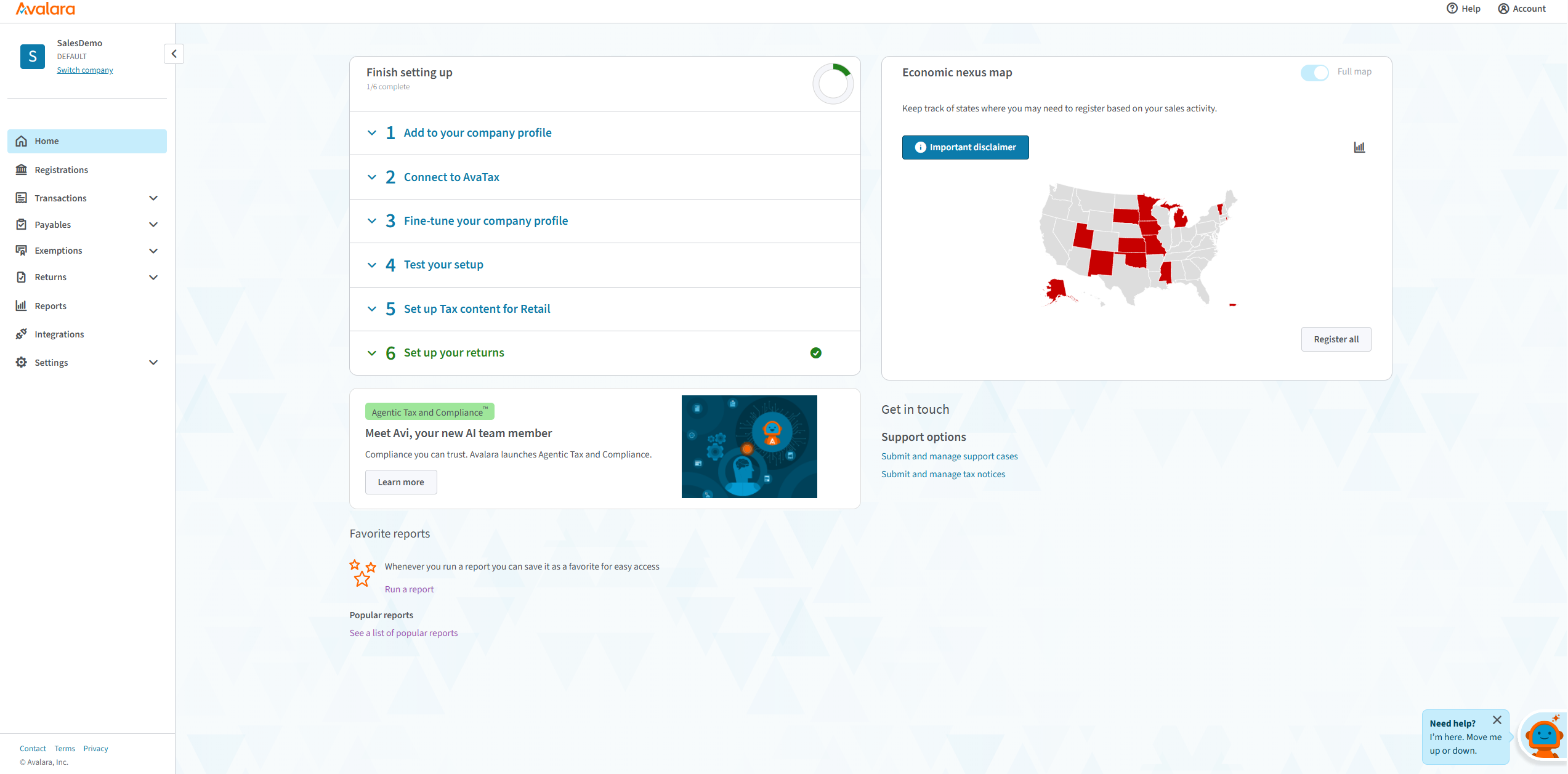
Avalara AvaTax connects to the software that businesses already have and delivers sales tax decisions based on precise geo-location in more than 12,000 taxing jurisdictions in the U.S.
$69
per month per state
Zoho Books
Score 8.8 out of 10
N/A
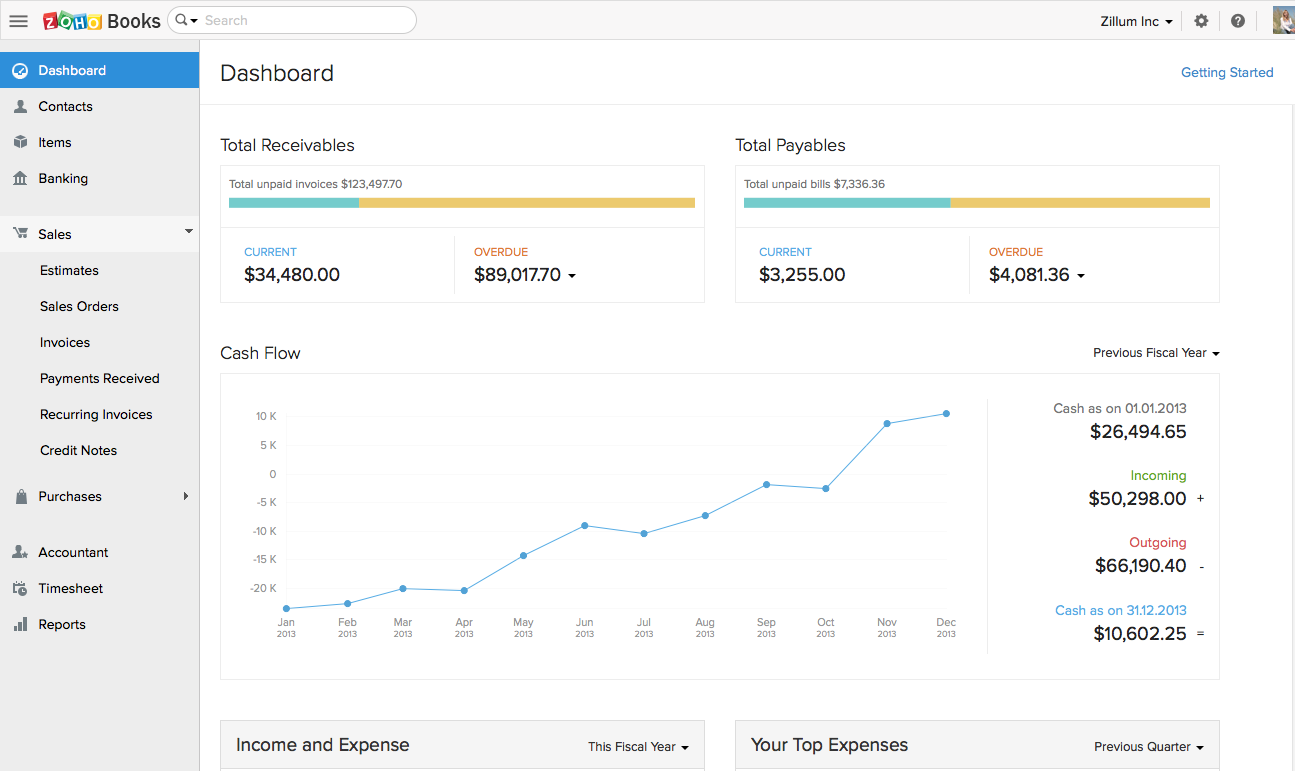
Zoho Books is an accounting solution that is designed to help small businesses manage their finances. This solution includes dashboards and a wide variety of reports. Business users can automate tasks and set up custom workflows.
Zoho offers a 14 day free trial.
$20
per month
Pricing
Avalara
Zoho Books
Editions & Modules
Core Compliance + SST
$69
per month per state
Core Compliance
$79
per month per state
Custom
Custom
per year
Free
$0
For businesses with turnover <50K USD per annum
Standard
$20
per month per org
Professional
$50
per month per org
Premium
$70
per month per org
Offerings
Pricing Offerings
Avalara
Zoho Books
Free Trial
No
Yes
Free/Freemium Version
No
Yes
Premium Consulting/Integration Services
Yes
No
Entry-level Setup Fee
Optional
No setup fee
Additional Details
Core Compliance: $79/state/month
- Avalara AvaTax with AvaTax Exemptions for exemption management
- Avalara Managed Returns — filing, remittance, and notice management
- Compliance support and audit readiness
- Business system integrations (ERP, ecommerce, accounting)
- Nexus monitoring across all 50 states
*Annual revenue less than $50M; Limited integrations
Core Compliance + SST Services: $69/state/month
- Everything in Core Compliance package
- SST program enrollment
- State-sponsored registration in participating SST states
- Tax calculation in SST states — state-funded for qualifying sellers
- Returns filing and remittance in participating states — states cover the cost
- Avalara-backed liability for calculation errors in participating SST states
- Audit support — audit inquiries handled by Avalara on your behalf
- Single registration ID across all participating SST states
*Annual revenue less than $50M; Limited integrations
Custom:
- A solution configured to your specific business scope and compliance needs
- Advanced compliance support for complex tax scenarios
- Multi-entity management and consolidated reporting
- Customized services and workflow configuration
- Dedicated compliance guidance and support
*Custom plans are flexible and include integration with the systems your business uses. Avalara has 1,400+ signed partner integrations.
Zoho Books is available for both monthly and yearly plans. Users who sign up for the annual plan get a discount.
In my opinion, the worst customer service and fraudulent withdrawal from our bank account. We've used Avalara for 3 years. When our renewal came up, we were considering other options. They sent an email stating we had to request a new contract, I sent the request and followed up. There was no response from Avalara so our contract price was unknown. I waited to hear from them and ended up canceling within their window, via the appropriate channels. I followed up multiple times, requesting cancellation confirmation and removal of our bank info (you can't self serve, although you can self serve add it). In my experience, they ignored me for 2 months until I posted publicly about their poor service. I changed our login information and migrated to another platform. In my experience, they withdrew funds from our bank account, the new provider said our taxes weren't paid and the funds are nowhere to be found. Avalara should have never withdrew the funds or billed me after I canceled. Beware of this company, in my opinion, they are non-responsive and unpleasant to deal with.
If using other cloud applications and you wish to create Zoho Books transactions via APIs, Zoho Books is great. The overall UI and flow of the application are great. If you need a detailed job cost accounting solution and robust reporting there is some room for improvement here.
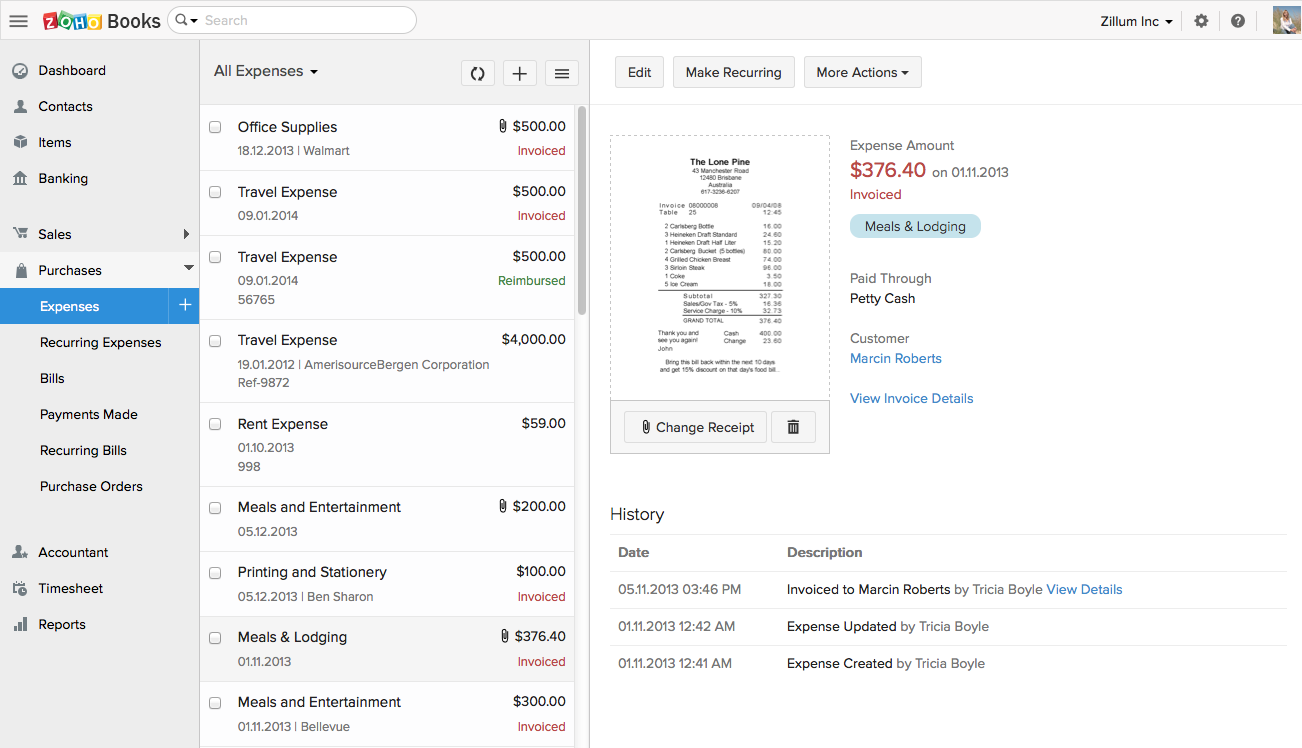
Zoho Books invoicing and receipting features are second to none. We find it easy to quickly invoice clients and add items to their bills and also for our own receipting internally.
The accounting features are great for our accounting team to be able to see where we are financially and how the business is doing.
The ability to add contacts and run a mini CRM channel with clients within Zoho is invaluable. Since we use this in conjunction with our other CRM channels, it helps to have a centralized place to follow up and see through a sales funnel.
Zoho Books allows us to take payments from clients around the globe a feature we didn't have when we used another accounting system.
The pricing for Zoho Books is fairly reasonable for an SME organization which is a great for us as it pays itself back many times over every month.
Avalara's State Registrations option is pretty expensive and should be quicker and cheaper
Avalara's State Filing Setup is not coordinated with their State Registrations, so you still have to set up manually what they just registered for you.
Even if Avalara has all of your data, they won't set up a state filing if you miss a deadline of the 20th of the current month they won't file that month, even though they have all of the transactions. (This could happen when a new state is selected for tax calculation but the state registration hasn't been completed yet.) They should allow you to set up the returns by the first of the month it is filed in at the least.
Avalara's extractor is very base and limited; it can't extract multiple lines into Avalara, it takes an entire invoice and inputs it as one line. We were told after frequent calls that it works that way by design. Those out there who file returns on a regular basis can identify the problem with this scenario and why this won't work for tax filing.
Zoho Books is only available in Texas and California. There is no integration allowed for paying employee expenses. The absolute worst aspect is the fact that if you make even the slightest error in data input there is no backing up. You cannot undo an error.
The system does not allow change once implemented, so you must get every one of your beginning balances perfect. The practice of Journal Entries is cumbersome. When reconciling, Zoho Books has adopted a number of required steps that significantly overcomplicate reconciliation using practices that are not consistent with general accounting principles in the US.
On the customer side, you must look in two places to see the beginning balance and the current receivables that might exist for current invoicing.
The way the system works, you must avoid having much trust with the balances depicted. So far, it appears that Zoho Books uses what we called in school "that new math."
It would be terrifying to rely on this bookkeeping system to support an IRS Audit. The system violates too many fundamental accounting principles.
The software is used by so few people that there is concern that we might never find a skilled bookkeeper.
Avalara is the best sales tax compliance product on the market. Avalara allows us to accurately comply with our sales and use tax obligations in an accurate and timely manner for a reasonable cost. Avatax is a versatile and helpful product. We also are looking forward to implementing the cross-border product.
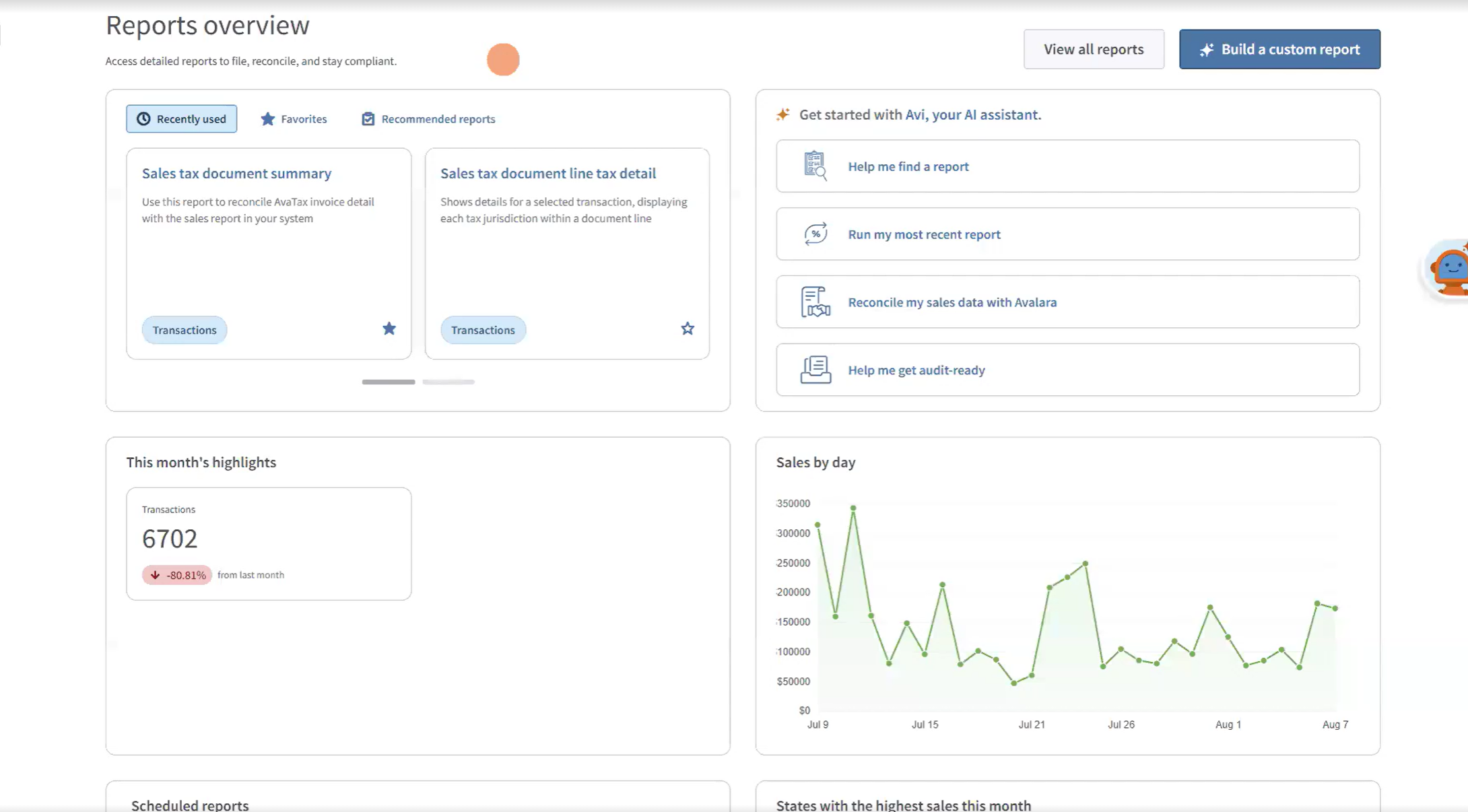
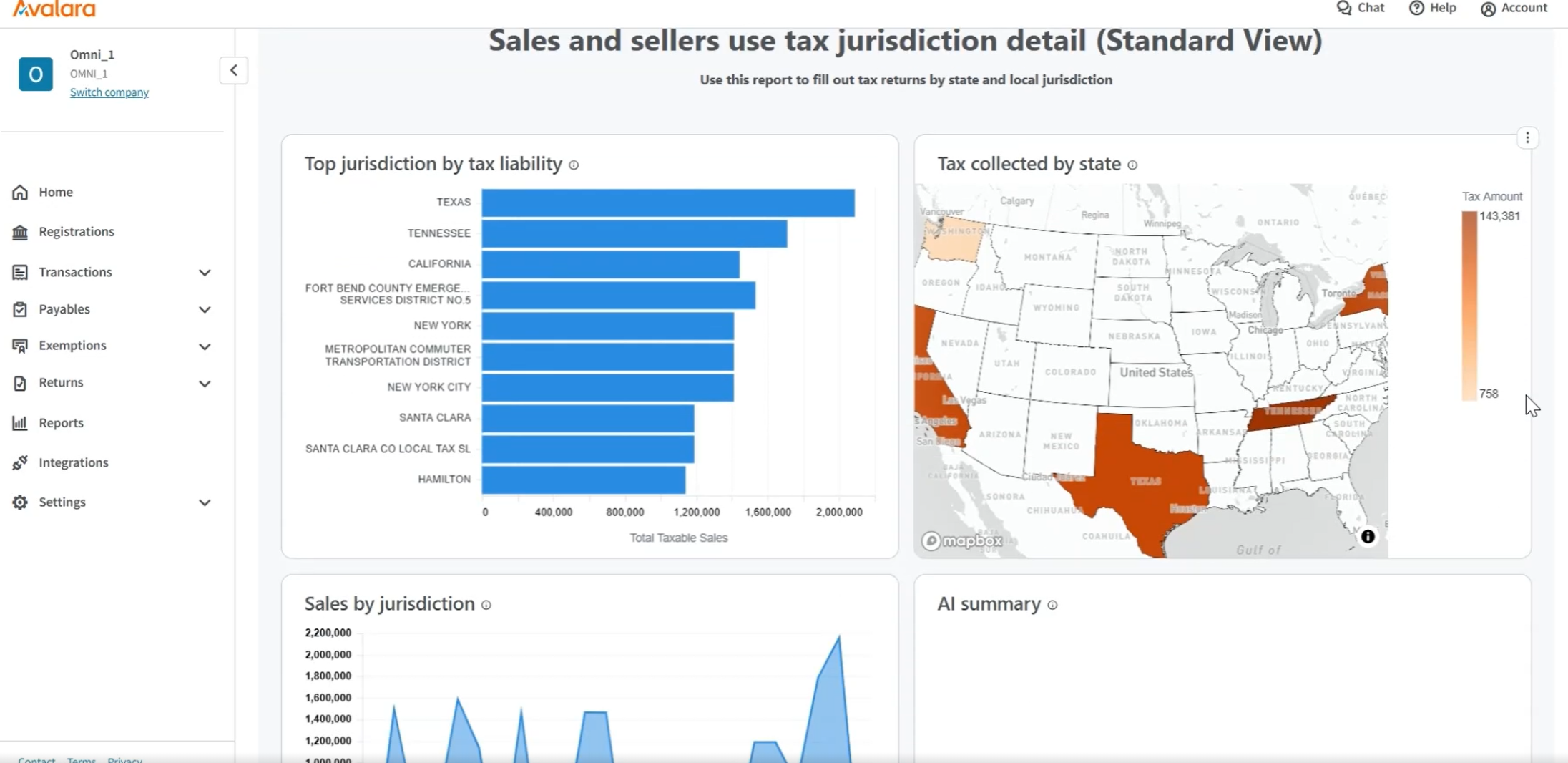
Overall, Avalara has been an excellent resource for the company. We highly recommend it. Once you get familiar with the software it's not hard to navigate and use for your business' needs. There are reports for any type of tax detail you need from individual jurisdiction detail to a comprehensive summary of all states filing or not filing in.
Customization is the biggest struggle for us and most of the time we need to involve a tech person. The chat support is a great feature and very helpful. It would be great to be able to customize and create invoices and correspondence (templates) such are reminders in multiple languages within one organization. The currency (USD) would be the same. We have clients in different countries that don't speak English but pay in USD.
We do have trouble tying Avalara's reporting back to our POS, but we just got a new POS system and there are bugs we are still trying to work out within the POS system. I do not believe this is an Avalara issue
It does not [matter] how much you pay in support packages for Avalara, [from my experience] you will never receive timely response times. Additionally, [it seems to me] their support techs are not experienced and/or do not understand the nature of your issues. I have resolved the majority of my issues before the support team is able to.
The support team feels very disjointed. We have filtered through a number of "lead" contacts and are frequently spammed by other Zoho members. Once getting an appropriate support contact on the phone - the team is very helpful, it just takes a lot of hoop jumping to get there. We actually unsubscribed from their support package as we were not getting the value we were looking for.
The rating of a 6 was not because I was displeased with Avalara's service or implementation team. The implementation process and implementation team were great. The issue I had with implementation was finding the time of an implementation specialist to devote to our account. With the fast growth of Avalara, my specialist always felt rushed which made me feel I did not get adequate time or support.
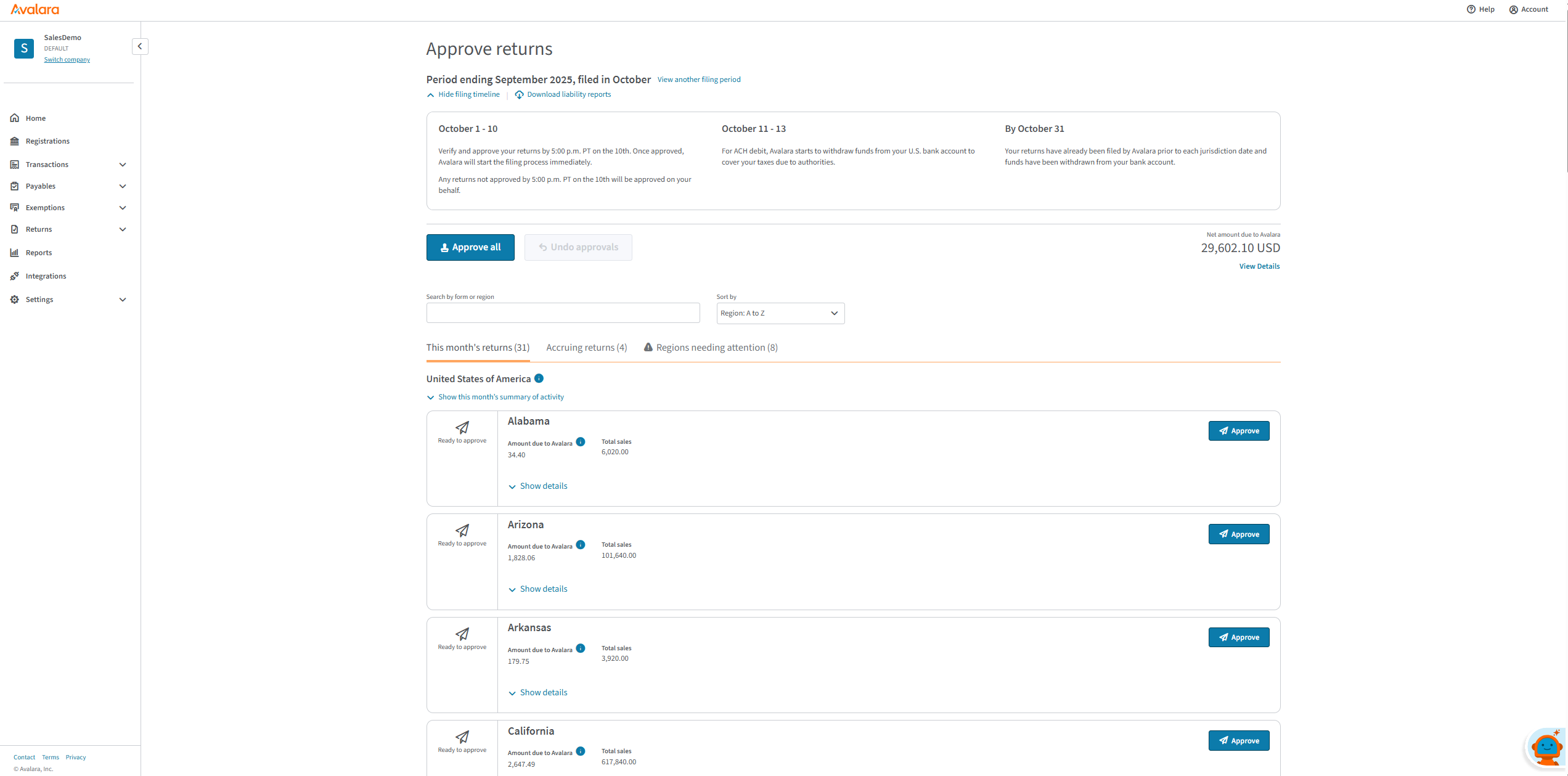
When I started with the company, they were using a version of CCH. This was my first experience with that program and I found it very cumbersome. It was unable to calculate multiple tax rates (this may have changed in the last 10 years) and while it filled out some of the tax returns for us, we still had to manipulate many and file them ourselves. Now we just verify that what we show in our system matches Avalara and hit approve and we are done for another month.
We had a lot of problems with Exact Online, support-wise and price-wise. So Zoho Books wins on every point there. While Exact offers way more options, it tends to be really slow... and complex. Again Zoho Books wins. If you want an easy-to-use tool and not pay a lot of money, or if you are a small administration office with a few clients, this tool will be perfect for you.
With Avalara, manual tax reporting and calculations have been reduced drastically, reducing manual effort and increasing efficiency.
Since it is integrated with Sage Intacct, reporting in both Sage Intacct and Avalara is well balanced, and reporting with tax authorities has been handled well.
Integration: Zoho Books offers out of the box integrations to extend the functionality and connect with the applications you love like MailChimp, Microsoft Outlook, PandaDoc, and Quickbooks, etc.
Flexibility makes Zoho Books great!
Since I can use forecast reports, I can create customizable sales forecast data from the dashboard to accurately measure revenue forecasts and establish sales quotas.