
Basecamp vs. Filestack
Basecamp vs. Filestack
| Product | Rating | Most Used By | Product Summary | Starting Price |
|---|---|---|---|---|
 Basecamp | N/A | Basecamp is a web-based project-management tool. Basecamp offers features standard to project management platforms, as well as mobile accessibility, unlimited users, and 3rd party integrations. Basecamp is priced by space requirements and concurrent projects. | $15 per month per user | |
 Filestack | N/A | Filestack is a developer service for uploading files from anywhere onto the user's application. Filestack allows software developers to integrate more than 25 of the world’s leading cloud drives with just a few lines of code. End users can upload content from websites and mobile apps like Facebook, Instagram, and Dropbox or wherever that content is stored. Filestack enables developers to upload and store large files, transform and manipulate images and other file types, and deliver that… | $69 per month |
| Basecamp | Filestack | |||||||||||||||
|---|---|---|---|---|---|---|---|---|---|---|---|---|---|---|---|---|
| Editions & Modules |
|
| ||||||||||||||
| Offerings |
| |||||||||||||||
| Entry-level Setup Fee | No setup fee | No setup fee | ||||||||||||||
| Additional Details | — | Filestack pricing tiers are based off of the number of API calls for file uploads, file transformations, and outbound bandwidth. Start for free, and contact the vendor regarding custom pricing. | ||||||||||||||
| More Pricing Information | ||||||||||||||||
| Basecamp | Filestack |
|---|
| Basecamp | Filestack | |||||||||||||||||||||||||||||||||||||||||||||
|---|---|---|---|---|---|---|---|---|---|---|---|---|---|---|---|---|---|---|---|---|---|---|---|---|---|---|---|---|---|---|---|---|---|---|---|---|---|---|---|---|---|---|---|---|---|---|
| Project Management |
| |||||||||||||||||||||||||||||||||||||||||||||
| Professional Services Automation |
|
| Basecamp | Filestack | |
|---|---|---|
| Small Businesses |  Stackby Score 8.9 out of 10 |  SugarSync Score 4.1 out of 10 |
| Medium-sized Companies |  InEight Score 8.3 out of 10 |  M‑Files Score 8.9 out of 10 |
| Enterprises | InEight Score 8.3 out of 10 | M‑Files Score 8.9 out of 10 |
| All Alternatives | View all alternatives | View all alternatives |
| Basecamp | Filestack | |
|---|---|---|
| Likelihood to Recommend | 9.9 (150 ratings) | 9.5 (4 ratings) |
| Likelihood to Renew | 10.0 (26 ratings) | - (0 ratings) |
| Usability | 9.3 (20 ratings) | 9.5 (2 ratings) |
| Availability | 10.0 (5 ratings) | - (0 ratings) |
| Performance | 7.3 (4 ratings) | - (0 ratings) |
| Support Rating | 8.8 (28 ratings) | - (0 ratings) |
| Online Training | 5.0 (1 ratings) | - (0 ratings) |
| Implementation Rating | 7.7 (4 ratings) | - (0 ratings) |
| Configurability | 8.0 (1 ratings) | - (0 ratings) |
| Basecamp | Filestack | |
|---|---|---|
| Likelihood to Recommend |  37 Signals
 Andrea Hester Director Of Operations | Idera, Inc.
|
| Pros | 37 Signals
| Idera, Inc.
 Lakshya Kashyap Software Engineer |
| Cons | 37 Signals
 Heather Miller Senior Graphic Designer | Idera, Inc.
 William (Matt) Wood Sales Engineer |
| Likelihood to Renew | 37 Signals
| Idera, Inc. No answers on this topic |
| Usability | 37 Signals
 James Roy Office Manager | Idera, Inc.
|
| Reliability and Availability | 37 Signals
 Lisa Keyser Developer & Designer | Idera, Inc. No answers on this topic |
| Support Rating | 37 Signals
| Idera, Inc. No answers on this topic |
| Implementation Rating | 37 Signals
 Jenni Waggoner Marketing Content Manager | Social Media | Newsletter | Blog | White Papers | Idera, Inc. No answers on this topic |
| Alternatives Considered | 37 Signals
 Blake Baron Senior Financial Analyst - Cost Analytics | Idera, Inc.
 Priyanshu Kumar Software Engineer |
| Return on Investment | 37 Signals
| Idera, Inc.
Lakshya Kashyap Software Engineer |
| ScreenShots | Filestack Screenshots 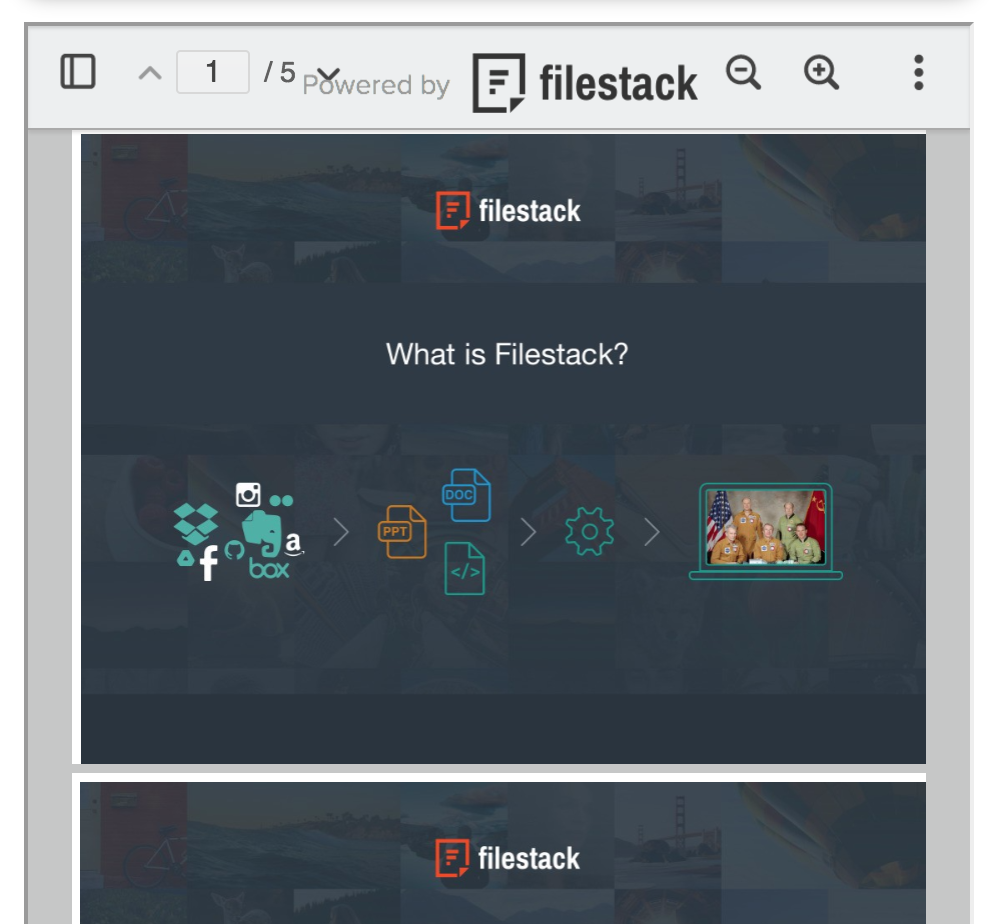  |
