
Beebole vs. Patriot Payroll
| Product | Rating | Most Used By | Product Summary | Starting Price |
|---|---|---|---|---|
 Beebole | Score8.6 out of 10 | N/A | Beebole is a project management and time tracking platform for planning human resources, measuring labor costs, and managing multi-stage approval workflows. The system integrates timesheet data with financial management to monitor project profitability and resource allocation in real time. Key Capabilities Resource Planning & Time Tracking: Connects planning views directly to employee timesheets. Managers assign work entries that pre-populate into… | $10 per month per user |
 Patriot Payroll | Score8.6 out of 10 | N/A | Patriot Software headquartered in Canton, Ohio offers Patriot PAY, their benefits administration and payroll software. | $17 per month |
| Beebole | Patriot Payroll | |||||||||||||||
|---|---|---|---|---|---|---|---|---|---|---|---|---|---|---|---|---|
| Editions & Modules |
|
| ||||||||||||||
| Offerings |
| |||||||||||||||
| Entry-level Setup Fee | No setup fee | No setup fee | ||||||||||||||
| Additional Details | Beebole offers a 10% discount for annual subscriptions, 10% for NGOs and educational institutions, and volume discounts. Subscriptions can be canceled or modified at any time within the dashboard. The 30-day free trial includes access to all of the tool's features with no commitments. Unlimited live support and configuration calls are available to get started and are provided at no extra cost. | Patriot Software has two payroll options to choose from: Basic Payroll, and Full Service payroll software. Both start with a simple three-step payroll process. With the Full Service Payroll, Patriot will collect, deposit, and file federal, state, and local payroll taxes on the customer's behalf; end-of-the-year payroll tax filing is included at no extra charge. Print W2s on 8 x 1/2 x 11 plain white office paper to hand to employees, or post to the free employee portal. Also, Patriot Software offers free direct deposit. | ||||||||||||||
| More Pricing Information | ||||||||||||||||
| Beebole | Patriot Payroll | |
|---|---|---|
| Considered Both Products | No answer on this topic | No answer on this topic |
| Key User Insights | ||
| Would buy again | ||
100% Would buy again 7 Answers | 100% Would buy again 10 Answers | |
| Delivers good value for the price | ||
100% Delivers good value for the price 7 Answers | 100% Delivers good value for the price 10 Answers | |
| Happy with the feature set | ||
86% Happy with the feature set 6 Answers | 100% Happy with the feature set 10 Answers | |
| Lived up to sales and marketing promises | ||
No answers on this topic | 100% Lived up to sales and marketing promises 9 Answers | |
| Implementation went as expected | ||
100% Implementation went as expected 5 Answers | 100% Implementation went as expected 9 Answers | |
| Beebole | Patriot Payroll | |||||||||||||||||||||||||
|---|---|---|---|---|---|---|---|---|---|---|---|---|---|---|---|---|---|---|---|---|---|---|---|---|---|---|
| Payroll Management |
| |||||||||||||||||||||||||
| Beebole | Patriot Payroll | |
|---|---|---|
| Small Businesses |  Time Doctor Score8 out of 10 |  RUN Powered by ADP® Score9 out of 10 |
| Medium-sized Companies |  Toggl Track Score9 out of 10 |  APS Score5.7 out of 10 |
| Enterprises |  TimeCamp Score7 out of 10 | ADP Streamline Payroll Score6.1 out of 10 |
| All Alternatives | View all alternatives | View all alternatives |
| Beebole | Patriot Payroll | |
|---|---|---|
| Likelihood to Recommend | 8.7 | 9.7 |
| Likelihood to Renew | 9.1 | 9.0 |
| Usability | 8.2 | 9.3 |
| Support Rating | 9.1 | 8.7 |
| Beebole | Patriot Payroll | |
|---|---|---|
| Likelihood to Recommend |
|
|
| Pros |
|
|
| Cons |
|
|
| Likelihood to Renew |
|
|
| Usability |
|
|
| Support Rating |
|
|
| Alternatives Considered |
|
|
| Return on Investment |
|
|
| ScreenShots | Beebole Screenshots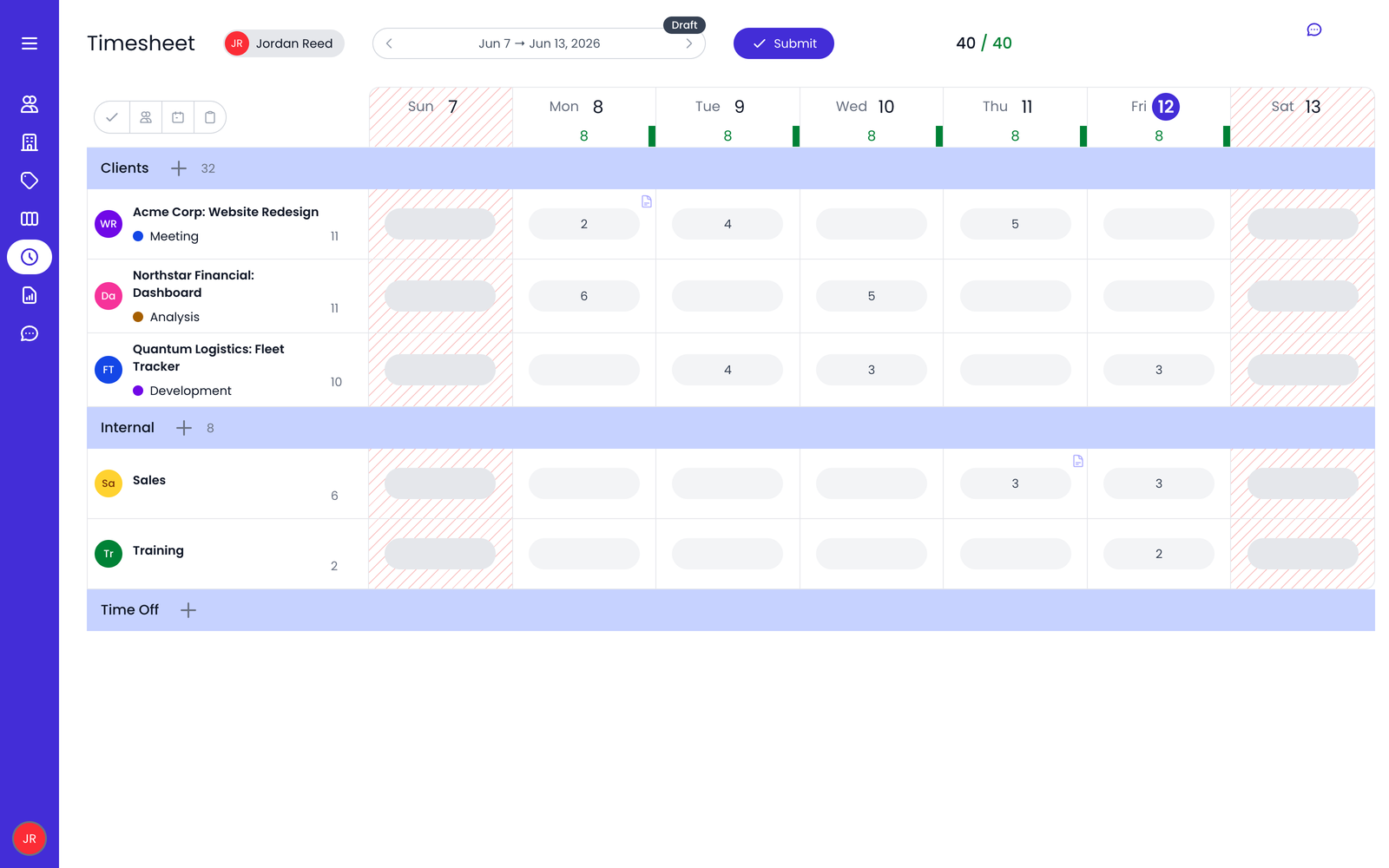   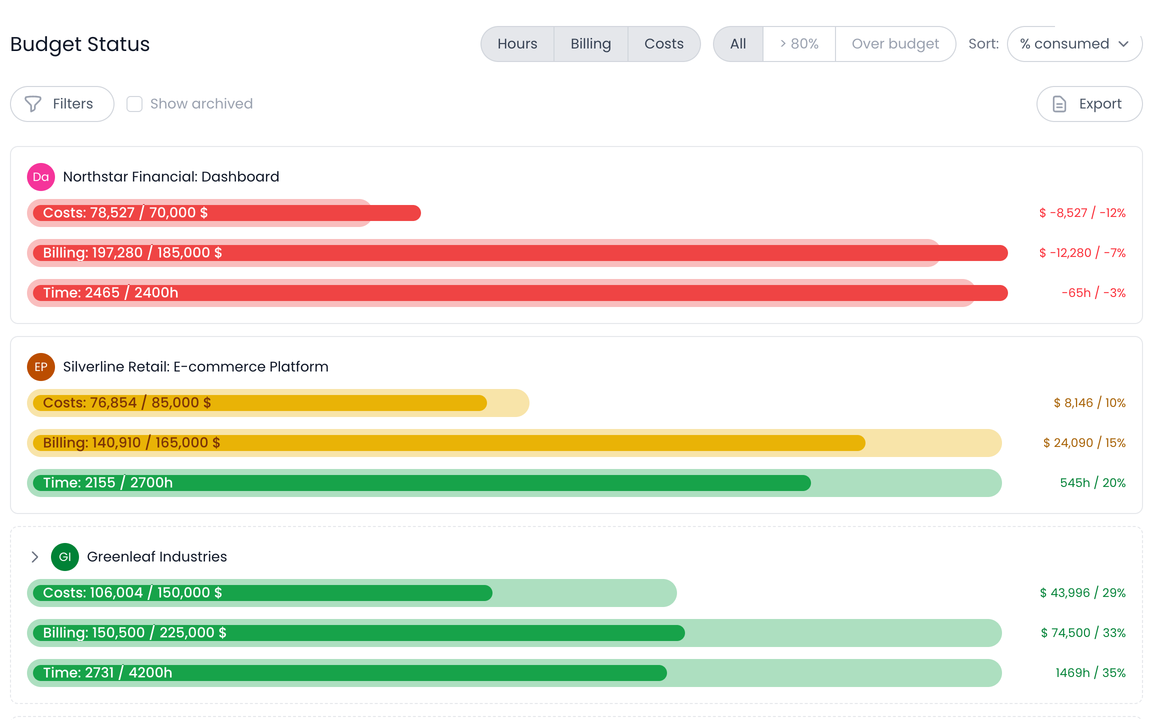 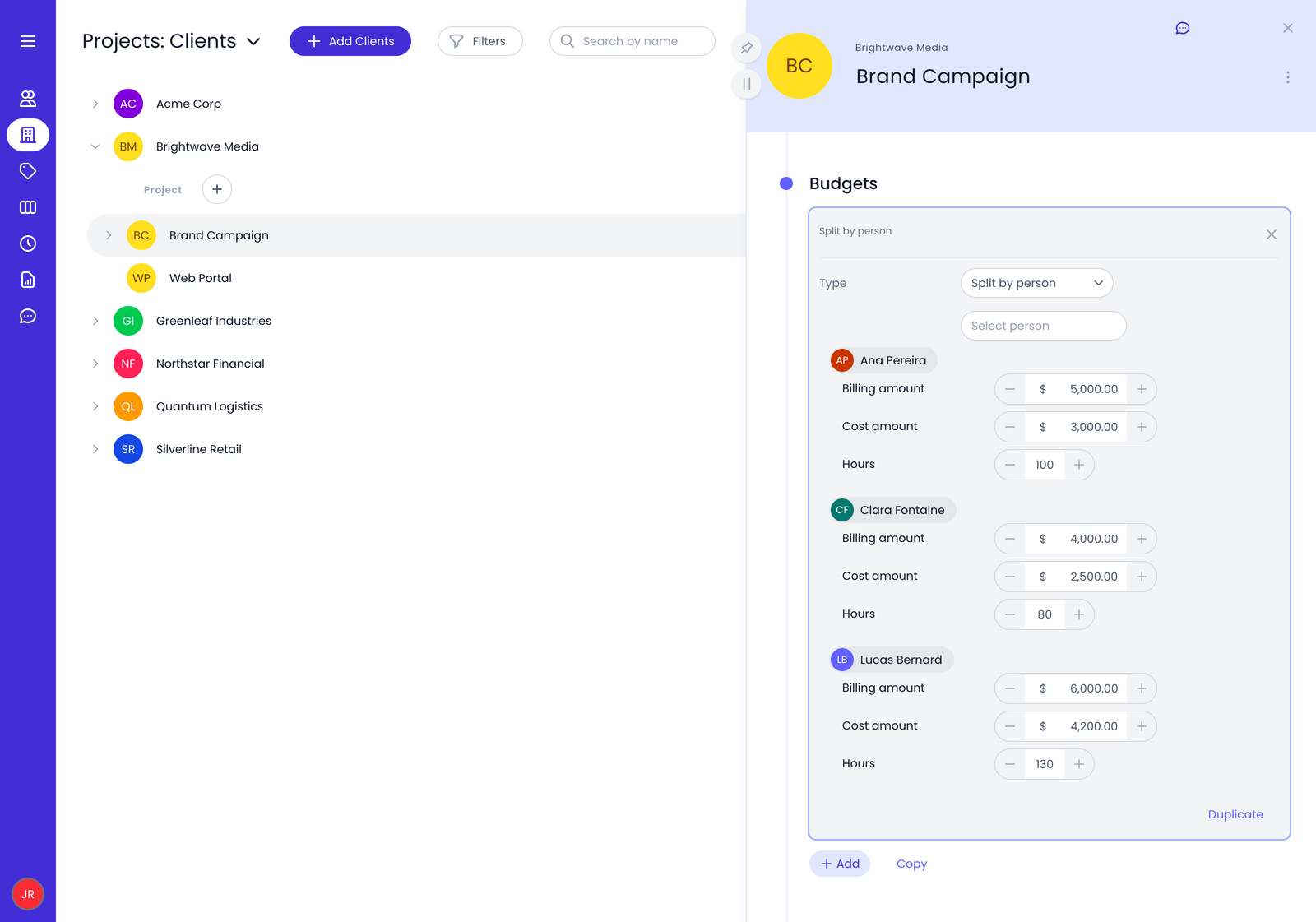  | Patriot Payroll Screenshots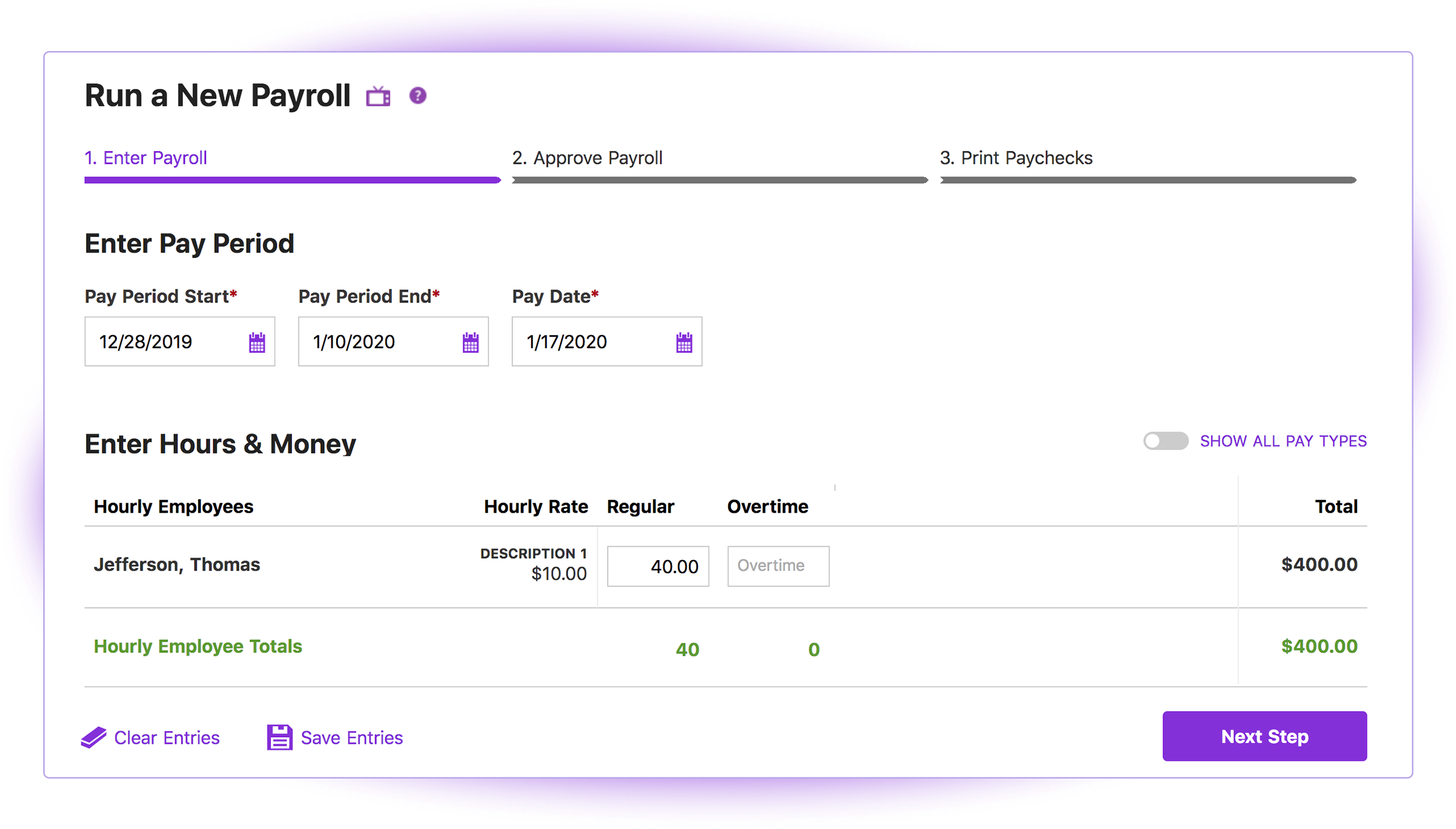 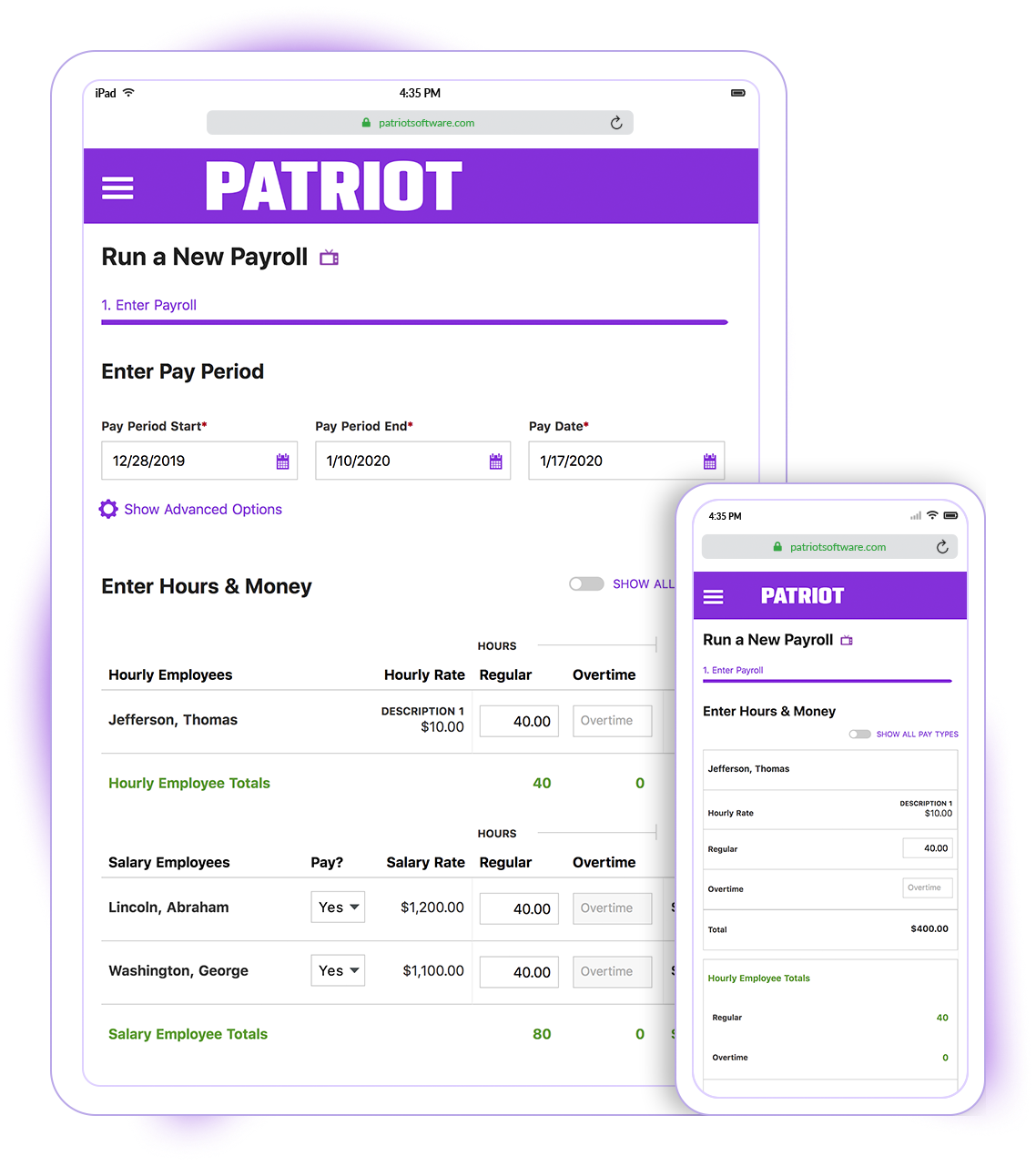 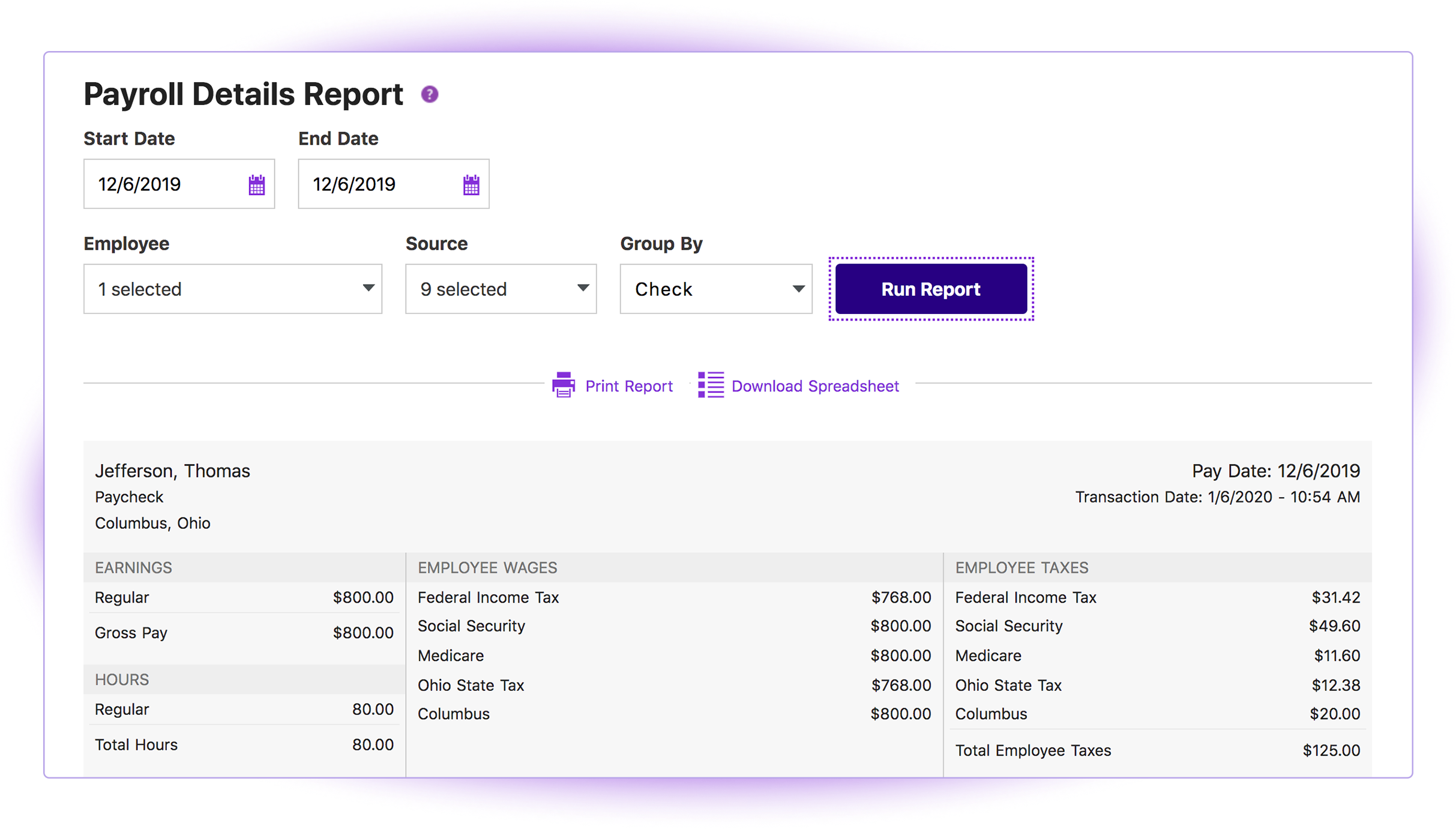 |



