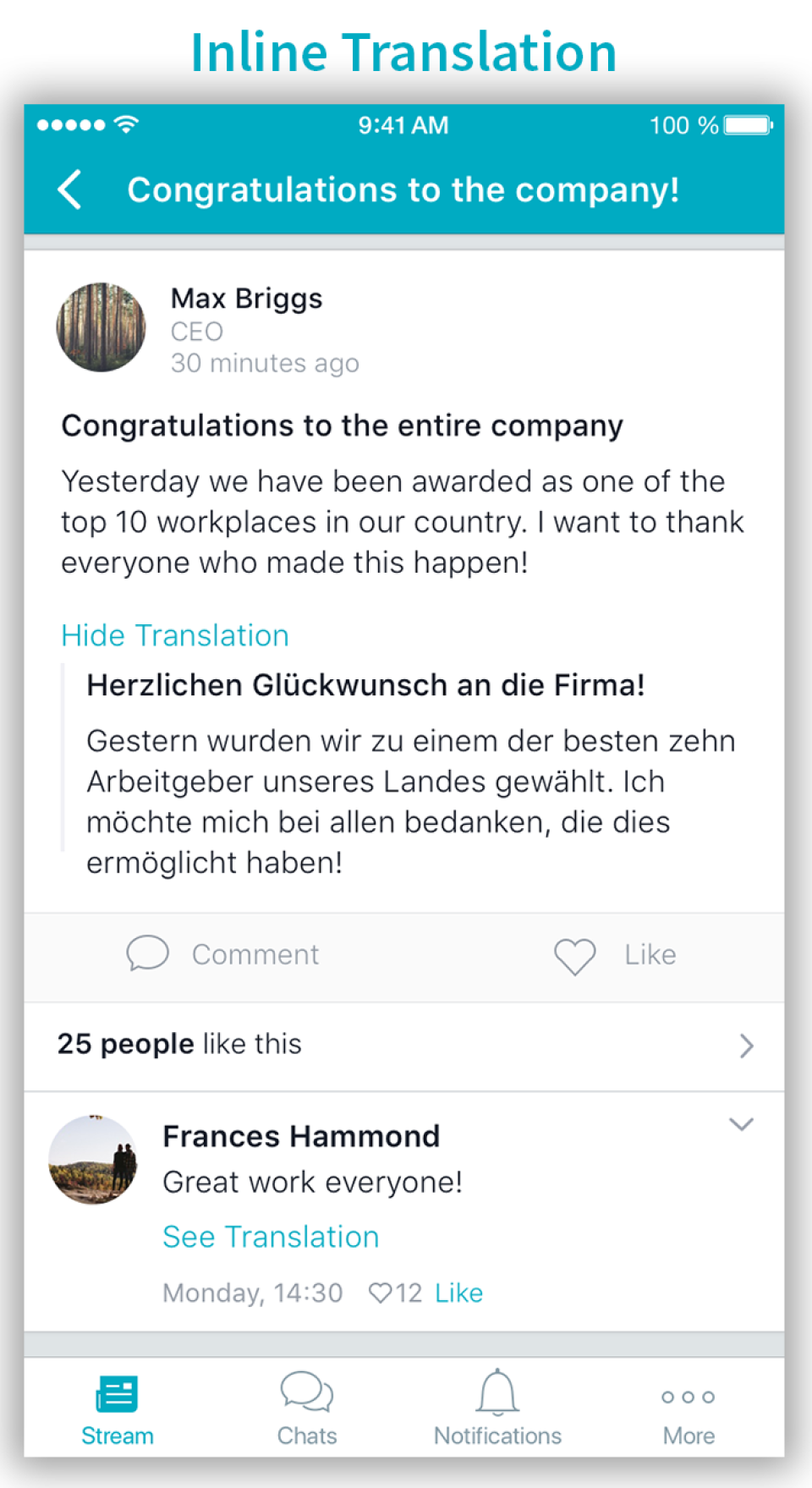
Beekeeper is a social collaboration software solution offered by Beekeeper AG.
N/A
Klaxoon, a Wrike company
Score 9.8 out of 10
N/A
Klaxoon is presented by the vendor as a one-stop shop for collaborative tools that improves teamwork efficiency when working remotely or on-site.
Meetings, workshops, learning sessions, workshops… everyone connects to Klaxoon via a web link, from any digital device (computer, smartphone, tablet…) and without anything to install. With a click, users share ideas through Brainstorm, Word Cloud, Quiz, Votes…
From Fortune500 organisations to small businesses, universities and consultants, Klaxoon…
N/A
Mural
Score 7.5 out of 10
N/A
MURAL (formerly Mural.ly) from Tactivos (DBA MURAL) in San Francisco is described by the vendor as a digital workspace and visual collaboration tool, designed for creative teams to make the process of design more efficient for distributed teams, working remotely.
we are trying many visual collaboration applications. and we will choose the application that will offer us a more interactive environment. Miro is a very similar app and surpasses Klaxoon in terms of interface and simplicity. But Klaxoon is more successful with pre-designed …
Klaxoon helps to facilitate the collaborative environment for decision-making processes to assess a situation, analyze the root causes of problems in a collective manner, improve processes, reach an agreement and define an action plan. We have implemented this tool for …
Beekeeper is one of those gems which can not get replaced by any other application that easily as it comes in everyday use. Being an SDE I can say that it get used a lot in creating, updating or deleting any data also sharing files is really fast among users. It is suitable if you have a vivid project and need to store huge database and contacts and interaction is daily requirement . It takes sometime to get load but that does not make it any less suitable.
Easy for end-users to experience the workflow and processes (i.e. low entry barrier) and handle the tool. Easy for facilitators to create a digital board and to animate and create a good remote real-time or asynchronous experience. Moreover, it allows building Customer Journey Maps (CJM) for my end-users with very low time invested and a high level of reusability.
I've recommended MURAL to a lot of people in a lot of fields. This is a great tool for any group of people that might stand around a white board if they were in person. Even if they are in person, I still recommend it pretty often because, unlike a white board, MURAL is virtual, so it can go offline with you. I've recommended it to other Software Teams, individual software developers, engineering teams, Sales Managers, Office Staff, Manufacturing teams, and more.
There are many templates available in the library: very useful for organizing a workshop that always requires a method to support collective intelligence.
Klaxoon is great for working collaboratively at the same time. It is really visual and not very difficult to use. It has different kinds of interesting features, but you have to know about them.
Blackboard principle, confidentiality of contributions
enables easy for all collaboration especially in the hybrid environment
makes brainstorming better as users can create digital sticky notes, draw diagrams, and add images to visually represent concepts and ideas
it helps to visualize data effectively - users can create charts, graphs, and diagrams to present data-driven insights to team members and stakeholders
Overall, MURAL is really easy to use, but there are a couple downsides. It's really easy to make areas of the board consistent because double clicking adds stickies that match those around the current one. It's really easy to connect the elements. And it's really easy to organize elements. Inconsistent controls, Panning, Line Connections, and latency are the only issues I had. My biggest issue is that the MURAL mouse buttons are very different from most similar software. This always causes me problems switching to a graphics software or 3D modelling software. Because MURAL uses the same button to pan and move elements, it's really easy to move things when panning around. The lines can also be a (sometimes huge) problem because thew will occasionally disappear or connect to things incorrectly. I think this is tied to latency issues which, in addition to causing phantom lines, can sometimes cause confusion to your team.
Beekeeper has been able to bring us considerable advantages in terms of communication and collaboration within our organization. It is a fantastic tool that allows us to communicate with colleagues.
we are trying many visual collaboration applications. and we will choose the application that will offer us a more interactive environment. Miro is a very similar app and surpasses Klaxoon in terms of interface and simplicity. But Klaxoon is more successful with pre-designed boards. MURAL is a different concept and lags behind Klaxoon in terms of workspace.
Mural was easier to use and share compared with Whiteboard. Whiteboard's functionality is limited. It is also integrated into Teams in an odd way that makes it difficult for team members to refer to old whiteboards. Mural as a stand alone web app is better.
Since we need to deploy project and beekeeper makes it easy to store database it has positive impact on ROI.
Beekeeper makes whole task very easy and hassle free making it easier to developers to work and get the tasks done thus having a positive impact on ROI.
Klaxoon allows working in a group easily at the same time for people in different places. So the main benefit is to work collaboratively and to come back to the work anytime we want.
It was especially important during the Covid period when we could not organize on-site sessions with a real post-it. It helps also for online training or digital adoption thanks to the possibility to define the digital training journey with Module/Quiz sessions/Surveys.
we benefited from strong support from the Customer management services of Klaxoon to kick off the solution in a very good way.