
BlackBerry UEM vs. Hexnode UEM
| Product | Rating | Most Used By | Product Summary | Starting Price |
|---|---|---|---|---|
 Blackberry UEM | Score9.8 out of 10 | N/A | BlackBerry UEM (formerly from Good Technology) offers a complete enterprise mobility management solution, including capabilities for mobile device management, mobile application management, mobile content management, identity access management and mobile security and containerization. | N/A |
 Hexnode UEM | Score7.1 out of 10 | N/A | Hexnode is a Unified Endpoint Management solution that aims to simplify the way people work with the help of intelligent tools. The management platform streamlines the device lifecycle model to offer its support at every stage, from device onboarding to the end of its life. It also gives a hands-free experience with automatic enrollment using Zero-touch enrollment, Knox Mobile Enrollment, and ABM and endpoint management with the help of dynamic group allocation in the case of… | $36 per month 15 devices (minimum) |
| Blackberry UEM | Hexnode UEM | |||||||||||||||
|---|---|---|---|---|---|---|---|---|---|---|---|---|---|---|---|---|
| Editions & Modules | No answers on this topic |
| ||||||||||||||
| Offerings |
| |||||||||||||||
| Entry-level Setup Fee | No setup fee | No setup fee | ||||||||||||||
| Additional Details | — | No support costs, No maintenance charges. Per device pricing. Discount available for annual pricing. | ||||||||||||||
| More Pricing Information | ||||||||||||||||
| Blackberry UEM | Hexnode UEM | |
|---|---|---|
| Considered Both Products | No answer on this topic | No answer on this topic |
| Key User Insights | ||
| Would buy again | ||
No answers on this topic | 100% Would buy again 19 Answers | |
| Delivers good value for the price | ||
No answers on this topic | 95% Delivers good value for the price 18 Answers | |
| Happy with the feature set | ||
No answers on this topic | 95% Happy with the feature set 18 Answers | |
| Lived up to sales and marketing promises | ||
No answers on this topic | 94% Lived up to sales and marketing promises 17 Answers | |
| Implementation went as expected | ||
No answers on this topic | 94% Implementation went as expected 17 Answers | |
| Blackberry UEM | Hexnode UEM | |
|---|---|---|
| Small Businesses |  Avast CloudCare Score10 out of 10 | Avast CloudCare Score10 out of 10 |
| Medium-sized Companies |  Action1 Score9.4 out of 10 | Action1 Score9.4 out of 10 |
| Enterprises |  ManageEngine Endpoint Central Score9 out of 10 | ManageEngine Endpoint Central Score9 out of 10 |
| All Alternatives | View all alternatives | View all alternatives |
| Blackberry UEM | Hexnode UEM | |
|---|---|---|
| Likelihood to Recommend | 7.4 | 8.1 |
| Likelihood to Renew | 4.4 | 10.0 |
| Usability | - | 8.3 |
| Support Rating | 5.9 | 10.0 |
| Implementation Rating | - | 10.0 |
| Blackberry UEM | Hexnode UEM | |
|---|---|---|
| Likelihood to Recommend |
|
|
| Pros |
|
|
| Cons |
|
|
| Likelihood to Renew |
|
|
| Usability | No answers on this topic |
|
| Support Rating |
|
|
| Implementation Rating | No answers on this topic |
|
| Alternatives Considered |
|
|
| Return on Investment |
|
|
| ScreenShots | Hexnode UEM Screenshots 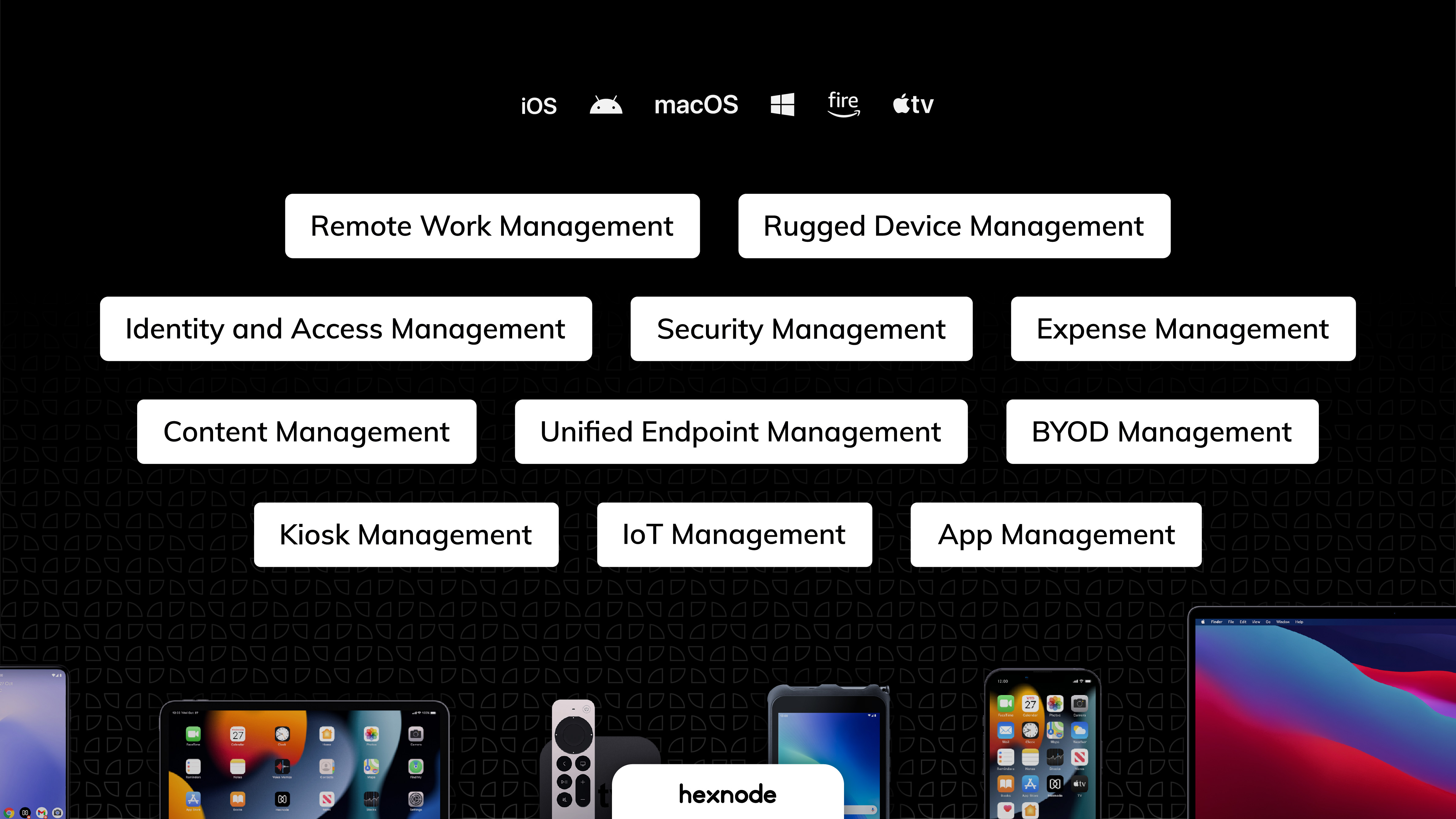    |


