BoldSign, by Syncfusion vs. Dropbox

Overview
ProductRatingMost Used ByProduct SummaryStarting Price
BoldSign, by Syncfusion
Score 10.0 out of 10
N/A
BoldSign is an e-signature platform that enables users to send documents out for legally binding signatures. Boasting users in over 120 countries by more than 50,000 customers, BoldSign offers a solution that works for companies of any size—from startups to global enterprises. The platform offers a range of features, including bulk send options, localization settings for time zones and automatic translation, and an API to integrate BoldSign e-signature functionality into an organization's…
$0
for 25 envelopes/month
Dropbox
Score 8.5 out of 10
N/A
Dropbox is a cloud storage solution, equipped with features that help users to save time, improve productivity, and collaborate with others. Users can edit PDFs, share videos, sign documents, and collaborate with stakeholders without leaving Dropbox.
$9.99
per month
Pricing
BoldSign, by SyncfusionDropbox
Editions & Modules
Essentials
$0
per month 1 sender & 25 envelopes/month
Growth
$15
per month per sender
Business
$25
per month per user
Premium
$138
per month unlimited senders.
Enterprise API
starting at $30
per month (includes 40 envelopes, +$0.75 for each additional)
Custom Plan
Custom Pricing
Plus
$9.99
per month
Essentials
$18
per month
Business
$20
per month per user
Business Plus
$26
per month per user
Basic
Free
Offerings
Pricing Offerings
BoldSign, by SyncfusionDropbox
Free Trial
YesNo
Free/Freemium Version
YesNo
Premium Consulting/Integration Services
NoNo
Entry-level Setup FeeNo setup feeNo setup fee
Additional DetailsMonthly and annual options available. In addition to BoldSign's web app options, API plans are also offered. A free sandbox is available that allows you to integrate BoldSign into an application in a testing environment. A discount is available for annual billing.
More Pricing Information
Community Pulse
BoldSign, by SyncfusionDropbox
Considered Both Products
BoldSign, by Syncfusion
Chose BoldSign, by Syncfusion
I think it is just as easy to use, but it is a lot more cost-effective. I also like BoldSign, by Syncfusion® has my company logo.
Chose BoldSign, by Syncfusion
These competitors provide mediocre and feature-bloated offerings that are simply a pain to use. For example, building templates in the aforementioned tools is like pulling teeth. The editor is finicky. BoldSign, by contrast is simple and generally intuitive, thereby making it …
Dropbox
Chose Dropbox
Box sync did not always work well
SugarSync Very limited in its self imposed file structure
Features
BoldSign, by SyncfusionDropbox
File Sharing & Management
Comparison of File Sharing & Management features of Product A and Product B
BoldSign, by Syncfusion
-
Ratings
Dropbox
7.8
1368 Ratings
7% below category average
Versioning00 Ratings8.21140 Ratings
Video files00 Ratings7.21118 Ratings
Audio files00 Ratings7.71014 Ratings
Document collaboration00 Ratings8.01190 Ratings
Access control00 Ratings8.11266 Ratings
File search00 Ratings7.31312 Ratings
Device sync00 Ratings7.91259 Ratings
Cloud Storage Security & Administration
Comparison of Cloud Storage Security & Administration features of Product A and Product B
BoldSign, by Syncfusion
-
Ratings
Dropbox
8.0
1297 Ratings
8% below category average
User and role management00 Ratings7.41157 Ratings
File organization00 Ratings8.51279 Ratings
Device management00 Ratings8.11138 Ratings
Cloud Storage Platform
Comparison of Cloud Storage Platform features of Product A and Product B
BoldSign, by Syncfusion
-
Ratings
Dropbox
7.9
1286 Ratings
9% below category average
Performance00 Ratings7.91275 Ratings
Reliability00 Ratings8.21283 Ratings
Storage Reports00 Ratings7.5978 Ratings
Best Alternatives
BoldSign, by SyncfusionDropbox
Small Businesses
Foxit eSign
Foxit eSign
Score 7.7 out of 10
SugarSync
SugarSync
Score 3.7 out of 10
Medium-sized Companies
MSB Docs
MSB Docs
Score 9.4 out of 10
Druva Security Cloud
Score 9.4 out of 10
Enterprises
DocuSign
DocuSign
Score 8.8 out of 10
Druva Security Cloud
Score 9.4 out of 10
All AlternativesView all alternativesView all alternatives
User Ratings
BoldSign, by SyncfusionDropbox
Likelihood to Recommend
10.0
(22 ratings)
8.5
(1404 ratings)
Likelihood to Renew
7.3
(1 ratings)
8.2
(44 ratings)
Usability
10.0
(16 ratings)
8.5
(543 ratings)
Availability
7.3
(1 ratings)
9.0
(4 ratings)
Performance
7.3
(1 ratings)
8.8
(9 ratings)
Support Rating
8.6
(2 ratings)
7.1
(40 ratings)
In-Person Training
-
(0 ratings)
9.1
(1 ratings)
Online Training
-
(0 ratings)
9.0
(3 ratings)
Implementation Rating
7.3
(1 ratings)
8.0
(5 ratings)
Configurability
7.3
(1 ratings)
8.1
(2 ratings)
Contract Terms and Pricing Model
7.3
(1 ratings)
9.1
(1 ratings)
Ease of integration
-
(0 ratings)
9.1
(1 ratings)
Product Scalability
7.3
(1 ratings)
8.0
(5 ratings)
Professional Services
-
(0 ratings)
9.1
(1 ratings)
Vendor post-sale
7.3
(1 ratings)
8.2
(1 ratings)
Vendor pre-sale
8.2
(1 ratings)
8.2
(1 ratings)
User Testimonials
BoldSign, by SyncfusionDropbox
Likelihood to Recommend
Syncfusion
BoldSign is perfect for the small business or startup that needs a legally-binding solution to digitally sign contracts/agreements between 2 parties or more. It's no frills and super easy to use, and requires no training to understand how to use. BoldSign is less appropriate for organisations that require complex integrations and automation capabilities for their digital signature solution.
Read full review
Dropbox
Dropbox is well suited for sending File Requests to clients to upload documents, and for me to send File Transfers to clients with documents for them to download. I can create separate files for each client, and also create files within files, which is very convenient and useful for my business purposes. In Dropbox I can also see all of the File Requests that I have sent and it shows me how many times they've accessed it and how many files they uploaded. I can also see all of the File Transfers that I have made and whether how many times the client has accessed it and how many documents were downloaded. It also sends me notifications if the clients haven't downloaded their files yet so I can remind them. Dropbox Sign has been very easy to use, and I have already stated what could be changed with it
Read full review
Pros
Syncfusion
  • BoldSign was incredibly easy to pickup and start using. The UX was very intuitive and required no training or guidance.
  • BoldSign's signed contracts repository is a very easy-to-access and navigate system to store and access all our signed documents.
  • BoldSign customer support has always been incredibly responsive and helpful.
Read full review
Dropbox
  • I can share projects I need feedback on.
  • I can make projects available to editors so that they can do their work.
  • Dropbox is a place where I can store files that I can access from anywhere, even if I don't have my laptop with me at the time.
  • I have an old friend who is an acting professor in Tokyo. He loves the dialogue that I write in my novels. He converts chapters into scenework for his acting students. They get very excited when there's new material!
Read full review
Cons
Syncfusion
  • It would be great if BoldSign saved my signature in my account to use each time
  • It might be easier if you could select signature (or any heading for that matter) and click where you want it instead of dragging it to where you want it.
  • It would be nice if completed document’s automatically saved to a selected folder for safe keeping.
Read full review
Dropbox
  • Admid Control Can feels little basic it can be improve by easy access quick tabs for important button.
  • Smart sync behaviour can be little confusing it can be improve by displaying more futuristic way
  • Pricing and storage facility can be improve for really more demanding for a tool can be imporve.
Read full review
Likelihood to Renew
Syncfusion
Great product. Great price. Free for up to 25 signatures for one persons account. Having a group using it under one account is even a great price. Much cheaper than all the alternatives out there and does the same stuff the others do
Read full review
Dropbox
Dropbox is a user-friendly, easy tool which requires little to no skill and they offer a free version with a good amount of storage available. There are other file sharing tools available however at a cost. Dropbox free version I have used for years and it serves every purpose I need.
Read full review
Usability
Syncfusion
Very straight forward to use and customers understand the service. No questions or need for me to explain. The free tier is amazing and has locked me in as a customer for when we're big enough to need the paid version.
Read full review
Dropbox
It works extremely well, and we have never had any issues with connecting or sharing files. It's very easy to use, and any team member can share, add, and delete files to a virtual drive. This is extremely helpful, and it's an amazing tool to use, ensuring everyone can connect and work together effectively.
Read full review
Reliability and Availability
Syncfusion
No issues to date.
Read full review
Dropbox
I really recommend the product for the Dropbox availability is a great having very very less downtimes, they errors are less I have been faced yet, due to connectivity sometimes we are getting errors. Only sometimes the limitations of some features show some errors.
Read full review
Performance
Syncfusion
No issues with performance.
Read full review
Dropbox
Dropbox is really useful, you can access any file from anywhere and you can upload and even edit files online, but, sometimes it can be slow. Downloading, uploading, and syncing is a bit slow, it can take several minutes. Furthermore, the search engine for large amounts of data can be slow too and it is not powerful.
Read full review
Support Rating
Syncfusion
At the beginning I had a question so I emailed them. Response was super quick. Other then that I have not had to contact them for any help. System is easy to use
Read full review
Dropbox
They immediately responded like in an example that I gave where one of our staff members accidentally deleted the whole Special Hope Network Dropbox, we immediately contacted Dropbox they walked us through the steps of how to retrieve the information and luckily enough we were able to retrieve the entire Dropbox and we have had back and forth with Dropbox on what to do when an employee leaves how to remove them how to add another employee.
Read full review
In-Person Training
Syncfusion
No answers on this topic
Dropbox
The person for corporate product dealing and knowledge of the product explore and better and secure use are properly handover to us. Also provide full software and tool training from the basic to the pro level with each and every possible explanation. Provide many sessions regarding every doubt. Also Guide better suitable options for our business to migrate and integrate for the expansion in all places employee smoothly.
Read full review
Online Training
Syncfusion
No answers on this topic
Dropbox
I did not personally take any training for Dropbox so I am self taught but I know when our Vice President selected Dropbox, he personally did do some training modules on it and I'm assuming it was very easy and simple to understand since he now acts like he is a pro at it!
Read full review
Implementation Rating
Syncfusion
Very easy...I was able to start using it immediately.
Read full review
Dropbox
I needed to stay current in improving my daily operations. Dropbox
was suggested to me by a former colleague two-years ago and I've been using it just fine ever since.
Read full review
Alternatives Considered
Syncfusion
The price-performance ratio is better with BoldSign. If I want to scale up to the next level and then go back, I can do it easily with BoldSign, unlike Adobe, for example. If you want to try another application, that's fine. They all do the same thing. In my experience, the ease of use, sourcing and functionality was perfect with BoldSign.
Read full review
Dropbox
I prefer the layout and visual aspect of Dropbox as it mirrors my files on my computer. I feel that I am more organized, and it's easier to find my files in Dropbox than it was with Google Drive.
Read full review
Contract Terms and Pricing Model
Syncfusion
No changes necessary.
Read full review
Dropbox
I would recommend to this product directly to the sales team of Dropbox for the best deal provide to my referred person and provide the best service to them.
Read full review
Scalability
Syncfusion
Not sure as I don't have a need to scale.
Read full review
Dropbox
It's easy to integrate with the systems of Windows and Linux, easy to have web versions accessible, which provide the web login credentials. Also, it can be installed for individuals for the best autosync features.
Read full review
Professional Services
Syncfusion
No answers on this topic
Dropbox
Their services are highly rated for moving massive, complex data sets from legacy on-premise servers to the cloud with minimal downtime.
Read full review
Return on Investment
Syncfusion
  • So far I have only used the free version
  • I am sure that the paid version would be extremely beneficial if you did a bunch of contracts. I just started using the program, so not too many contracts yet. If I need to upgrade my subscription, the price will be well worth it.
Read full review
Dropbox
  • When it works (usually if a client already has Dropbox, so they don't get the solicitation to sign up), it works flawlessly.
  • I've had multiple clients not see the "continue with download only" at the bottom and email me to resend the media another way because they don't have a Dropbox account.
Read full review
ScreenShots

BoldSign, by Syncfusion Screenshots
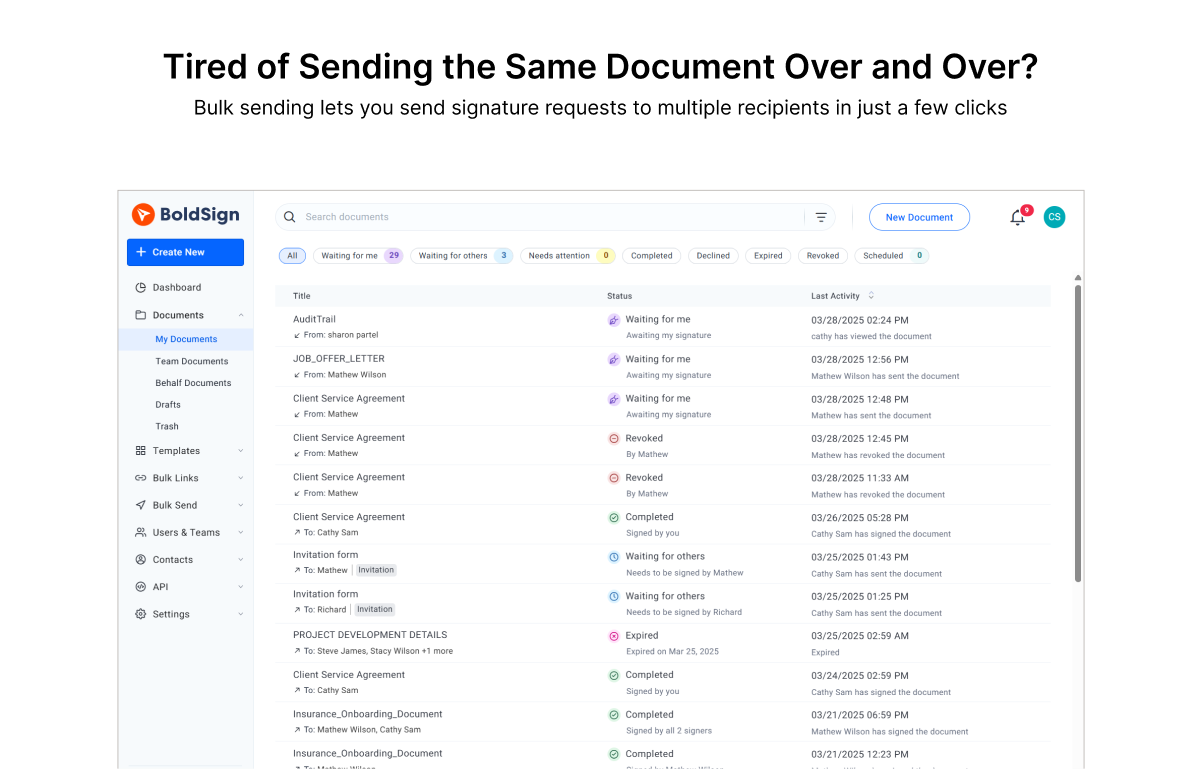
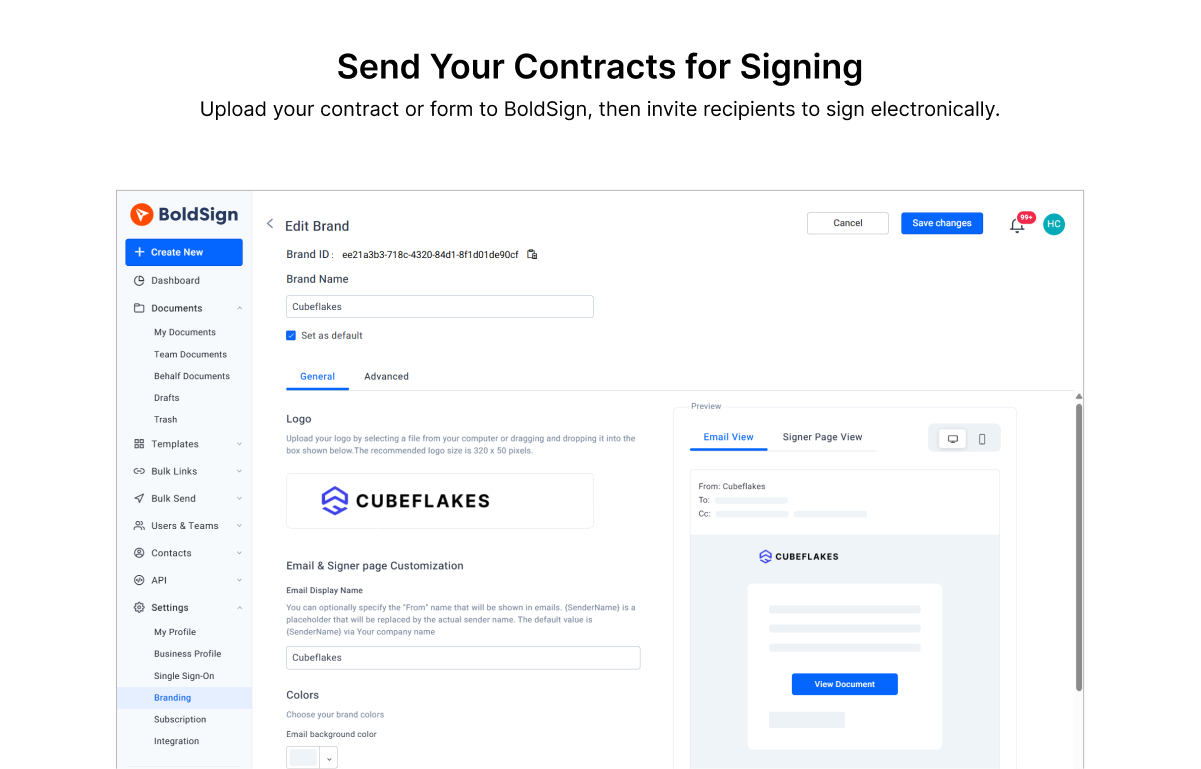
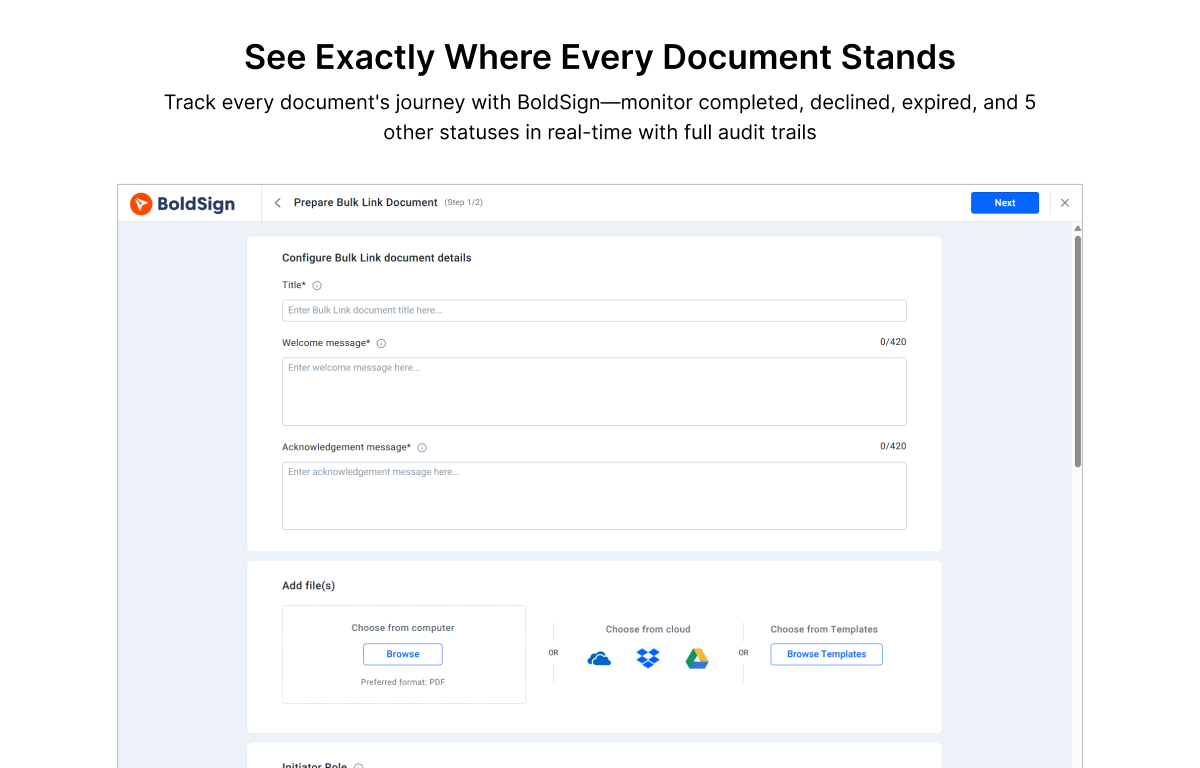
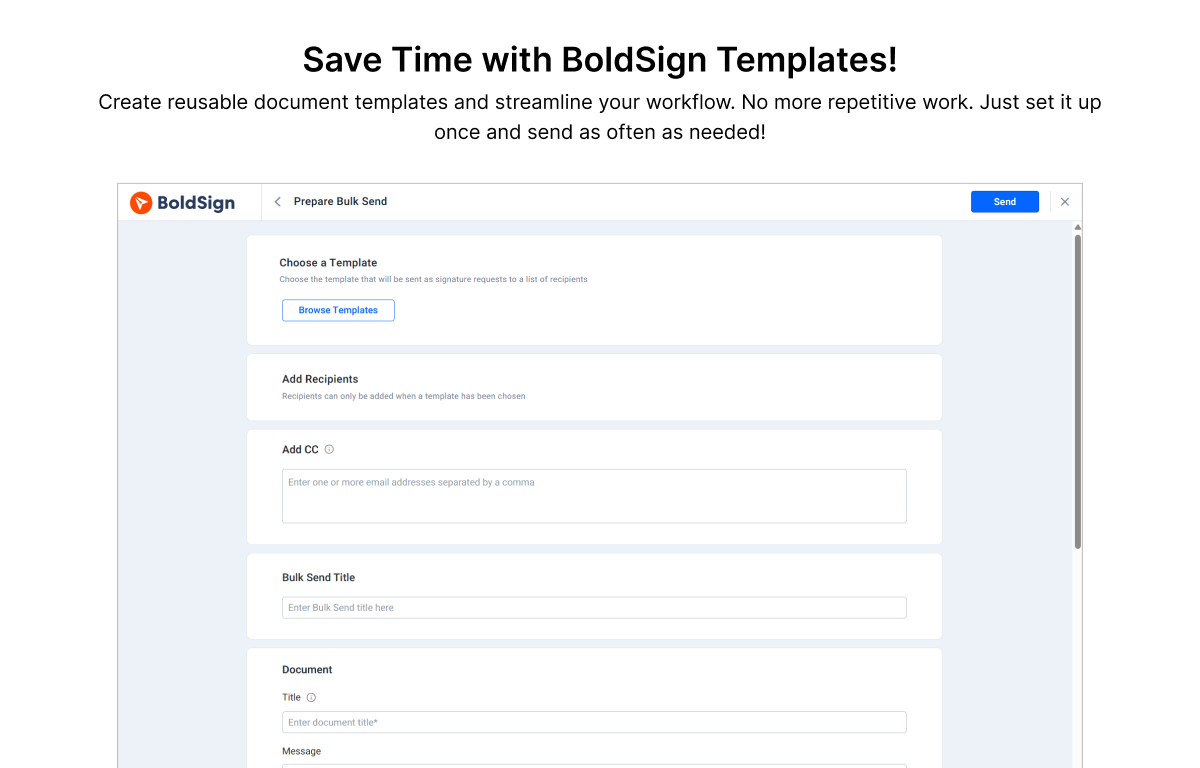
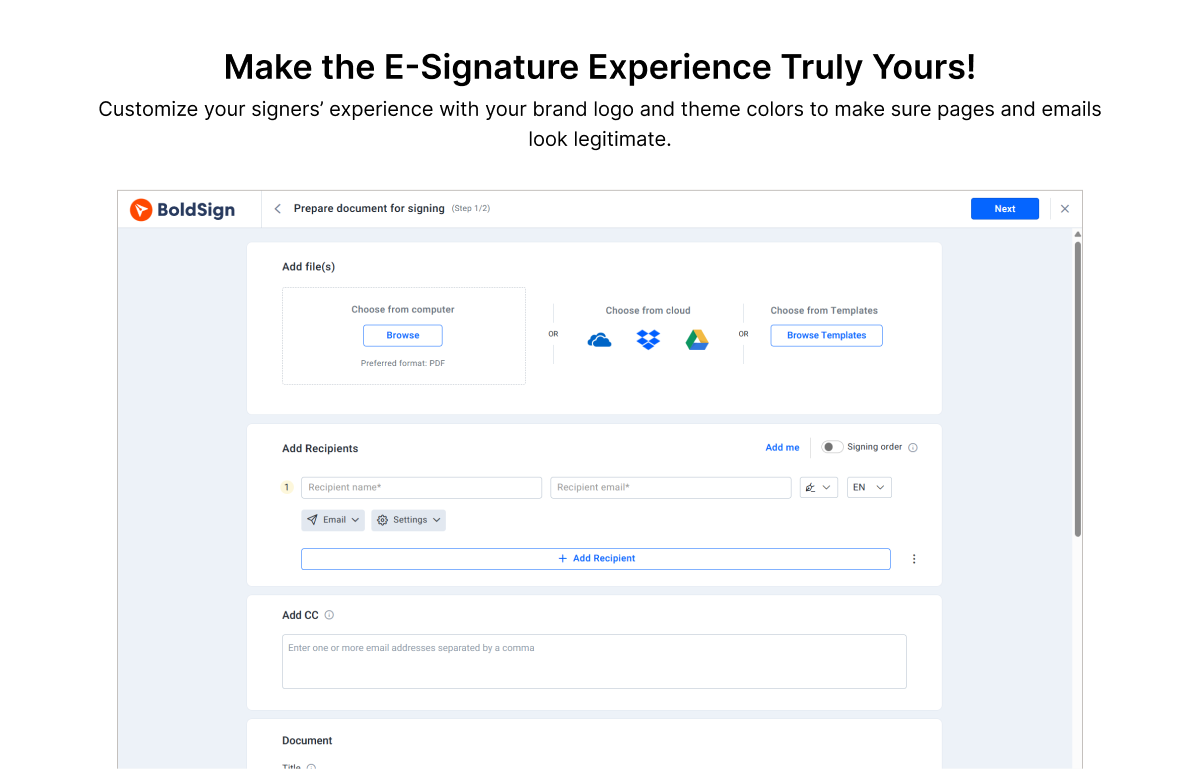
Screenshot of the interface to upload a contract to BoldSign, then invite recipients to sign electronically.Screenshot of where to track the document journey with BoldSign.Screenshot of the interface to create reusable document templates.Screenshot of the customizable signer experience with a brand logo and theme colors to make sure pages and emails look legitimate.Screenshot of the interface for bulk sending that lets users send signature requests to multiple recipients in just a few clicks.

Dropbox Screenshots

Screenshot of the action bar, that sits across the browser page can be used to record the screen, edit PDFs, upload files, create folders, get signatures, or send and track documents.Screenshot of Dropbox Replay, that lets collaborators leave frame-accurate feedback and markups directly on project files.Screenshot of Dropbox Capture, which can be used to take screen recordings, screenshots, and GIFs with one click and share them with a link.Screenshot of the interface where Dropbox lets users upload, edit, send, and sign PDFs in one place.