
Bonterra Salsa Engage vs. Salesforce Agentforce 360 for Nonprofits
Bonterra Salsa Engage vs. Salesforce Agentforce 360 for Nonprofits
| Product | Rating | Most Used By | Product Summary | Starting Price |
|---|---|---|---|---|
 Bonterra Salsa Engage | Mid-Size Companies (51-1,000 employees) | Online fundraising platform | N/A | |
 Agentforce 360 for Nonprofits | N/A | Salesforce for Nonprofits, the Salesforce.org Nonprofit Cloud, is a nonprofit constituent relationship management platform from Salesforce, which supports constituent engagement, fundraising, and grants. Nonprofit editions contain Salesforce Lightning Edition along with the former Nonprofit Success Pack (NPSP) combined. | $36 per month per user |
| Bonterra Salsa Engage | Salesforce Agentforce 360 for Nonprofits | |||||||||||||||
|---|---|---|---|---|---|---|---|---|---|---|---|---|---|---|---|---|
| Editions & Modules | No answers on this topic |
| ||||||||||||||
| Offerings |
| |||||||||||||||
| Entry-level Setup Fee | Optional | No setup fee | ||||||||||||||
| Additional Details | — | — | ||||||||||||||
| More Pricing Information | ||||||||||||||||
| Bonterra Salsa Engage | Salesforce Agentforce 360 for Nonprofits |
|---|
| Bonterra Salsa Engage | Salesforce Agentforce 360 for Nonprofits | |
|---|---|---|
| Small Businesses |  Bonterra Network for Good Score 9.4 out of 10 | Bonterra Network for Good Score 9.4 out of 10 |
| Medium-sized Companies |  Bonterra OneCause Score 8.9 out of 10 |  Bloomerang CRM Score 9.1 out of 10 |
| Enterprises |  Blackbaud Enterprise Fundraising CRM Score 7.6 out of 10 | Blackbaud Enterprise Fundraising CRM Score 7.6 out of 10 |
| All Alternatives | View all alternatives | View all alternatives |
| Bonterra Salsa Engage | Salesforce Agentforce 360 for Nonprofits | |
|---|---|---|
| Likelihood to Recommend | 7.0 (5 ratings) | 8.4 (33 ratings) |
| Likelihood to Renew | - (0 ratings) | 10.0 (1 ratings) |
| Usability | 9.0 (1 ratings) | 7.7 (5 ratings) |
| Support Rating | 9.0 (1 ratings) | 8.2 (10 ratings) |
| Bonterra Salsa Engage | Salesforce Agentforce 360 for Nonprofits | |
|---|---|---|
| Likelihood to Recommend | Bonterra
|  Salesforce
|
| Pros | Bonterra
 Kevin Gay Data Manager | Salesforce
 Karen Mellendorf Operations Manager |
| Cons | Bonterra
 Kalyn Hoffman WMU Graduate Ambassador | Salesforce
|
| Likelihood to Renew | Bonterra No answers on this topic | Salesforce
 Edward Phillips Engagement Director |
| Usability | Bonterra
Kevin Gay Data Manager | Salesforce
|
| Support Rating | Bonterra
Kevin Gay Data Manager | Salesforce
|
| Alternatives Considered | Bonterra
 Annie Regan Senior Campaign Manager | Salesforce
 Simon Sharkey Woods Chief Digital & Information Officer |
| Return on Investment | Bonterra
| Salesforce
 Samantha Shain Data Solutions Manager |
| ScreenShots | Bonterra Salsa Engage Screenshots  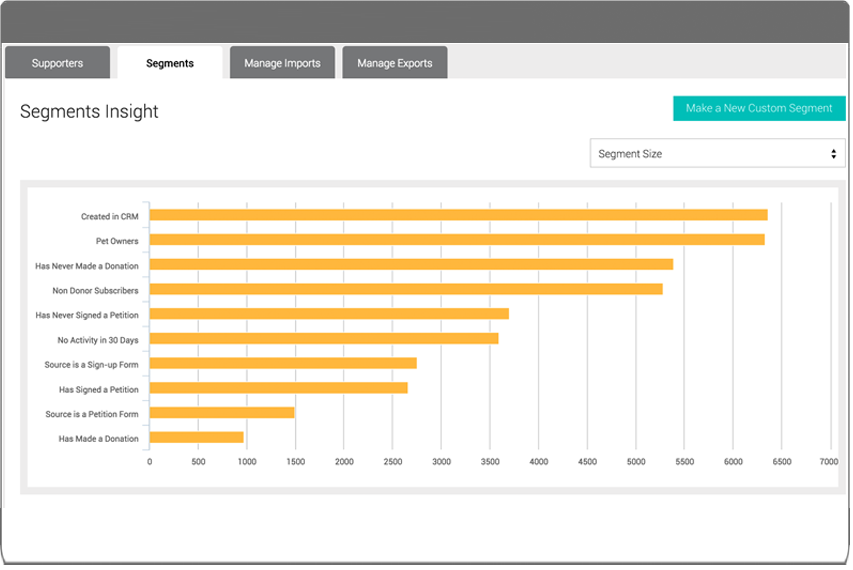 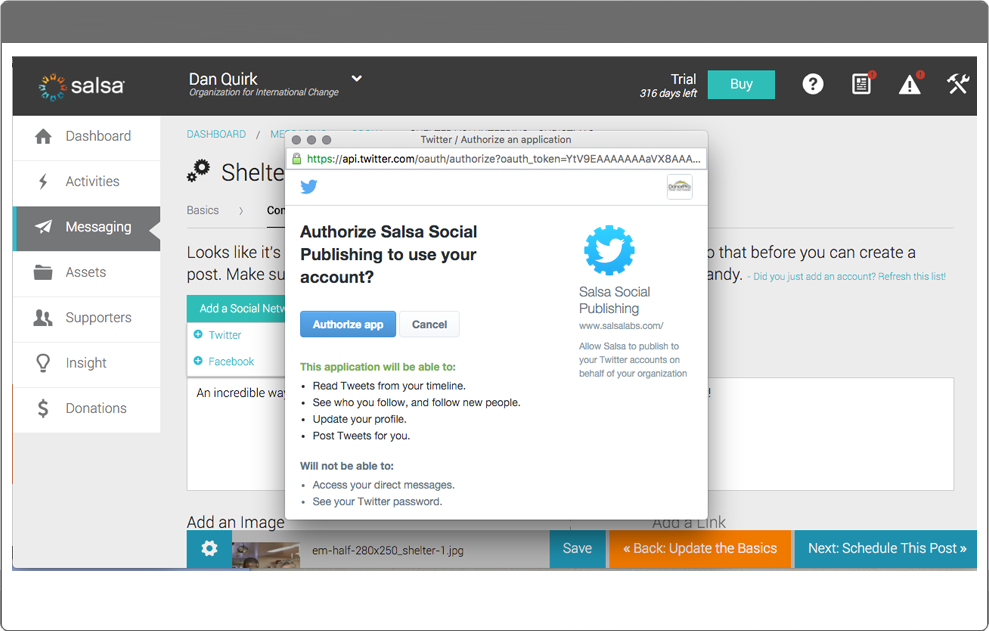  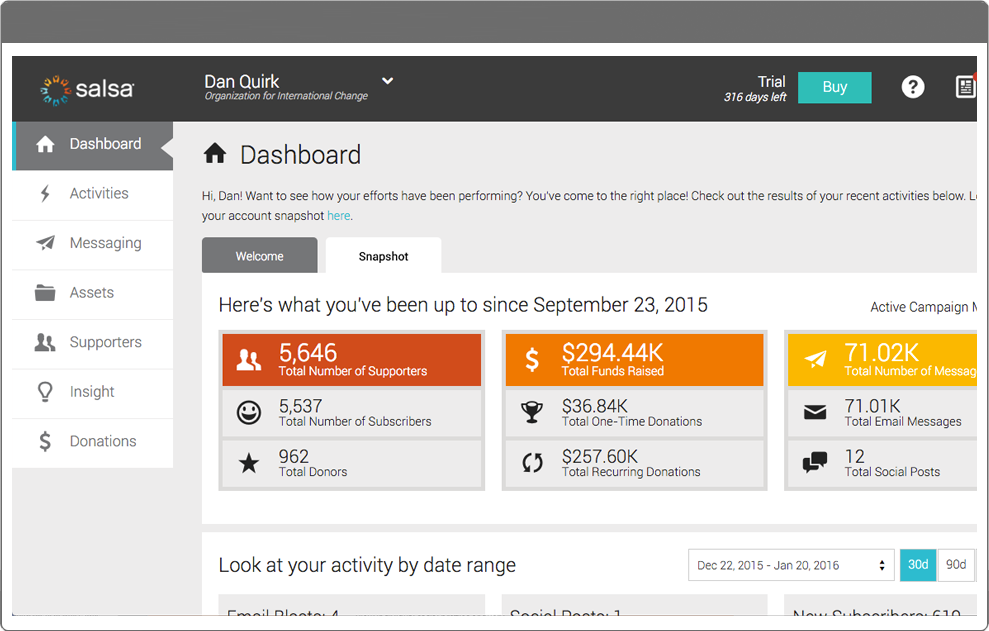 | Agentforce 360 for Nonprofits Screenshots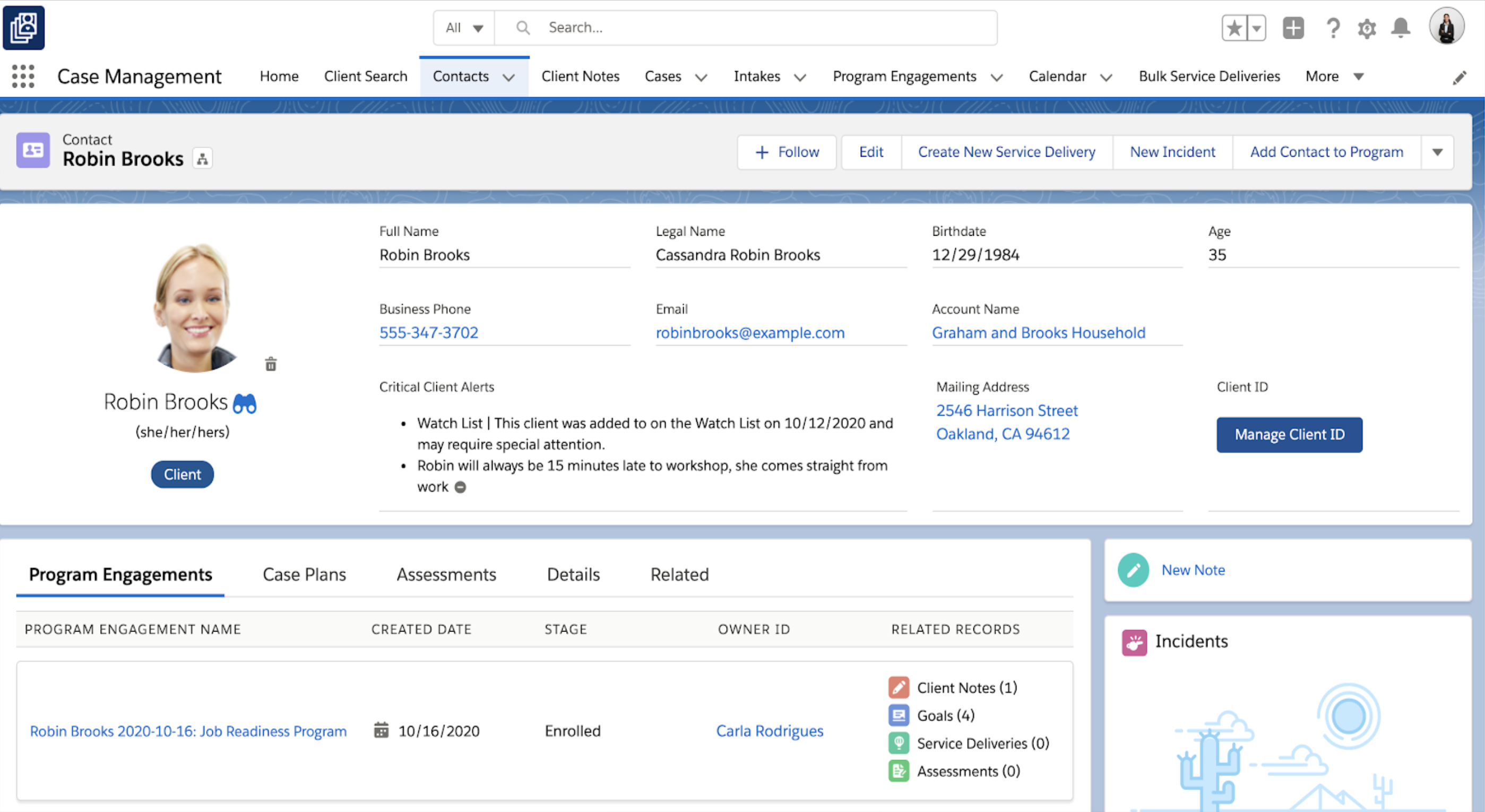     |