
Box vs. Intranet Connections
Box vs. Intranet Connections
| Product | Rating | Most Used By | Product Summary | Starting Price |
|---|---|---|---|---|
 Box | N/A | Box is an online Intelligent Content Management solution that caters to individual users as well as businesses. | $20 per month 3 users (minimum) | |
 Intranet Connections | Mid-Size Companies (51-1,000 employees) | Intranet Connections (formerly IC Thrive) is built for internal communicators, HR professionals, and marketers in finance, healthcare, and corporate industries. The software keeps all files, internal communications, and sensitive information secure and readily accessible in a single source of truth, with Source Intranet Software. The solution helps users to… | $4 per user per month for 500 employees |
| Box | Intranet Connections | |||||||||||||||
|---|---|---|---|---|---|---|---|---|---|---|---|---|---|---|---|---|
| Editions & Modules |
|
| ||||||||||||||
| Offerings |
| |||||||||||||||
| Entry-level Setup Fee | Optional | Required | ||||||||||||||
| Additional Details | A discount is available for annual pricing. | No third party consultants are required. Our stellar customer experience department works with all levels of expertise and provides custom services depending on level of need within your organization. | ||||||||||||||
| More Pricing Information | ||||||||||||||||
| Box | Intranet Connections |
|---|
| Box | Intranet Connections | ||||||||||||||||||||||||||||||||||||||||||
|---|---|---|---|---|---|---|---|---|---|---|---|---|---|---|---|---|---|---|---|---|---|---|---|---|---|---|---|---|---|---|---|---|---|---|---|---|---|---|---|---|---|---|---|
| Enterprise Content Management |
|
| Box | Intranet Connections | |
|---|---|---|
| Small Businesses |  Square 9 Softworks Score 9.3 out of 10 |  HCL Connections Score 9.0 out of 10 |
| Medium-sized Companies |  Epicor ECM Score 7.7 out of 10 |  RWS Tridion Sites Score 9.0 out of 10 |
| Enterprises |  M‑Files Score 8.9 out of 10 | RWS Tridion Sites Score 9.0 out of 10 |
| All Alternatives | View all alternatives | View all alternatives |
| Box | Intranet Connections | |
|---|---|---|
| Likelihood to Recommend | 8.3 (154 ratings) | 10.0 (4 ratings) |
| Likelihood to Renew | 8.0 (12 ratings) | - (0 ratings) |
| Usability | 8.3 (21 ratings) | - (0 ratings) |
| Availability | 10.0 (5 ratings) | - (0 ratings) |
| Performance | 9.1 (12 ratings) | - (0 ratings) |
| Support Rating | 8.5 (29 ratings) | - (0 ratings) |
| In-Person Training | 10.0 (1 ratings) | - (0 ratings) |
| Online Training | 10.0 (3 ratings) | - (0 ratings) |
| Implementation Rating | 10.0 (6 ratings) | - (0 ratings) |
| Configurability | 10.0 (1 ratings) | - (0 ratings) |
| Ease of integration | 10.0 (1 ratings) | - (0 ratings) |
| Product Scalability | 10.0 (1 ratings) | - (0 ratings) |
| Vendor post-sale | 10.0 (1 ratings) | - (0 ratings) |
| Vendor pre-sale | 10.0 (1 ratings) | - (0 ratings) |
| Box | Intranet Connections | |
|---|---|---|
| Likelihood to Recommend |  Box
|  IC Thrive (formerly Intranet Connections)
|
| Pros | Box
 james dean Senior Software Engineer | IC Thrive (formerly Intranet Connections)
 Kira Cox Marketing Manager |
| Cons | Box
| IC Thrive (formerly Intranet Connections)
 Terri Greene Computer Programmer Analyst |
| Likelihood to Renew | Box
 Sam Montoya, CSM Project Manager | IC Thrive (formerly Intranet Connections) No answers on this topic |
| Usability | Box
 Tyler Grudowski Product Development Engineer | IC Thrive (formerly Intranet Connections) No answers on this topic |
| Reliability and Availability | Box
| IC Thrive (formerly Intranet Connections) No answers on this topic |
| Performance | Box
 burt smith Graphic Design Specialist | IC Thrive (formerly Intranet Connections) No answers on this topic |
| Support Rating | Box
| IC Thrive (formerly Intranet Connections) No answers on this topic |
| In-Person Training | Box
| IC Thrive (formerly Intranet Connections) No answers on this topic |
| Online Training | Box
| IC Thrive (formerly Intranet Connections) No answers on this topic |
| Implementation Rating | Box
| IC Thrive (formerly Intranet Connections) No answers on this topic |
| Alternatives Considered | Box
 Pjeter Gjergjaj Senior Network Engineer | IC Thrive (formerly Intranet Connections)
 Mario Pires Head Of Business Development & Innovation |
| Scalability | Box
| IC Thrive (formerly Intranet Connections) No answers on this topic |
| Return on Investment | Box
| IC Thrive (formerly Intranet Connections)
|
| ScreenShots | Box Screenshots      | Intranet Connections Screenshots  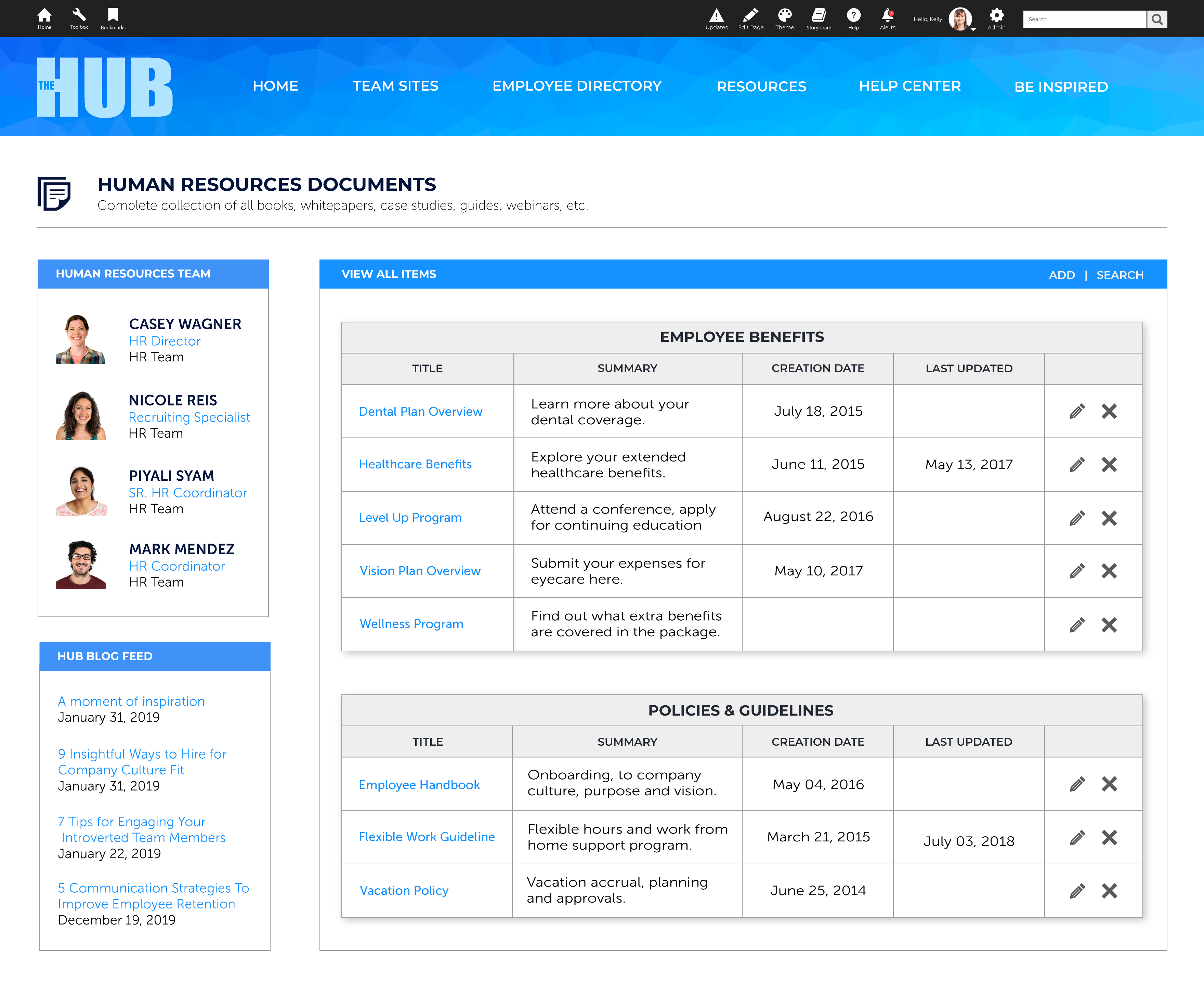 |