BrightHR vs. Sage HRMS

Overview
ProductRatingMost Used ByProduct SummaryStarting Price
BrightHR
Score 7.5 out of 10
N/A
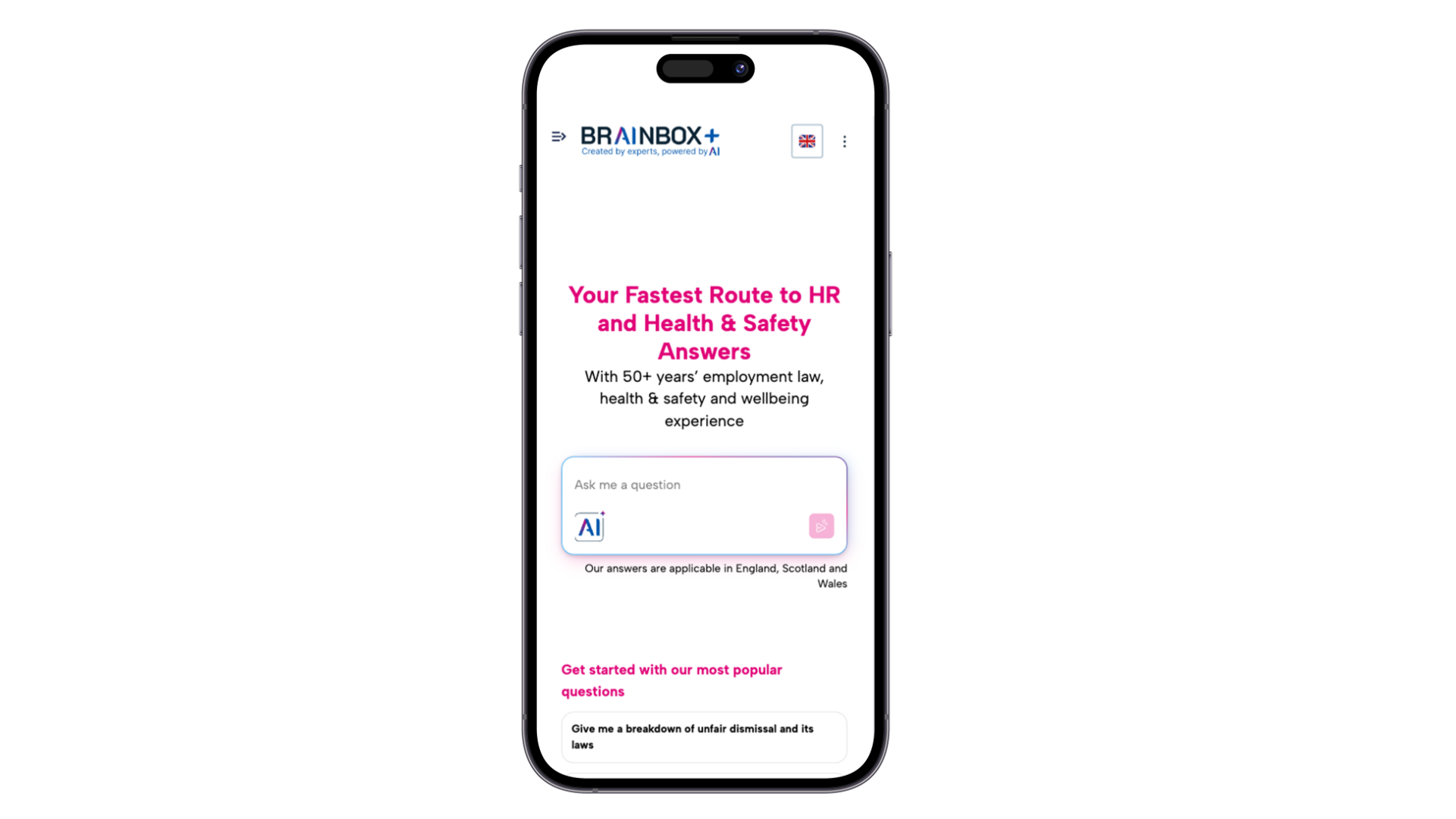
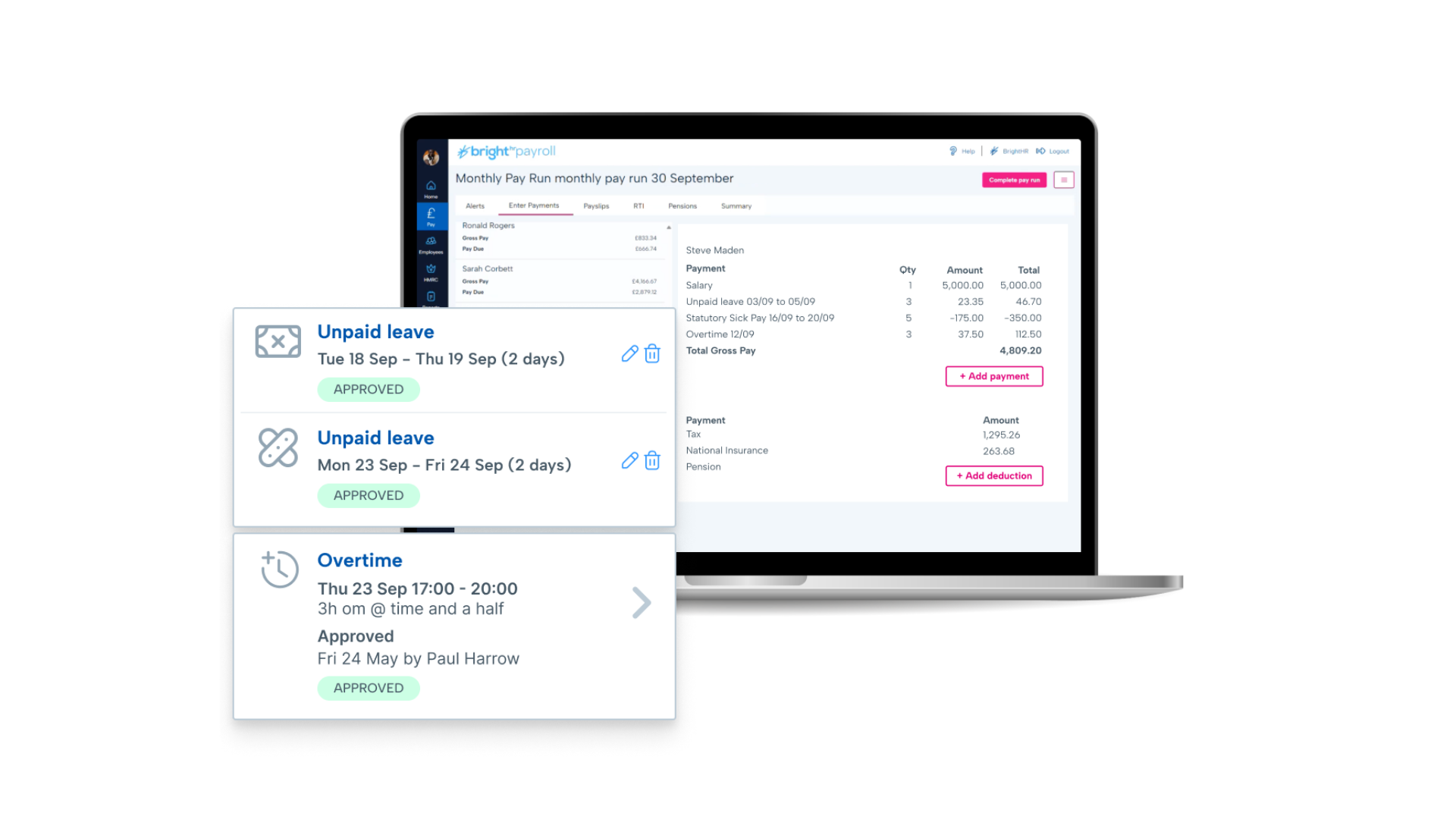
British company BrightHR offers a human resources platform which helps replace paper documents with edocuments and contains features for managing employee scheduling and ROTA, sick leave and tardiness, vacation and holiday shift planning, as well as providing employment law legal advice.N/A
Sage HRMS
Score 9.8 out of 10
N/A
Sage HRMS is an HR management solution that integrates payroll, benefits, recruiting, employee self-service, and analytics capabilities.N/A
Pricing
BrightHRSage HRMS
Editions & Modules
No answers on this topic
Offerings
Pricing Offerings
BrightHRSage HRMS
Free Trial
NoNo
Free/Freemium Version
YesNo
Premium Consulting/Integration Services
NoNo
Entry-level Setup FeeNo setup feeNo setup fee
Additional DetailsPrices start at £4.50 (per employee/per month)
More Pricing Information
Community Pulse
BrightHRSage HRMS
Considered Both Products
BrightHR
Chose BrightHR
Our previous payroll provider isn't listed, they closed down their service, forcing a move. BrightHR was recommended to us.
Chose BrightHR
Through our HR advisory service, we made the switch to BrightHR which is a great alternative to Breathe and the transition was easy and simple to set up.
Chose BrightHR
Much easier to navigate both for management and employees alike.
Chose BrightHR
It has been over 15 years since I used oracle but it was advanced even back then such as date tracking features etc...i think Bright HR is a good, solid product that will work well for lots of companies but it still has room for development. We have Bright HR as part of our …
Chose BrightHR
This is my first experience of such a system and one I would recommend to any employer that does not already use it
Chose BrightHR
Bright HR is much more interface friendly and easier to use. However, the sickness analysis EWAssist provided was very good, such as what days sickness occurs, overlayed with previous years, how many days, by person or team, most common absence type, useful for performance …
Chose BrightHR
We use Sage Payroll for salaries and we also use Sage 50 and 200 but only for accounting records. We looked at Sage HR but found that it was not particularly easy to use and links to payroll were not satisfactory. We were not looking for software when we took Bright HR. …
Chose BrightHR
Far superior and more user friendly
Chose BrightHR
Previous use of HFX was dated and limited to time management only. BrightHR offers a wider package.
Chose BrightHR
Sage People and SAP Core HR and Payroll
Chose BrightHR
I’m going with anything but BrightHR in future.
Chose BrightHR
The BrightHR user interface is cleaner than that of BreatheHR and addition of the mobile app was a key driver for making the switch.
Chose BrightHR
BrightHR offer extra services such as legal advice, and health & safety advice. Plus they have a 24-hour phone line and aim to get back to you within an hour which is handy.
Chose BrightHR
Price point was very reasonable compared to other providers. System seems good and easy to use.
Chose BrightHR
I chose BrightHR as it offered a one-stop platform for HR management for which we have dedicated UK and ROI HR specialists who not only give HR advice but also write policies and handbooks, etc. They are a one-stop-shop, which was very important as when I signed the contract I …
Sage HRMS
Chose Sage HRMS
Ceridian Dayforce, UKG Pro and UKG Dimensions
Chose Sage HRMS
I currently use Paycor. It is a good platform for the organization. Sage HRMS was good software, but didn't support some of the more quirkier states like PA and IN for payroll. Paycor had similar constraints. Neither is a great fit if you are doing business across multiple …
Chose Sage HRMS
Sage HRMS is pretty good, but ICIMS was more of a complete and concrete ATS package. Sage HRMS's customer service was excellent, but ICIMS was robust and user-friendly. I would rate them both close, but ICIMS would be a better applicant tracking system from an HR standpoint.
Chose Sage HRMS
Sage HRMS is popular and it's used in most organizations due to the reputation of Sage in coming up with popular and reliable business softwares. The software is not that expensive and after learning how to use it, everything becomes smooth and perfect. It's ultimate strength …
Chose Sage HRMS
Sage HRMS was very cost effective for a non-profit. It does all that we needed as a company and more. It also allows us to handle payroll ourselves instead of outsourcing [it].
Chose Sage HRMS
I would say that Sage is ranked #3.
Chose Sage HRMS
Our version of Sage does not stand up to the competition, however, the cost is also much lower as well.
Chose Sage HRMS
Prior to implementing Sage HRMS, our organization was much smaller and split into two separate companies. The smaller of the companies used a similar product called "FileBound" that served at the business' human resource management software. It was much like Sage HRMS, but …
Features
BrightHRSage HRMS
Human Resource Management
Comparison of Human Resource Management features of Product A and Product B
BrightHR
7.1
Ratings
13% below category average
Sage HRMS
5.5
Ratings
39% below category average
Employment history7.10 Ratings8.00 Ratings
Job profiles and administration7.50 Ratings1.30 Ratings
Workflow for transfers, promotions, pay raises, etc.7.30 Ratings7.90 Ratings
Organization and location management6.20 Ratings6.00 Ratings
Compliance data (COBRA, OSHA, etc.)7.20 Ratings1.20 Ratings
Employee demographic data00 Ratings8.00 Ratings
Organizational charting00 Ratings6.00 Ratings
Payroll Management
Comparison of Payroll Management features of Product A and Product B
BrightHR
7.3
Ratings
11% below category average
Sage HRMS
4.8
Ratings
51% below category average
Pay calculation7.10 Ratings6.10 Ratings
Support for external payroll vendors6.80 Ratings4.00 Ratings
Salary revision and increment management8.00 Ratings3.00 Ratings
Reimbursement management7.20 Ratings3.20 Ratings
Off-cycle/On-Demand payment00 Ratings6.90 Ratings
Benefit plan administration00 Ratings2.10 Ratings
Direct deposit files00 Ratings8.00 Ratings
Leave and Attendance Management
Comparison of Leave and Attendance Management features of Product A and Product B
BrightHR
7.2
Ratings
12% below category average
Sage HRMS
1.2
Ratings
149% below category average
Approval workflow6.50 Ratings1.20 Ratings
Balance details7.60 Ratings1.20 Ratings
Annual carry-forward and encashment7.40 Ratings1.00 Ratings
Employee Self Service
Comparison of Employee Self Service features of Product A and Product B
BrightHR
8.2
Ratings
0% above category average
Sage HRMS
3.9
Ratings
71% below category average
View and generate pay and benefit information7.40 Ratings4.10 Ratings
Update personal information8.30 Ratings4.20 Ratings
View company policy documentation9.00 Ratings1.10 Ratings
Employee recognition00 Ratings6.00 Ratings
View job history00 Ratings4.00 Ratings
HR Reporting
Comparison of HR Reporting features of Product A and Product B
BrightHR
7.1
Ratings
6% below category average
Sage HRMS
3.7
Ratings
68% below category average
Pre-built reports7.10 Ratings1.20 Ratings
Report builder00 Ratings2.00 Ratings
Ability to combine HR data with external data00 Ratings8.00 Ratings
Onboarding
Comparison of Onboarding features of Product A and Product B
BrightHR
7.3
Ratings
9% below category average
Sage HRMS
7.0
Ratings
13% below category average
New hire portal7.00 Ratings7.00 Ratings
Manager tracking tools7.60 Ratings7.00 Ratings
Performance Management
Comparison of Performance Management features of Product A and Product B
BrightHR
7.5
Ratings
5% below category average
Sage HRMS
7.8
Ratings
1% below category average
Review reminders7.70 Ratings8.00 Ratings
Multiple review frequency7.30 Ratings7.00 Ratings
Performance plans00 Ratings9.00 Ratings
Performance improvement plans00 Ratings8.00 Ratings
Review status tracking00 Ratings7.00 Ratings
Recruiting / ATS
Comparison of Recruiting / ATS features of Product A and Product B
BrightHR
6.3
Ratings
22% below category average
Sage HRMS
7.6
Ratings
3% below category average
Job Requisition Management6.00 Ratings5.00 Ratings
Applicant Tracking5.90 Ratings8.00 Ratings
Notifications and Alerts7.00 Ratings9.00 Ratings
Company Website Posting00 Ratings7.20 Ratings
Publish to Social Media00 Ratings9.00 Ratings
Job Search Site Posting00 Ratings7.00 Ratings
Duplicate Candidate Prevention00 Ratings8.00 Ratings
Asset Management
Comparison of Asset Management features of Product A and Product B
BrightHR
-
Ratings
Sage HRMS
7.0
Ratings
14% below category average
Tracking of all physical assets00 Ratings7.00 Ratings
Performance and Goals
Comparison of Performance and Goals features of Product A and Product B
BrightHR
-
Ratings
Sage HRMS
7.3
Ratings
10% below category average
Corporate goal setting00 Ratings8.00 Ratings
Individual goal setting00 Ratings7.00 Ratings
Line-of sight-visibility00 Ratings8.00 Ratings
Performance tracking00 Ratings6.00 Ratings
Succession Planning
Comparison of Succession Planning features of Product A and Product B
BrightHR
-
Ratings
Sage HRMS
8.5
Ratings
8% above category average
Create succession plans/pools00 Ratings9.00 Ratings
Candidate ranking00 Ratings8.00 Ratings
Candidate search00 Ratings8.00 Ratings
Candidate development00 Ratings9.00 Ratings
Best Alternatives
BrightHRSage HRMS
Small Businesses
Dayforce Powerpay
Dayforce Powerpay
Score 9.2 out of 10
Dayforce Powerpay
Dayforce Powerpay
Score 9.2 out of 10
Medium-sized Companies
Paypro Workforce Management
Score 9.1 out of 10
Paypro Workforce Management
Score 9.1 out of 10
Enterprises
PeopleStrong
PeopleStrong
Score 10.0 out of 10
PeopleStrong
PeopleStrong
Score 10.0 out of 10
All AlternativesView all alternativesView all alternatives
User Ratings
BrightHRSage HRMS
Likelihood to Recommend
7.1
(0 ratings)
1.2
(0 ratings)
Likelihood to Renew
7.3
(0 ratings)
8.0
(0 ratings)
Usability
7.1
(0 ratings)
-
(0 ratings)
Support Rating
6.1
(0 ratings)
-
(0 ratings)
Implementation Rating
7.3
(0 ratings)
-
(0 ratings)
User Testimonials
BrightHRSage HRMS
Likelihood to Recommend
Customer support from Leyla has been invaluable. When we moved from our previous payroll software provider we had a few compatibility issues. We were able to work with Leyla and the wider team to come up with solutions for us. The compatibility issues that we initially had were problematic and cost us some testing time
Read full review
Sage HRMS might be great for a smaller company under 1,000 employees. I would not recommend it for larger companies. It becomes too burdensome because many processes still have to be manual and reports take forever to process if you have too many records in your system
Read full review
Pros
  • People Overview on home page shows a snapshot of the day's activities. Great for seeing who is on leave at a glance.
  • Easy to read employee hub section and ability to manage teams.
  • Booking leave absence is simple and straightforward in BrightHR.
  • Shows the annual leave balance in a clear visual way
Read full review
  • Reporting - there are three levels of reporting - 1. Standard Reports 2. Query Tool - users can create very simple list with some filtering functionality 3. Crystal Reports - user can create very simple to complex report pulling data from multiple table, calculated fields, etc.
  • Benefit Tracking - benefit plans are setup utilizing rate tables therefore rate changes are updated globally
  • Payroll - everyday payroll processing and tax filing that is very user friendly
Read full review
Cons
  • Notifications for requests should be optional based on individual employees. For example an admin won’t necessarily want every staff members leave requests by email and push notification. The settings only currently allow for notifications for everyone or no one. Being assigned as a manager may not allow data viewing required of wider staff.
  • Toil should automatically be accrued into a balance if the employees clocked in time amounts to more than the target hours. It shouldn’t have to be calculated and requested.
  • When reviewing hours worked for the week, the history calculation should take into account approved leave and sickness etc. I have a staff members target of 37 hours, but if their hours show 29 hours worked then I have to work out why they worked less. It should account for this if the absence is approved.
Read full review
  • It is sometimes hard to identify parts of competency/compensation history. We built tables to store this data but it is not laid out well on the screen.
  • Sometimes, even when you tell the system to "Add to History" it doesn't update so there is history missing. This impacts someone that relies on history for troubleshooting and reports.
Read full review
Likelihood to Renew
It's not entirely my decision - we are members of a 'community' of veterinary practices who have signed up to the contract with pensinusla and have bright hr as part of that contract however, I am usually involved in the tender process as I am one of the biggest users of both bright hr and the services from peninsula
Read full review
I do not work with this software anymore, and I am not involved with the renewal of it. However, if I were, I would still suggest using it unless something better was introduced
Read full review
Usability
Onboarding took too long due to our unique working ways however the support team tried their hardest to make it work (still ongoing) In particular Leyla S. who has been our point of contact, she has ensured our issues are addressed and always follows up.
Read full review
No answers on this topic
Support Rating
The team are proactive, having an advocacy team is just amazing and a great way to really understand their product roadmap and have input into useful features or feedback
Read full review
No answers on this topic
Implementation Rating
it was fairly easy to do but timely as i had to enter everything from scratch - i didn't at the time realise how important it was to set up the variable or fixed working pattern correctly given future changes as this is very tricky once it has been set up and i wished i had been aware that sometimes you can't make future changes without deleting the whole profile and starting again
Read full review
No answers on this topic
Alternatives Considered
We use Sage Payroll for salaries and we also use Sage 50 and 200 but only for accounting records. We looked at Sage HR but found that it was not particularly easy to use and links to payroll were not satisfactory. We were not looking for software when we took Bright HR. It was part of our contract with Peninsula and we have been very pleased with the outcome
Read full review
Sage HRMS is popular and it's used in most organizations due to the reputation of Sage in coming up with popular and reliable business softwares. The software is not that expensive and after learning how to use it, everything becomes smooth and perfect. It's ultimate strength lies in payroll management and helping in applicant tracking capabilities
Read full review
Return on Investment
  • Able to reduce one member of staff in personnel from 5 days to 3 days.
  • Able to reduce time spent by payroll on holiday records significantly and improve accuracy significantly.
  • Able to improve control of sick absence and improve record keeping.
  • BLIP meant we did not need to buy expensive attendance software.
  • Looking at possible use of payroll and other aspects of Bright HR not used at present.
Read full review
  • Sage HRMS allowed us to manage payroll in house.
  • It was disappointing that we had to use an outside vendor to file and pay our withholding tax.
  • Ultimately, the decision was made to outsource payroll after using HRMS for 3 years.
Read full review
ScreenShots

BrightHR Screenshots

Screenshot of BrightHR dashboardScreenshot of BrightHR LightningScreenshot of Bright ExchangeScreenshot of BrightSafeScreenshot of BrightBaseScreenshot of PoP by BrightHR