Carbonite by OpenText (also replacing the former EVault products acquired from Seagate in 2016) is a cloud backup solution for small business. Designed to recover anything from a single file to an entire system with the click of a button, Carbonite users can protect virtually any type of file.
N/A
CrashPlan
Score 6.8 out of 10
N/A
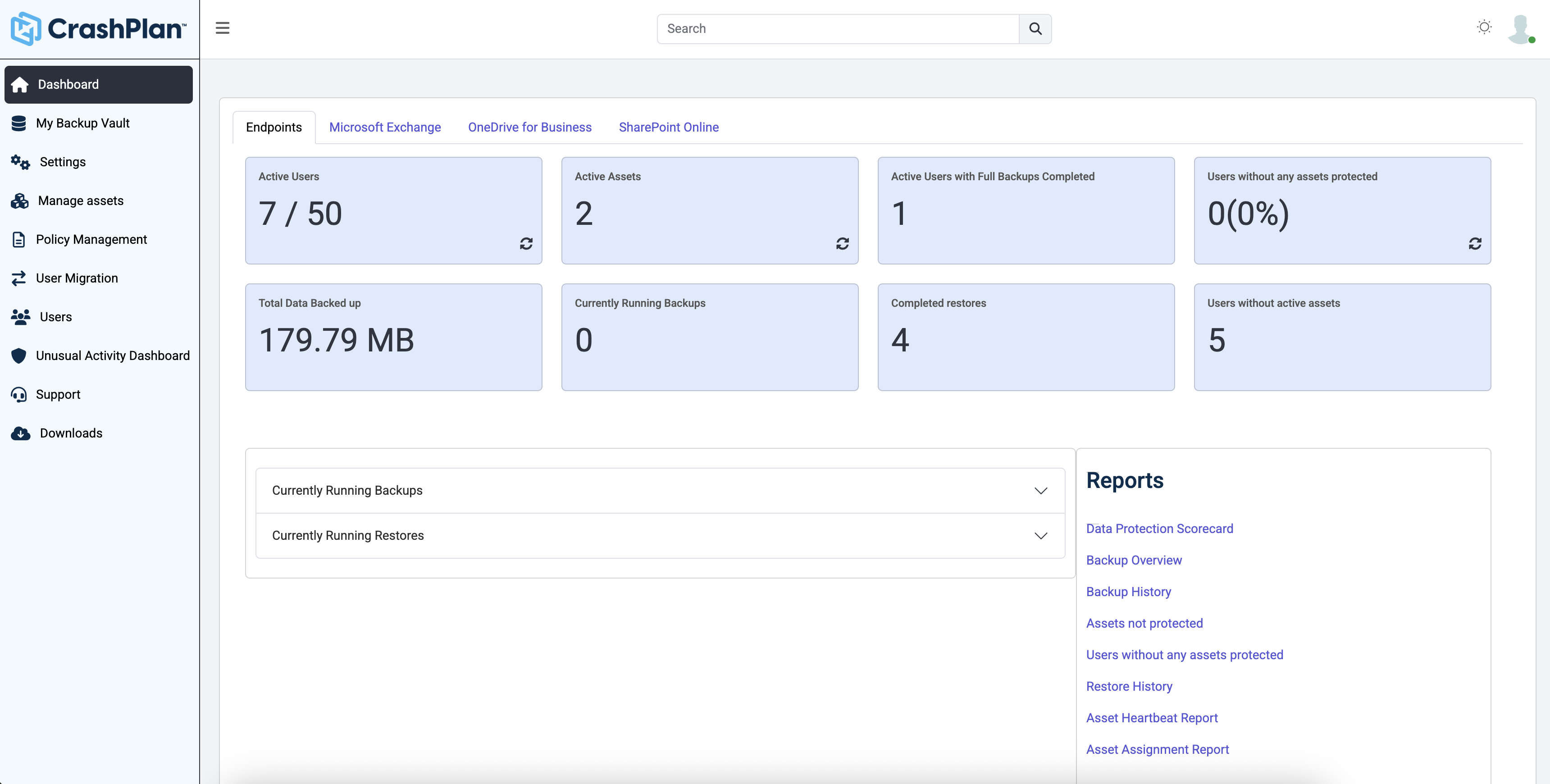
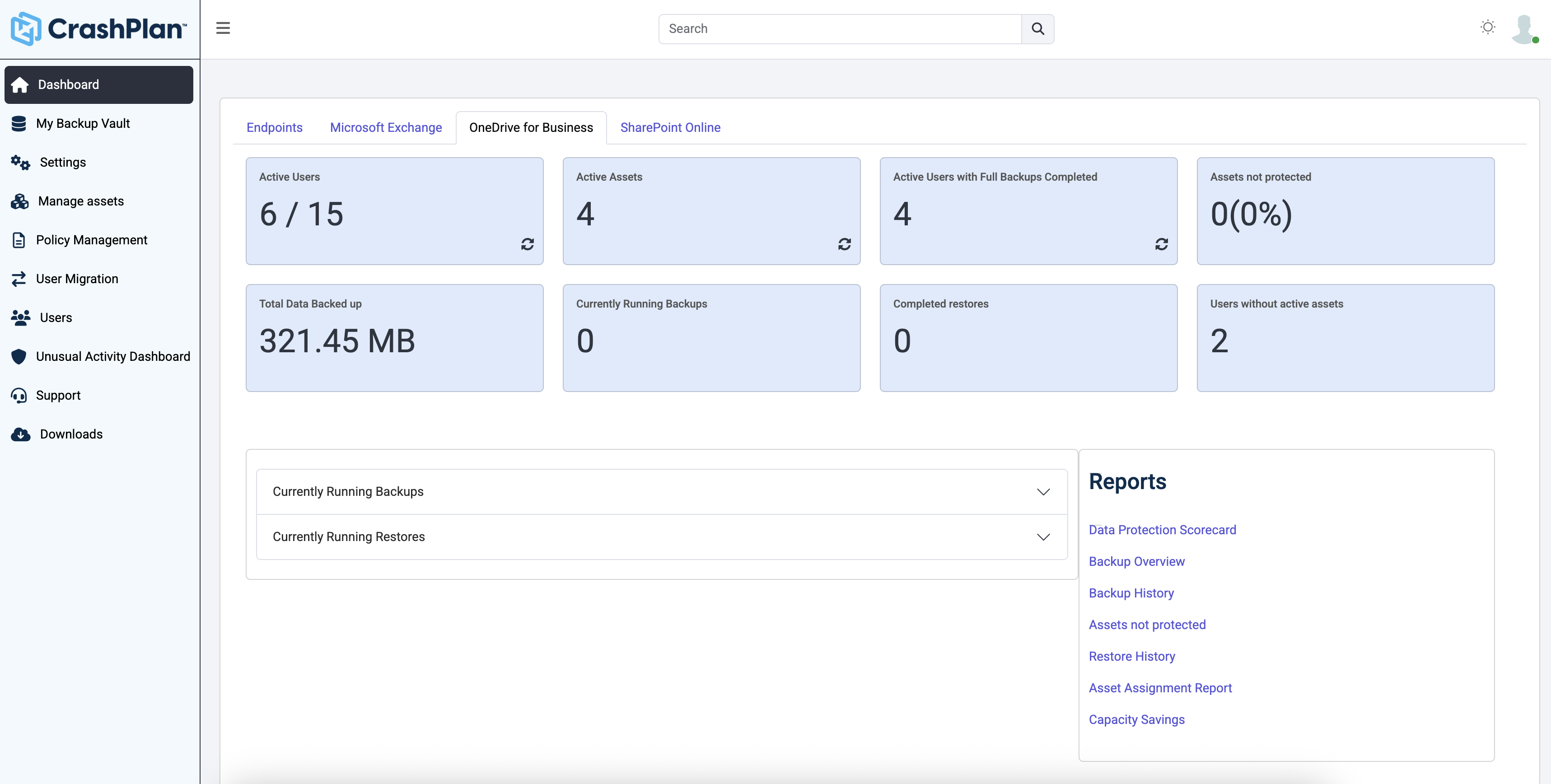
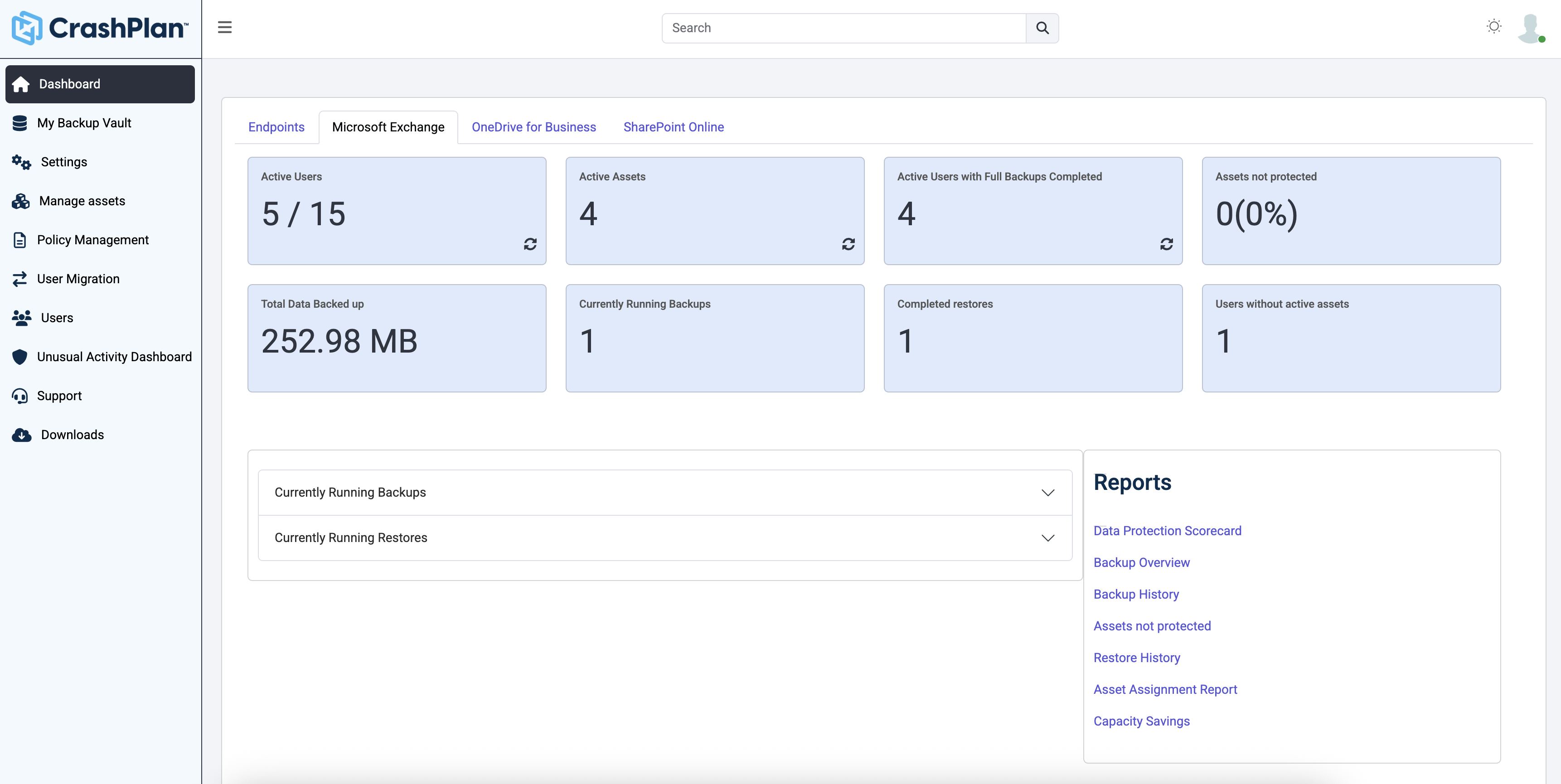
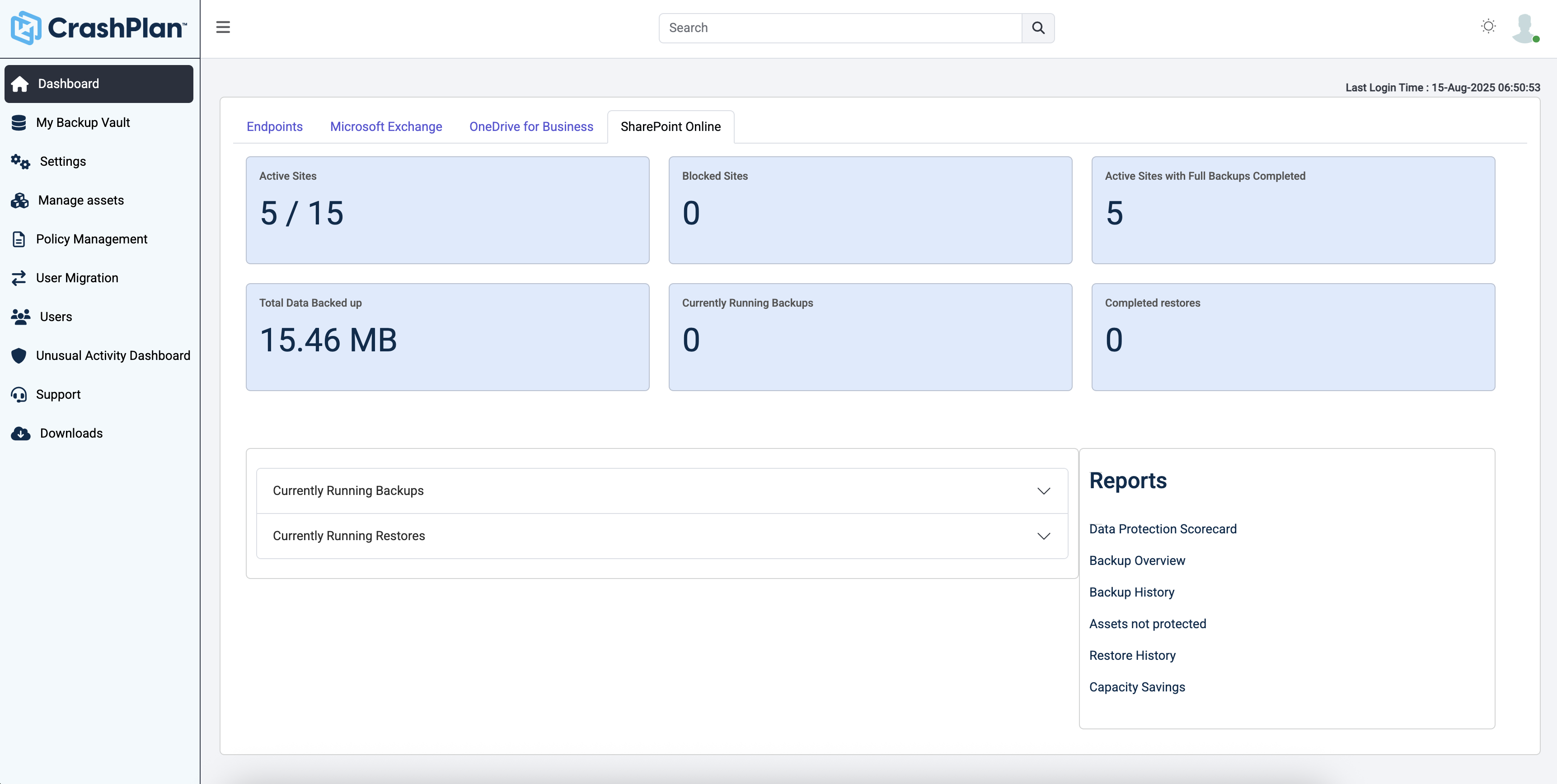
CrashPlan® provides secure, scalable, and straightforward endpoint data backup, to help organizations recover from any worst-case scenario, whether it is a disaster, simple human error, a stolen laptop, ransomware, or an as-of-yet-undiscovered calamity.
$8
per month per user
Pricing
Carbonite by OpenText
CrashPlan
Editions & Modules
No answers on this topic
No answers on this topic
Offerings
Pricing Offerings
Carbonite by OpenText
CrashPlan
Free Trial
Yes
Yes
Free/Freemium Version
No
No
Premium Consulting/Integration Services
Yes
No
Entry-level Setup Fee
No setup fee
No setup fee
Additional Details
—
Discount available for annual billing.
More Pricing Information
Community Pulse
Carbonite by OpenText
CrashPlan
Considered Both Products
Carbonite by OpenText
Verified User
Engineer
Chose Carbonite by OpenText
I prefer code42's admin console, it was cleaner, more responsive, and easier to navigate. The backup system was very similar.
Mostly the price is what drew me to CrashPlan -others I have used are expensive per GB storage and difficult to manage. Carbonite was costing $1000.00 a year for 1 server with 2 TB of data. CrashPlan helps keep down the cost and the client spends much less time paying me to …
I like Crashplan's centralized nature and flexibility with support for all platforms. Their support has been the best of all other competitors' solutions.
Verified User
Director
Chose CrashPlan
Centralized administration, AD integration, super ease to use, super easy to add users, 3-year contract discounts.
More than enough for small companies with several on-prem servers. In 2021, it wouldn't be wise to pit all important data to a single backup service. Carbonite Server is solid, but it's not 100% reliable so I'd definitely recommend having multiple backup services either on the cloud in conjunction with other backup services so the user has multiple safety nets in case of disaster and failed granular restorations.
Individuals (SOHO), families and SMBs, who have a tight budget for offsite critical company data backup are well suited to this product. Especially if you want your data to be hosted locally (Australia in our case). Larger companies, with higher requirements and budgets would be better served elsewhere. Especially when you consider the poor technical support. Although, to be fair, their poor support may just be issues with their Pro/SMB products, as opposed to their enterprise products. However, if that is the case it's a pretty poor show/indicator still.
Simple administrative web interface - It's easy to provision users, look at data usage stats, disable users, and update policies to control what folders users are allowed to backup, and what options they can access
Easy client installation - Installing and updating clients was very simple. The client would notify the user when a new update was approved by the site admins, and they typically went very smoothly.
Good performance - Backups went fairly fast, and were generally invisible to the user, other than the icon updating on files to indicate whether the current version of a file was backed up or not.
Code42 is the most affordable backup system offering unlimited storage that I could find. I came from SOS Online Backup, which I ultimately decided to drop after my monthly rate for their unlimited plan increased by 20x.
With Code42's unlimited storage option, I don't have to worry about the fact that my backups are significant in space. As a photographer with thousands of images at stake, I need to run large backups often.
Code42 runs continuously and silently in the background of my desktop computer. It is truly "set and go", so I don't have to think about it when I'm away. It runs until the designated drive has been fully backed up to my cloud storage. It will then automatically email me once the backup is complete (or, it will email me if it encounters any errors).
Customer service is above par. Anytime I need help, a chat agent is available (chat is my communication preference), they are always friendly, and go above and beyond to resolve my needs.
While overall file restoration is easy to do, obtaining earlier versions is not as user friendly as it could be. You need to enter a date and click search to bring up the latest versions as of the date entered. That’s fine, but what is missing is the ability to see all versions of an individual file. If I am looking for a past file version I want to be able to view the file history as a subset of that file (in other words I should be able to click a + sign and expand to see past versions of the file). Otherwise I am just guessing which dates the file was changed in the past. Sometimes that’s OK, but Mozy needs to build in this enhanced, but necessary feature.
A couple of years ago, for non enterprise users, Mozy made radical storage and pricing changes forcing myself and many users off their system, as the price for the same storage was going up significantly. So be careful when using Mozy as past experience has shown they are willing to make major changes regardless of the negative impact on their users.
The CrashPlan program installed on your computer is Java-based vs. a native application. While this makes development for CrashPlan easier, there are a lot of drawbacks to Java programs including more resources usage, less stability, and overall more clunky interface.
While this was also in the Pros category - CrashPlan is an extremely powerful and flexible program, which adds a great deal of complexity. Setting up CrashPlan isn't always a simple procedure, and depending on the complexity of your backup set, can take a while to tinker around with the settings to get everything to work properly.
The CrashPlan desktop program consists of a Java program front end, as well as a backend service - there are times when the backend service will crash, and the front end Java program will refuse to load. Typically, restarting the service or restarting the computer will resolve the issue, but sometimes more in-depth troubleshooting is required.
Perhaps one of the biggest downsides to CrashPlan is its price - at $10/month/computer CrashPlan is more than double the price of some existing backup services such as Backblaze (priced at $50/year/computer). To add salt to the wound, about a year and a half ago, CrashPlan discontinued their consumer options - which were very reasonably priced at $60/year for a single computer or a family plan priced at $150/year for up to 10 computers. When these options were discontinued, the cost of backing up with CrashPlan was effectively doubled for the same feature set.
Along with the previous example, CrashPlan had the option to back up to a remote machine on a different network with a free Crashplan account. This option was eliminated when the consumer line of services were discontinued.
While the backup service provided by CrashPlan are still first in class, the above two controversial changes have broken some trust between CrashPlan and its clients.
Carbonite Server Backup does not integrate or support any reporting; it is not good at it. We required monthly and quarterly reports for audit. If we fail in that we get fined or we have to pay a certain amount of money to customer. It does not support cloud instances and we are using N2WS for the cloud instances. This is an additional burden for customers.
Out of all the vendor we deal with they are one of the best when it comes to customers service. Reliable,you can reach them by telephone easily, Great overall can not say anything to the contrary. Usibility is excellent. I recommend them highly whether you need a simple backup ofr more complex for servers etc.
I usually find what I need to know by looking in the Carbonite knowledge base online. We haven't had any major problems, usually we just need clarification on a point or more details about a feature so we look it up. We haven't had to call in for help in quite awhile.
Friendly and knowledgeable support team available to assist with this product. Code 42 (formerly CrashPlan) offers unlimited storage options for reasonable costs, so you really can't go wrong with this product. They have been a reliable resource for our company, and I would recommend to others looking for an easy setup with unlimited storage.
Netbak is a great product but we also had a secondary issue of having to backup several PC's on site and at remote locations. Carbonite helped with both and gave us one central admin console to be able to check the progress of all our backups, where netbak would have required us to setup a tunnel or use the internet to move data back to our main office.
Unitrends is our primary backup solution here at my place of employment, and I have no complaints. It does on-prem backups to a storage pool and with that, we chose not to also use Unitrends could storage as the cost was pretty high. Crashplan has a low cost and we were familiar with it. We found a great fit for Crashplan at a remote office with a web server, file share server, and a Domain Controller in addition to the Unitrends solution there. I also set up CrashPlan for a nonprofit org, as well as a Health foods store. I felt like I could stand behind the CrashPlan solution with my experience with it, in places like these where every dollar mattered.
Tremendous cost savings as the amount of data you backup doesn't impact cost. One flat rate!
Implementation time was minimal and requires little to no maintenance. Since installation, I've not had to correct or fix any issues. It just works.
We opted to supplement Code42 with another solution that allowed us to backup data to a local repository due to the amount for data that changes in our firm.