
Cirrus Insight vs. Showpad eOS®
| Product | Rating | Most Used By | Product Summary | Starting Price |
|---|---|---|---|---|
 Cirrus Insight | Score8.7 out of 10 | Mid-Size Companies (51-1,000 employees) | Cirrus Insight integrates Salesforce with Gmail, Google Calendar, and Google Contacts. Instantly View Contextual Salesforce Information in Your Inbox. Save Emails & Attachments to Salesforce with a Click. Sync Your Google & Salesforce Calendars. Create & Edit Salesforce Records on the Fly. Customize Your Salesforce Workflow in Gmail. Add Google Contacts to Salesforce. Salesforce Tasks Integration. Salesforce Templates Integrated with Gmail. | $15 per month |
 Showpad eOS® | Score7.9 out of 10 | N/A | Showpad is an Enablement Operating System (eOS™) that aligns sales and marketing teams around high-impact buyer interactions while generating the insights needed to continuously improve conversion rates. | N/A |
| Cirrus Insight | Showpad eOS® | |||||||||||||||
|---|---|---|---|---|---|---|---|---|---|---|---|---|---|---|---|---|
| Editions & Modules |
| No answers on this topic | ||||||||||||||
| Offerings |
| |||||||||||||||
| Entry-level Setup Fee | $500 per installation | Optional | ||||||||||||||
| Additional Details | Pricing based on annual billing. | There is also an Ultimate package available. Pricing for Ultimate is available by custom quote only. Contact Showpad for Ultimate pricing. | ||||||||||||||
| More Pricing Information | ||||||||||||||||
| Cirrus Insight | Showpad eOS® | |
|---|---|---|
| Considered Both Products | No answer on this topic | No answer on this topic |
| Key User Insights | ||
| Would buy again | ||
No answers on this topic | 85% Would buy again 11 Answers | |
| Delivers good value for the price | ||
No answers on this topic | 75% Delivers good value for the price 6 Answers | |
| Happy with the feature set | ||
No answers on this topic | 85% Happy with the feature set 11 Answers | |
| Lived up to sales and marketing promises | ||
No answers on this topic | 88% Lived up to sales and marketing promises 7 Answers | |
| Implementation went as expected | ||
No answers on this topic | 71% Implementation went as expected 5 Answers | |
| Cirrus Insight | Showpad eOS® | |
|---|---|---|
| Small Businesses |  Mailtrack Score9.7 out of 10 | No answers on this topic |
| Medium-sized Companies | Mailtrack Score9.7 out of 10 |  Paperflite Score8 out of 10 |
| Enterprises | No answers on this topic |  Scratchpad Score9.7 out of 10 |
| All Alternatives | View all alternatives | View all alternatives |
| Cirrus Insight | Showpad eOS® | |
|---|---|---|
| Likelihood to Recommend | 9.9 | 8.4 |
| Likelihood to Renew | 9.1 | - |
| Usability | 10.0 | - |
| Availability | 9.1 | - |
| Performance | 9.1 | - |
| Support Rating | - | 7.7 |
| Implementation Rating | 9.1 | - |
| Cirrus Insight | Showpad eOS® | |
|---|---|---|
| Likelihood to Recommend |
|
|
| Pros |
|
|
| Cons |
|
|
| Likelihood to Renew |
| No answers on this topic |
| Usability |
| No answers on this topic |
| Reliability and Availability |
| No answers on this topic |
| Performance |
| No answers on this topic |
| Support Rating | No answers on this topic |
|
| Implementation Rating |
| No answers on this topic |
| Alternatives Considered |
|
|
| Return on Investment |
|
|
| ScreenShots | Cirrus Insight Screenshots 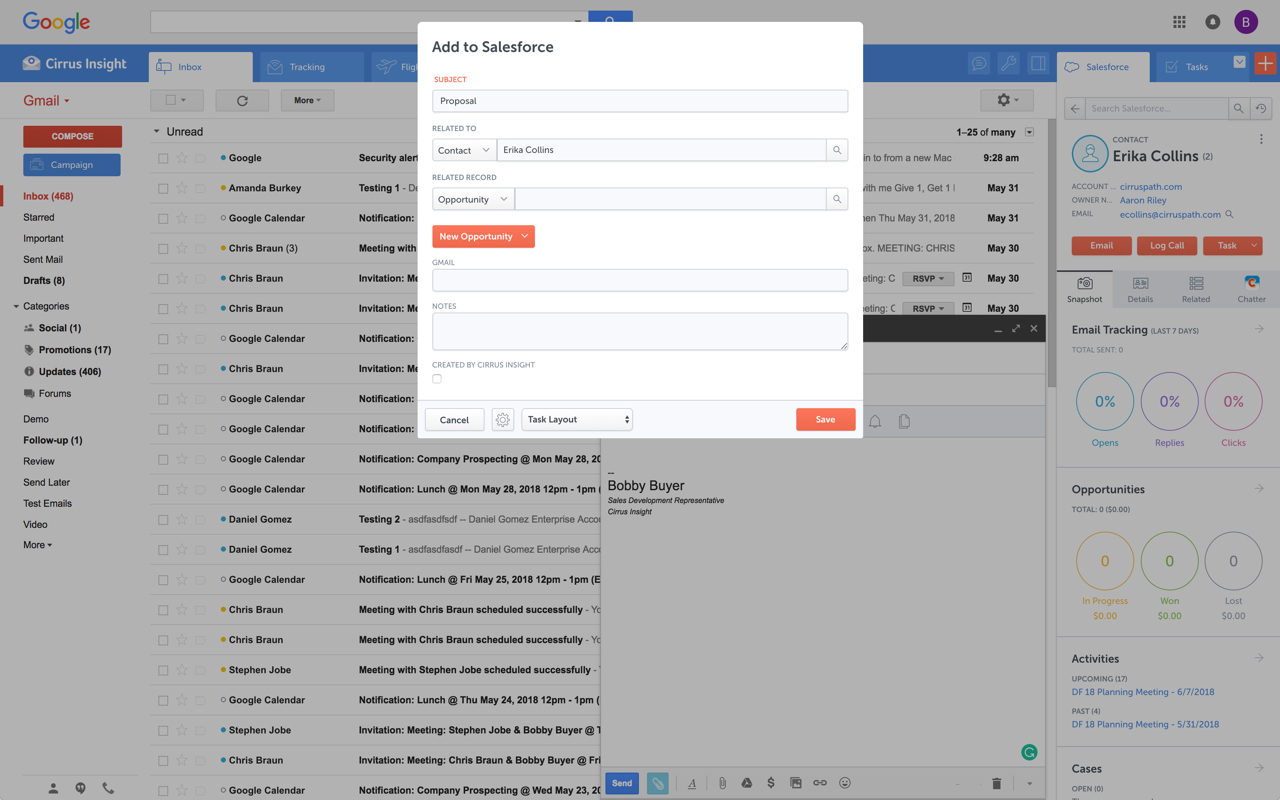   | Showpad eOS® Screenshots   |




