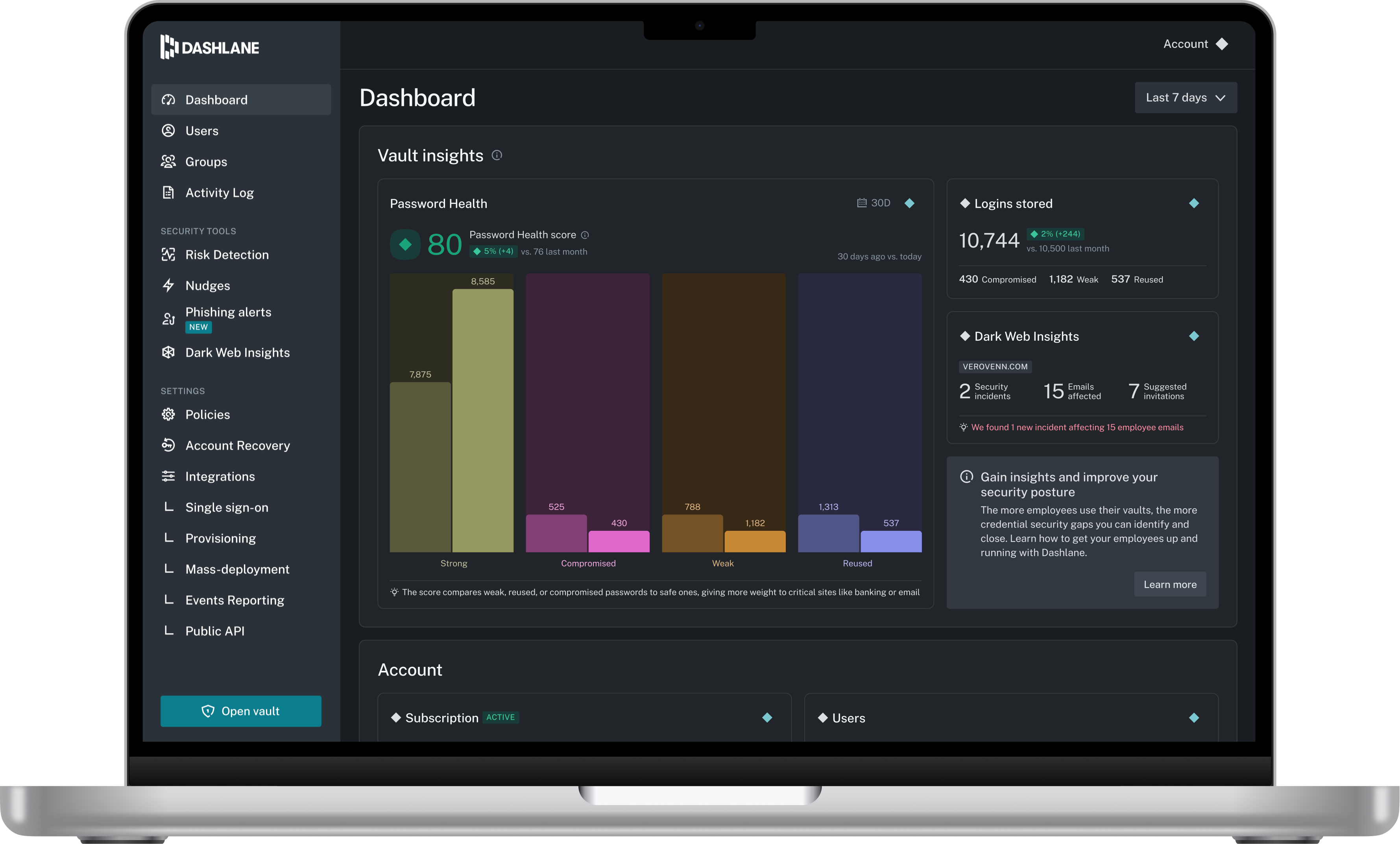
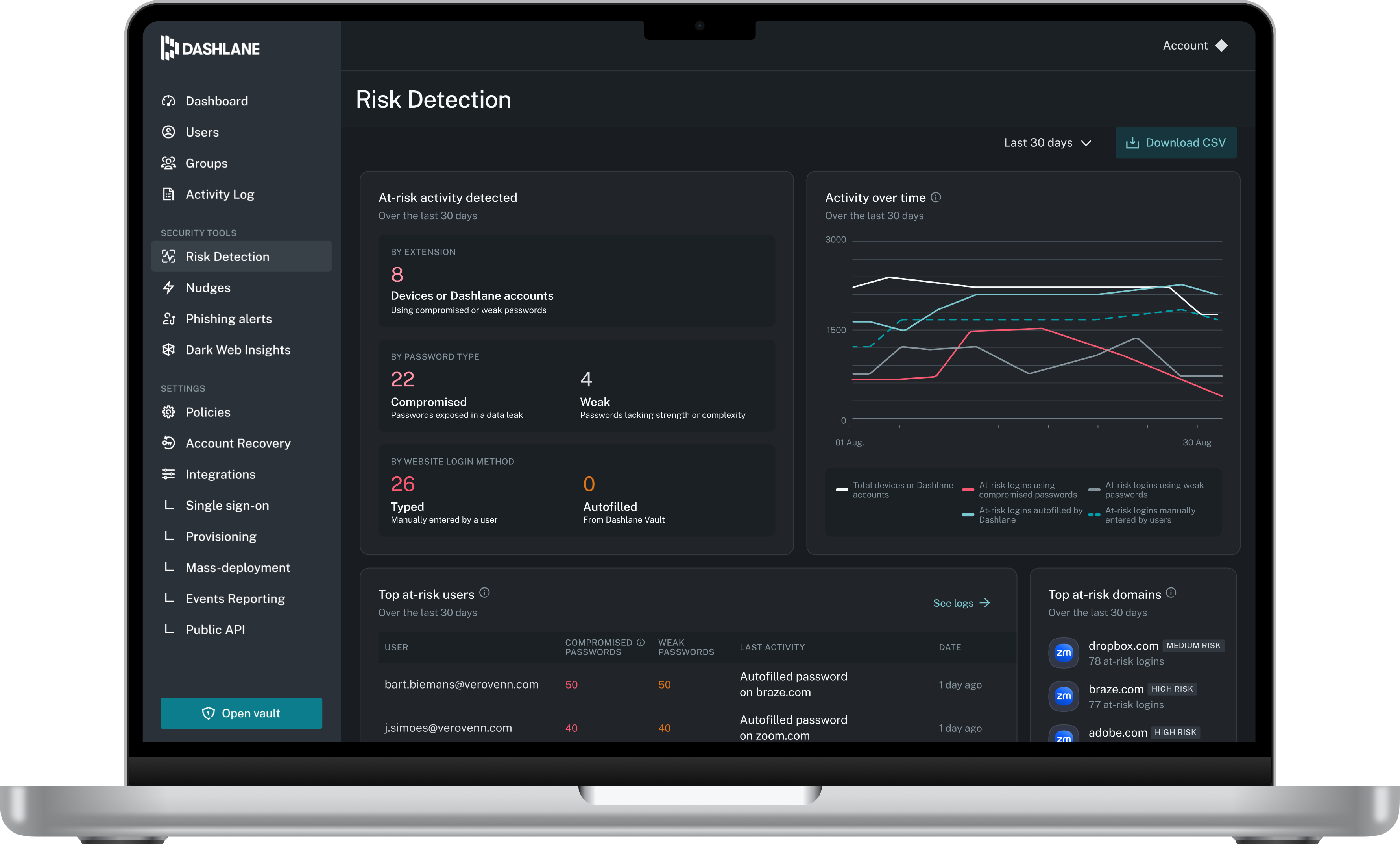
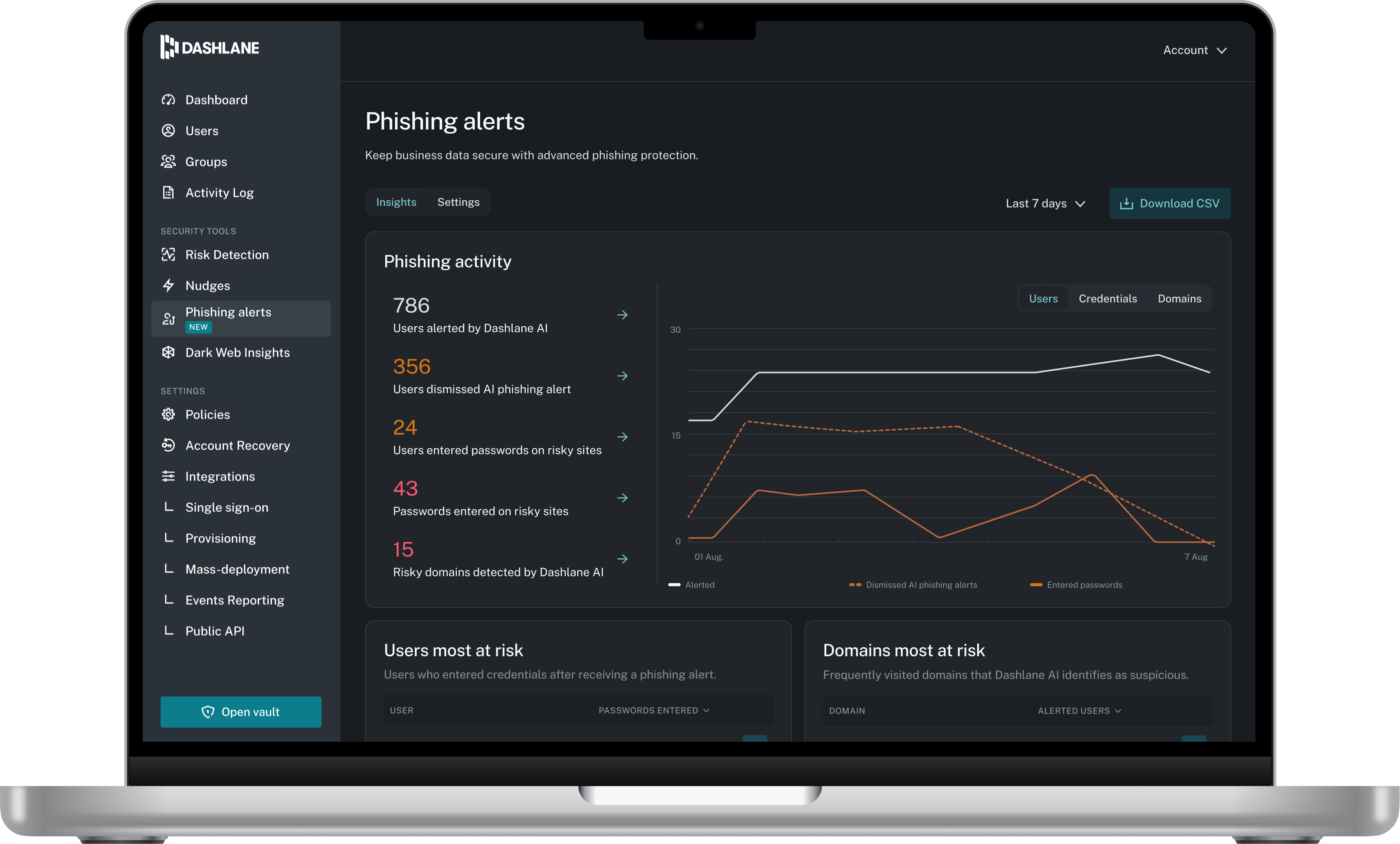
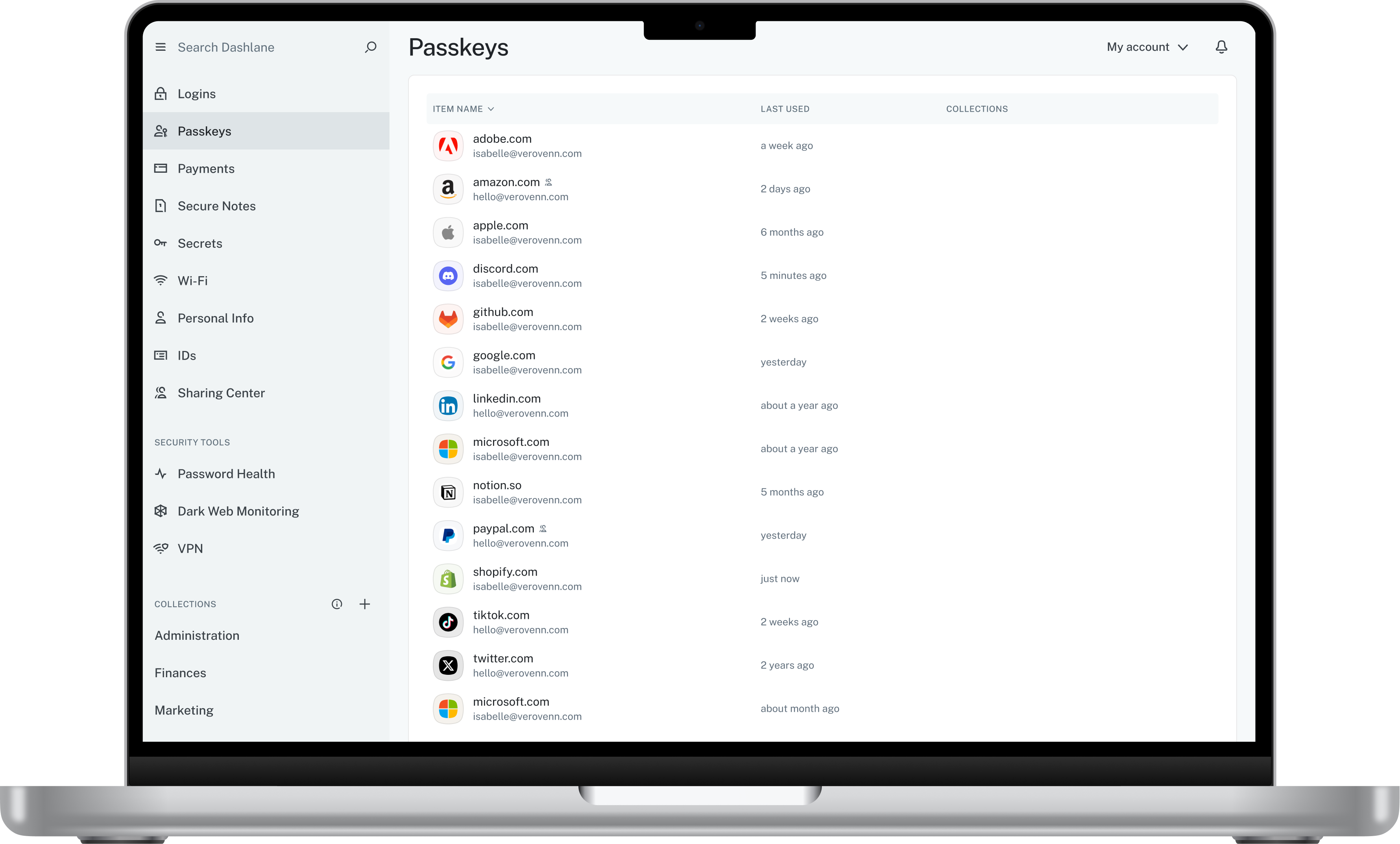
Dashlane is a credential manager that secures every credential, every user, and every employee device to proactively protect against breaches. Brands worldwide can use Dashlane to stay ahead of evolving threats.
$240
per year 10 employees
Keeper
Score 8.1 out of 10
N/A
Keeper's password security and management platform boasts millions of people and thousands of businesses as users, who manage, secure and enforce strong passwords across all employee logins, applications and sites. Employees can access Keeper natively on all mobile operating systems, desktops and browsers. Keeper enables businesses to auto-generate high-strength passwords, protect sensitive files in an encrypted digital vault, securely share records with teams and integrate with SSO, LDAP and…
I have tried LastPass and PasswordState only to mention a few but for me the winning feature of Dashlane is really it's impeccable user interface, it really is what won me over compare to some of the other password management software that is out there.
Adminsitrative Team Support, North America Operations Team
Chose Keeper
Keeper fit with my usage. I felt Keeper was more in tune with my daily activities. In my opinion, it was easier to use and access. Dash did offer other options but those were not important to me at all. From the beginning, Keeper has always been a great partner in the way I use …
I think Dashlane is a great service for anyone who uses the internet. We need to create accounts on almost every website, and Dashlane helps generate secure passwords and store them safely, but easily accessible through its seamless browser extension. Any business or personal lifestyle can benefit from Dashlane when you go online
I can only think of scenarios where Keeper is well-suited, in my experience. I work in small business (i.e., sole proprietor, 1 employee) environments and Keeper is well-suited to my needs. I imagine it would also be well-suited to multi-user environments, but would require a great deal more management and organization in such environments.
The mobile app works fine for quick access, but autofill across different apps can be inconsistent. Sometimes it doesn’t recognize the login field, which slows people down when they’re on the go.
Occasionally the browser extension logs users out or doesn’t sync immediately with the desktop app, which causes frustration if someone just updated a password.
Dashlane is usable, but there are 2 key issues that annoy me. 1. The mobile app and the browser extension are not synced and i cannot find passwords in the app that are clearly in the extension. 2. The system doe snot make it easy to assign a password to a specific subdomain. I get hundreds of passwords that i have to go through any time i go to any subdomain on my main site because of the nature of my business. I need the option back to assign a password to only work with a specific subdomain (and all related paged on that subdomain) note: The search features have been annoying in the past. I just went to test them to verify my issues and found that notes inside of a password are finally searchable. This helps
It's just easy to use, plain and simple. It has the complexity and user-interface that gives you confidence in its build but the ease-of-use that keep things from getting too complicated. A huge plus when you have to onboard new members of the team or summer interns when you need them to step in and make orders on your behalf.
We've had no issues with Dashlane. I can't speak to their customer service because I have not personally needed to contact them. I guess that speaks about their product if we've not had any issues to reach out about. Great for supporting data/information on multiple platforms that are shared among team members.
Dashlane’s customer support is often rated higher, providing more responsive and helpful assistance. LastPass has a slightly steeper learning curve than Dashlane, but it offers more flexibility with user permissions, which can benefit teams. Dashlane includes unlimited passkey support and a clean breach history, while LastPass is more accommodating for smaller teams.
I have used the Apple cloud, but if you forget your password into that, once again, you’re at the mercy of calling customer service. With Keeper, you can use the thumbprint option to log on, and there’s any of your needed passwords. It’s fast and simple, and you don’t have to wait online to unlock the app you’ve locked yourself out of.
The spreadsheets and printed papers being passed around the office with passwords on them have gone! This is a huge security hole plugged.
Users actively use the software which says something - it is easy to use and intuitive. When software is not intuitive, it tends to not get used.
It gives IT control over who does what with passwords, and while difficult to quantify it is certainly a dramatically positive impact on the organization.