ClearSlide enables sales and marketing teams to find content, communicate it whether in-person, on the phone or through email, and get insights into how customers engage, with the goal of helping sales and marketing teams make every interaction count and create amazing customer experiences. ClearSlide is a system of engagement for sales, marketing & services teams. For managers and leaders, ClearSlide provides engagement dashboards to improve deal visibility, coaching, and stronger…
N/A
Mailtrack
Score9.7 out of 10
N/A
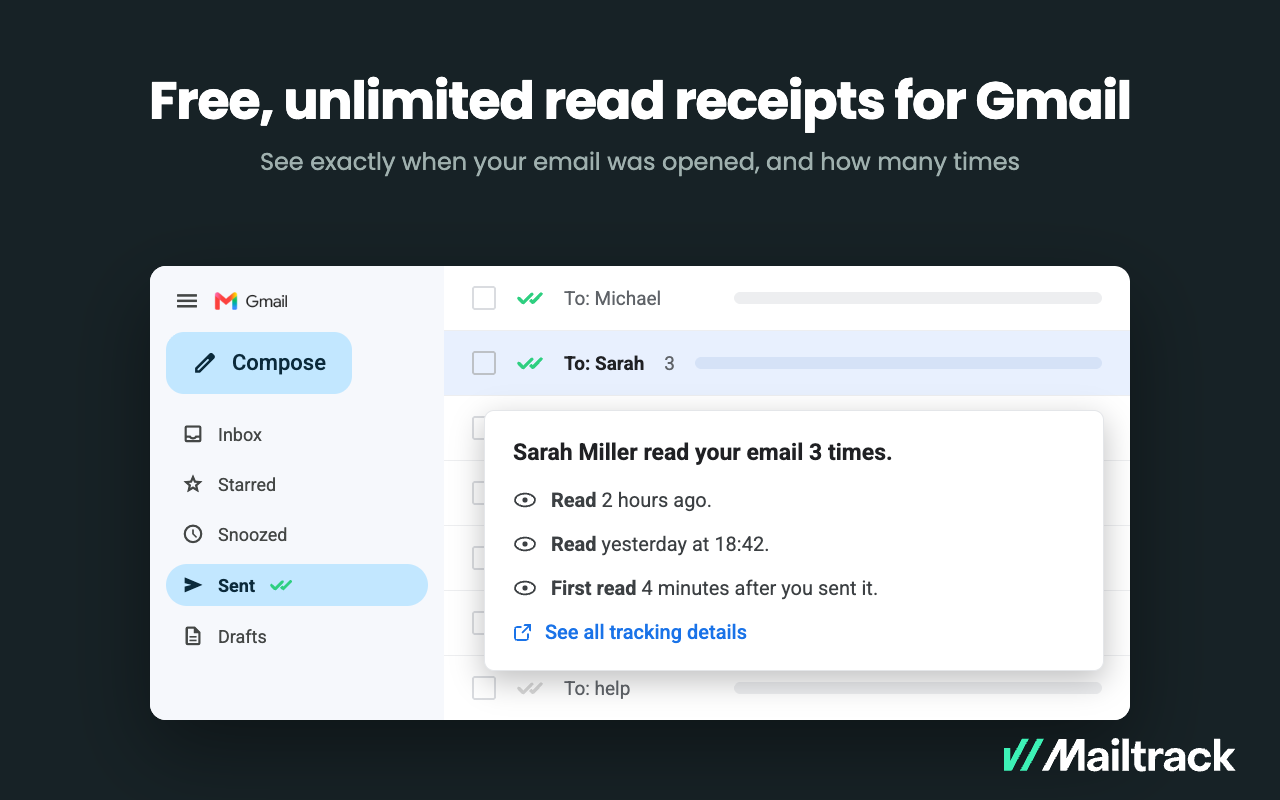
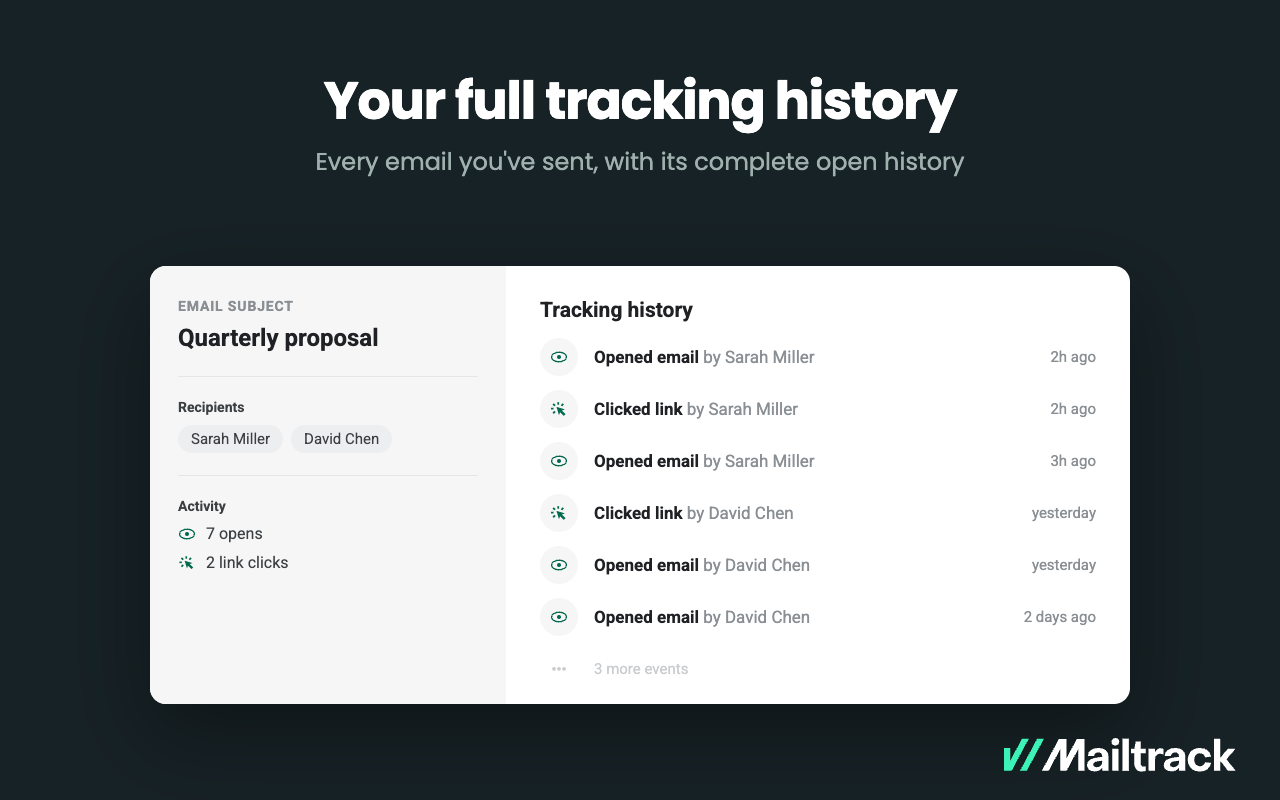
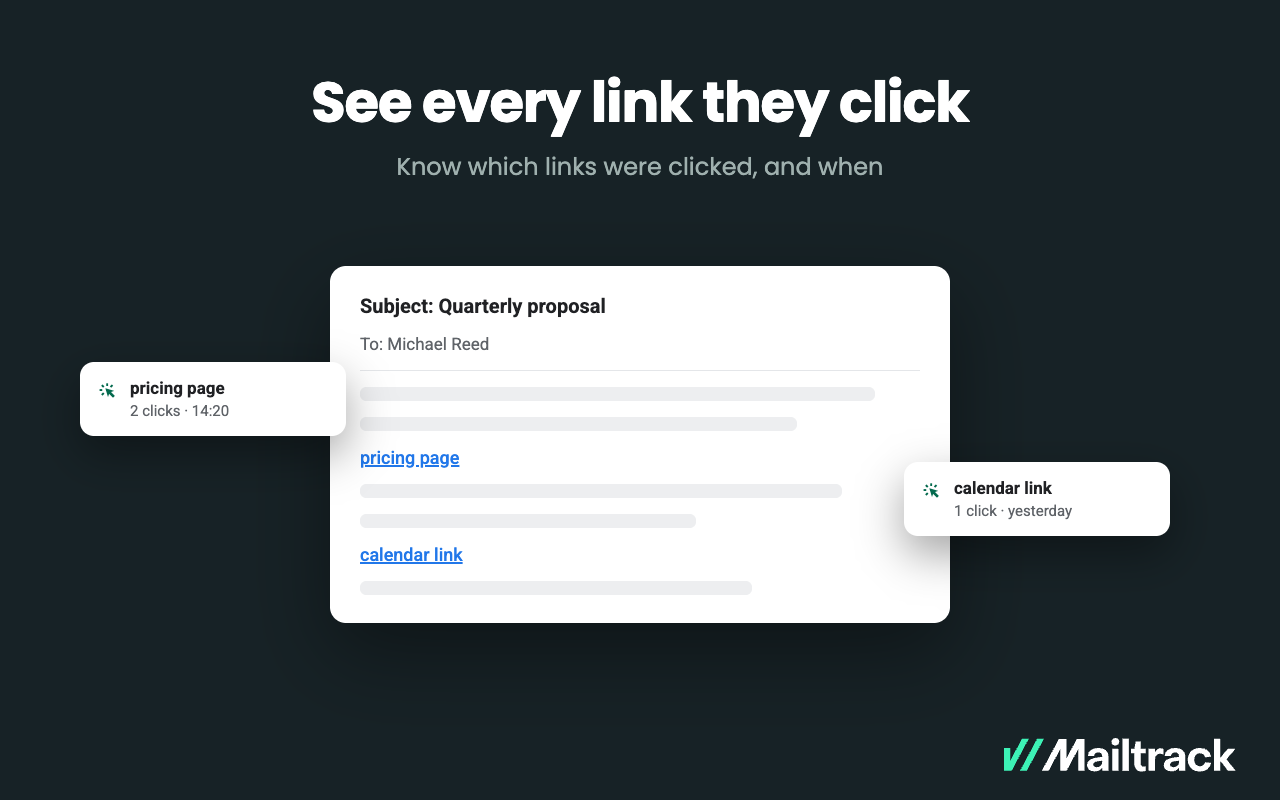
Mailtrack is an email-tracking extension for Gmail and part of Mailsuite. It adds delivery and read-status indicators to sent messages, showing when recipients open an email or click a tracked link without requiring users to leave Gmail. Key Capabilities Gmail read receipts: Mailtrack adds one or two checkmarks to sent messages. Grey checkmarks indicate delivery; green checkmarks indicate that the message was opened. Open and…
Clearslide makes it easy to share files with anyone via a single link. It simplifies the process of document sharing in the new "work from home" age we have now and allows multiple parties to view the same document, either simultaneously or separately. It is less appropriate for sensitive information, as the link can easily be shared between parties or forwarded on, so there is no gatekeeping.
A de minimis incentive was given to thank the reviewer for their time. The incentive was not used to bias or drive a particular response, nor was the incentive contingent on a positive endorsement. More Info
Mailtrack is great for tracking emails if you do not want to pay for larger more complicated tools that do the same thing. If you already love your system but just want to add some convenient read tracking, that's exactly what this is for. If you have a system that doesn't work well, I would take the time to evaluate alternatives that also include read tracking (Salesforce for example). This also applies if you're trying to use this for large outbound sales emails - there are a lot of applications that have email tracking built in (Outreach.io is a great example) so it may just be worth switching your whole system.
A de minimis incentive was given to thank the reviewer for their time. The incentive was not used to bias or drive a particular response, nor was the incentive contingent on a positive endorsement. More Info
Analytics: for sales, especially when selling virtually, it can be difficult to know if your customers are engaged with the presentation. Clearslide will give you reports that indicate how long customers were viewing what you were presenting, if/when you lost them, and at what place in your presentation you lost them. It can also show you how long potential customers spent reviewing follow-up materials you've sent them.
Screenshare: the screenshare functionality, when using Google Chrome, is very seamless, and the customer can take over the screenshare without needing any downloads or plug-ins.
Presenting: It's quite easy to present material with Clearslide, and to move between materials that you are presenting.
A de minimis incentive was given to thank the reviewer for their time. The incentive was not used to bias or drive a particular response, nor was the incentive contingent on a positive endorsement. More Info
A de minimis incentive was given to thank the reviewer for their time. The incentive was not used to bias or drive a particular response, nor was the incentive contingent on a positive endorsement. More Info
Call quality with CS has always been an issue in my two (2) years of experience with the platform. CS upgraded their phone provider in winter 2018, but the call quality has only been marginally improved from my perspective. Also, with the switch to a new phone provider, users are required to use a new conference line, access number, and a leader pin. The leader pin is new and adds an extra step to setting up a conference line, which seems unnecessary.
Content curation is probably my biggest issue with CS. With previous experience in a sales enablement company, I've seen how content can be curated to map to the seller's specific stage in a deal cycle, which is what most companies want. CS does not have this functionality from my perspective, and if it does, then overall curation capabilities are weak. Rather than curating content to match a seller's current point in a sales process, CS relies on surfacing content that is most popular or recently added. There is a search feature, which works well if you know what the collateral is called, but it is not scanning the content of documents to find what is most relevant. I equate the content feature of CS to a search that you would do in your computer's "Download" folder or even in Dropbox. If your company is smaller and only needs to surface a few pieces of collateral, then CS will work fine. If your organization is larger with large amounts of specific collateral, then I would look elsewhere.
The CS plugins for Outlook, Gmail, or your web browser are great ideas but executed poorly. The integrations have caused a lot of headaches for colleagues and me since their release. They have caused our email to close unexpectedly, content to not be linked properly, or emails to not be tracked. The idea for these integrations was to reduce the amount of time a seller has to jump between windows, which is awesome, but the integrations are full of glitches. One of the biggest glitches I've seen is how CS, Grammarly, and Outlook all work together. CS is always the component of those three that causes everything to freeze or crash. In short, the integrations are a great idea but executed poorly at this time.
A de minimis incentive was given to thank the reviewer for their time. The incentive was not used to bias or drive a particular response, nor was the incentive contingent on a positive endorsement. More Info
ClearSlide is embedded in our culture and in our organization. The sales and marketing teams use ClearSlide on a daily basis to share information and presentations as well as communicate "what is working." Our leadership uses the analytics to provide improved feedback and coaching regarding bottlenecks our representatives are experiencing.
A de minimis incentive was given to thank the reviewer for their time. The incentive was not used to bias or drive a particular response, nor was the incentive contingent on a positive endorsement. More Info
Its easy to use from a presenter's perspective. Its web based so anyone who can navigate Facebook can open a live pitch or shared file. This makes it easy to give live demos, share files, and share screens with out downloading any software or installing java patches
A de minimis incentive was given to thank the reviewer for their time. The incentive was not used to bias or drive a particular response, nor was the incentive contingent on a positive endorsement. More Info
I would rate Mailtrack's overall usability as a ten out of ten. The reasons for this are actually quite simple. For now, only I have been using Mailtrack. However, looking at the rather easy to use characteristics Mailtrack has to offer, I would not hesitate to recommend it to the rest of my colleagues.
A de minimis incentive was given to thank the reviewer for their time. The incentive was not used to bias or drive a particular response, nor was the incentive contingent on a positive endorsement. More Info
I was mostly involved in the implementation process and syncing ClearSlide with Salesforce, and I would say the support was mostly average. It took a few times to get everything scheduled, and a lot of the process was left up to me. I was reading through the documents that they supplied. It wasn't complicated, but more direct support would have been appreciated.
A de minimis incentive was given to thank the reviewer for their time. The incentive was not used to bias or drive a particular response, nor was the incentive contingent on a positive endorsement. More Info
I didn't really need to use the customer support but the fact that they proactively make the installation process so easy by providing step by step instructions with videos and everything is kind of pro-active customer support that is needed. Good for them because at the end of the day, it's everyone's dream to use a product that they don't need support for.
ClearSlide stacks up to be as good as any of the aforementioned tools. We selected Clearslide because of its ease of use and implementation. It did not take our team too long to get acclimated with how ClearSlide works and how they would be using it, allowing them to generate more meetings and more revenue.
A de minimis incentive was given to thank the reviewer for their time. The incentive was not used to bias or drive a particular response, nor was the incentive contingent on a positive endorsement. More Info
There's a free tier. Obviously, there are other things to love, like notifications about your email being read, the fact that if an email hasn't been responded to in some time it gets bumped up. The fact that if other people have Mailtrack you will actually get notified who read your email. But the fact that there is a free tier is HUGE.
This product ROCKS!!!! ClearSlide shortened my sales cycle by over 50% by enabling to jump right into a LIVE demo on an initial client call so I don't have to waste time scheduling a demo at later date. People are busy and finding a time to schedule a call can take days or weeks
A de minimis incentive was given to thank the reviewer for their time. The incentive was not used to bias or drive a particular response, nor was the incentive contingent on a positive endorsement. More Info
I'm currently using the free version so my investment was time spent downloading the browser extension. I would say it's worth the investment because I can make more value through each email by finding the right time to send replies or know when is the exact time I should follow up.
Knowing when an email is read multiple times helps me know the importance of the content in my email.
The paid version allows Mailtrack to tell you which recipient read the email if there was more than 1.