ClickLearn vs. UserIQ

Overview
ProductRatingMost Used ByProduct SummaryStarting Price
ClickLearn
Score 8.0 out of 10
Mid-Size Companies (51-1,000 employees)
ClickLearn automates the process of creating training material and documentation of popular business systems such as Microsoft D365, SAP, and Oracle. With ClickLearn, users click through processes and ClickLearn records actions. When these are recorded, ClickLearn automatically delivers the resulting content in these 7 different formats to be used in training situation: Step-by-step instructions in HTML for posting online Step-by-step instructions in Word and…
$208
per installation
UserIQ
Score 8.0 out of 10
N/A
UserIQ is a walkthrough tool that aims to empower SaaS companies to deliver what each user needs to be successful in every moment, starting with adoption. According to the vendor, key benefits include: effectively scale onboarding increase feature usage accelerate time-to-value ultimately drive more revenue throughout the customer journeyN/A
Pricing
ClickLearnUserIQ
Editions & Modules
Basic
208/mo
per installation
Basic
208/mo
per installation
Essentials
360/mo
per installation
Essentials
360/mo
per installation
Professional
740/mo
per installation
Professional
740/mo
per installation
Enterprise
1023/mo
per installation
Enterprise
1023/mo
per installation
No answers on this topic
Offerings
Pricing Offerings
ClickLearnUserIQ
Free Trial
YesYes
Free/Freemium Version
NoNo
Premium Consulting/Integration Services
NoYes
Entry-level Setup FeeNo setup feeNo setup fee
Additional Details
More Pricing Information
Community Pulse
ClickLearnUserIQ
Features
ClickLearnUserIQ
Security
Comparison of Security features of Product A and Product B
ClickLearn
-
Ratings
UserIQ
10.0
3 Ratings
13% above category average
Role-based user permissions00 Ratings10.03 Ratings
Platform & Infrastructure
Comparison of Platform & Infrastructure features of Product A and Product B
ClickLearn
-
Ratings
UserIQ
9.3
5 Ratings
7% above category average
API00 Ratings7.14 Ratings
Integration with Salesforce.com00 Ratings10.03 Ratings
Integration with Marketo00 Ratings9.01 Ratings
Integration with Eloqua00 Ratings10.01 Ratings
Customer Data Extraction / Integration
Comparison of Customer Data Extraction / Integration features of Product A and Product B
ClickLearn
-
Ratings
UserIQ
7.8
4 Ratings
12% below category average
Product usage00 Ratings8.04 Ratings
Help desk / support tickets00 Ratings7.54 Ratings
Customer Success Management
Comparison of Customer Success Management features of Product A and Product B
ClickLearn
-
Ratings
UserIQ
8.0
4 Ratings
7% below category average
NPS surveys00 Ratings7.14 Ratings
Sponsor tracking00 Ratings9.01 Ratings
Customer profiles00 Ratings8.53 Ratings
Automated workflow00 Ratings6.14 Ratings
Internal collaboration00 Ratings9.02 Ratings
Customer health scoring00 Ratings9.04 Ratings
Customer segmentation00 Ratings7.54 Ratings
CSM Reporting & Analytics
Comparison of CSM Reporting & Analytics features of Product A and Product B
ClickLearn
-
Ratings
UserIQ
9.5
3 Ratings
12% above category average
Customer health trends00 Ratings10.02 Ratings
Engagement analytics00 Ratings8.53 Ratings
Revenue forecasting00 Ratings10.01 Ratings
Dashboards00 Ratings9.53 Ratings
Best Alternatives
ClickLearnUserIQ
Small Businesses
ChurnZero
ChurnZero
Score 8.1 out of 10
ChurnZero
ChurnZero
Score 8.1 out of 10
Medium-sized Companies
ChurnZero
ChurnZero
Score 8.1 out of 10
CustomerSuccessBox
CustomerSuccessBox
Score 9.5 out of 10
Enterprises
Nexthink
Nexthink
Score 7.4 out of 10
Gainsight CS
Gainsight CS
Score 8.8 out of 10
All AlternativesView all alternativesView all alternatives
User Ratings
ClickLearnUserIQ
Likelihood to Recommend
9.0
(4 ratings)
7.5
(6 ratings)
Usability
-
(0 ratings)
8.1
(2 ratings)
Support Rating
-
(0 ratings)
9.5
(2 ratings)
User Testimonials
ClickLearnUserIQ
Likelihood to Recommend
ClickLearn
Even though ClickLearn is quite a handy tool, it takes time to create new records, or more like modifying those to be suitable for use. Also, when I have had questions about ClickLearn and considering that the software is for generating for example manuals, I have struggled with finding solutions to cases from the ClickLearn site. For example how to enable/disable Assistant -functionality. Had two private sessions, with two different support persons, getting two different ways to do things. Not good.
Read full review
UserIQ
In UserIQ campaigns, you can probably create whatever content you have in mind for your campaigns using IFrames. You can probably implement whatever content you have in mind for your campaigns using IFrames in UserIQ campaigns.
Read full review
Pros
ClickLearn
  • Creating easy-to-follow work instructions.
  • Provides different methods of delivery (text, video, try-me).
Read full review
UserIQ
  • Have a really easy way to tag features and know what you're tracking.
  • Great, simple user walkthroughs that you can plug into your app to improve onboarding or increase feature adoption.
  • Some interesting dashboard views and you can slice users/accounts many different ways.
  • Pretty user-friendly interface.
  • Easy to collect qualitative data (nps, survey, etc.).
Read full review
Cons
ClickLearn
  • It would be nice to take a couple of seconds off screen capture
Read full review
UserIQ
  • Getting the hang of the walkthroughs took me awhile and was hard for me to understand, but now I understand and love them!
Read full review
Usability
ClickLearn
No answers on this topic
UserIQ
This rating is given as to a certain degree it is useful - as in the customer health dashboard and providing a very fast service which is easy to use for our users. However, as mentioned prior, the exportation of this data into presentable information (presentation style) is not really possible without doing yourself via screenshots and interpreting the data.
Read full review
Support Rating
ClickLearn
No answers on this topic
UserIQ
Customer service and support is one of the biggest strengths for UserIQ, whenever there has been any issues or confusion, the help service is very effective and friendly to support us and get to a conclusion within no time, hence why the ranking given is extremely high for this factor. I would not say any improvement is needed in terms of this aspect of the company.
Read full review
Alternatives Considered
ClickLearn
No answers on this topic
UserIQ
When comparing with the other product of the market we realize UserIQ brings the best outcome beneath the price so we choose UserIQ apart from other products.
Read full review
Return on Investment
ClickLearn
  • Help is received faster.
  • New customers created faster - Quoting faster made possible.
Read full review
UserIQ
  • UserIQ has let us communicate more effectively with our customers. We have seen a reduction in calls to customer service on how to utilize and update items on our SaaS UI.
Read full review
ScreenShots

ClickLearn Screenshots

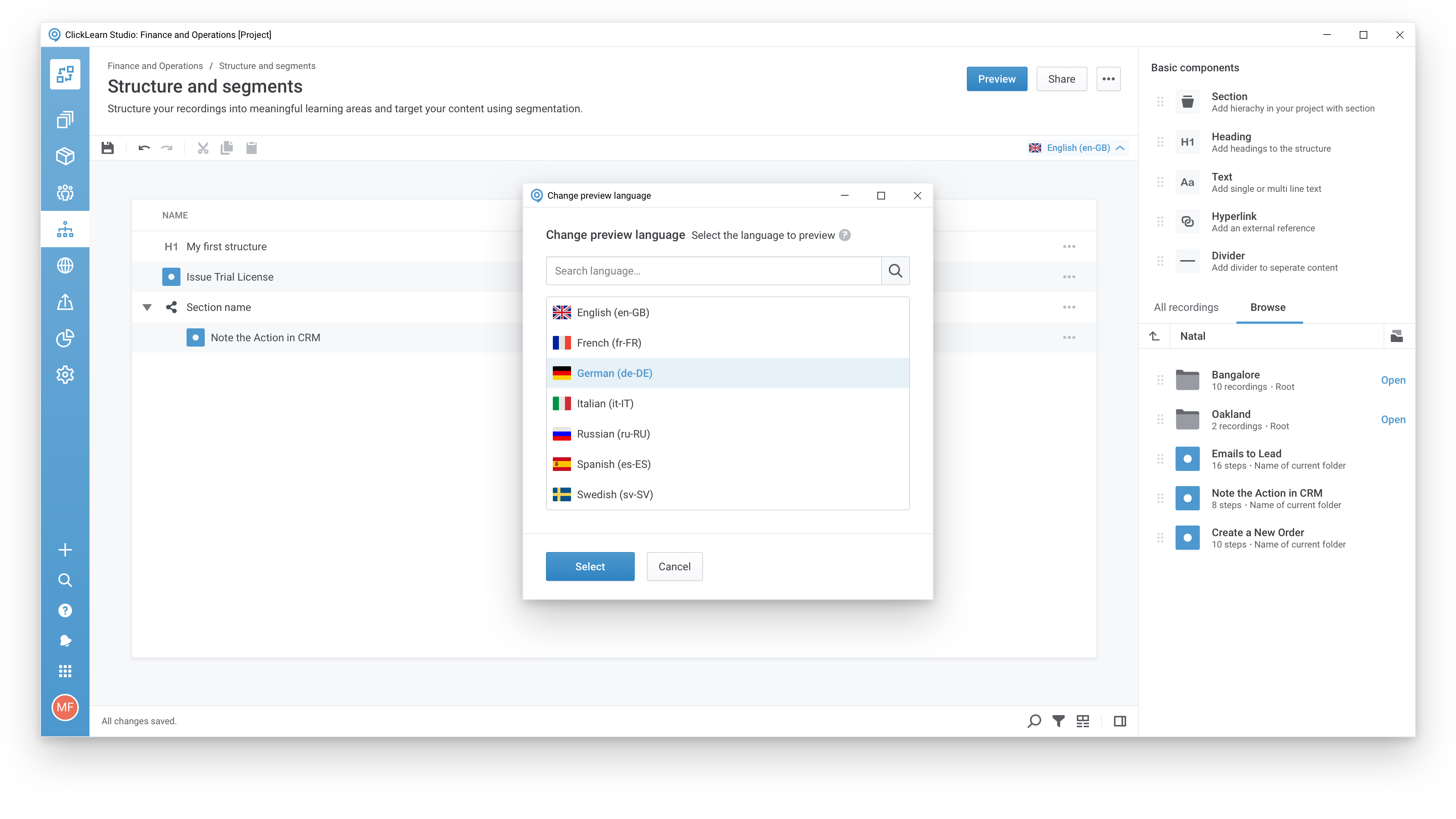
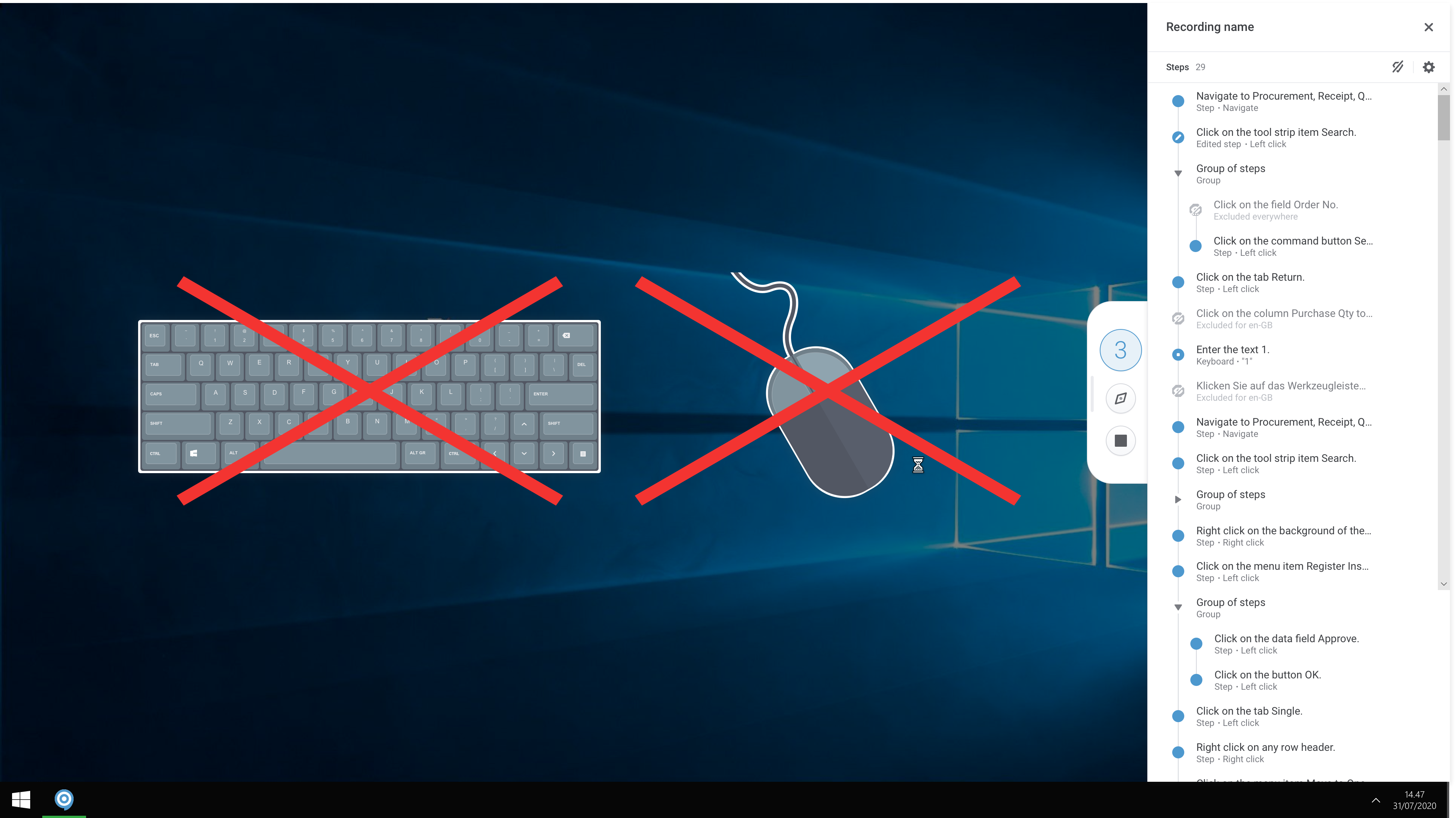
Screenshot of A modern and responsive learning portal - created from a single clickScreenshot of Create content in any languageScreenshot of Start recording your processes with ClickLearnScreenshot of The Replay feature automatically runs through your processes in your business software and re-records all steps and screenshots - you just need to click once to start the replay.