ClickLearn vs. UserVoice

Overview
ProductRatingMost Used ByProduct SummaryStarting Price
ClickLearn
Score 8.0 out of 10
Mid-Size Companies (51-1,000 employees)
ClickLearn automates the process of creating training material and documentation of popular business systems such as Microsoft D365, SAP, and Oracle. With ClickLearn, users click through processes and ClickLearn records actions. When these are recorded, ClickLearn automatically delivers the resulting content in these 7 different formats to be used in training situation: Step-by-step instructions in HTML for posting online Step-by-step instructions in Word and…
$208
per installation
UserVoice
Score 9.5 out of 10
N/A
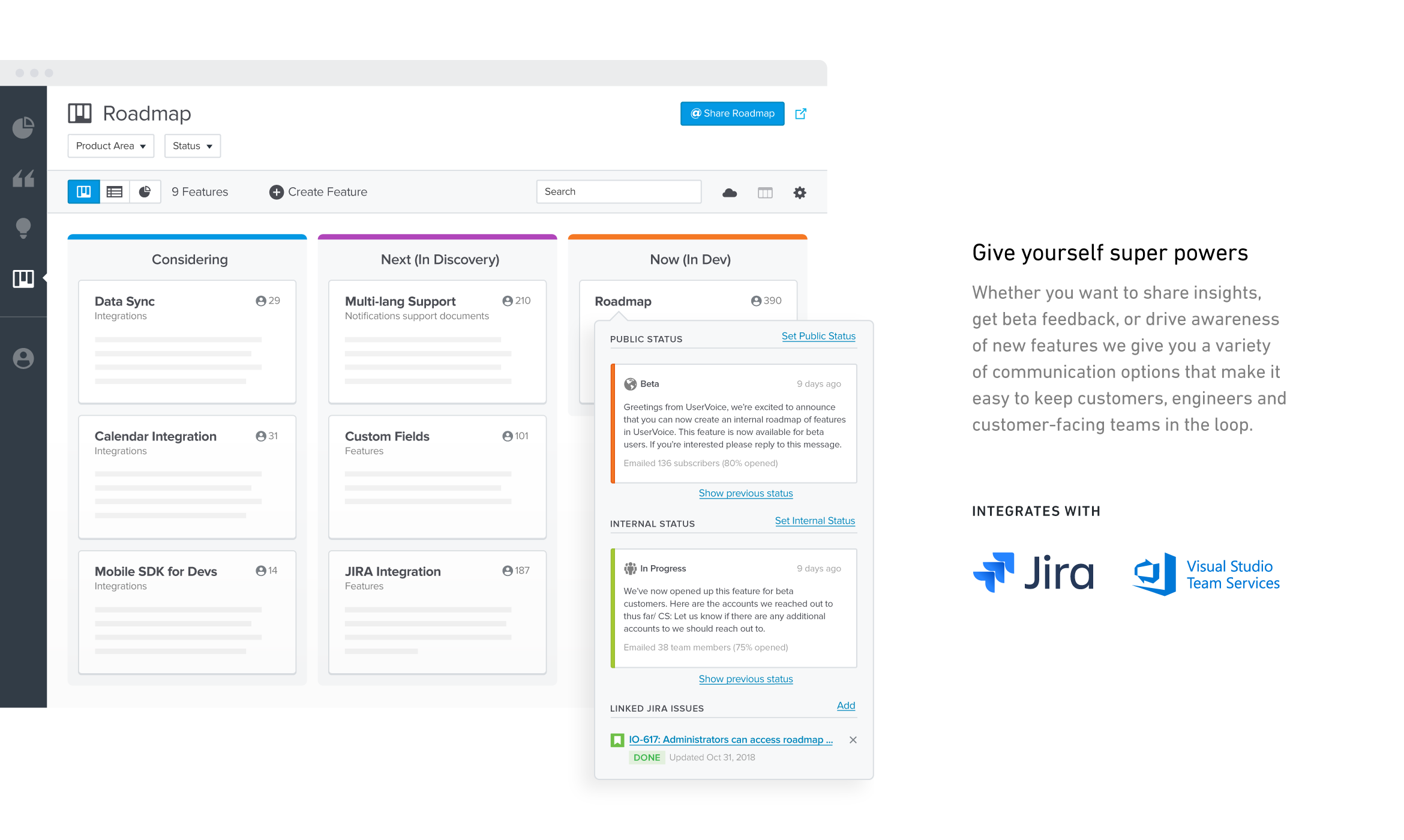
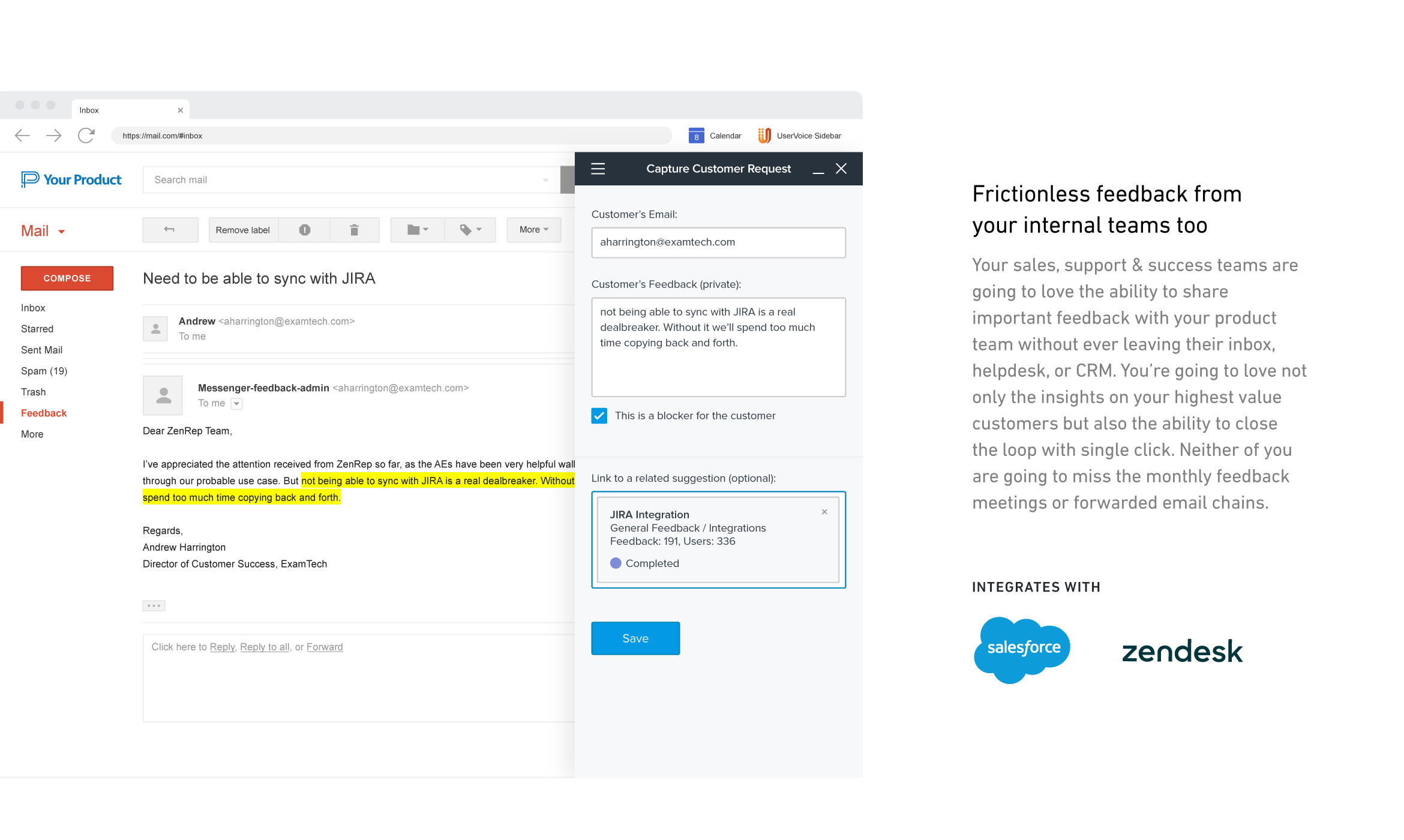
UserVoice collects and organizes feedback from multiple sources to provide a clear, actionable view of user feedback for product teams. With a customizable feedback portal, in-app widget, and direct integrations with your email client, CRM or support tool, it’s easy for your customers and internal team members to share feedback at anytime. The UserVoice platform allows you to manage all this feedback in a single view, analyze your data to make product decisions based on customer…
$15
per month
Pricing
ClickLearnUserVoice
Editions & Modules
Basic
208/mo
per installation
Basic
208/mo
per installation
Essentials
360/mo
per installation
Essentials
360/mo
per installation
Professional
740/mo
per installation
Professional
740/mo
per installation
Enterprise
1023/mo
per installation
Enterprise
1023/mo
per installation
No answers on this topic
Offerings
Pricing Offerings
ClickLearnUserVoice
Free Trial
YesYes
Free/Freemium Version
NoNo
Premium Consulting/Integration Services
NoNo
Entry-level Setup FeeNo setup feeNo setup fee
Additional Details
More Pricing Information
Community Pulse
ClickLearnUserVoice
Best Alternatives
ClickLearnUserVoice
Small Businesses
ChurnZero
ChurnZero
Score 8.0 out of 10
Craft.io
Craft.io
Score 10.0 out of 10
Medium-sized Companies
ChurnZero
ChurnZero
Score 8.0 out of 10
ProductPlan
ProductPlan
Score 9.5 out of 10
Enterprises
Nexthink
Nexthink
Score 7.4 out of 10
Roadmunk
Roadmunk
Score 6.1 out of 10
All AlternativesView all alternativesView all alternatives
User Ratings
ClickLearnUserVoice
Likelihood to Recommend
9.0
(4 ratings)
10.0
(9 ratings)
Likelihood to Renew
-
(0 ratings)
9.7
(6 ratings)
Usability
-
(0 ratings)
8.0
(1 ratings)
Support Rating
-
(0 ratings)
9.0
(1 ratings)
Implementation Rating
-
(0 ratings)
9.0
(1 ratings)
User Testimonials
ClickLearnUserVoice
Likelihood to Recommend
ClickLearn
Even though ClickLearn is quite a handy tool, it takes time to create new records, or more like modifying those to be suitable for use. Also, when I have had questions about ClickLearn and considering that the software is for generating for example manuals, I have struggled with finding solutions to cases from the ClickLearn site. For example how to enable/disable Assistant -functionality. Had two private sessions, with two different support persons, getting two different ways to do things. Not good.
Read full review
UserVoice
UserVoice can be an affordable and powerful tool to start engaging customers and employees. It can help manage the entire feedback loop process. But your product management and development teams still need to do their jobs. Remember to have a response SLA in place and ownership for prioritizing and responding to the feedback.
Read full review
Pros
ClickLearn
  • Creating easy-to-follow work instructions.
  • Provides different methods of delivery (text, video, try-me).
Read full review
UserVoice
  • User interface is very simple. Learning the product and teaching the team how to use the product took hardly any time at all.
  • Gives visibility into what others are logging. We are able to append 'votes' to certain ideas, rather than having to create an existing idea from scratch.
  • Reporting. Tags allow to easily filter through ideas for roadmap planning.
Read full review
Cons
ClickLearn
  • It would be nice to take a couple of seconds off screen capture
Read full review
UserVoice
  • Doesn't always catch obvious spam/we have to do a fair amount of blacklisting
  • Doesn't have multiple language options
  • No online/email tech support available. You have to call if you have an issue.
Read full review
Likelihood to Renew
ClickLearn
No answers on this topic
UserVoice
I just really liked UserVoice.
Read full review
Usability
ClickLearn
No answers on this topic
UserVoice
The day-to-day usability is good. More technical settings require a bit more effort.
Read full review
Support Rating
ClickLearn
No answers on this topic
UserVoice
Always very responsible and helpful when an issue happened. They eat their own cooking when it comes to using their products.
Read full review
Implementation Rating
ClickLearn
No answers on this topic
UserVoice
Have clear goals and owners established before you start using any tool like this. Very important to get accounts and rights setup so that there's no lag time in customer response once things go live. Make sure IT is involved if you plan to use the Single-Sign On (SSO) or any of the access control tools.
Read full review
Alternatives Considered
ClickLearn
No answers on this topic
UserVoice
I like the ease of integration into web and mobile apps for UserVoice. It's also a comprehensive bug reporting, user feedback, and knowledge base tool.
Read full review
Return on Investment
ClickLearn
  • Help is received faster.
  • New customers created faster - Quoting faster made possible.
Read full review
UserVoice
  • Transparency: Now we can handle better communication of requests with customers and internal stakeholders.
  • We can track better how many ideas are accepted and released vs rejected ones.
Read full review
ScreenShots

ClickLearn Screenshots

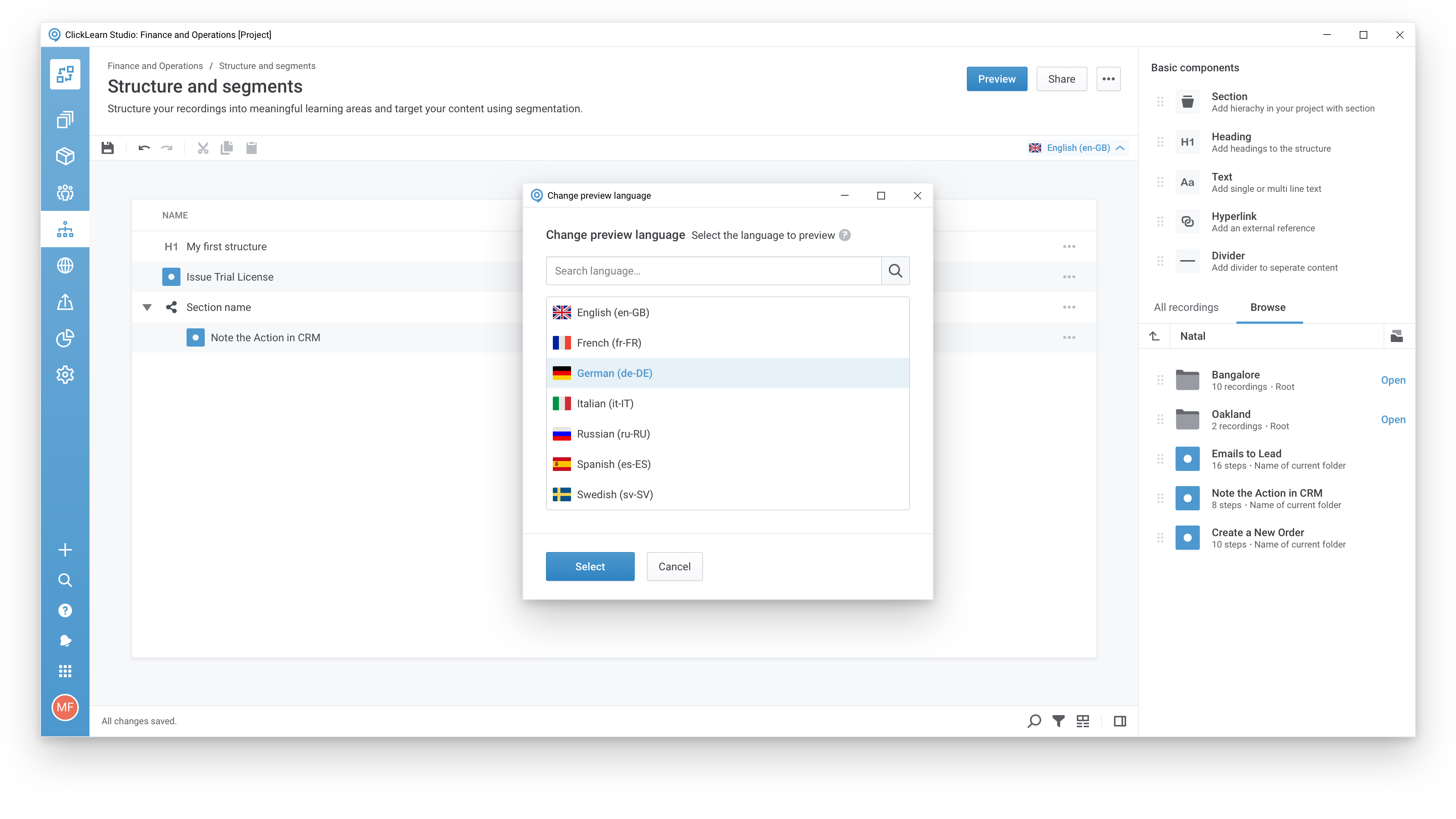
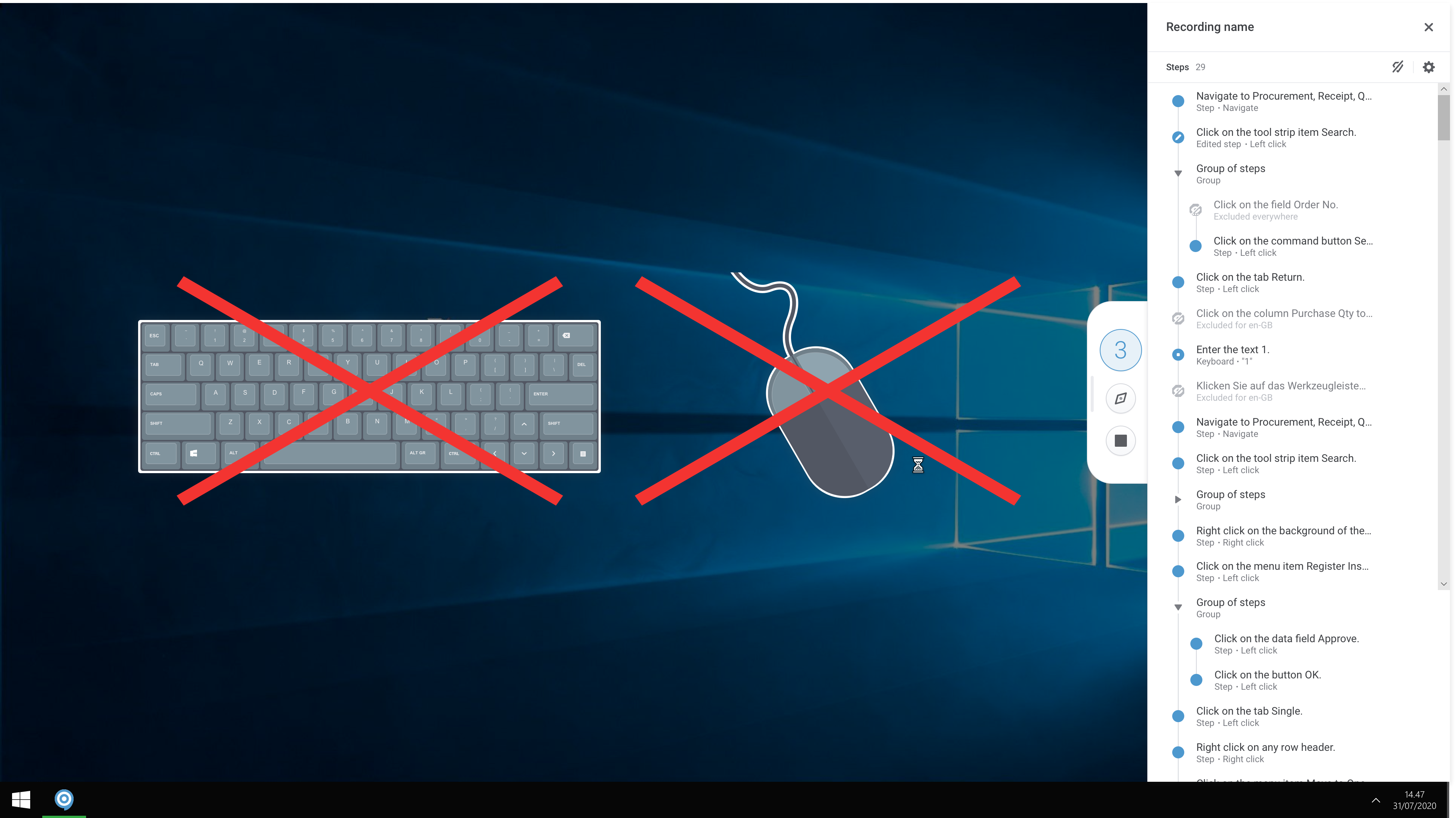
Screenshot of A modern and responsive learning portal - created from a single clickScreenshot of Create content in any languageScreenshot of Start recording your processes with ClickLearnScreenshot of The Replay feature automatically runs through your processes in your business software and re-records all steps and screenshots - you just need to click once to start the replay.

UserVoice Screenshots

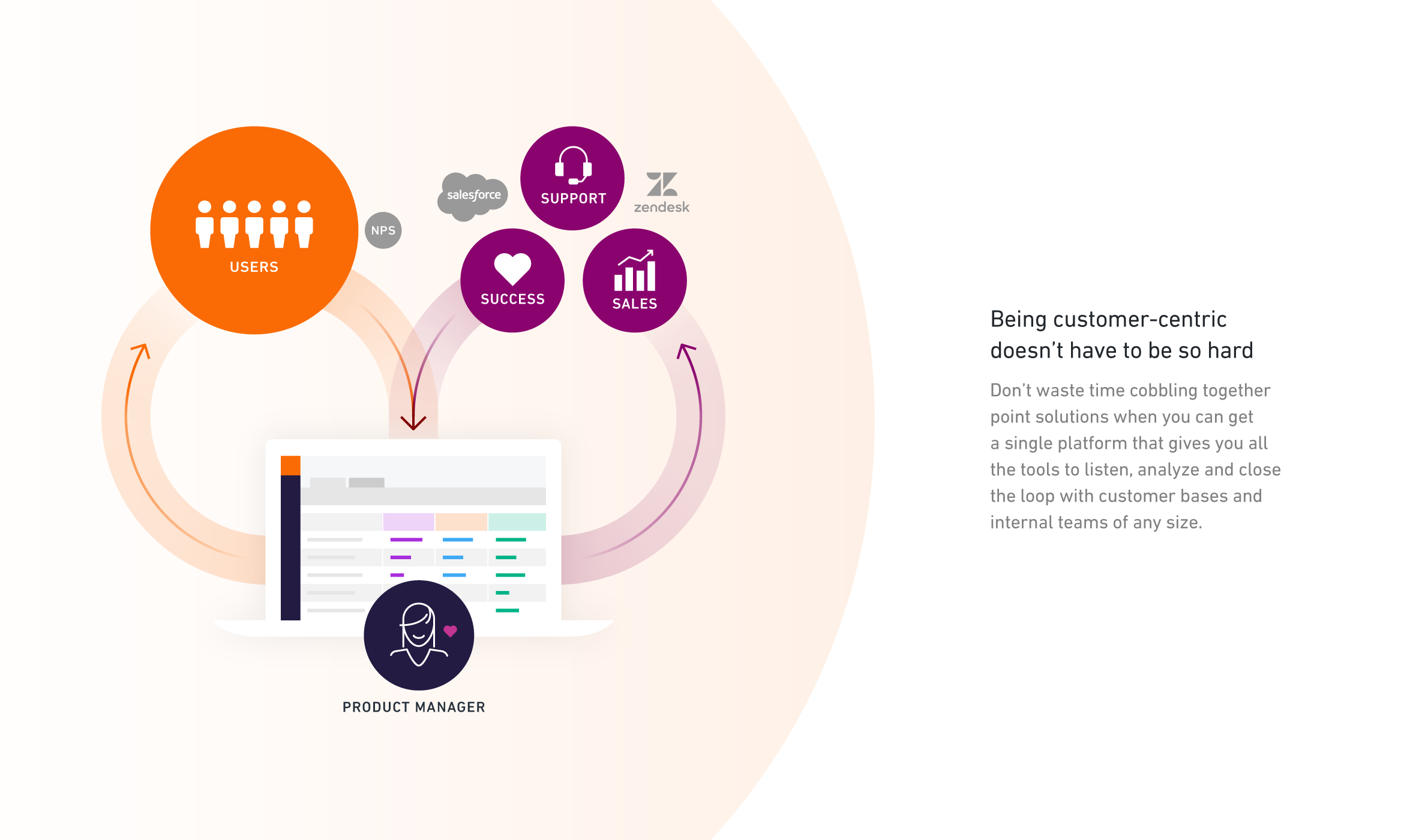
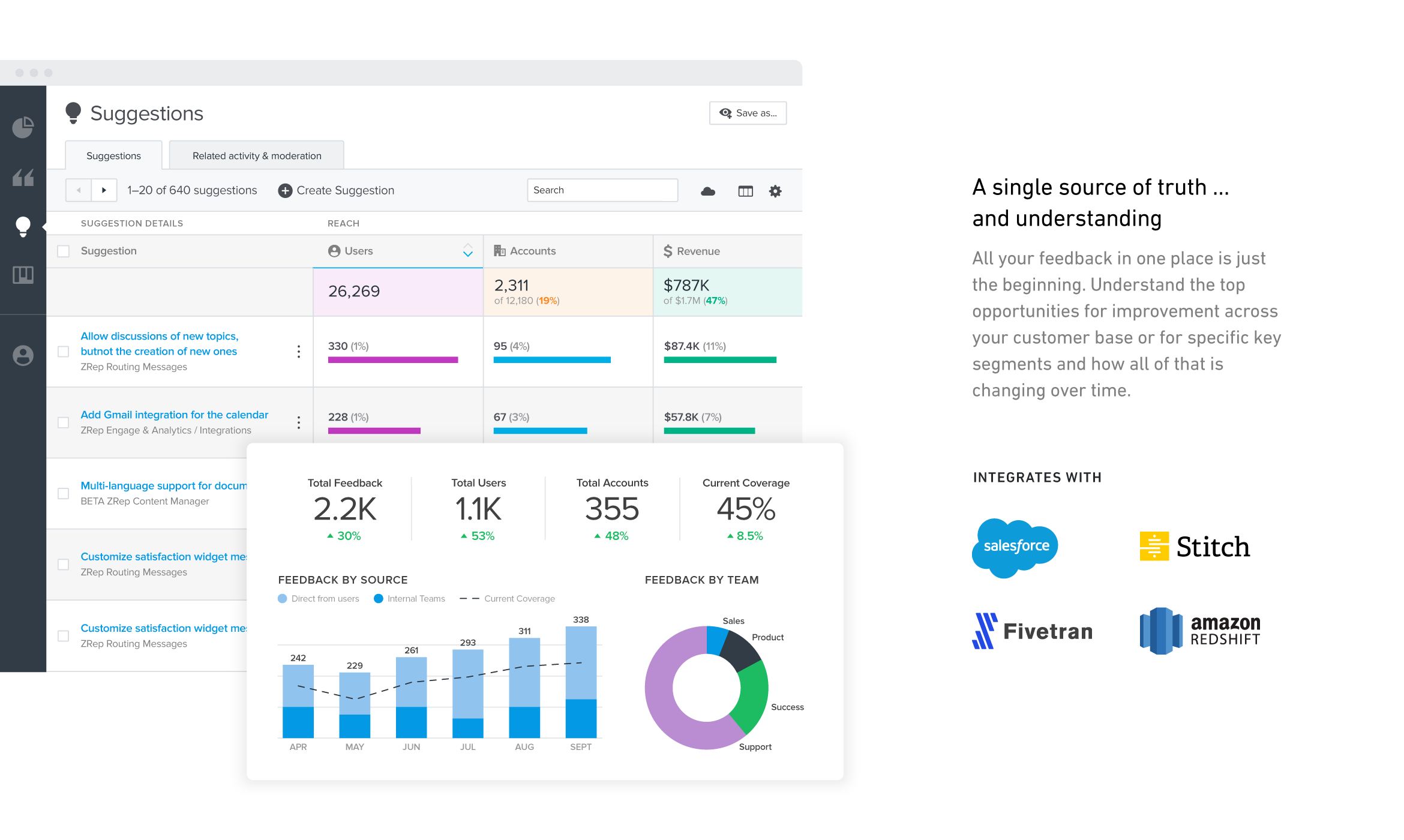
Screenshot of Screenshot of Screenshot of Screenshot of Screenshot of Screenshot of