Conceptboard is a collaboration software built for teams of any size. Its primary features are project management, team whiteboards, integration into business workflows, and real-time collaboration.
N/A
InVision
Score 7.9 out of 10
N/A
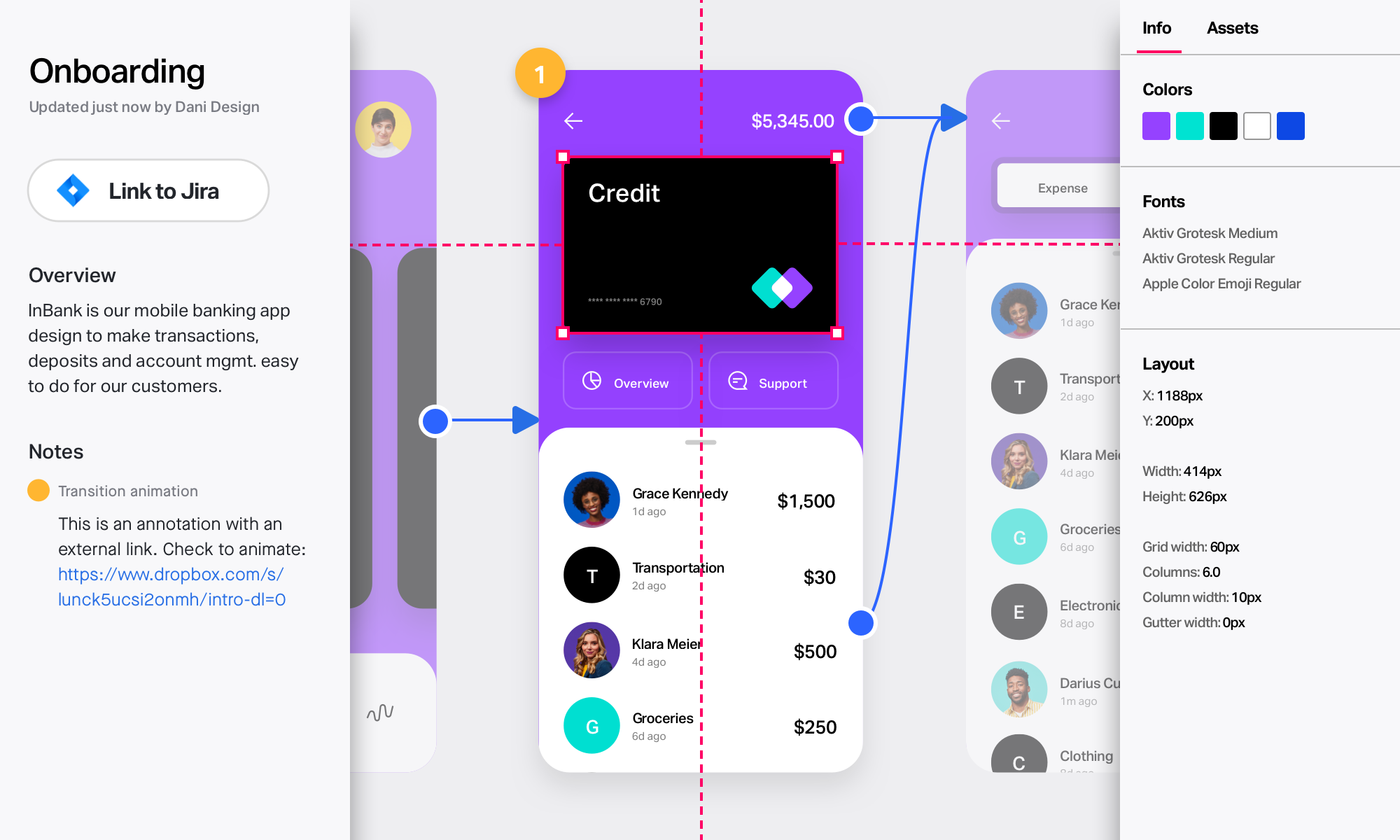
InVision is a collaborative design and prototyping platform with features such as freehand drafting mode and interactive mockups, collaboration, idea management, user testing, and integration with Slack and other collaboration tools. According to the vendor, 1 million designers are using the free version.
Well suited - 1. Whiteboarding, brainstorming, designing, workshops, etc. 2. Templates - Pretty good repository of ready-to-use templates esp for project management, agile, etc. Less appropriate - 1. Anything that requires integration with existing enterprising software - limitations like no integration with Jira, Asana, etc. 2. Embedding anything related to images, videos, etc. The embed is not very smooth, it lags, and sometimes straight out doesn't work 3. Image search - Many competitors provide this feature and hence Conceptboard lacks here
InVision is well suited for design reviews and immersing yourself in the experience of an app-to-be. As a Product Manager, it's difficult to take abstract concepts, user pain points, and business needs, and produce a vision for an app without a visual aid to communicate a vision. InVIsion offers PMs, designers, and developers the opportunity to sketch a vision, communicate about it with inline commenting, and shareable with other stakeholders.
Great user interface that's very intuitive and easy to use. This is an important aspect of collaboration, brainstorming sessions often involve a lot of people coming from different functions who may not be too familiar with these tools
Allows users to see real-time changes and actions done by others from sticky notes/comments down to their cursor movements
Lets users add/attach files and annotate/comment on each directly on the board which skips the hassle of having to look at files using different programs/platforms and referencing on the board
Easy for prototyping, sharing for comments and review changes with version. lags a bit when the design is heavy and large design models learning curve is shorter so saves time with new stakeholders responsiveness could be better and auto modeling can be introduced Not much advance features that can be used
I didn't need to contact InVision support, as I've never needed it. They have an intuitive UI, and most of the questions are answered in their help portal or in tutorials online. Since many people use it, there a great resources available on for example YouTube. No problems so far with InVision.
Miro is a superior product with more capabilities and better suited for advanced users. We selected Conceptboard as a short-term solution that was low-cost compared to Miro but allowed users to create boards. Once users are versed in Conceptboard, they are better off using Miro which has more integration, better capabilities, and is overall a more complete product.
We only tested out using Adobe XD for similar uses and found it to be more challenging to fit within our processes. It didn't have as robust a set of capabilities as InVision and wasn't as easy to use enterprise wide. I recall also having issues with working with Sketch.
I can say that this tool is unique since its impact on our work team has been one of the best we have ever had since it allows us to exchange ideas in one place through boards, which is more fun with the video call function
InVision helps our team better and more professionally portray the value and the work we do as designers, leading to more company buy-in in supporting and funding our work. In the past, we would create PowerPoints with screenshots to portray a user workflow that we would share out to stakeholders. Once we began to use this app, where stakeholders could click through and comment as though they were “real” users, stakeholders began to better understand our work, designs, and workflows. This has led to more productive conversations that, in turn, lead to more effective end products that have more consistently served our business goals in tangible ways.
InVision helps us save production time, effort, and cost, as we are able to solve design issues early in the process by having clickable prototypes to show to internal stakeholders and external users. It’s, understandably, difficult for people to provide effective feedback on screenshots. Using the clickable prototypes we created in InVision, we are able to get more effective feedback to solve user workflow issues before we spend time and money developing problematic designs (and later having to redesign them).
It’s easier to market designs to potential buyers with clickable prototypes than with screenshots. With these prototypes, we’ve been able to sell more digital products before product release dates, which has helped to secure many contracts and new business relationships that continue to this day.