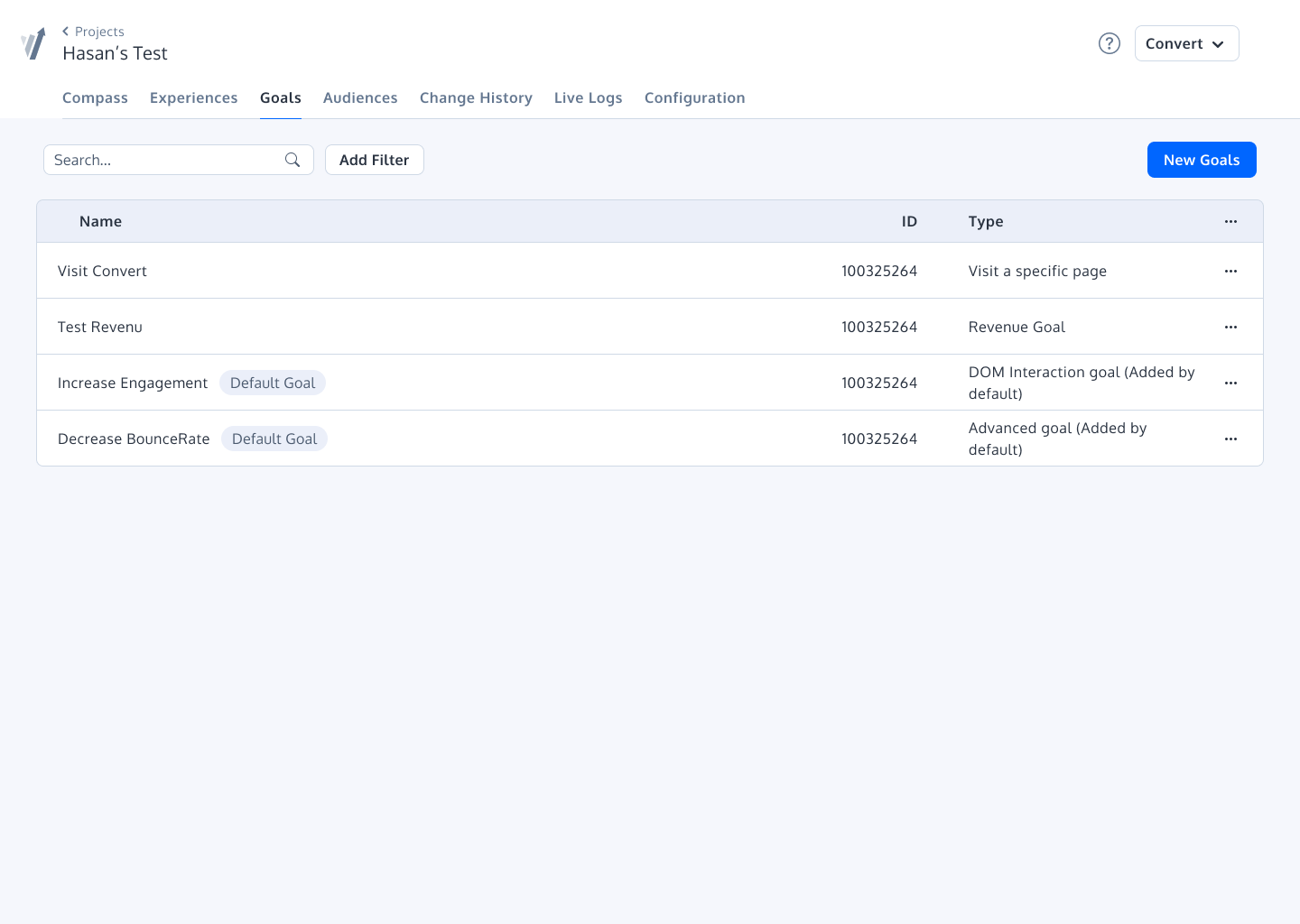
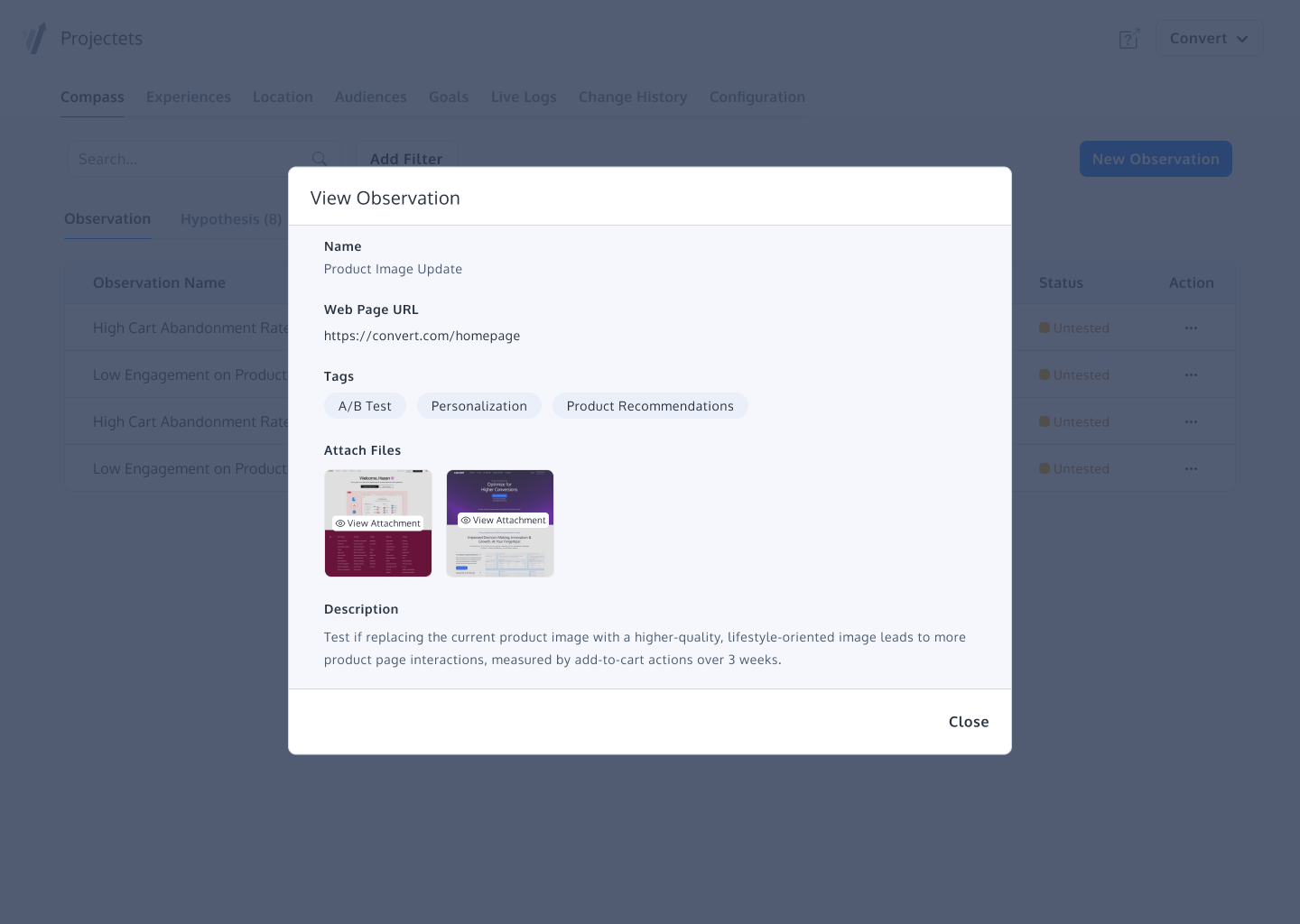
Convert Experiences is an experimentation platform that offers features and support to run A/B tests across multiple growth channels. Its enterprise-ready advanced features include full stack experimentation, multi-page testing, post-segmentation, sequential testing, targeting with 40+ filters, triggering tests based on data in other apps (data sources), dynamic triggers, complex goal tracking, and a secure API. It includes 90+ out-of-the box integrations in a…
$399
per month up to 100k tested users per month
Thrive Leads
Score 9.4 out of 10
N/A
Wordpress specialist Thrive Themes offers Thrive Leads, providing opt-in forms and conversion optimization functionality.
N/A
Pricing
Convert Experiences
Thrive Leads
Editions & Modules
Growth
$399
per month 100k tested users per month
Pro
$5040
per year 1.5M tested users/year
Enterprise
Pricing available on request
From 1M tested users/mo (billed annually)
No answers on this topic
Offerings
Pricing Offerings
Convert Experiences
Thrive Leads
Free Trial
Yes
No
Free/Freemium Version
No
No
Premium Consulting/Integration Services
No
No
Entry-level Setup Fee
No setup fee
No setup fee
Additional Details
1. Annual contract or monthly payments available
2. Pricing is not feature dependent. Some features like integrations, goals, Live Logs are necessary to test successfully. This is why Convert caps by unique tested users - basically visitors who have been bucketed to see a variation and are unique to that variation. As a result the app tested users are always </= the site's net traffic.
—
More Pricing Information
Community Pulse
Convert Experiences
Thrive Leads
Features
Convert Experiences
Thrive Leads
Testing and Experimentation
Comparison of Testing and Experimentation features of Product A and Product B
Convert Experiences
9.4
11 Ratings
11% above category average
Thrive Leads
-
Ratings
a/b experiment testing
9.911 Ratings
00 Ratings
Split URL testing
10.010 Ratings
00 Ratings
Multivariate testing
9.811 Ratings
00 Ratings
Multi-page/funnel testing
9.08 Ratings
00 Ratings
Cross-browser testing
9.57 Ratings
00 Ratings
Mobile app testing
9.13 Ratings
00 Ratings
Test significance
10.011 Ratings
00 Ratings
Visual / WYSIWYG editor
9.89 Ratings
00 Ratings
Advanced code editor
9.910 Ratings
00 Ratings
Page surveys
9.11 Ratings
00 Ratings
Visitor recordings
9.11 Ratings
00 Ratings
Preview mode
10.08 Ratings
00 Ratings
Test duration calculator
7.46 Ratings
00 Ratings
Experiment scheduler
6.95 Ratings
00 Ratings
Experiment workflow and approval
9.12 Ratings
00 Ratings
Dynamic experiment activation
10.03 Ratings
00 Ratings
Client-side tests
10.07 Ratings
00 Ratings
Server-side tests
8.93 Ratings
00 Ratings
Mutually exclusive tests
10.03 Ratings
00 Ratings
Audience Segmentation & Targeting
Comparison of Audience Segmentation & Targeting features of Product A and Product B
Convert Experiences
9.9
11 Ratings
12% above category average
Thrive Leads
-
Ratings
Standard visitor segmentation
10.010 Ratings
00 Ratings
Behavioral visitor segmentation
9.89 Ratings
00 Ratings
Traffic allocation control
10.010 Ratings
00 Ratings
Website personalization
9.89 Ratings
00 Ratings
Results and Analysis
Comparison of Results and Analysis features of Product A and Product B
Definitely well suited for budget conscious companies that want a solid array of functionality but without having to pay an exorbitant amount. Great for marketing and analytics team members that need the ability to get in and set up tests w/o dev assistance. But, functionality is there for developers to get in and set up more complicated tests.
I have yet to find a similar system that is as easy to use and comes with the type of support that Thrive Leads does. Sometimes support is a bit slow, but they always get back to you and nine times out of ten they can fix any problems on the first go. The flexibility of the form plugin itself is also excellent.
Over the top powerful Javascript enabled targeting. This feature is called DMP Profiling and is available in the Pro Plan, currently only +$100 more than the plus plan. An article explaining this feature is here for further reading: https://convert.zendesk.com/hc/en-us/articles/206631623-Target-experiment-based-on-a-custom-Javascript-condition-that-evaluates-true-at-a-later-stage. I wrote up a much longer explanation but TR broke it up weirdly. The gist is that you can powerfully use JS to target. This allows me to target users in our SPA in incredibly advanced ways. I can walk their entire history model and assign them an audience value, or I can exclude them. It's MUCH more powerful than just a "Site Area" tool. We recently used it against 900K users to check if they had written a review of their apartment or not yet. This allowed me to only expose the user on the homepage to an experiment that prompted them to write a review while excluding users that couldn't write a review from the experiment (because they had already written one). The experiment converted 50% better than what we do now, generating 9k reviews in a matter of hours.
Audience targeting IN ADDITION to all that fancy DMP targeting. This means I can define demographics or other data as a qualifier AS WELL as the previously mentioned qualifier. This can be setup in so many ways: Traffic source, Visitor Data, Include / Exclude users part of a current experiment (!!), Date/Time, Device/Browser/OS, JS Conditon
Real-time reporting that makes sense to the whole company to view. Seriously, I can share a Convert Report to any level of intelligence on my team and they understand what's happening.
Audiences and Goals are saved as presets, so your entire team can use them. Using the example above, we have an audience called "Wrote a Review" that we exclude from the Review Prompt treatments.
Their customer support is seriously fast at answering questions. I've never had to wait more than a day.
We are aggressive testers and have demanding clients, and if there was any part of the Convert platform where I'd like to see improvement, it would be in the reporting section where I feel a vertical report could present in a more readable fashion to the users.
To use the platform in the context of developing enhanced tests that stretch the platform there is as with most things a learning curve. However, if you're a casual user or have standard experiments that you wish to run you would be easily able to hit the ground running.
Thrive Leads can be easily used by anyone who has the basic skills to work within the WordPress environment and who has the knowledge about lead capture and segmentation. As a lead capture tool, I think it's use is restricted to obtaining contact information in different settings, which it does flawlessly.
In general, the support is great. When living in a different time zone, the support can seem slow but it's not. Most of the time, any issues I have get sorted out quickly and if it's not the first time, it generally gets fixed on the second go. Their knowledge base is good too although sometimes it's hard to search. Not usually their fault, more that users don't title their problems better.
Convert was selected based on price point, feature set, and UI/UX. All three are very friendly to new testers and small to mid-market size companies. Their UI and tool workflow is the best out of all of the non-enterprise solutions that I have tried. There is some small room for improvement, but that only really affects power users or tests that require significant coding/development work to execute.
I've used Optin Monster and Poptin on other projects. Both are good software for different use cases. Poptin is great if you are scrappy, just getting started, and you need a proof of concept and want to keep costs low until you've tested the market. Poptin isn't anywhere near as easy to use as Thrive Leads, but that $0 price tag is meaningful while you are just getting started. OptinMonster isn't as easy or intuitive to use as a builder, but the advantage is that more VAs have used Optin Monster as have used Thrive Leads, so you often don't have to do as much training. I would consider OptinMonster in cases where a website isn't build using Thrive Themes and where an incumbent VA is already well versed in the software.
Using Convert has allowed us to make quick decisions on site edits and price changes. Seeing and sharing quick results makes our operations much more profitable.
Connecting the tests with Shopify has produced very valuable and timely results that we can act upon as soon as we see statistically significant results.