
ConvertFlow vs. Google Analytics vs. Omniconvert Explore
ConvertFlow vs. Google Analytics vs. Omniconvert Explore
| Product | Rating | Most Used By | Product Summary | Starting Price |
|---|---|---|---|---|
 ConvertFlow | N/A | ConvertFlow, from the company of the same name headquartered in Miami, Florida, is a platform for converting website visitors. Users can launch & A/B test personalized popups, sticky bars, quizzes, and landing pages - no coding or developers needed. | $99 per month | |
 Google Analytics | N/A | Google Analytics is perhaps the best-known web analytics product and, as a free product, it has massive adoption. Although it lacks some enterprise-level features compared to its competitors in the space, the launch of the paid Google Analytics Premium edition seems likely to close the gap. | $0 per month | |
 Omniconvert Explore | Mid-Size Companies (51-1,000 employees) | Explore by Omniconvert is a conversion rate optimization platform. It boasts a democratic approach to product development, where users can help decide the future of the CRO tool. Through software and services, Explore by Omniconvert aims to help global eCommerce companies improve their conversion rates through advanced segmentation algorithms, A/B testing, Web Personalization and Web surveys. The vendor state Omniconvert currently has… | $0 |
| ConvertFlow | Google Analytics | Omniconvert Explore | ||||||||||||||||||||||
|---|---|---|---|---|---|---|---|---|---|---|---|---|---|---|---|---|---|---|---|---|---|---|---|---|
| Editions & Modules |
|
|
| |||||||||||||||||||||
| Offerings |
| |||||||||||||||||||||||
| Entry-level Setup Fee | No setup fee | No setup fee | Optional | |||||||||||||||||||||
| Additional Details | Discounts available for annual pricing. | — | — | |||||||||||||||||||||
| More Pricing Information | ||||||||||||||||||||||||
| ConvertFlow | Google Analytics | Omniconvert Explore |
|---|
| ConvertFlow | Google Analytics | Omniconvert Explore | |||||||||||||||||||||||||||||||||||
|---|---|---|---|---|---|---|---|---|---|---|---|---|---|---|---|---|---|---|---|---|---|---|---|---|---|---|---|---|---|---|---|---|---|---|---|---|---|
| SEO and Conversion Optimization |
| ||||||||||||||||||||||||||||||||||||
| Web Analytics |
| ||||||||||||||||||||||||||||||||||||
| Testing and Experimentation |
| ||||||||||||||||||||||||||||||||||||
| Audience Segmentation & Targeting |
|
| ConvertFlow | Google Analytics | Omniconvert Explore | |
|---|---|---|---|
| Small Businesses |  Zoho LandingPage Score 9.4 out of 10 |  StatCounter Score 9.0 out of 10 |  Convert Experiences Score 9.9 out of 10 |
| Medium-sized Companies |  LocaliQ Score 8.8 out of 10 |  Siteimprove Score 9.0 out of 10 |  Dynamic Yield Score 9.0 out of 10 |
| Enterprises |  Adobe Marketo Engage Score 8.1 out of 10 |  Optimal Score 9.1 out of 10 | Dynamic Yield Score 9.0 out of 10 |
| All Alternatives | View all alternatives | View all alternatives | View all alternatives |
| ConvertFlow | Google Analytics | Omniconvert Explore | |
|---|---|---|---|
| Likelihood to Recommend | 9.0 (1 ratings) | 8.5 (192 ratings) | 10.0 (1 ratings) |
| Likelihood to Renew | - (0 ratings) | 9.0 (51 ratings) | - (0 ratings) |
| Usability | - (0 ratings) | 7.4 (19 ratings) | - (0 ratings) |
| Availability | - (0 ratings) | 10.0 (4 ratings) | - (0 ratings) |
| Performance | - (0 ratings) | 10.0 (2 ratings) | - (0 ratings) |
| Support Rating | - (0 ratings) | 7.0 (42 ratings) | 10.0 (1 ratings) |
| Online Training | - (0 ratings) | 10.0 (2 ratings) | - (0 ratings) |
| Implementation Rating | - (0 ratings) | 9.0 (7 ratings) | - (0 ratings) |
| Configurability | - (0 ratings) | 6.0 (2 ratings) | - (0 ratings) |
| Ease of integration | - (0 ratings) | 10.0 (1 ratings) | - (0 ratings) |
| Product Scalability | - (0 ratings) | 10.0 (2 ratings) | - (0 ratings) |
| Vendor post-sale | - (0 ratings) | 10.0 (1 ratings) | - (0 ratings) |
| Vendor pre-sale | - (0 ratings) | 9.0 (1 ratings) | - (0 ratings) |
| ConvertFlow | Google Analytics | Omniconvert Explore | |
|---|---|---|---|
| Likelihood to Recommend |  ConvertFlow
|  Google
 sandro merkvilishvili Head of e-commerce deparment |  Omniconvert
 Dustin Day Director of UX development, social media and SEO/SEM |
| Pros | ConvertFlow
| Google
| Omniconvert
Dustin Day Director of UX development, social media and SEO/SEM |
| Cons | ConvertFlow
| Google
| Omniconvert
Dustin Day Director of UX development, social media and SEO/SEM |
| Likelihood to Renew | ConvertFlow No answers on this topic | Google
| Omniconvert No answers on this topic |
| Usability | ConvertFlow No answers on this topic | Google
 Victor Campos Web Developer | Omniconvert No answers on this topic |
| Reliability and Availability | ConvertFlow No answers on this topic | Google
| Omniconvert No answers on this topic |
| Performance | ConvertFlow No answers on this topic | Google
| Omniconvert No answers on this topic |
| Support Rating | ConvertFlow No answers on this topic | Google
 Sarah Hoffman Media Director | Omniconvert
Dustin Day Director of UX development, social media and SEO/SEM |
| Online Training | ConvertFlow No answers on this topic | Google
 Roy Morejon President | Omniconvert No answers on this topic |
| Implementation Rating | ConvertFlow No answers on this topic | Google
 Joshua Van Horsen Marketing Manager | Omniconvert No answers on this topic |
| Alternatives Considered | ConvertFlow
| Google
| Omniconvert
Dustin Day Director of UX development, social media and SEO/SEM |
| Scalability | ConvertFlow No answers on this topic | Google
| Omniconvert No answers on this topic |
| Return on Investment | ConvertFlow
| Google
 Heide Rembold Director of Marketing & Analytics | Omniconvert
Dustin Day Director of UX development, social media and SEO/SEM |
| ScreenShots | Omniconvert Explore Screenshots 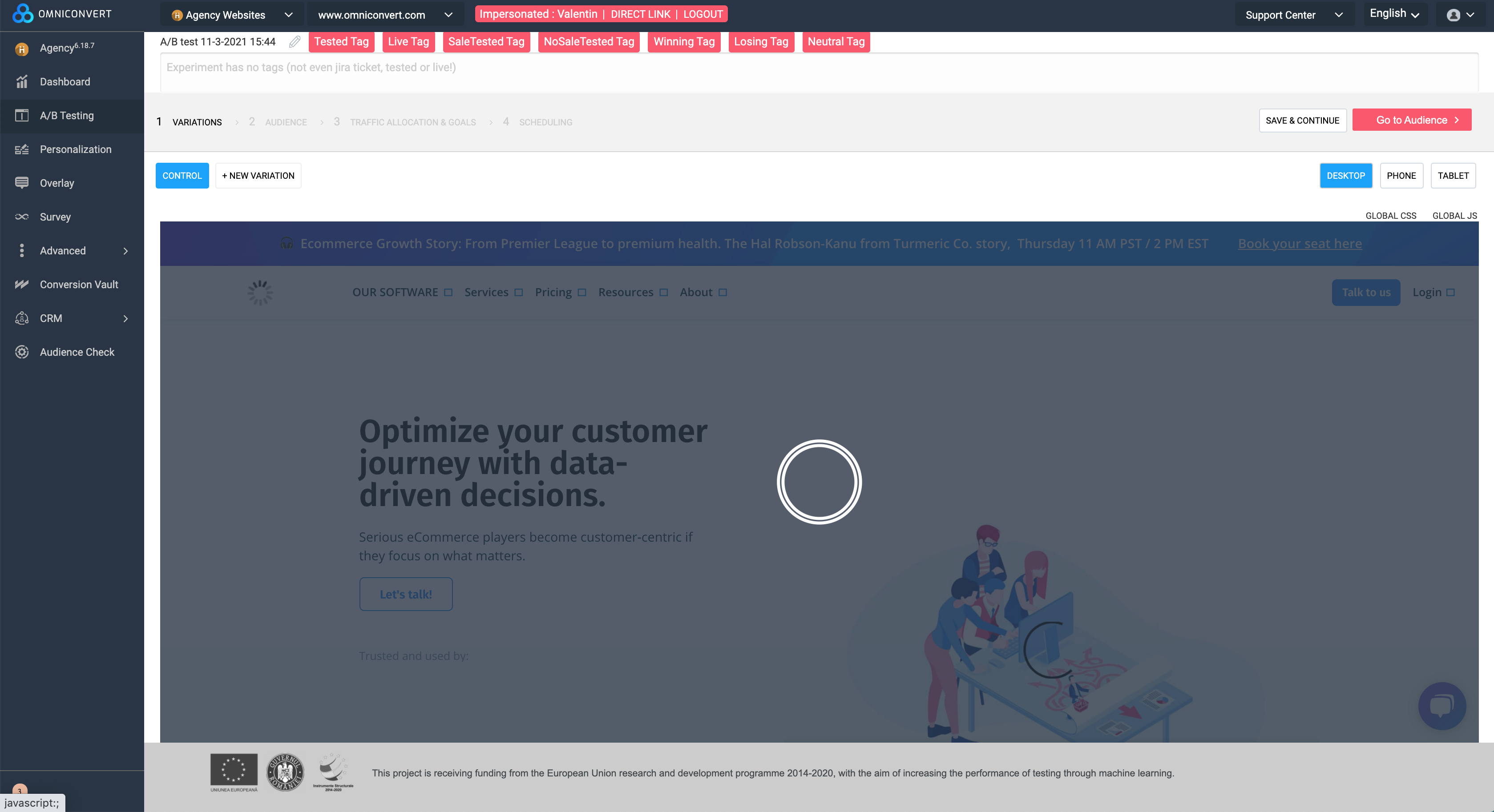  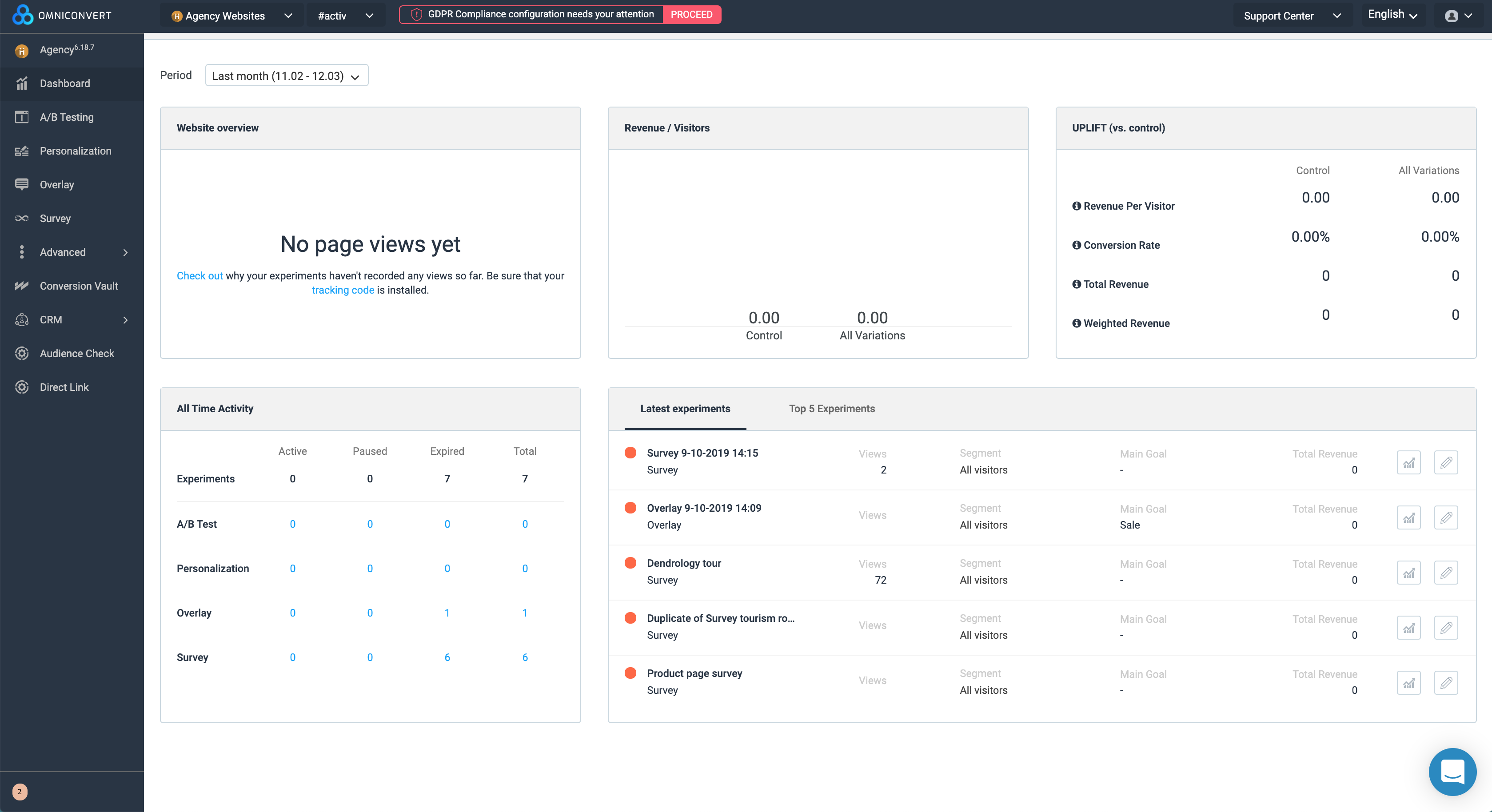   |