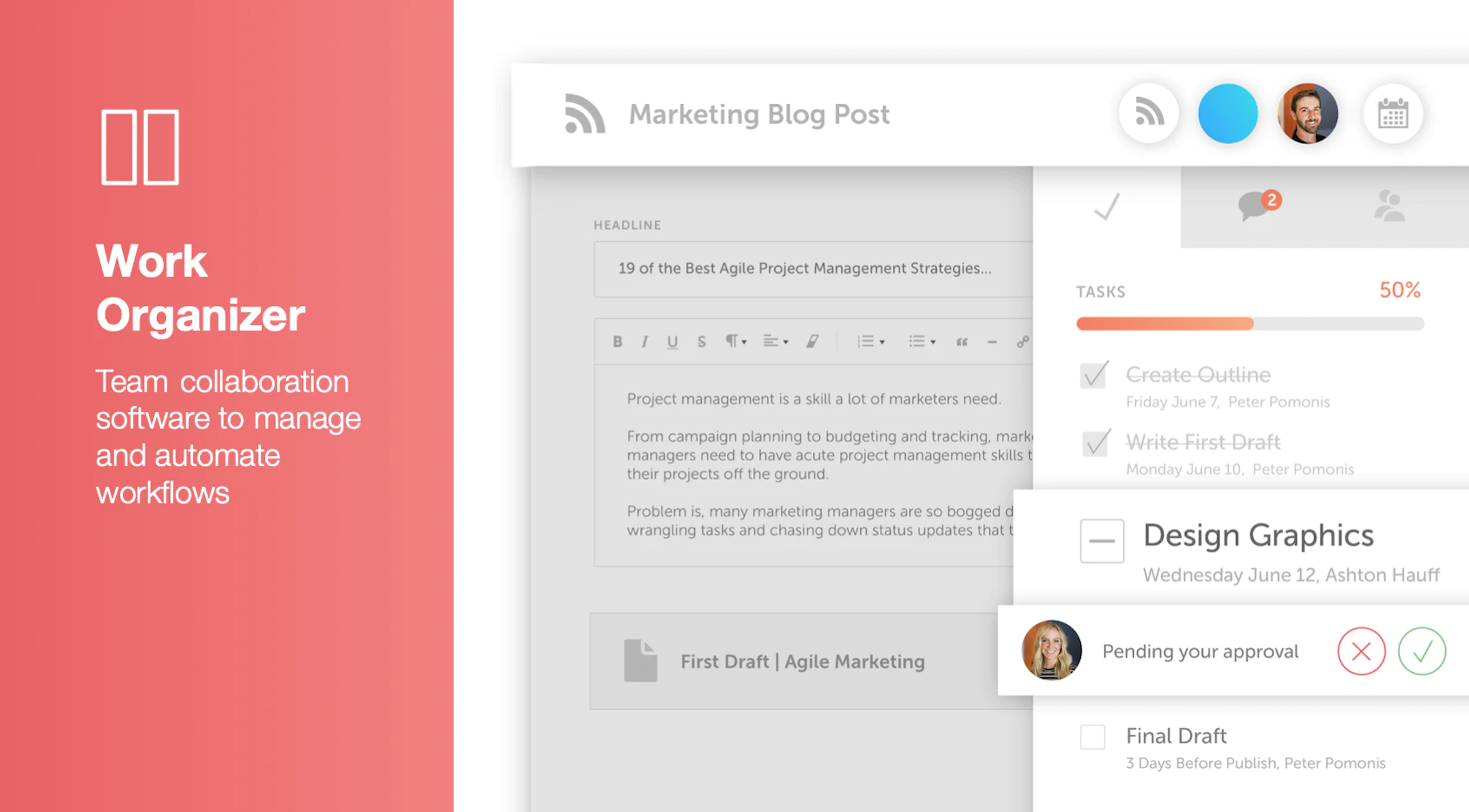
CoSchedule provides a content calendar, content optimization, and contentmarketing products, with users among 50,000 marketers worldwide, helping them organize their work, deliver projects on time, and prove marketing team value.
N/A
Outgrow
Score 7.5 out of 10
Small Businesses (1-50 employees)
Outgrow enables marketers to create calculators, recommendations, quizzes and polls to better acquire, qualify, and monetize leads. Outgrow is designed so marketers can build these tools without a developer or a designer in minutes. Common Examples of interactive content that you can build with Outgrow include: ROI calculators Cost Calculators Sales lift calculators Graders Knowledge tests Fun quizzes Product recommendations
$22
per month per user
Pricing
CoSchedule Marketing Suite
Outgrow
Editions & Modules
No answers on this topic
Freelancer Plan
$22
per month per user
Freelancer Pro
$45
per month per user
Essentials Plan
$115
per month for 3 users
Business Plan
$720
per month
Enterprise Plan
Custom Pricing
Agency Plan
Custom Pricing
per Client
Offerings
Pricing Offerings
CoSchedule Marketing Suite
Outgrow
Free Trial
No
Yes
Free/Freemium Version
Yes
No
Premium Consulting/Integration Services
No
Yes
Entry-level Setup Fee
No setup fee
No setup fee
Additional Details
—
Outgrow also offers the option to build interactive content including calculators, quizzes, recommendations, polls and graded tests for clients. Pricing varies based on the number of experiences built and the complexity of each experience.
More Pricing Information
Community Pulse
CoSchedule Marketing Suite
Outgrow
Features
CoSchedule Marketing Suite
Outgrow
Content Creation
Comparison of Content Creation features of Product A and Product B
CoSchedule Marketing Suite
7.3
1 Ratings
6% below category average
Outgrow
6.2
32 Ratings
23% below category average
Ideation
5.01 Ratings
7.031 Ratings
Content collaboration
7.01 Ratings
5.025 Ratings
Content calendar
10.01 Ratings
00 Ratings
Approval workflows
00 Ratings
6.517 Ratings
Content Publishing
Comparison of Content Publishing features of Product A and Product B
CoSchedule Marketing Suite
10.0
1 Ratings
24% above category average
Outgrow
6.8
38 Ratings
14% below category average
Content distribution
10.01 Ratings
9.11 Ratings
Content promotion
10.01 Ratings
7.030 Ratings
Content automation
10.01 Ratings
6.125 Ratings
Content hub
00 Ratings
5.527 Ratings
Forms / Gated content
00 Ratings
7.032 Ratings
Embedded CTAs
00 Ratings
6.134 Ratings
Content Reporting & Analytics
Comparison of Content Reporting & Analytics features of Product A and Product B
CoSchedule is great for businesses or agencies who need an overview of all their marketing efforts, and who want to establish collaboration between multiple departments. The calendar view is one of the best we've worked with and makes it easy to see exactly what's happening. There is some slight clunkiness when it comes to admin-related tasks, and a few things aren't easy to find, but there's great support.
Well suited: When you want (potential) customers to quickly determine if your product or service is right for them. I noticed that we could make a very honest calculation tool that shows how quickly our car sharing service is beneficial to customers. These types of calculations are difficult to convey in text. Less appropriate: The length of your calculation has to be in line with what the engagement people have with your product or service. We want to determine if a shared car is interesting, so we don't want 10+ questions. But if you're selling a house you can include more questions.
The platform seems sluggish as of late, likely as a result of the robust amount of data we are entering and the number of filters we're creating.
Social media scheduling exists, but we do run into publishing errors more often then we'd like.
Task templates when updated are not retroactive, so when you create projects for an entire year and then change a template, you need to go back and change them manually.
The interface is very intuitive, from setting up social profiles, to posting, to tags, to optimizing for best day/time to post. It's super easy to scan the aggregate analytics. The calendar is very easy to grok at a glance, and the more advanced functionality is intuitive to set up.
It is a no code platform that makes content creation very easy with pre-built templates and strong lead generation tools. However, customisation options are limited , complex logic can be tricky and better content organisation is needed for a large scale use. Overall, it's user friendly but needs improvement in scalability and flexibility.
I didn't have to use their official support, but I can say that they put out a lot of content online to help users. Their YouTube page has quite an array of tutorial videos explaining how things work and how to get the most out of their tools. If you're struggling, before picking up a phone or blasting off an email, try searching for your problem on YouTube or their forums.
Support is very responsive and is quick to respond to questions and problems. Outgrow sometimes changes their pricing and plan structures and add/remove options without properly relaying the info to customers. They could do a better job with communications and being upfront with the pricing plans people sign up for.
CoSchedule provides collaborative planning of projects. The calendar view is very well designed. Meetings and tasks can be scheduled and tracked easily. Whatever is being done, no matter how big the task/project is, it gives a bird-eye view of everything. Additionally, it also integrated very well with WordPress. Their customer service team is also very helpful.
The previous tools we used had no ability to make numerical calculators and limited logic jump features within surveys (if someone answers question one a particular way, skip question two, etc.) and more limited ability to direct people toward different outcomes based on how they answered questions in the surveys. Many of them didn’t have native integrations with Marketo either. These were critical features that we needed so we decided to switch to outgrow.
It has saved me about 1 hour per day to keep things organized from Asana to WordPress.
By not having a functioning Google Doc import feature, it costs me about 30 minutes for each blog post to copy paste all the content, images, etc.
By bundling too many features into their plans, many of which we don't use (e.g. social media scheduling), we lose a little ROI because we are not using the full feature set. We use and prefer Buffer for social media, so when CoSchedule raised their price $40+ per month on features we would not be using, that hurt.