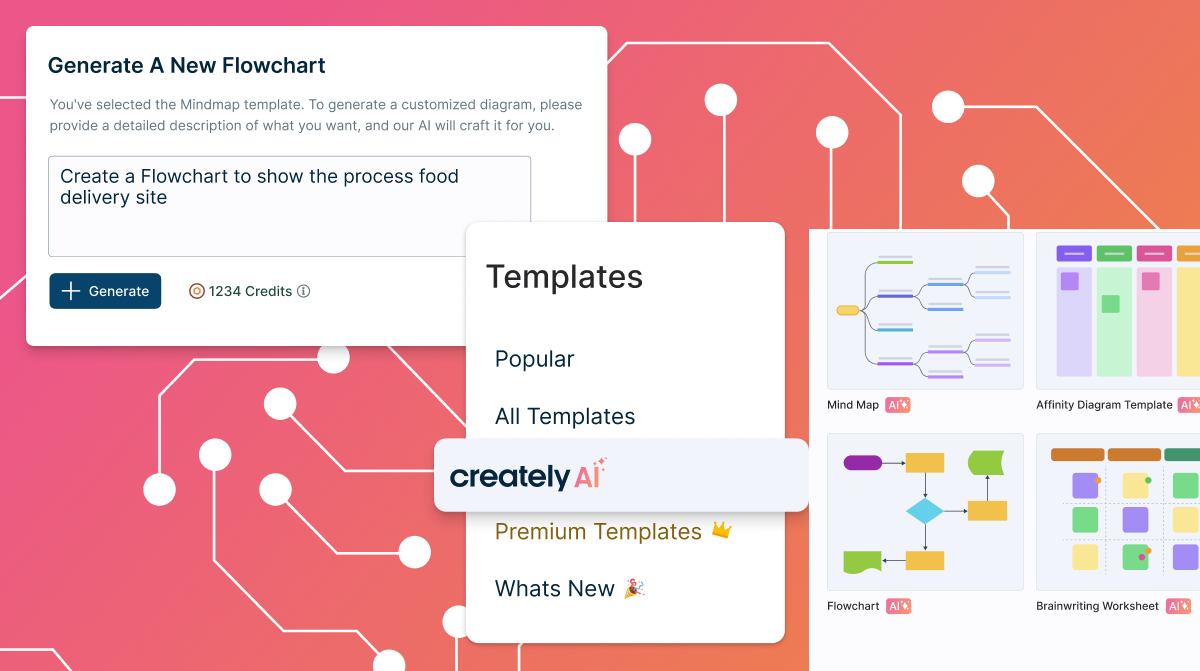
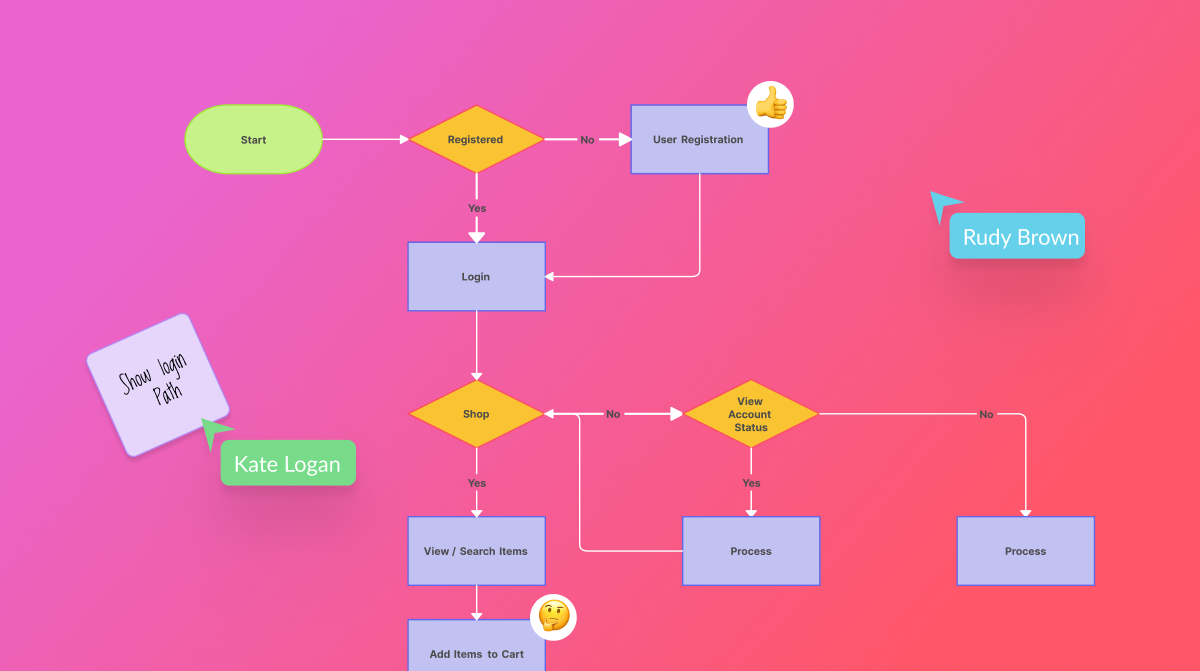
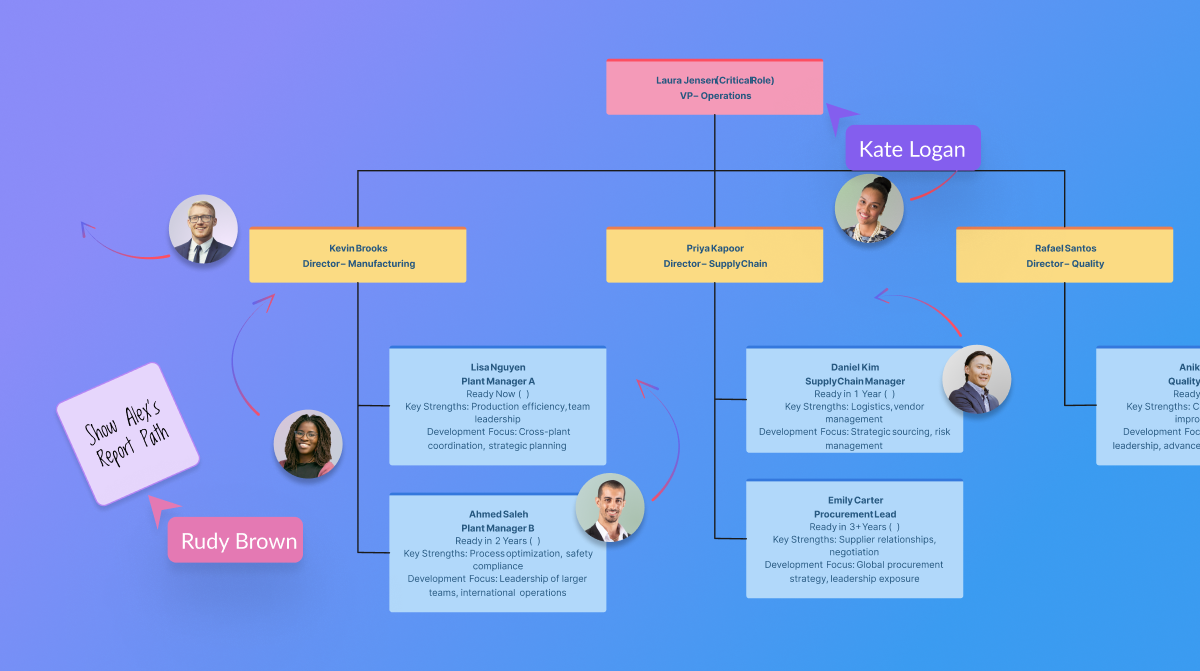
Creately is a visual collaboration platform that supports genograms, flowcharts, org charts, mind maps, and UML diagrams. Featuring template-based AI diagram generation, Creately boasts speed and accuracy in visual planning.
$8
per month (single user)
Gliffy
Score 6.0 out of 10
N/A
Gliffy is an online diagramming tool with collaboration features from the San Francisco company of the same name, offering standalone versions of Gliffy and integrated versions for Jira and Confluence.
$6
per month
TigerText
Score 8.9 out of 10
N/A
TigerText is a collaboration tool focused on providing users with secure communication to colleagues from any device.
N/A
Pricing
Creately
Gliffy
TigerText
Editions & Modules
Creately Personal
$8
per month
Creately Team
$8
per month per user
Creately Team
$60
per year per user
Creately Personal
$60
per year
Creately Business
$149
per month Unlimited Users
Creately Business
$1,068
per year Unlimited Users
Professional
$6
per month
No answers on this topic
Offerings
Pricing Offerings
Creately
Gliffy
TigerText
Free Trial
Yes
No
No
Free/Freemium Version
Yes
No
No
Premium Consulting/Integration Services
Yes
No
No
Entry-level Setup Fee
No setup fee
No setup fee
No setup fee
Additional Details
Discounted prices for non profits, educational institutes, and charities.
The Gliffy platform supports only web whereas Lucidchart and Zoho Creator both support web, iPhone App and Android App. Gliffy is geared toward SMB and MSB whereas their competitors also market to freelancers and Enterprise customers providing solutions for each. Gliffy only …
Creately sells itself as software specializing in a wide variety of areas, which is true in some cases. Visualizing and creating marketing processes, research, user flows, and general flowcharts is an extremely powerful tool. However, in other areas, such as Human Resources, UI/UX prototyping, and Wireframe design, it leaves a little to be desired compared to the competition.
Gliffy is user-friendly, with a drag-and-drop interface that makes it easy to create clear and visually appealing diagrams without steep learning curves. It’s perfect for creating straightforward, quick wireframes. Gliffy lacks features for detailed UI/UX wireframing and prototyping compared to specialized tools like Figma, Sketch, or Adobe XD.
TigerText is helpful to an extent. I know my messages and photos are secure, which protects patient information, but it is difficult for them to use the program with me, and I rely on constant communication to provide services.
First it's important to point out that Gliffy has priced itself incredibly well for small to medium sized businesses. Most other similar solutions are so expensive that organizations will avoid getting workflow software overall. Gliffy can take pride in knowing they're helping small business operate better.
Gliffy is incredibly easy to use for a first time user. I rarely have to train someone on how to use it. It's a lot of fun to see people get excited about systems and processes when using Gliffy. If you need to get up and running quickly I can't think of a better solution for workflow visualization.
I also like using Gliffy for mindmapping. I'm sure some mindmapping experts can tell me how I'm doing that incorrectly, but it just works for me. This points to the ease with which Gliffy allows you to get your thoughts down quickly and easily.
I have had some trouble saving complex diagrams and viewing them on the fly. On a handful of occasions, diagrams are unable to save, which means I either need to try to "save as" a separate diagram, or I am perpetually stuck trying to "load" recent changes. Overall, this means I always have a slight lingering fear that my diagrams aren't fully saved or recoverable. Support has been pretty responsive helping me to reload corrupted diagrams.
Adding Text, Notes, and Images can be a challenge. While laying out objects with simple text is a strength, adding formatted text and commentary can be a challenge. I often find my objects ghost-moving all over the screen and lost. I'd love a drag-and-drop way to load images in to diagrams. The process is a bit cumbersome with the file upload wizard.
Template environments - I struggled a bit to try to create a default starting point for my diagrams. I've tried to load common libraries and ignore others, those settings are often ignore upon reload. I'd love to use the same 10 objects and ignore the rest, I am not able (yet) to create this scenario, though there may be more to learn.
Searching, Indexing, Retrieving my diagrams. As part of an enterprise plan, I find there are too many clicks required to a) find/search for my diagrams and b) save diagrams into my Gliffy folder. In our implementation I can see all folders for all of my colleagues, and need to drill down a bit before I get to my folder, where I can actually search my documents in a list. I'd prefer a more intuitive way to land on my diagrams and to organize them (e.g., by customer) so that I can access them more quickly.
Because of its great versatility and ease of use. From diagramming to roadmpas and even user interface wireframes. Once a draft or first version is done we like to use the Confluence integration so we can collaborate and have one single source of truth
I based my assessment on aggregated user feedback and reviews from platforms like G2 and Software Advice. Many users highlight the simplicity and versatility of Gliffy’s interface, which makes it accessible for both beginners and professionals. Features like drag-and-drop functionality, a variety of templates, and integration options (e.g., Atlassian tools) contribute to its high rating.However, it doesn’t score a perfect 10 because some users report performance issues with complex diagrams, limited advanced features compared to competitors, and occasional difficulties with collaboration features. Balancing these strengths and weaknesses lands Gliffy in the 8-9 range for usability
Support has been top-notch. The only additional recommendation that I'd give is to create video walkthroughs of some of the basic functionality. That would have gotten us up and operating much faster than having to poke around with the product--it was a sort of trial-and-error.
Gliffy is easier to use together with Confluence since it provides an integration where you can edit an image directly on the page. Visio and PowerPoint is better drawing tools but we have moved away from them since there isn’t a good way to keep track of the original file of the vector/bitmap included in the Confluence page.
This stacks up well against its competitors because this is what is mostly used in the hospitals today. So when students have use and experience with this program, they are ready when they come across it in the real world job. We feel that this experience is invaluable and helps students fit into their positions better when they go into their work environments.
Gliffy had a positive ROI on our initial efforts in getting team members to map out their workflows, provide them in confluence through its integration and get them distributed to our organization. The ease of use was a huge success for adoption.
Gliffy did seem to have unfriendly costs. Even as a customer for years that signs year-long contracts the price needle did not move much. Enterprise-wide software is expected to have discounts at a bulk buy within the industry.
Gliffy for the first time provided a tool for us to put our thoughts in a shareable format. It paved the way for increased organization and getting to buy into pre-existing processes.