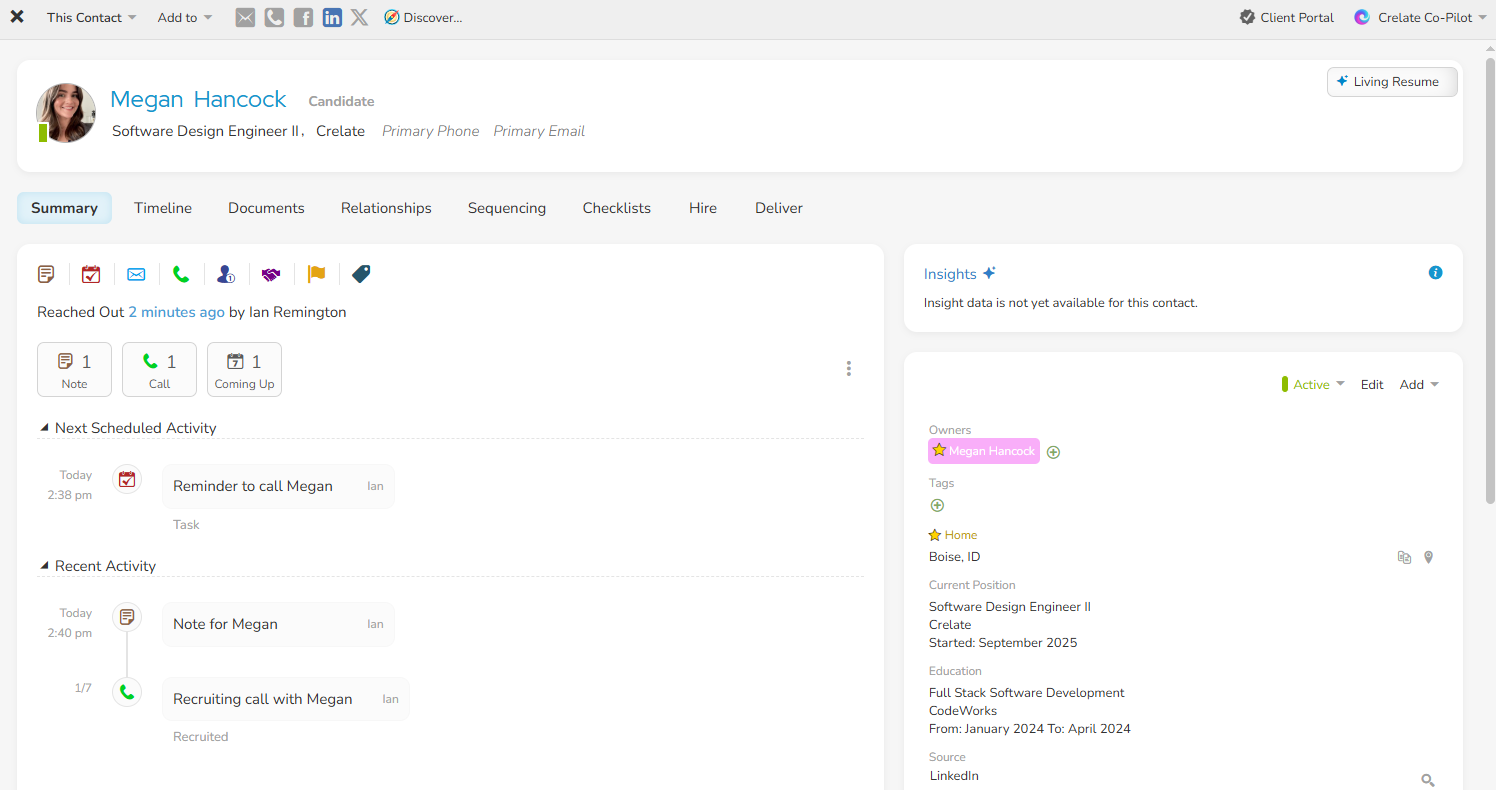
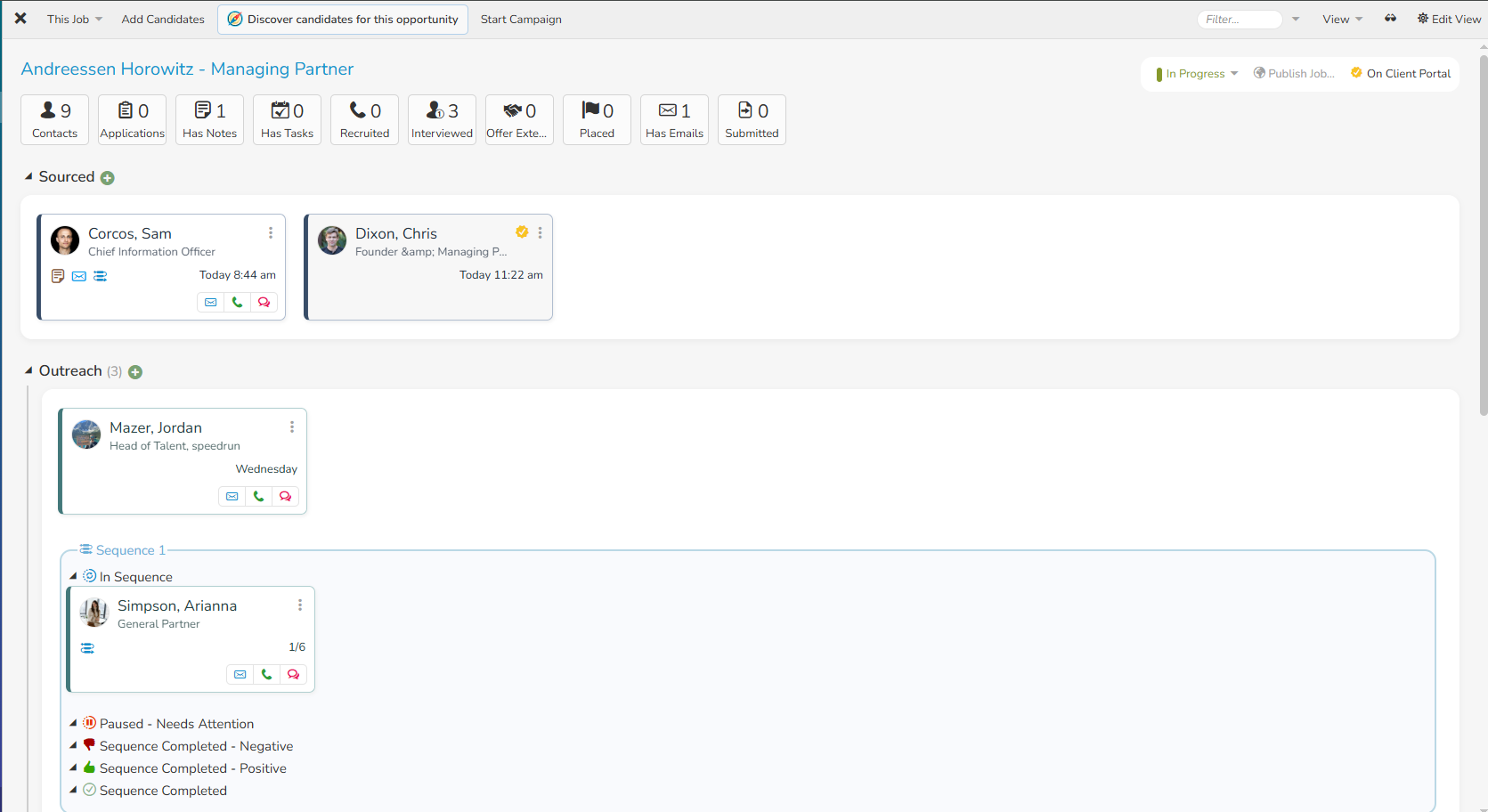
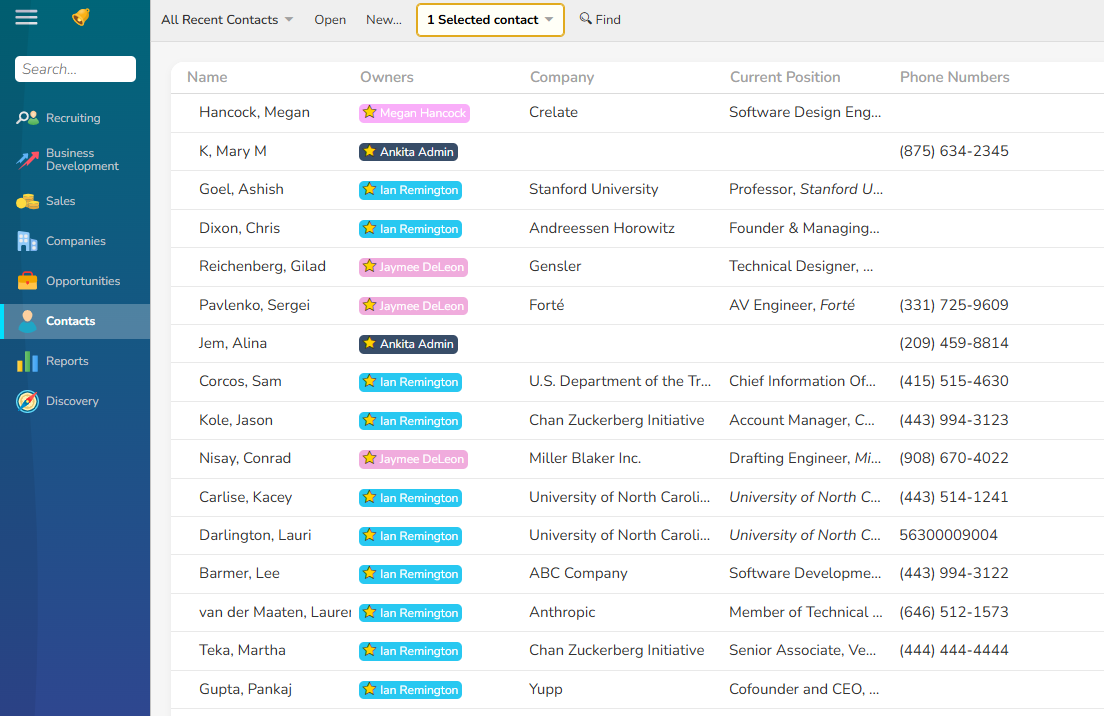
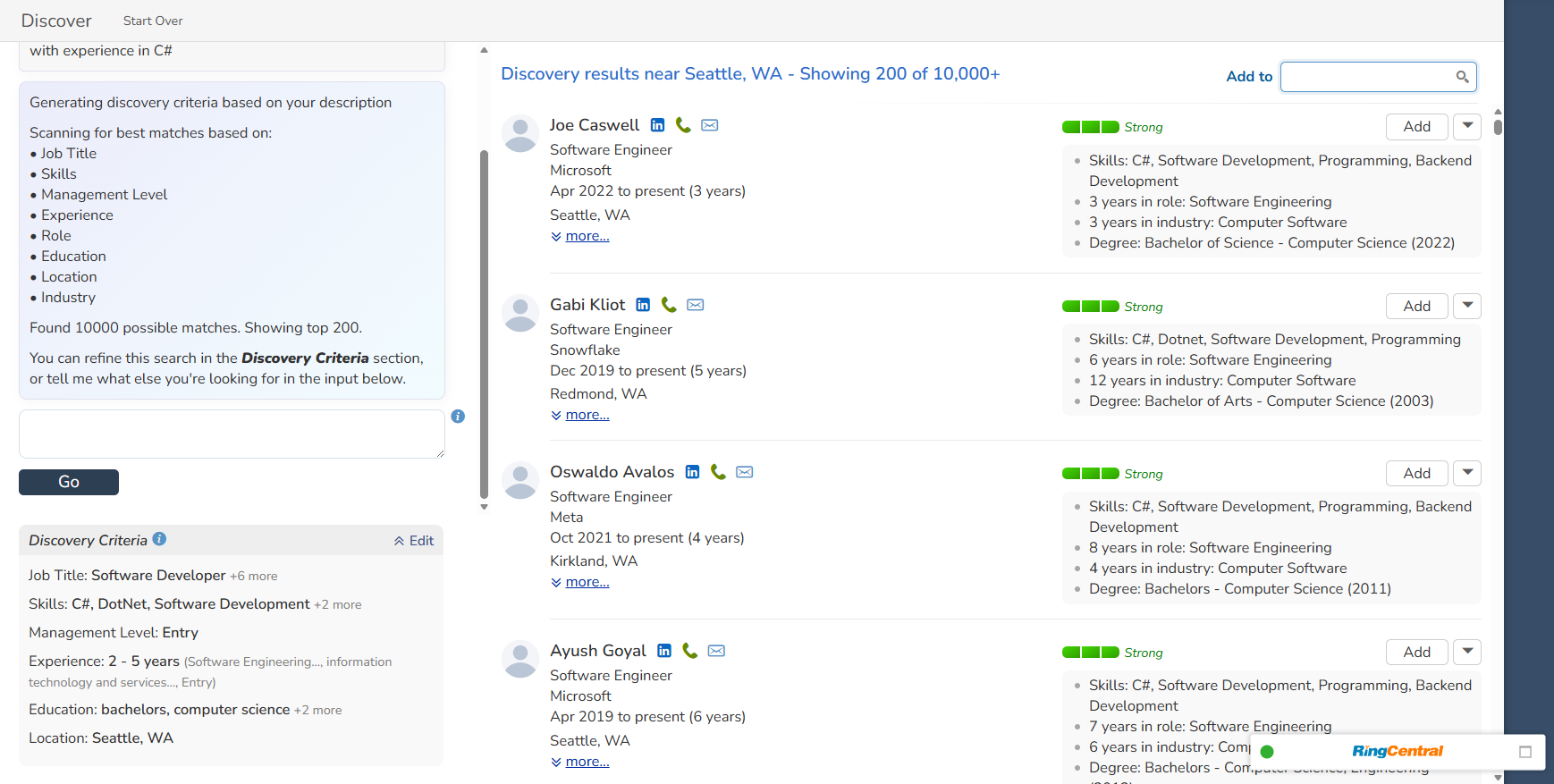
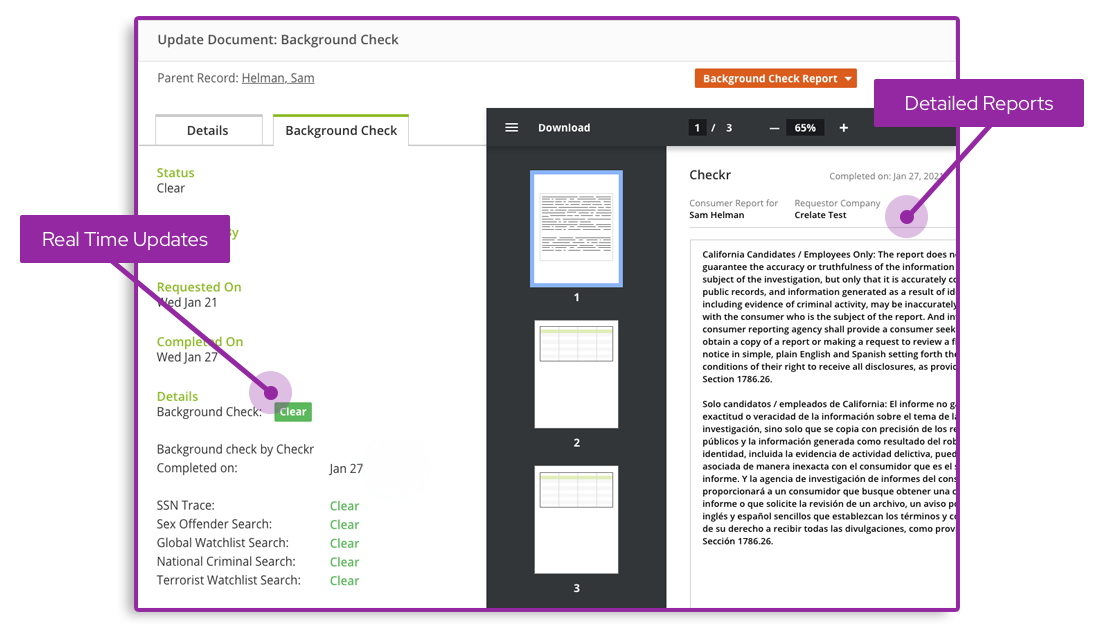
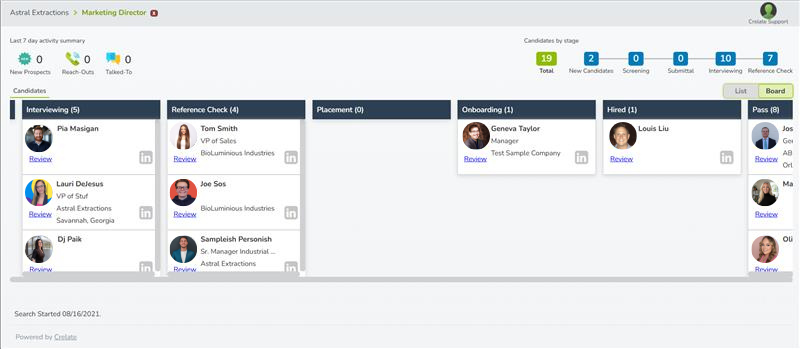
Crelate is a recruitment platform built for executive search, direct placement, and in-house talent teams. The Crelate platform combines an ATS, a Recruiting CRM, and intelligent sourcing.
$149
per month per user
TempWorks Software
Score6.6 out of 10
N/A
With a mobile ATS and CRM browser-based solution, TempWorks offers recruiters and sales teams tools to stay ahead. With a fully open API for integration development, a customizable user interface design, accessibility on any device, and weekly automatic updates of new features, TempWorks Beyond aims to deliver all the elements for your staffing agency's success.
N/A
Pricing
Crelate
TempWorks Software
Editions & Modules
Business
$149
per month per user
Essentials
$1020
per year per user
Business Plus
Custom Pricing
Enterprise
Custom Pricing
No answers on this topic
Offerings
Pricing Offerings
Crelate
TempWorks Software
Free Trial
Yes
No
Free/Freemium Version
No
No
Premium Consulting/Integration Services
Yes
No
Entry-level Setup Fee
Optional
No setup fee
Additional Details
Volume and commitment pricing discounts are available.
—
More Pricing Information
Community Pulse
Crelate
TempWorks Software
Considered Both Products
Crelate Inc.
No answer on this topic
TempWorks Software
Verified User
Chose TempWorks Software
The way in which I utilize TW now is a bit antiquated compared to the online portals that I used with Bullhorn and Crelate. I think the simplicity of the funtionality of TW is much easier to navigate than Bullhorn and Crelate, however I think it really depends on your …
A de minimis incentive was given to thank the reviewer for their time. The incentive was not used to bias or drive a particular response, nor was the incentive contingent on a positive endorsement. More Info
Key User Insights
Would buy again
No answers on this topic
No answers on this topic
Delivers good value for the price
No answers on this topic
No answers on this topic
Happy with the feature set
No answers on this topic
No answers on this topic
Lived up to sales and marketing promises
No answers on this topic
No answers on this topic
Implementation went as expected
No answers on this topic
No answers on this topic
Features
Crelate
TempWorks Software
Recruiting / ATS
Comparison of Recruiting / ATS features of Crelate and TempWorks Software
There is definitely a little bit of a learning curve (but this would be with any platform) but what we have loved most is the ability to centralize both relationship management and workflows. We feel it has given us much better visibility into our pipeline.We love that the platform is highly customizable (with the help of our customer success manager) which has allowed us recreate workflows that have already worked for our team and has been easy to use for our new team memebrs
TempWorks is a really great tool overall, especially in tracking the recruitment process. Managing candidate info is easy with TW, and the messages feature helps to notate any and all candidate interactions. On my end I don't use the other functionalities of the software, but I do enjoy being able to pull up a variety of reports in order to track my own set goals in regard to my performance.
A de minimis incentive was given to thank the reviewer for their time. The incentive was not used to bias or drive a particular response, nor was the incentive contingent on a positive endorsement. More Info
A de minimis incentive was given to thank the reviewer for their time. The incentive was not used to bias or drive a particular response, nor was the incentive contingent on a positive endorsement. More Info
A de minimis incentive was given to thank the reviewer for their time. The incentive was not used to bias or drive a particular response, nor was the incentive contingent on a positive endorsement. More Info
The Crelate ad response can be pretty touch and go. Crelate should be able to identify similar emails and phone numbers and replace them into the stage they were in.
Crelate needs to have better interface with job board sites such as Indeed, Glassdoor, LinkedIn, etc.
A de minimis incentive was given to thank the reviewer for their time. The incentive was not used to bias or drive a particular response, nor was the incentive contingent on a positive endorsement. More Info
A de minimis incentive was given to thank the reviewer for their time. The incentive was not used to bias or drive a particular response, nor was the incentive contingent on a positive endorsement. More Info
A de minimis incentive was given to thank the reviewer for their time. The incentive was not used to bias or drive a particular response, nor was the incentive contingent on a positive endorsement. More Info
Like said earlier there is definitely a little bit of a learning curve but support and CS is wonderful to work with. Our team trainings have helped significantly. The ui is really easy to navigate as well, a little outdated but easy to navigate but they are in the process of improving it I believe.
A de minimis incentive was given to thank the reviewer for their time. The incentive was not used to bias or drive a particular response, nor was the incentive contingent on a positive endorsement. More Info
Usually the Crelate support is very responsive and quick to fix any problems that arise. I've personally seen emails of the threads where Crelate support was quick to resolve problems and act courteously while doing so. While I have never called their line, it seems that their phone support is also well experienced.
A de minimis incentive was given to thank the reviewer for their time. The incentive was not used to bias or drive a particular response, nor was the incentive contingent on a positive endorsement. More Info
I give this a zero on all fronts. In fact, I tried to reach out to the CEO multiple times to help me resolve challenges we were having and he did not respond to me once. Had he responded we probably would still be with them today.
A de minimis incentive was given to thank the reviewer for their time. The incentive was not used to bias or drive a particular response, nor was the incentive contingent on a positive endorsement. More Info
A de minimis incentive was given to thank the reviewer for their time. The incentive was not used to bias or drive a particular response, nor was the incentive contingent on a positive endorsement. More Info
The way in which I utilize TW now is a bit antiquated compared to the online portals that I used with Bullhorn and Crelate. I think the simplicity of the funtionality of TW is much easier to navigate than Bullhorn and Crelate, however I think it really depends on your permissions of use, flexibility in customization, etc. I feel as though Bullhorn did a great job of search functionality, as it was easier to search for candidates on the online platform with a search bar up top that you could literally type anything into and the candidate would automatically populate under the search bar. Ex. If I were looking up a candidate by their phone number, I would start typing it in any format (3176541277 or 317-654-1277 or (317) 654-1277) and no matter what the corresponding candidate would pop up as I typed. Same with email, first or last name, etc.
A de minimis incentive was given to thank the reviewer for their time. The incentive was not used to bias or drive a particular response, nor was the incentive contingent on a positive endorsement. More Info
A de minimis incentive was given to thank the reviewer for their time. The incentive was not used to bias or drive a particular response, nor was the incentive contingent on a positive endorsement. More Info