CyberArk Workforce Identity vs. Dashlane Password Manager

Overview
ProductRatingMost Used ByProduct SummaryStarting Price
CyberArk Workforce Identity
Score 8.0 out of 10
N/A
CyberArk Identity is a SaaS-delivered suite of solutions designed to simplify identity and access management in enterprises. CyberArk Identity unifies Workforce Access and Identity Management solutions in a single offering. Workforce Access capabilities include single sign-on, multi-factor authentication, session security, and credential management. Identity Management capabilities include lifecycle management, identity orchestration, and identity governance. With CyberArk Identity,…N/A
Dashlane Password Manager
Score 9.0 out of 10
N/A
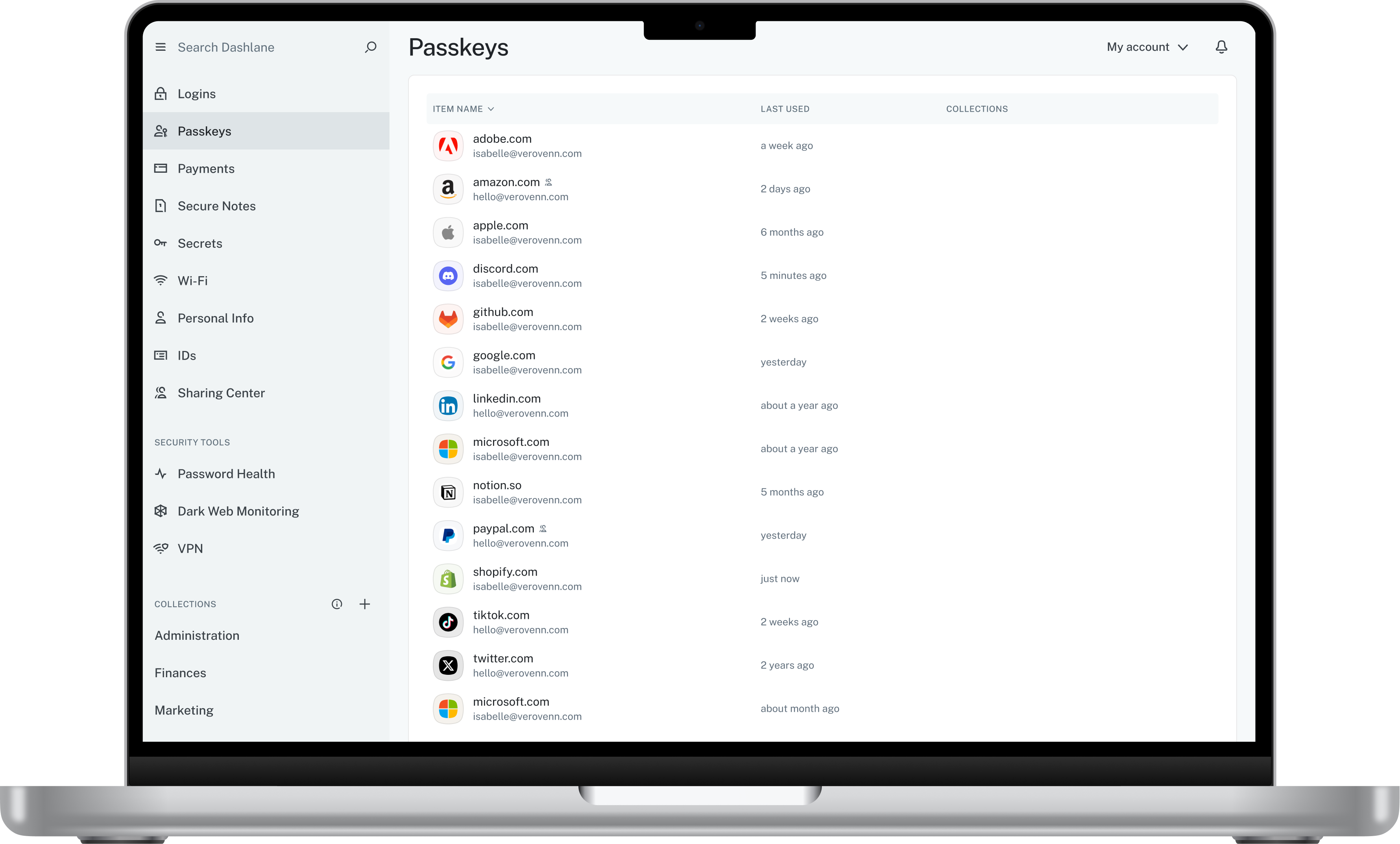
Dashlane is a credential manager that secures every credential, every user, and every employee device to proactively protect against breaches. Brands worldwide can use Dashlane to stay ahead of evolving threats.
$240
per year 10 employees
Pricing
CyberArk Workforce IdentityDashlane Password Manager
Editions & Modules
No answers on this topic
Business
$8
per month (billed annually) per seat
Omnix™
Contact Sales
per year for organizations of 100+
Offerings
Pricing Offerings
CyberArk Workforce IdentityDashlane Password Manager
Free Trial
YesYes
Free/Freemium Version
NoYes
Premium Consulting/Integration Services
YesNo
Entry-level Setup FeeNo setup feeNo setup fee
Additional Details
More Pricing Information
Community Pulse
CyberArk Workforce IdentityDashlane Password Manager
Features
CyberArk Workforce IdentityDashlane Password Manager
Identity Management
Comparison of Identity Management features of Product A and Product B
CyberArk Workforce Identity
9.0
3 Ratings
9% above category average
Dashlane Password Manager
-
Ratings
ID-Management Access Control9.03 Ratings00 Ratings
ID Management Single-Sign On (SSO)9.02 Ratings00 Ratings
Multi-Factor Authentication9.02 Ratings00 Ratings
Password Management9.02 Ratings00 Ratings
Account Provisioning and De-provisioning9.03 Ratings00 Ratings
ID Management Workflow Automation9.03 Ratings00 Ratings
ID Risk Management9.03 Ratings00 Ratings
Best Alternatives
CyberArk Workforce IdentityDashlane Password Manager
Small Businesses
Dashlane Password Manager
Score 9.0 out of 10
RoboForm
RoboForm
Score 9.3 out of 10
Medium-sized Companies
OneLogin by One Identity
Score 9.6 out of 10
1Password
1Password
Score 9.2 out of 10
Enterprises
OneLogin by One Identity
Score 9.6 out of 10
KeePass
KeePass
Score 8.9 out of 10
All AlternativesView all alternativesView all alternatives
User Ratings
CyberArk Workforce IdentityDashlane Password Manager
Likelihood to Recommend
9.0
(43 ratings)
9.3
(158 ratings)
Likelihood to Renew
10.0
(2 ratings)
8.6
(3 ratings)
Usability
-
(0 ratings)
9.0
(144 ratings)
Support Rating
9.0
(4 ratings)
5.6
(6 ratings)
User Testimonials
CyberArk Workforce IdentityDashlane Password Manager
Likelihood to Recommend
Cyberark
Centrify is a great solution for anyone looking to start using Office 365. It is also a great solution for anyone wanting to provide their users with an SSO solution using OAUTH, Federation, or SAML for any hosted service. If you are looking to use Centrify for MDM but you aren't using a hosted/hybrid email solution such as Office 365, there are better on-premise options that should be explored.
Read full review
Dashlane
Dashlane Password Manager works really well for situations where we need to share access to client portals or government filing sites, since multiple people can log in without ever seeing the actual password and we can cut off access right away when it’s no longer needed. It is also great for onboarding and offboarding since new hires or interns can get the logins they need quickly and we don’t have to pass around spreadsheets. Another strong use case is meeting compliance expectations because it shows clients we are serious about security and password hygiene. Where it’s less useful is in environments that already use single sign-on since that already centralizes access and makes Dashlane Password Manager feel redundant. It can also be a little frustrating if you rely heavily on mobile since the autofill doesn’t always work smoothly across different apps.
Read full review
Pros
Cyberark
  • User provisioning is accurate, effective, and fully customizable.
  • Custom configuration of applications for SSO and provisioning is easy using fully customizable scripts to address your exact need.
  • The user interface is clean and easy to navigate.
  • Support is helpful and prompt.
Read full review
Dashlane
  • Reliable autofill on most websites
  • Robust features in both the Admin and personal user sense
  • Multiple convenient options for unlocking that don't require retyping the master pass on a regularly used and trusted device
  • Extensive customization options in both the Admin panel and user settings
Read full review
Cons
Cyberark
  • Occasionally, I get logged out of Gmail, sometimes in the middle of an email. I'm not sure why it happens, but I think it has something to do with timing out. Which is strange because I'm on email all day. Not sure why.
Read full review
Dashlane
  • Search is lacking. The desktop app had better features
  • I can no longer find needed features. Such as the option to only use a password on a specific subdomain. this is important because I have hundreds of subdomains for testing client software builds before releasing to their domain.
  • The Mobile app and Browser Extension are not synced. I have several Secure Notes and Passwords that I cannot find anywhere in my mobile app, but can find without issues in the extension.
Read full review
Likelihood to Renew
Cyberark
Centrify is central to creating efficiency and safety for our clients and internally. To remove it would cause a massive disturbance in the lives of our employees and our clients.
Read full review
Dashlane
It has served us very well until now and at the pricepoint it doesn't make us second guess our current relationship.
Read full review
Usability
Cyberark
No answers on this topic
Dashlane
Dashlane Password Manager is great for the price. Some feature sets of competitors are lacking, but I'm happy with what we get for the spend. We are a small enough company that I can walk people through the steps, and it isn't something that comes up enough to complain about. Password generation, storage and use are all great.
Read full review
Support Rating
Cyberark
The support staff thus far has been very helpful. At times I feel they are driving the process forward without my intervention or constant reminder, which is nice to have in a company for a change. Most support seems to be a hassle but so far Centrify appears to treat your project as their own project.
Read full review
Dashlane
We've had no issues with Dashlane. I can't speak to their customer service because I have not personally needed to contact them. I guess that speaks about their product if we've not had any issues to reach out about. Great for supporting data/information on multiple platforms that are shared among team members.
Read full review
Alternatives Considered
Cyberark
Centrify offered us more for our money by being more than just an SSO platform. There were several other features included such as MDM and MFA. This started other initiatives for us and felt the other solutions we evaluated would not have been able to provide.
Read full review
Dashlane
Dashlane’s customer support is often rated higher, providing more responsive and helpful assistance. LastPass has a slightly steeper learning curve than Dashlane, but it offers more flexibility with user permissions, which can benefit teams. Dashlane includes unlimited passkey support and a clean breach history, while LastPass is more accommodating for smaller teams.
Read full review
Return on Investment
Cyberark
  • CyberArk Workforce Identity provides secure access to on-premises and cloud applications. The platform is highly scalable and works well for companies of any size.
  • I can classify and label data. Also keep track of activity in shared applications and data, to know exactly who accesses each of the files.
Read full review
Dashlane
  • We constantly preach security, Dashlane Password Manager has provided us a means to improve our security posture
  • Employees love the ease of use and the ability to keep all password in one place
  • Employees feel more secure as they are able to use Dashlane Password Manager for personal protection as well
Read full review
ScreenShots

CyberArk Workforce Identity Screenshots
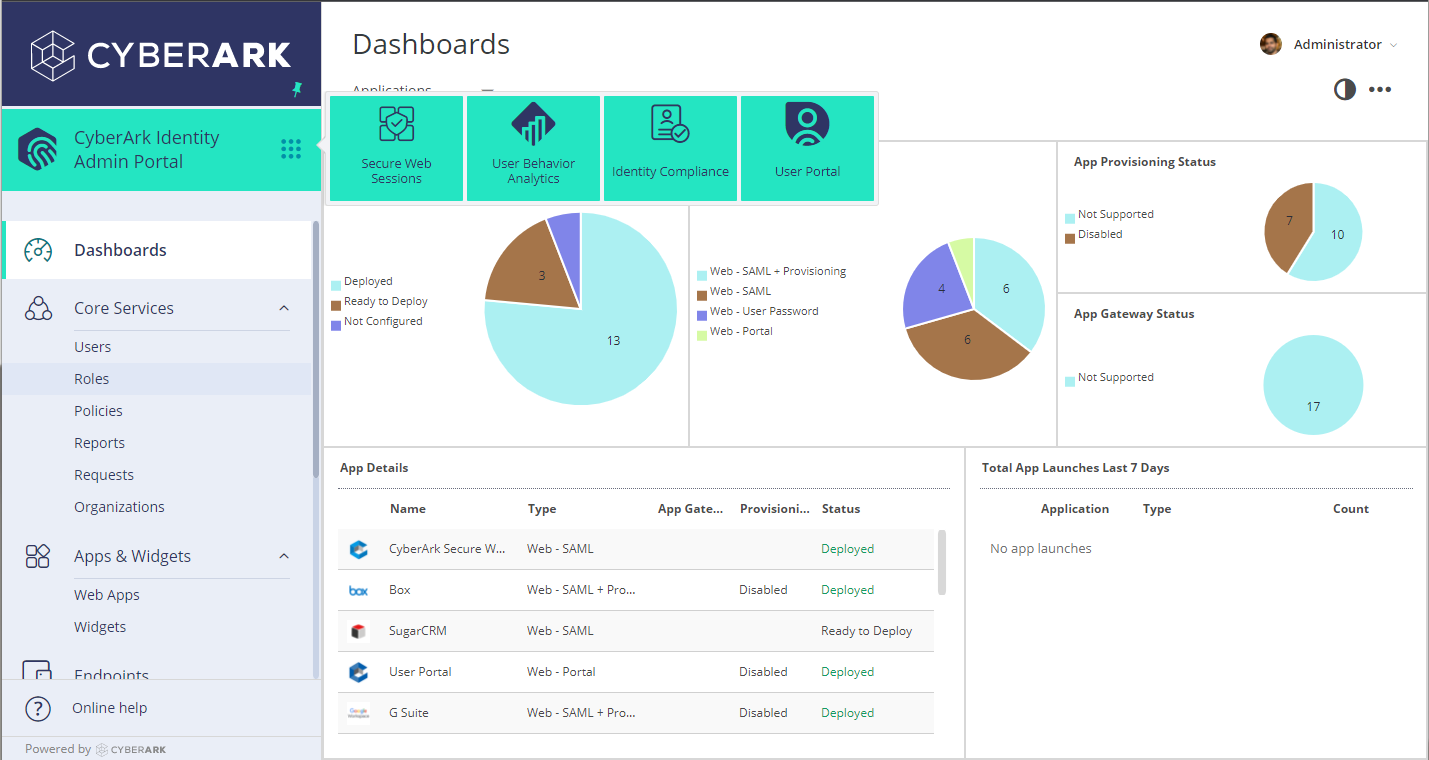
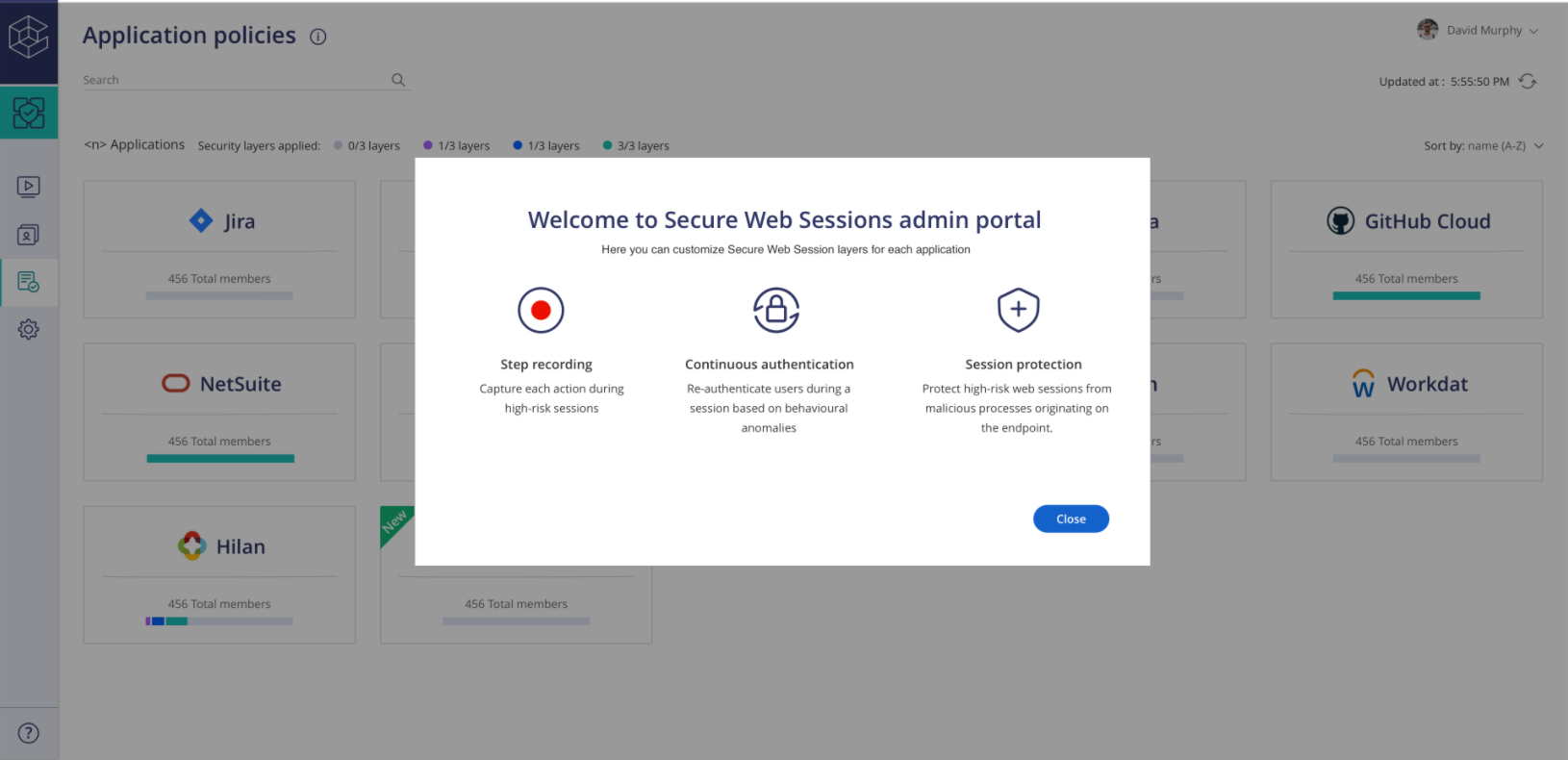
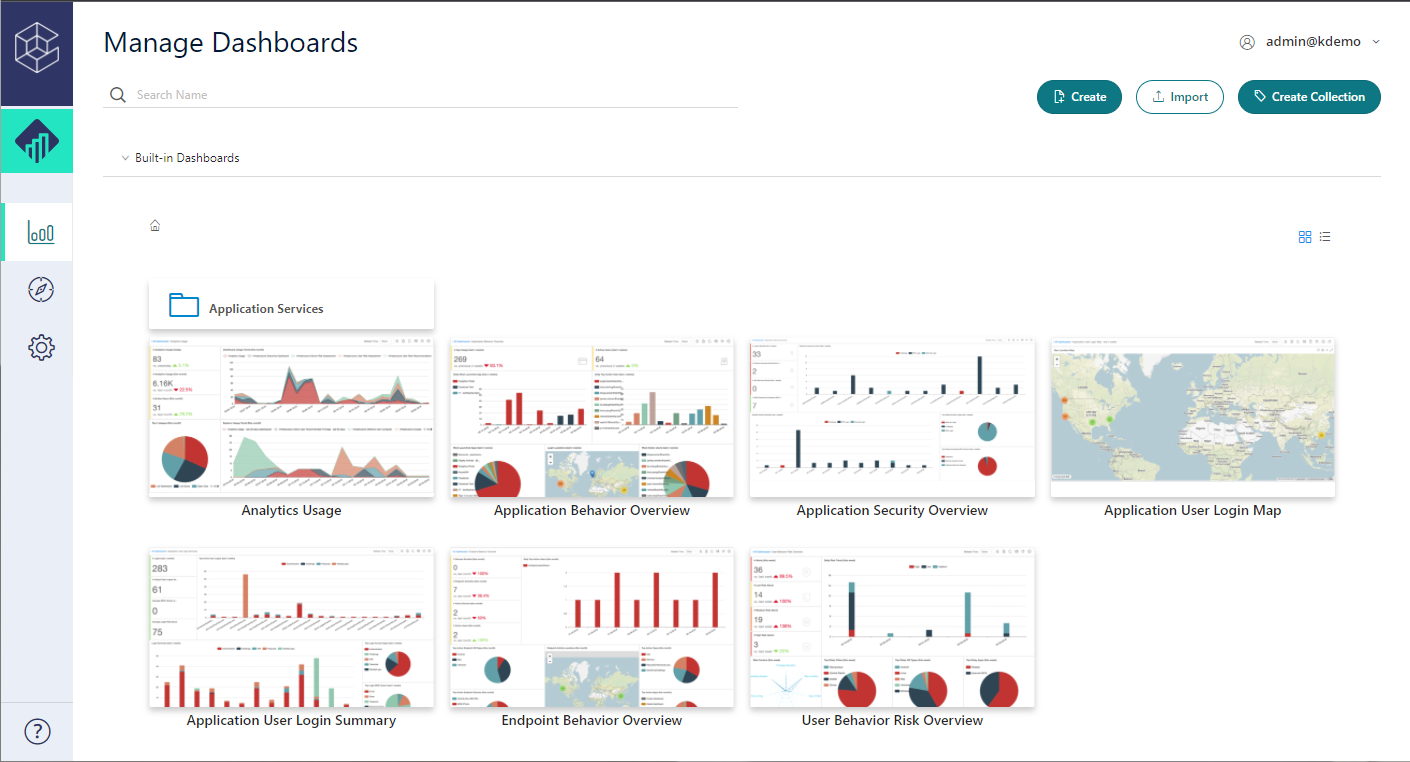
Screenshot of Admin PortalScreenshot of Identity LoginScreenshot of SWS PortalScreenshot of UBA PortalScreenshot of User Portal

Dashlane Password Manager Screenshots
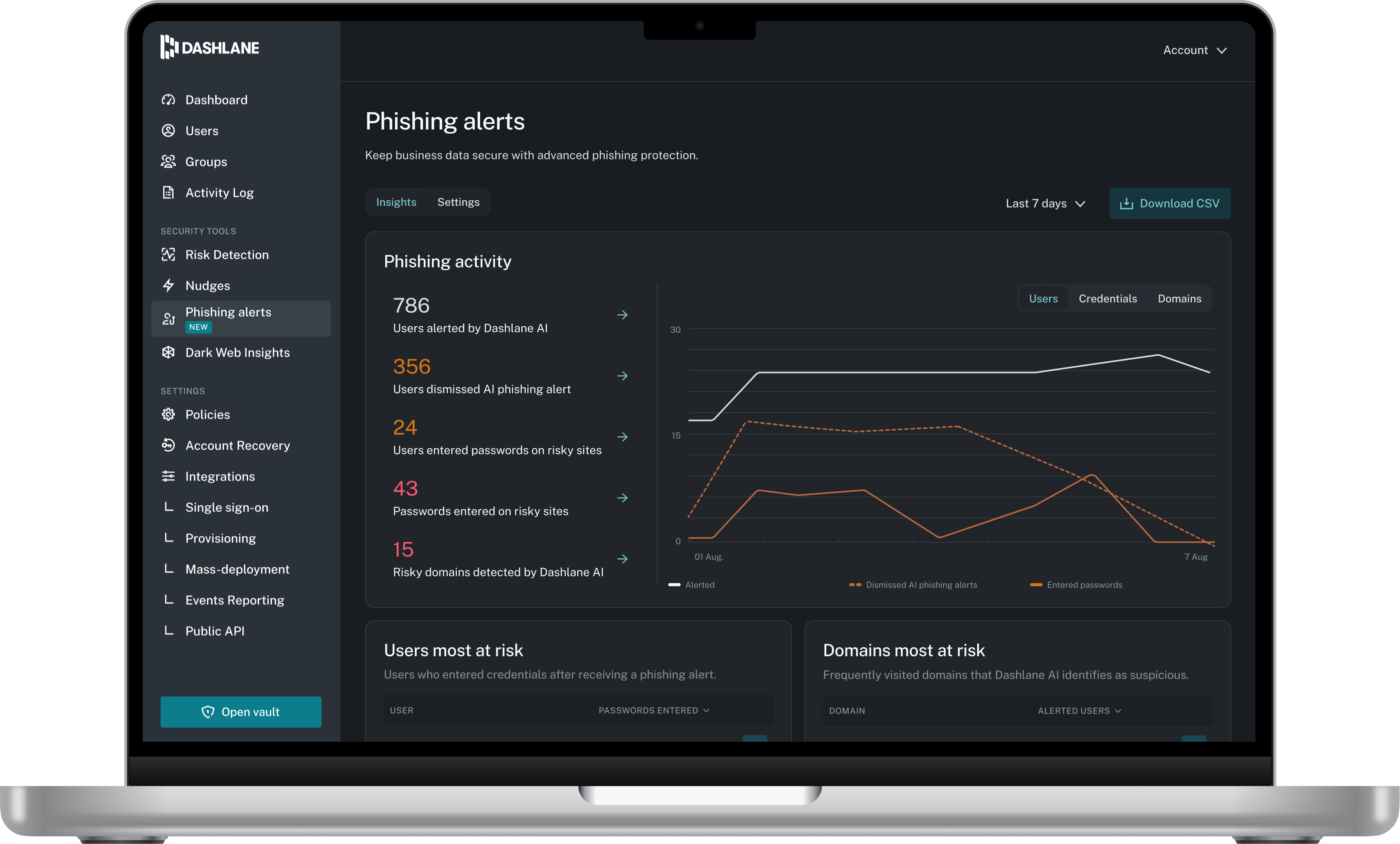
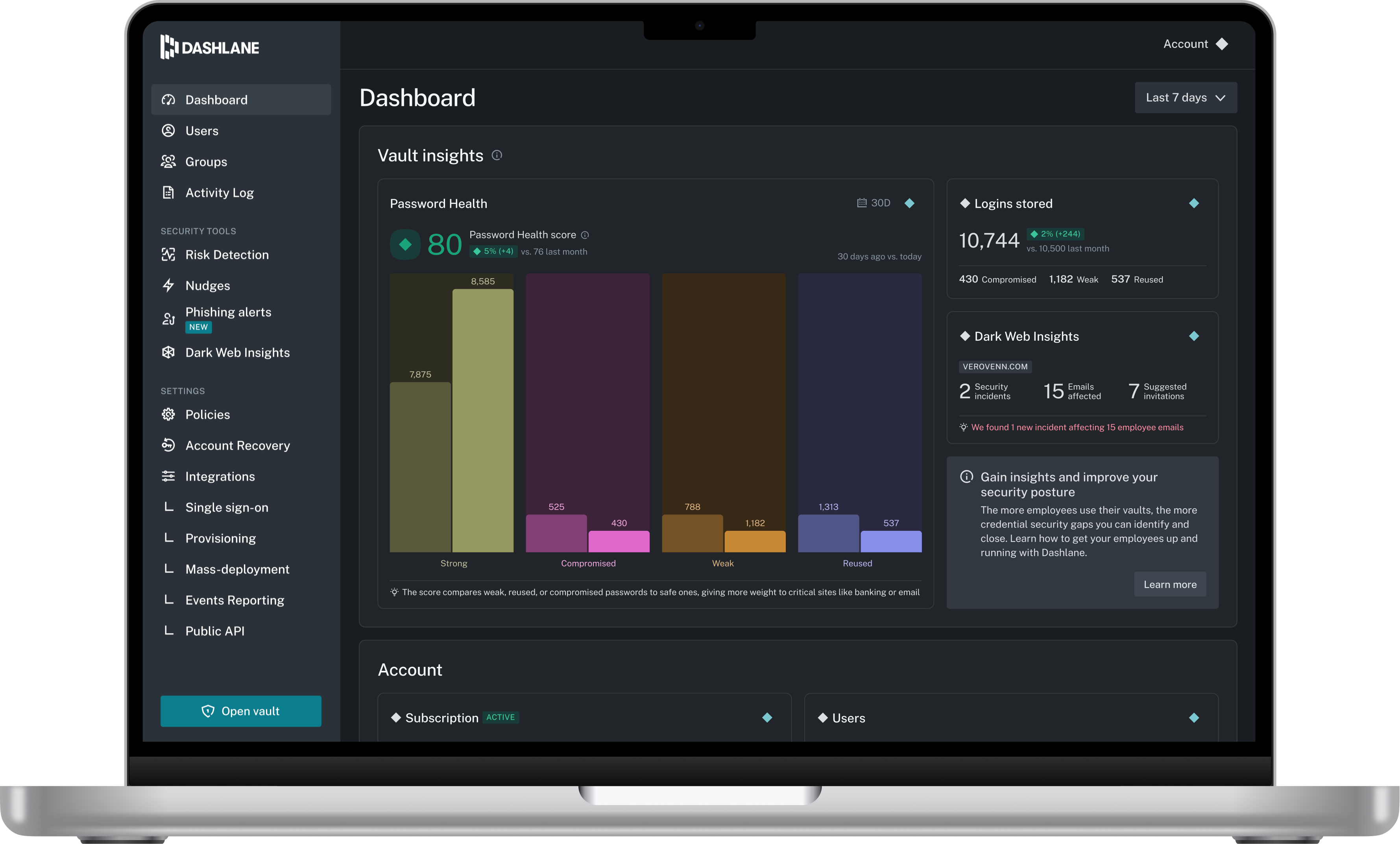
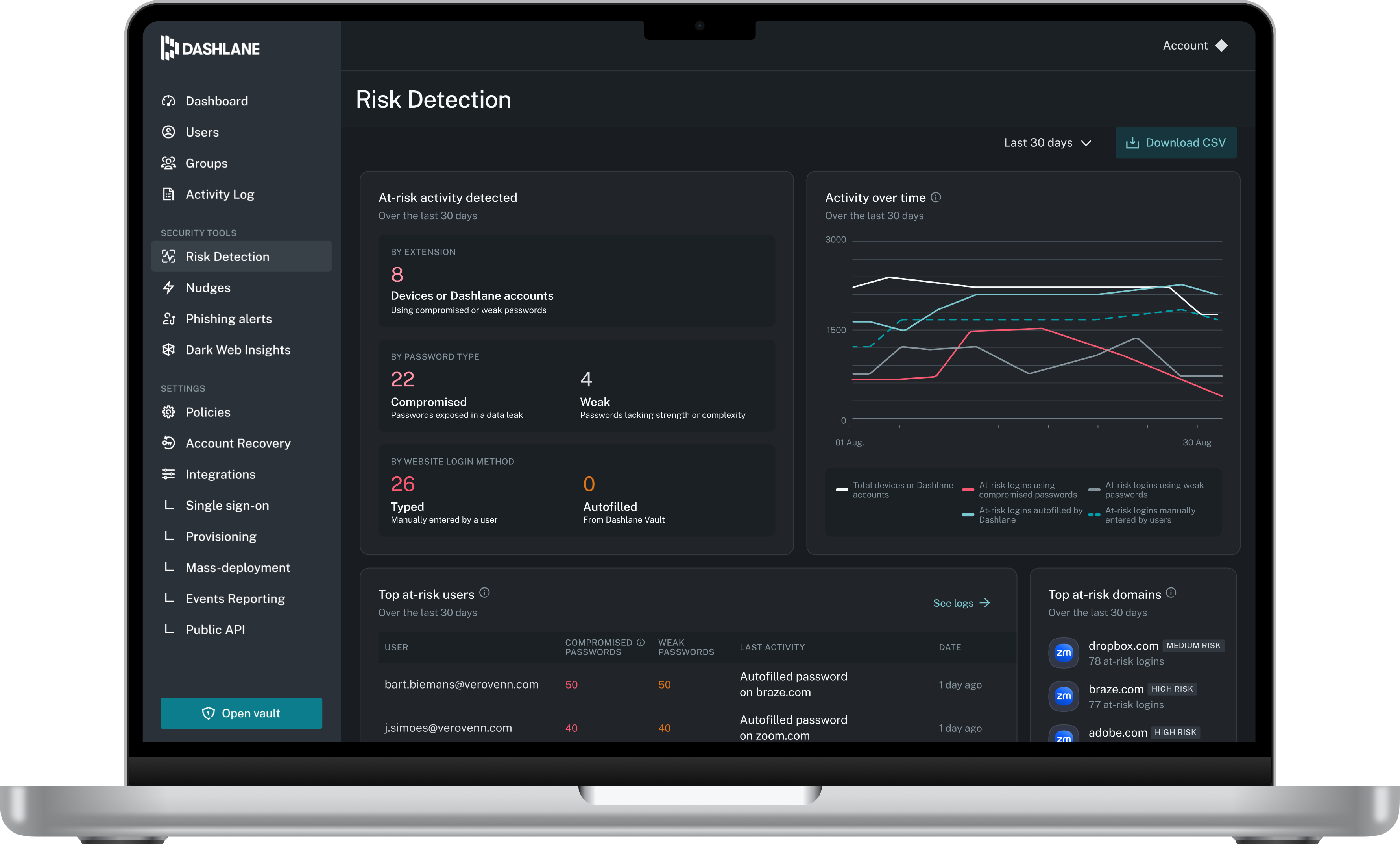
Screenshot of Admin DashboardScreenshot of Credential Risk DetectionScreenshot of AI Phishing AlertScreenshot of Vault