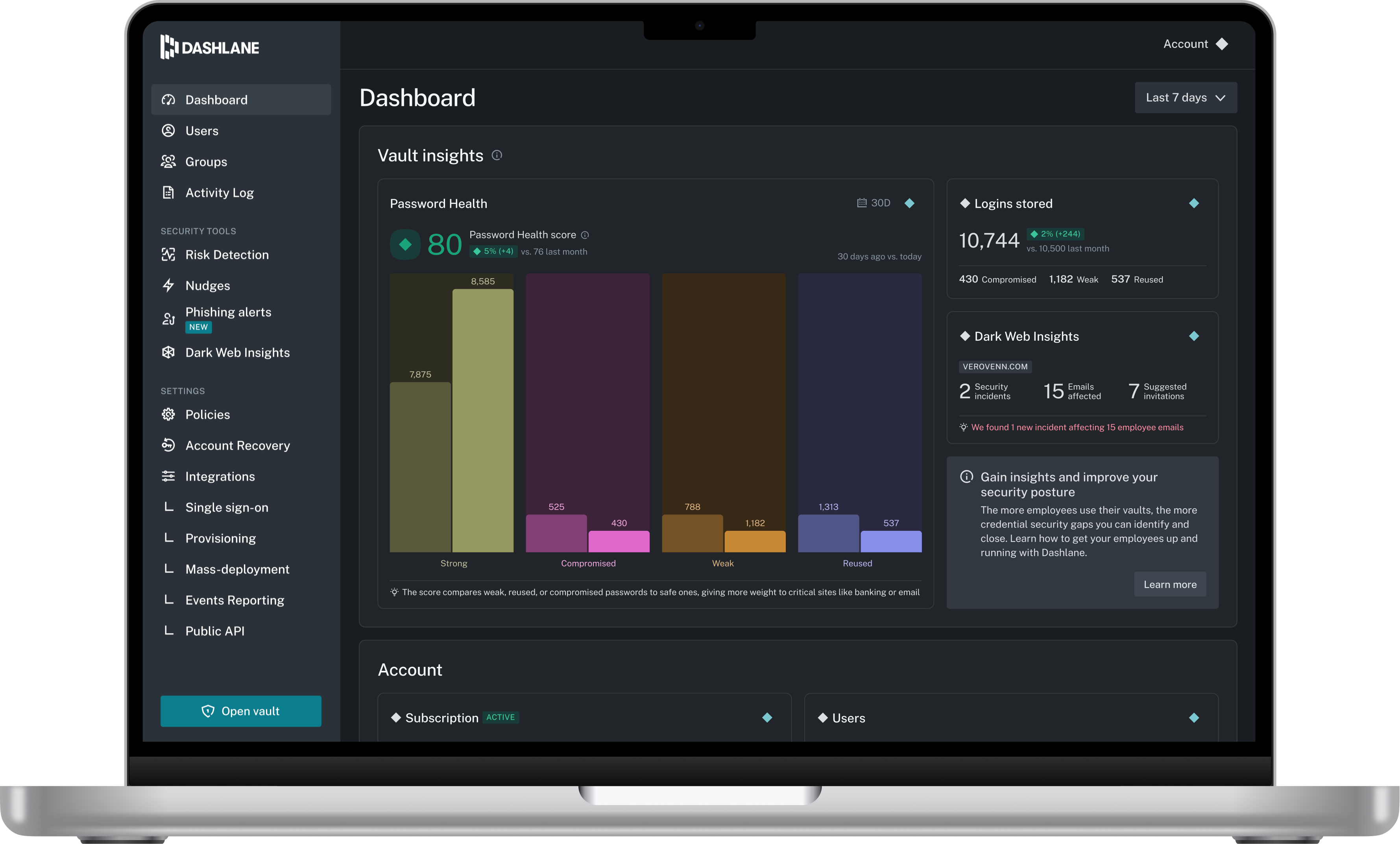
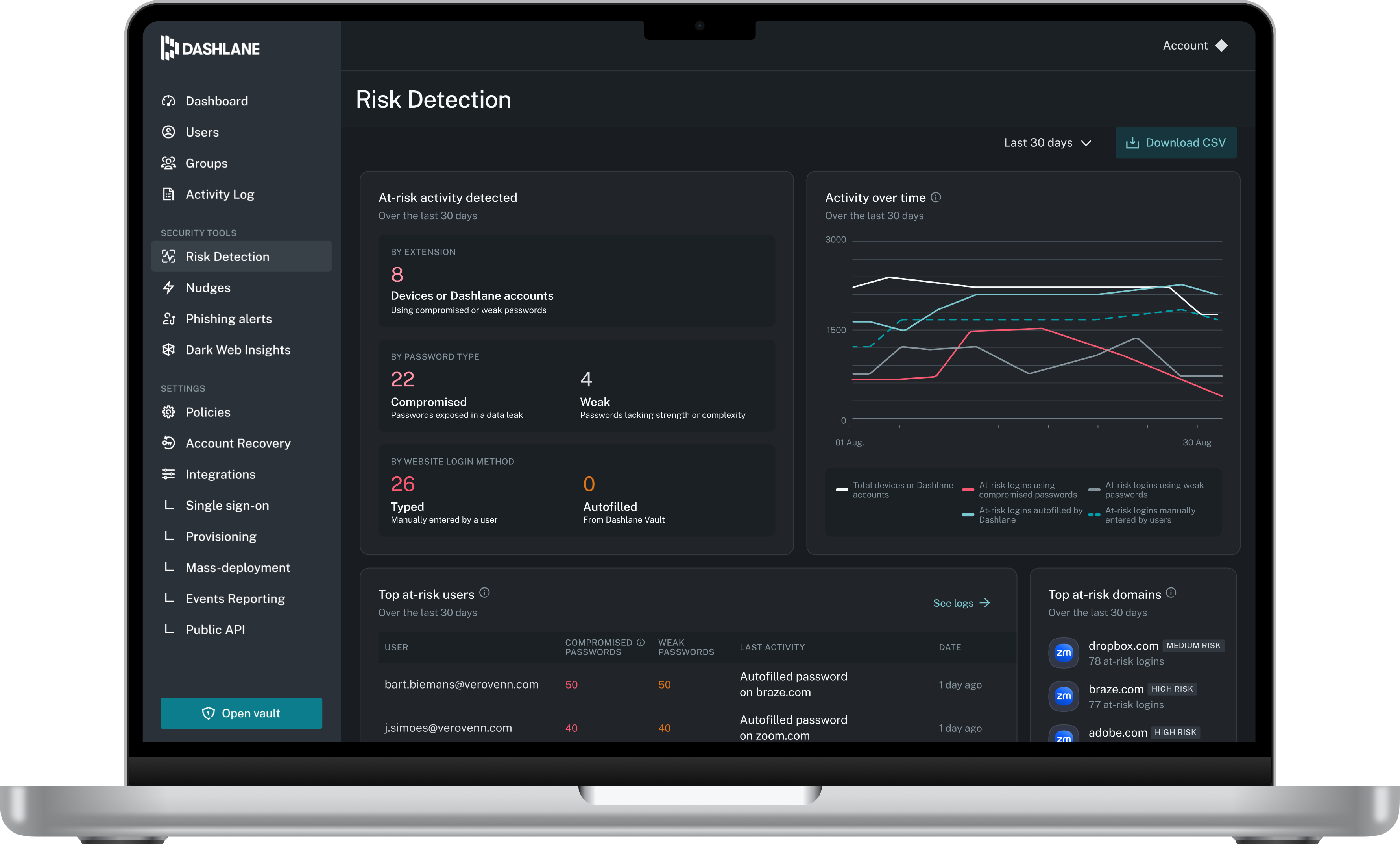
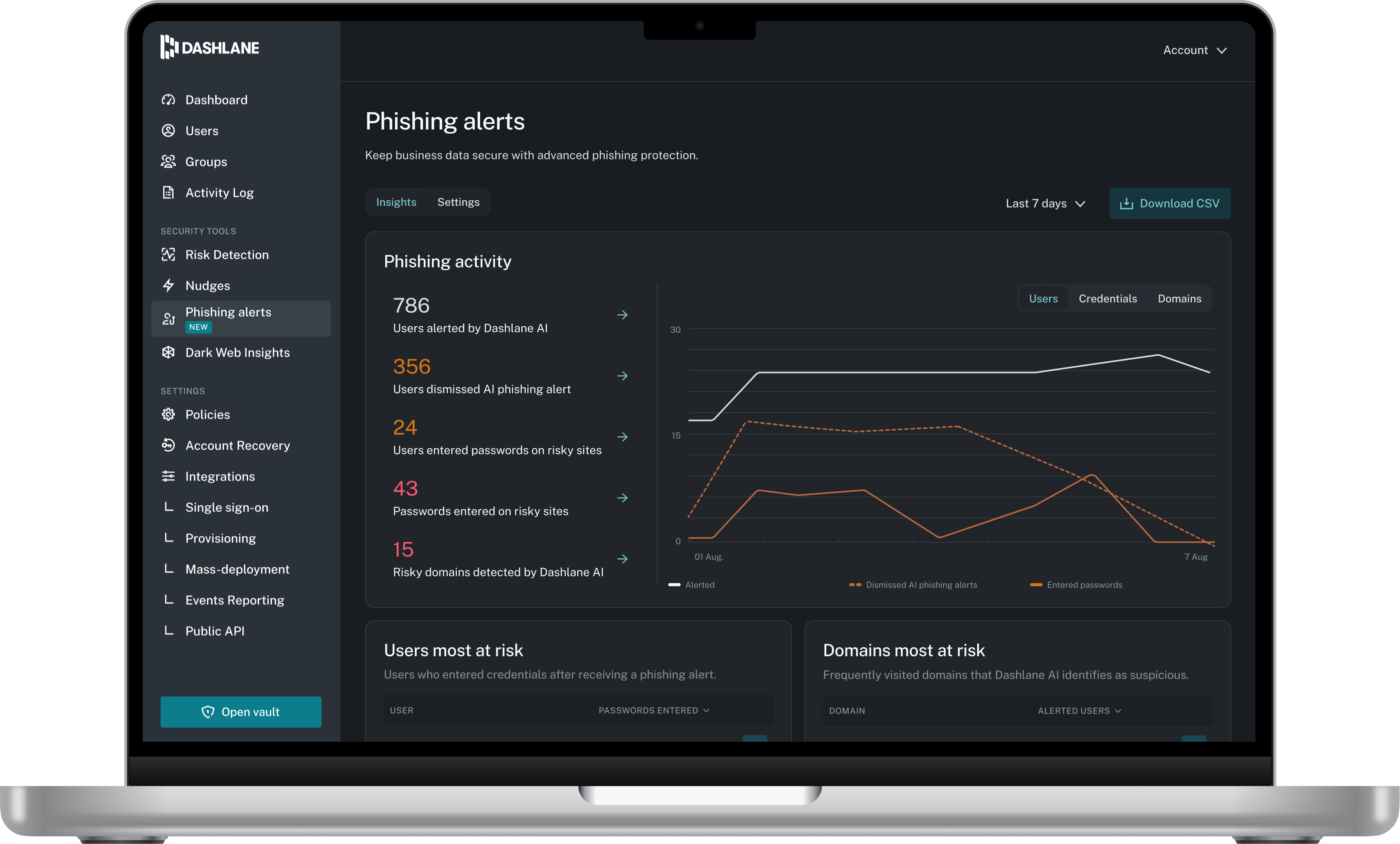
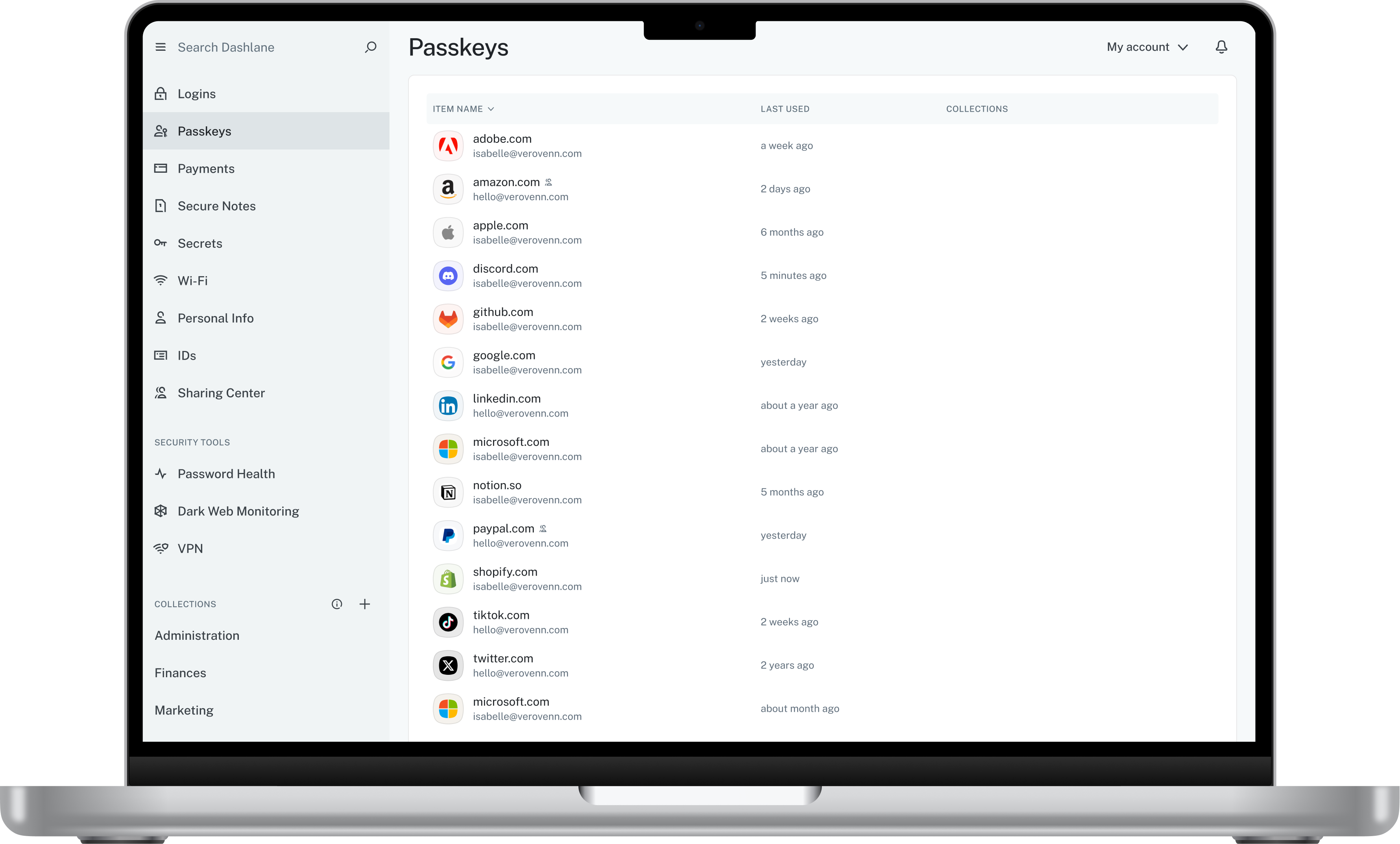
Dashlane is a credential manager that secures every credential, every user, and every employee device to proactively protect against breaches. Brands worldwide can use Dashlane to stay ahead of evolving threats.
$240
per year 10 employees
Keeper
Score8.3 out of 10
N/A
Keeper's password security and management platform boasts millions of people and thousands of businesses as users, who manage, secure and enforce strong passwords across all employee logins, applications and sites. Employees can access Keeper natively on all mobile operating systems, desktops and browsers. Keeper enables businesses to auto-generate high-strength passwords, protect sensitive files in an encrypted digital vault, securely share records with teams and integrate with SSO, LDAP and…
$2
per month per user
Lightning Tools DeliverPoint
Score8.2 out of 10
Enterprise companies (1,001+ employees)
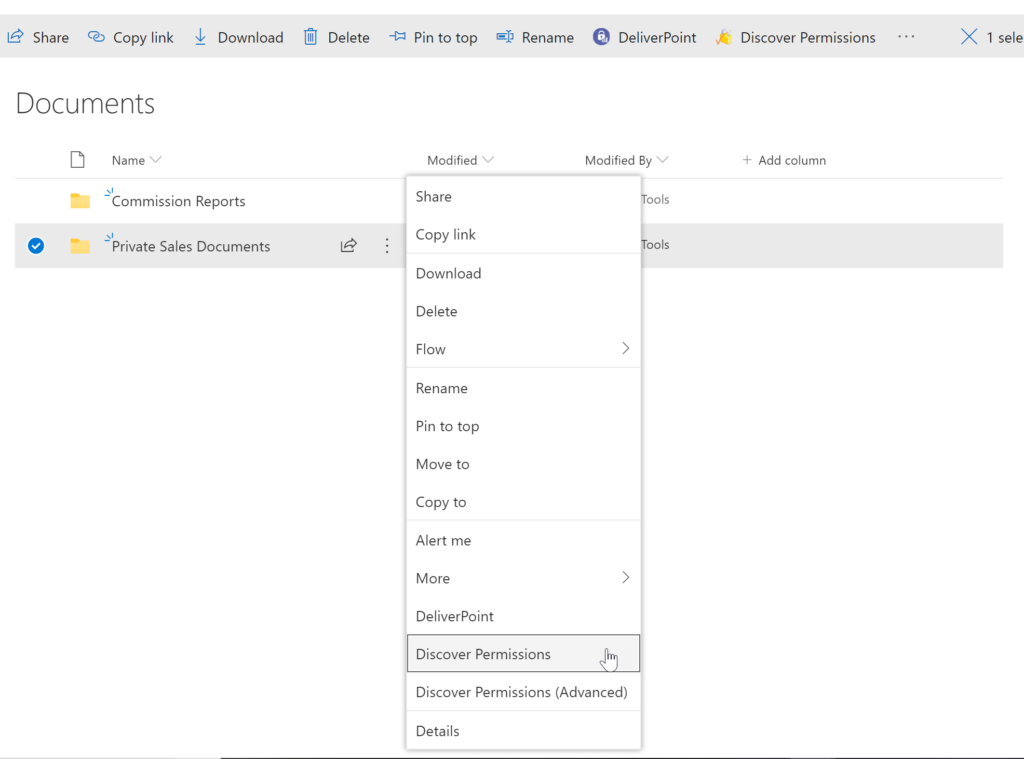
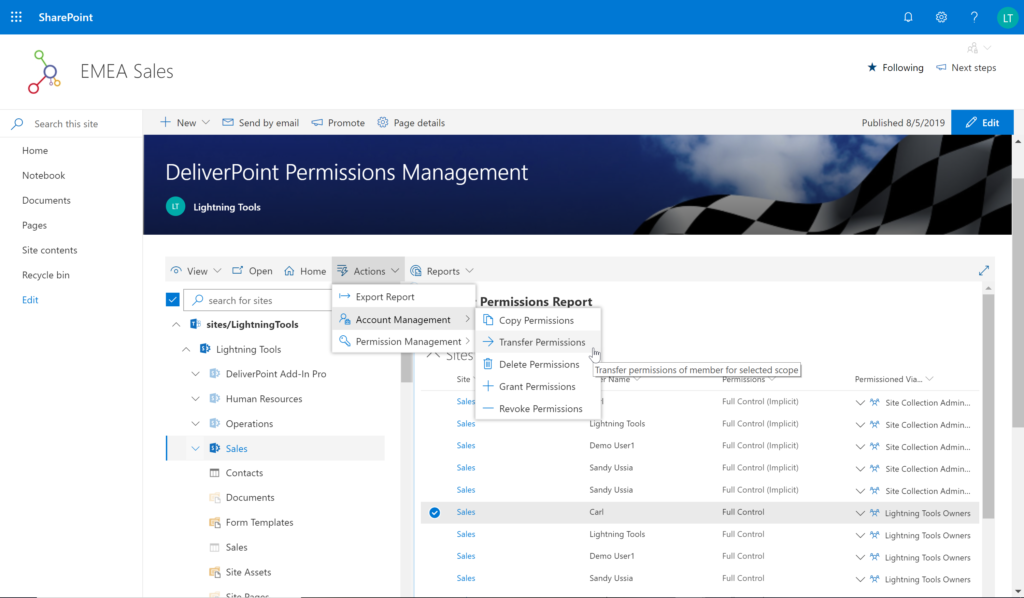
DeliverPoint supports reporting and managing SharePoint permissions. Site Owners, Site Collection Administrators, and SharePoint Administrators can run permission reports that reflect the permissions of every user. Site collections, Teams Channels, Hub Sites, SharePoint Sites, OneDrive, Lists, Folders and Items can all be reported on individually or in bulk. Permissions can be modified, transferred, copied or deleted between accounts as staff changes occur.
Prices listed are starting prices for "stock" product.
$2.50 per user/year on top of base price
Enterprise product is designed for 10,000+ users, and can be customised if required to meet business needs.
Prices are based on 12 month contract from 1st purchase month.
Installation included in price.
Full technical support available.
Online versions will have access to free product updates during contract period.
More Pricing Information
Community Pulse
Dashlane Password Manager
Keeper
Lightning Tools DeliverPoint
Considered Multiple Products
Dashlane
Verified User
Chose Dashlane Password Manager
I have tried LastPass and PasswordState only to mention a few but for me the winning feature of Dashlane is really it's impeccable user interface, it really is what won me over compare to some of the other password management software that is out there.
A de minimis incentive was given to thank the reviewer for their time. The incentive was not used to bias or drive a particular response, nor was the incentive contingent on a positive endorsement. More Info
Adminsitrative Team Support, North America Operations Team in Marketing at The Coca-Cola Company (Food & Beverages, 10,001+ employees)
Chose Keeper
Keeper fit with my usage. I felt Keeper was more in tune with my daily activities. In my opinion, it was easier to use and access. Dash did offer other options but those were not important to me at all. From the beginning, Keeper has always been a great partner in the way I use …
A de minimis incentive was given to thank the reviewer for their time. The incentive was not used to bias or drive a particular response, nor was the incentive contingent on a positive endorsement. More Info
I think Dashlane is a great service for anyone who uses the internet. We need to create accounts on almost every website, and Dashlane helps generate secure passwords and store them safely, but easily accessible through its seamless browser extension. Any business or personal lifestyle can benefit from Dashlane when you go online
A de minimis incentive was given to thank the reviewer for their time. The incentive was not used to bias or drive a particular response, nor was the incentive contingent on a positive endorsement. More Info
Would recommend both for organisations and personal users where passwords management is needed. Particularly in 2026 and the large emphasis of security in your day to day uses.
Having a secure management tool will assist with breaches and organisation of your credentials and confidential data that can be stored within the tenant.
A de minimis incentive was given to thank the reviewer for their time. The incentive was not used to bias or drive a particular response, nor was the incentive contingent on a positive endorsement. More Info
A de minimis incentive was given to thank the reviewer for their time. The incentive was not used to bias or drive a particular response, nor was the incentive contingent on a positive endorsement. More Info
A de minimis incentive was given to thank the reviewer for their time. The incentive was not used to bias or drive a particular response, nor was the incentive contingent on a positive endorsement. More Info
The mobile app works fine for quick access, but autofill across different apps can be inconsistent. Sometimes it doesn’t recognize the login field, which slows people down when they’re on the go.
Occasionally the browser extension logs users out or doesn’t sync immediately with the desktop app, which causes frustration if someone just updated a password.
A de minimis incentive was given to thank the reviewer for their time. The incentive was not used to bias or drive a particular response, nor was the incentive contingent on a positive endorsement. More Info
A de minimis incentive was given to thank the reviewer for their time. The incentive was not used to bias or drive a particular response, nor was the incentive contingent on a positive endorsement. More Info
A de minimis incentive was given to thank the reviewer for their time. The incentive was not used to bias or drive a particular response, nor was the incentive contingent on a positive endorsement. More Info
Dashlane is usable, but there are 2 key issues that annoy me. 1. The mobile app and the browser extension are not synced and i cannot find passwords in the app that are clearly in the extension. 2. The system doe snot make it easy to assign a password to a specific subdomain. I get hundreds of passwords that i have to go through any time i go to any subdomain on my main site because of the nature of my business. I need the option back to assign a password to only work with a specific subdomain (and all related paged on that subdomain) note: The search features have been annoying in the past. I just went to test them to verify my issues and found that notes inside of a password are finally searchable. This helps
A de minimis incentive was given to thank the reviewer for their time. The incentive was not used to bias or drive a particular response, nor was the incentive contingent on a positive endorsement. More Info
It's just easy to use, plain and simple. It has the complexity and user-interface that gives you confidence in its build but the ease-of-use that keep things from getting too complicated. A huge plus when you have to onboard new members of the team or summer interns when you need them to step in and make orders on your behalf.
A de minimis incentive was given to thank the reviewer for their time. The incentive was not used to bias or drive a particular response, nor was the incentive contingent on a positive endorsement. More Info
We've had no issues with Dashlane. I can't speak to their customer service because I have not personally needed to contact them. I guess that speaks about their product if we've not had any issues to reach out about. Great for supporting data/information on multiple platforms that are shared among team members.
A de minimis incentive was given to thank the reviewer for their time. The incentive was not used to bias or drive a particular response, nor was the incentive contingent on a positive endorsement. More Info
Dashlane’s customer support is often rated higher, providing more responsive and helpful assistance. LastPass has a slightly steeper learning curve than Dashlane, but it offers more flexibility with user permissions, which can benefit teams. Dashlane includes unlimited passkey support and a clean breach history, while LastPass is more accommodating for smaller teams.
A de minimis incentive was given to thank the reviewer for their time. The incentive was not used to bias or drive a particular response, nor was the incentive contingent on a positive endorsement. More Info
I do not recall the other products I tested. I believe Keeper provided a free trial that allowed me to verify that it met my needs before I was required to purchase. I also found their support team to be responsive when I experienced some problems. The cliche, "If it ain't broke don't fix it" fits well in this case. I am able to create and use online profiles safe in the knowledge that my passwords cannot be easily hacked and my data is safe.
A de minimis incentive was given to thank the reviewer for their time. The incentive was not used to bias or drive a particular response, nor was the incentive contingent on a positive endorsement. More Info
We all know how difficult it can be in the workplace when you forget your password, or enter the wrong password, and you get blocked out. You have to go through the hassle of having it reset, which could mean sitting on hold, waiting for IT to pick up. This isn’t a problem when you have Keeper. If you forget your password once, you don’t have to take the chance of trying it 4 more times and getting locked out. Just pick up your phone, and your password is right there. It’s really just as simple as that.